
In this practice, we will see how to transfer a project to a PC where WinCC Flexible PC Runtime is installed. We will treat the PC as if it were a normal screen where only the Runtime is installed.
The project will be created from our PC/PG and we will transfer it to the other PC. We will create a new project and immediately make a modification of the same with its transfer.
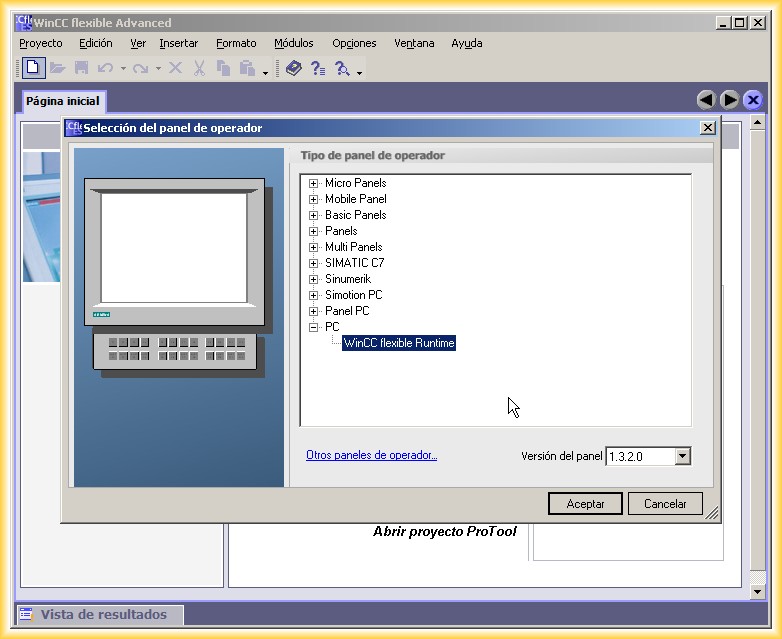
1.- We run our WinCC Flexible and create a new Project.
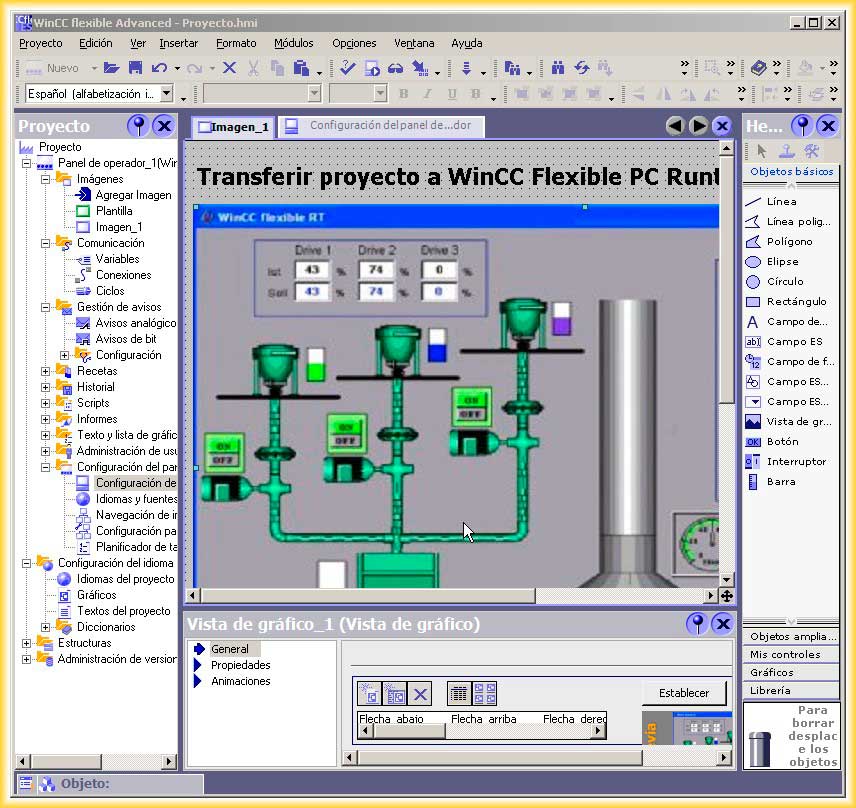
2.- We create all the screens and their corresponding configuration. In this practice, we will not go into those details, and in the next image, we assume that it is the initial screen of our project.
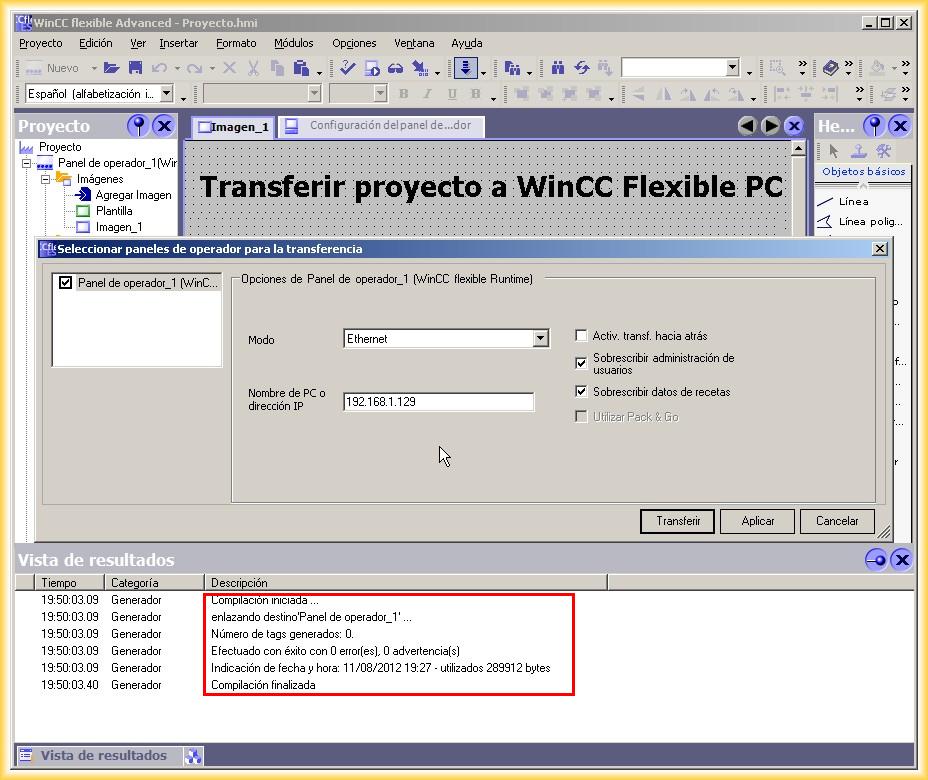
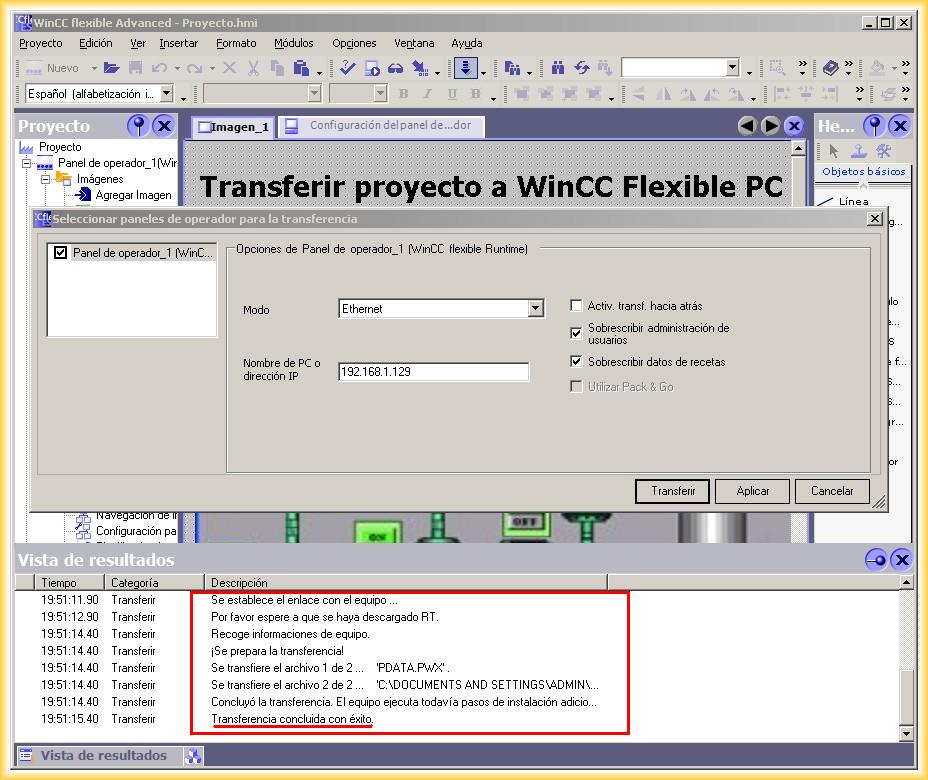
3.- Once the project is finished, we need to compile it, and if there are no errors, we can start our transfer. We have selected Ethernet as the transfer mode.
In the PC name or IP address, we specify the IP address of the PC to which we will transfer the project.
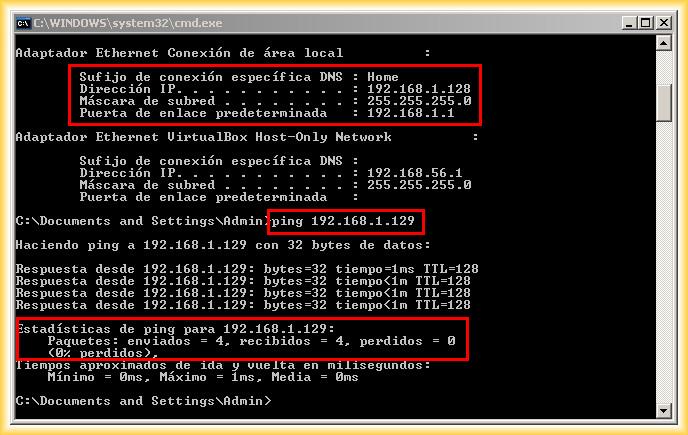
4.- If we do not know the IP address of the device, we use the IPCONFIG command, and it will show us. This address is what we will use for the transfer.
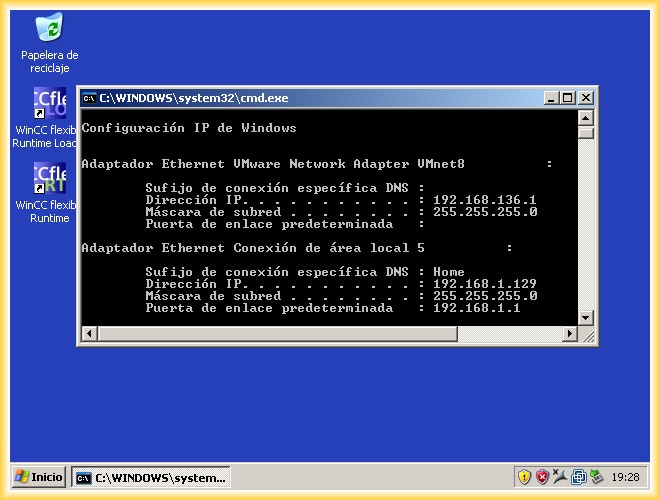
We will also ensure that we are on the same network and check that there is communication between the two devices. We run the ping command to verify this, and in the next image, we check our IP address and that there is communication between the two devices.
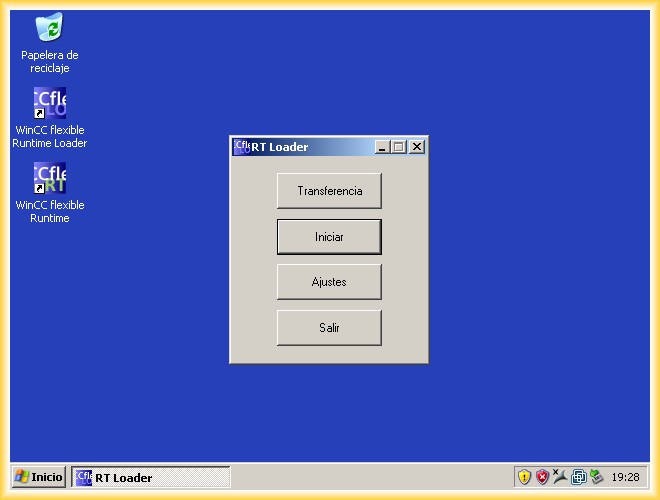
Once the IP address is known, we will run the WinCC Flexible Loader to configure the selected mode for the transfer and the directory where our project will be located. For this, we select Settings.
We select the Channel and Directories.
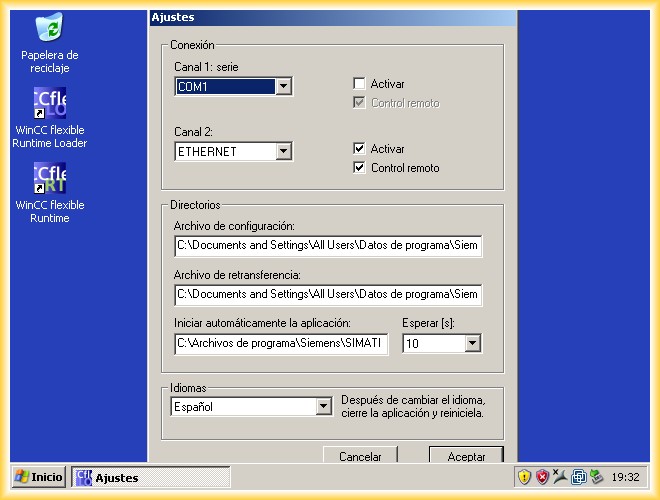
We accept the changes and click the transfer button. Once the project is transferred, the Runtime will execute after 10 seconds.
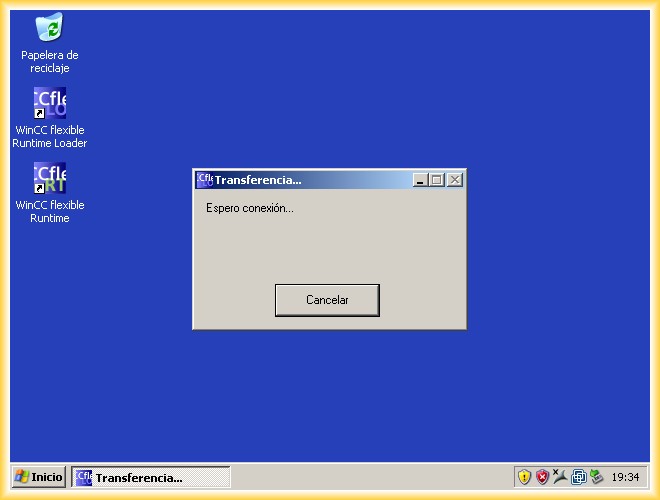
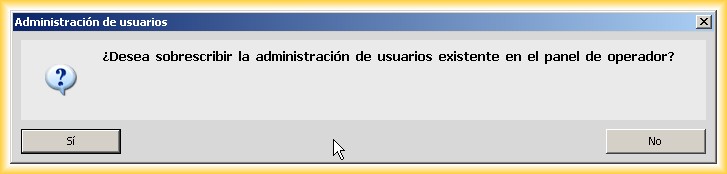
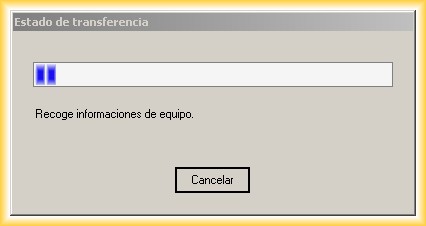
We click the transfer button, and some pop-up windows will appear that we will confirm according to our needs. The project has been transferred, and it will execute in 10 seconds.
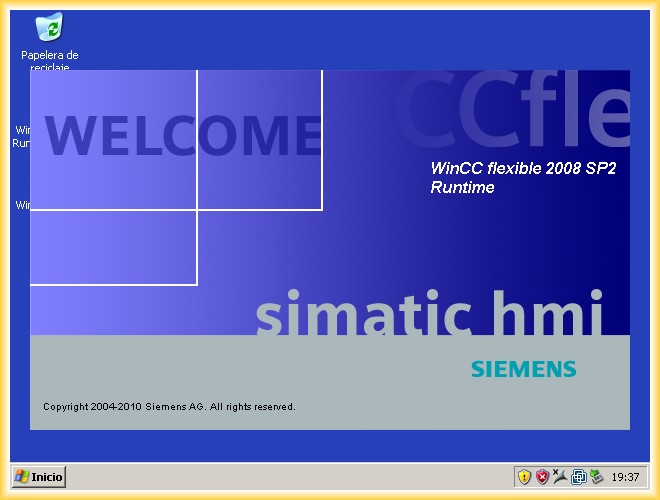
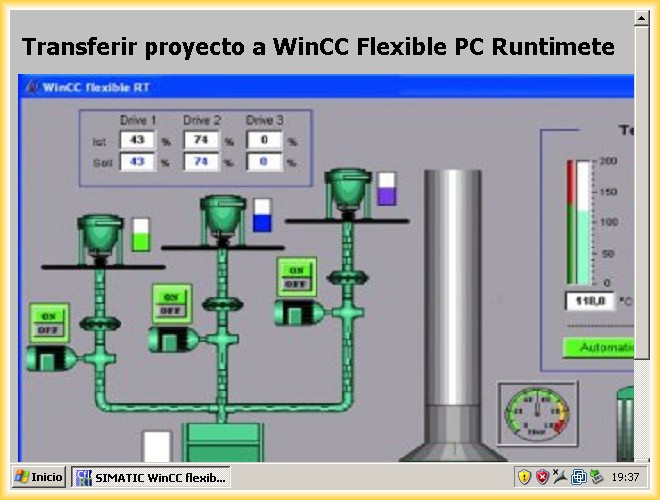
Here you can see how the Runtime automatically starts.
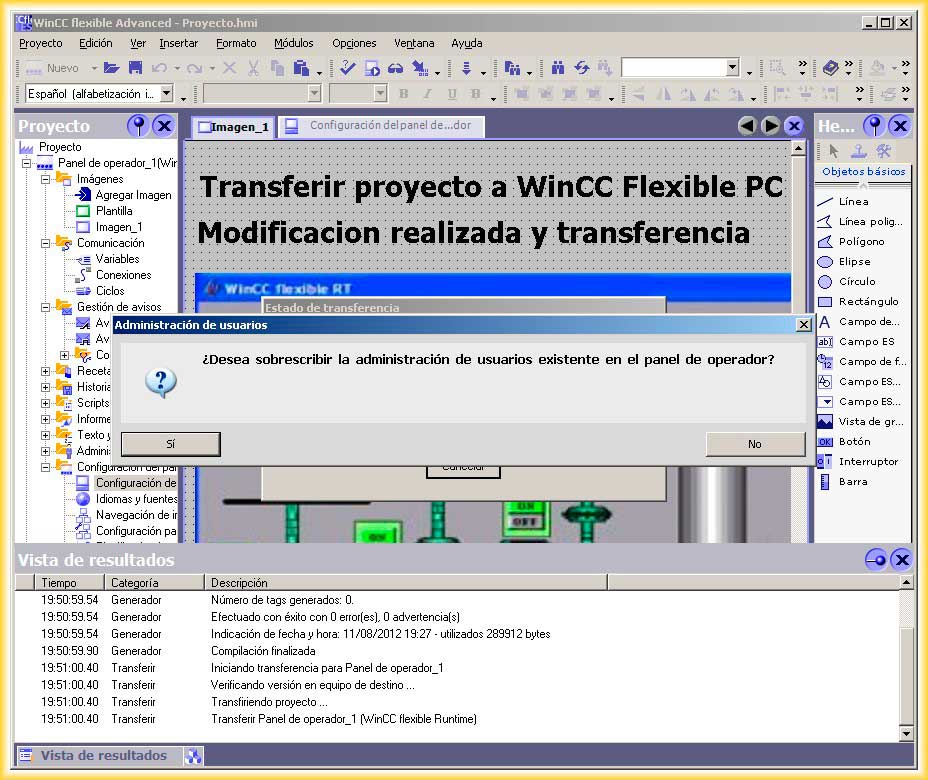
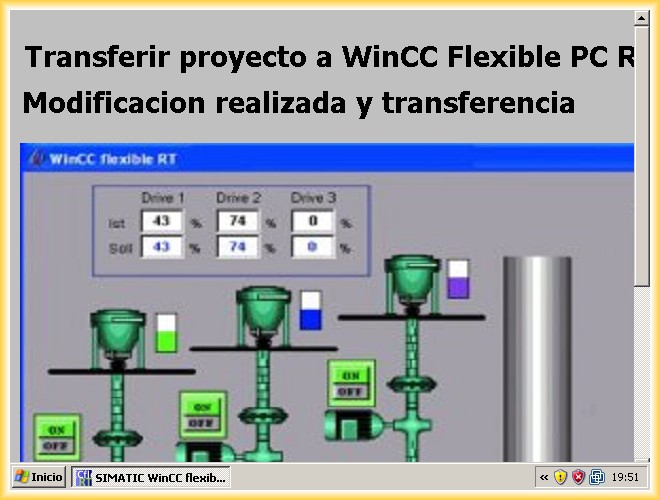
If we need to make a modification, we first make it in our WinCC Flexible project, recompile, and perform a new transfer.
August 11, 2012