

Articles about RSView32 and FactoryTalk View SE.
RSView32
- User Administration and SecurityUser Management and Security in RSView32

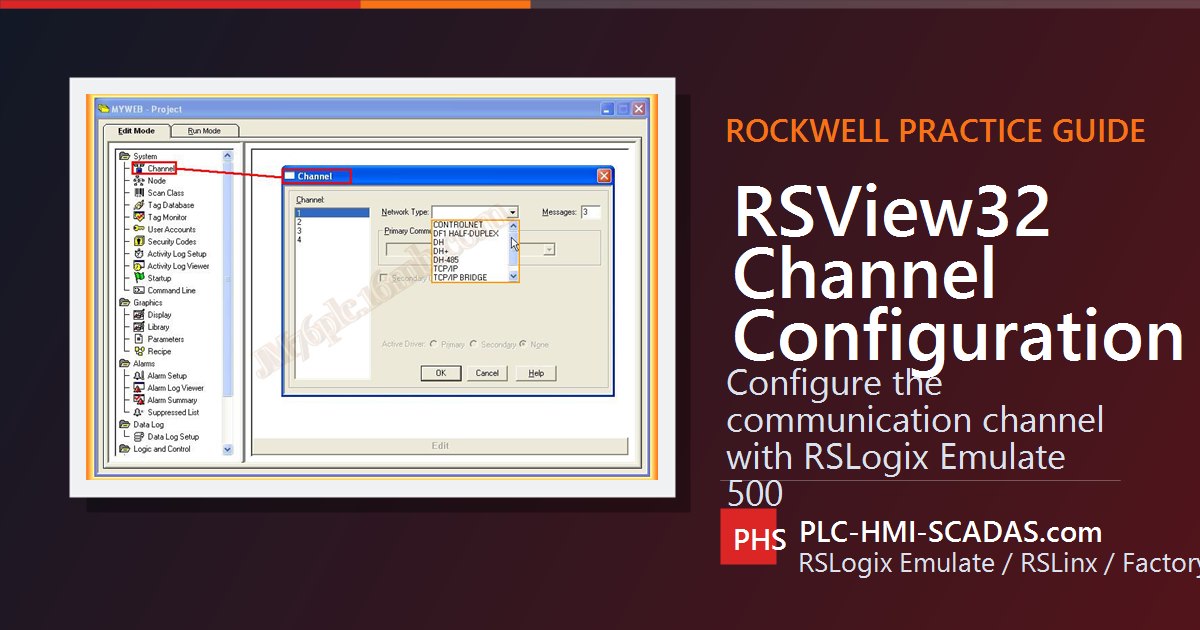
- Channel Configuration in RSView32Direct channel configuration in RSView32 using RSLogix Emulate 500 and a DH-485 network.
- Node Configuration with OPC ServerRSView32 Connection with OPC Server
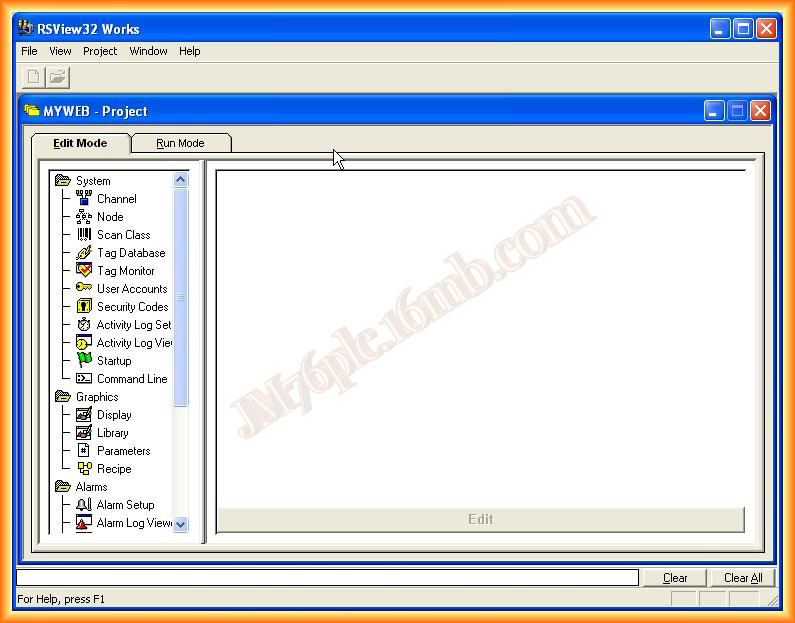
- Node Configuration with DDE Server and Microsoft ExcelRSView32, DDE Server with Microsoft Excel

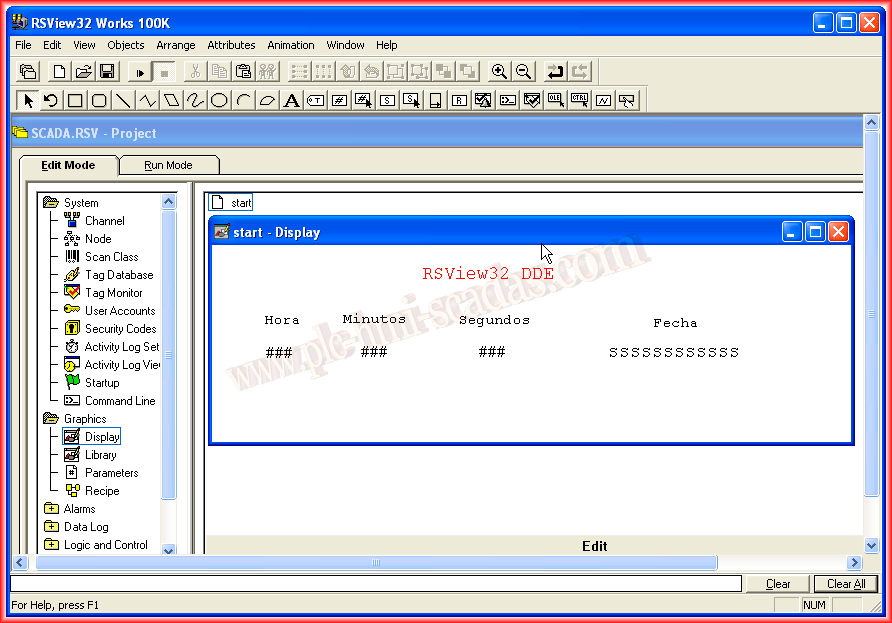
- RSView32 as DDE Server Configuration (RTData)RSView32 with DDE to Excel. Data exchange between SCADA and spreadsheet.
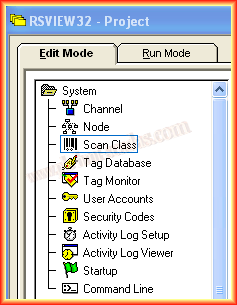
- Scan Class ConfigurationScan Class in RSView. Configuration of SCADA read frequencies.
- Tag Database ConfigurationRSView32 Configuration Tag DataBase

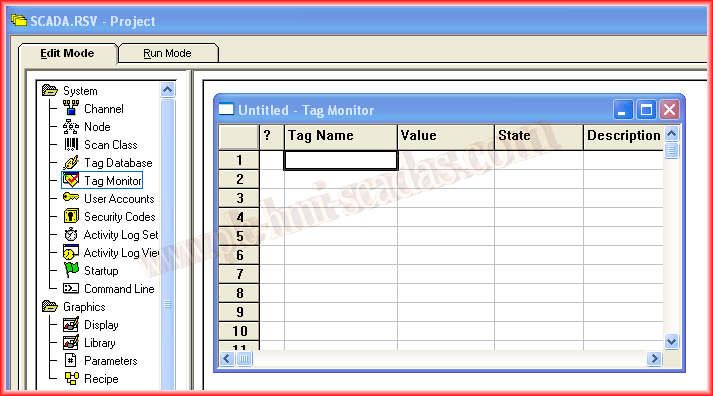
- Tag Monitor ConfigurationRSView32 Tag Monitor Configuration
FactoryTalk View SE
- Import Factory Talk View SE ProjectImport project in Factory Talk View SE. Migration and reuse of HMI projects.
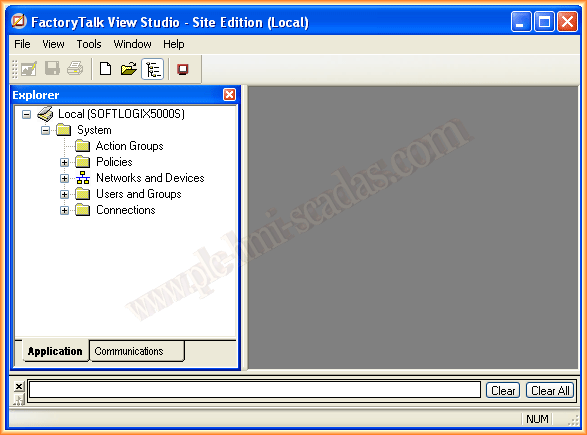
- Factory Talk View SE Configuration with RSLogix Emulate 5000Step-by-step setup of FactoryTalk View Site Edition communicating with RSLogix Emulate 5000 through RSLinx OPC Server.
- Factory Talk View Server "Site Edition Network" Configuration — Network ProjectFactory Talk View SE

- Factory Talk View Client ConfigurationFactory Talk View Client
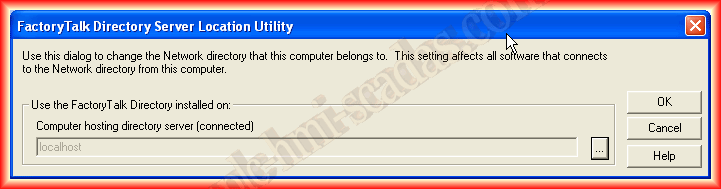
- Factory Talk Alarm and Events Database ConfigurationFactory Talk Alarm and Events Database
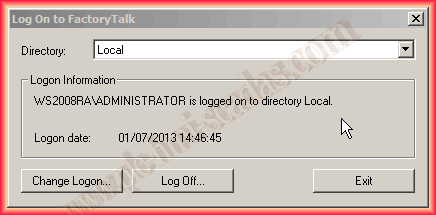
- Factory Talk Alarm and Events ConfigurationFactory Talk Alarm and Events. Configuration of Rockwell alarm system.

- Tag Alarm and Event Server ConfigurationTag Alarm and Event Server. Configuration of the alarm and event server.

- Data Log Configuration in SQL Server (ODBC)DataLog configuration in Factory Talk View SE. Process data logging.

- ActiveX Controls Configuration "Microsoft ADO — Microsoft DataGrid"Microsoft ADODC ActiveX controls in FactoryTalk View. Access to databases.
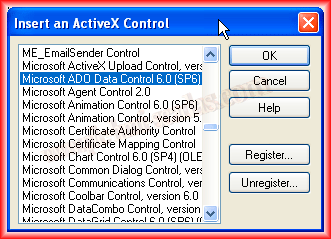
- ActiveX Controls Configuration — Flash / Gif AnimationsFlash and GIF animations in Factory Talk View. Multimedia integration in the HMI.
- Introduction to the VBA Object Model in FTVSEVBA Object Model in Factory Talk View SE
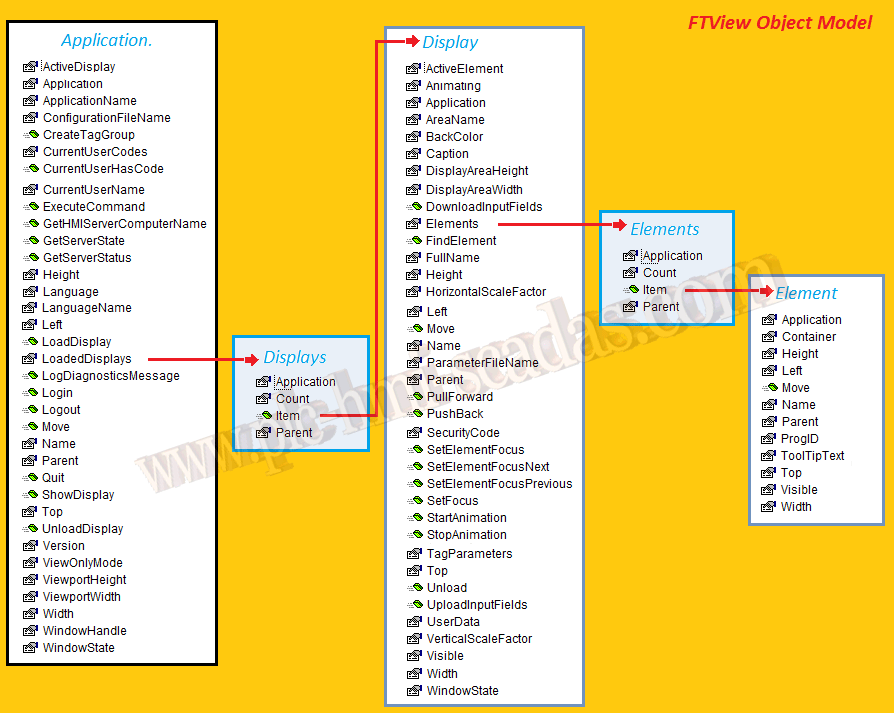
- Example — Object Reference with VBAVBA object reference in Factory Talk View SE. SCADA programming API.
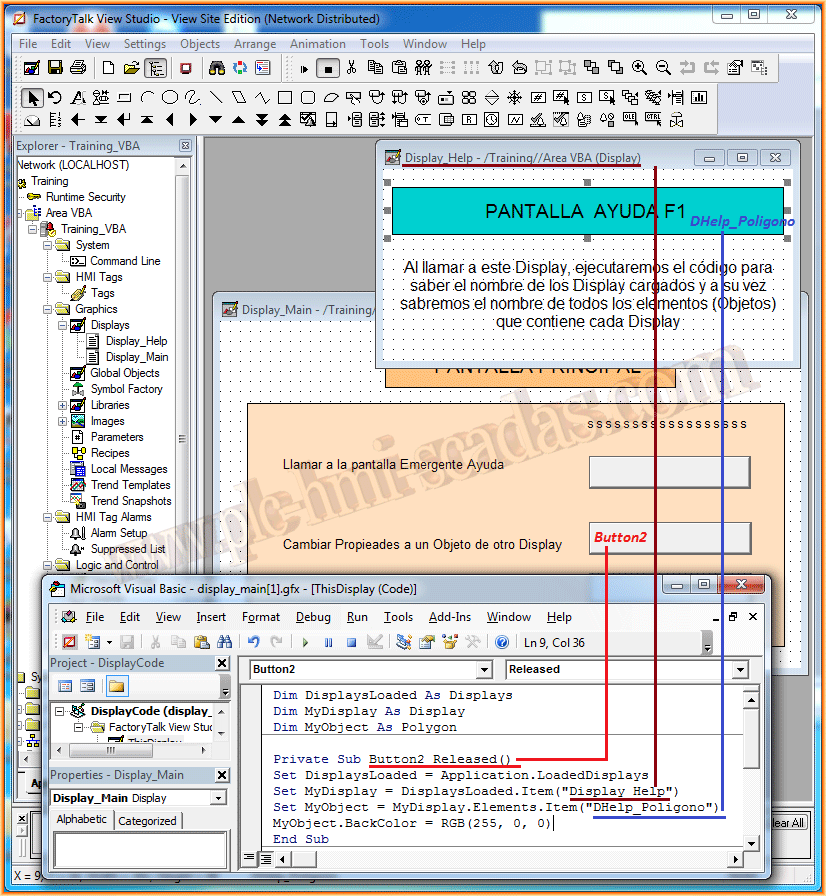
- Example — VBA Code for Sending E-mail with "Microsoft CDO"Send email from Factory Talk View. Email notifications from SCADA.
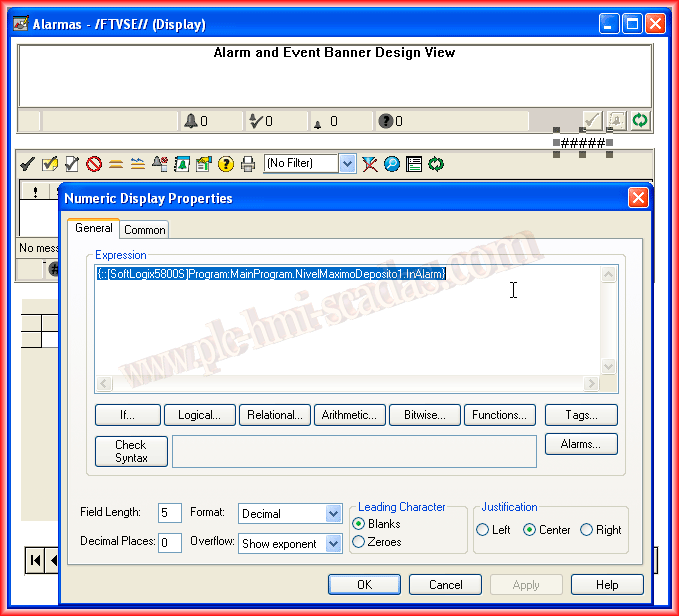
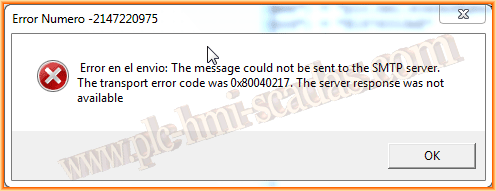
- Example — Updated VBA Code for Sending E-mail with GmailThe message could not be sent to the SMTP server. The transport error code was 0x80040217. The server response was not available
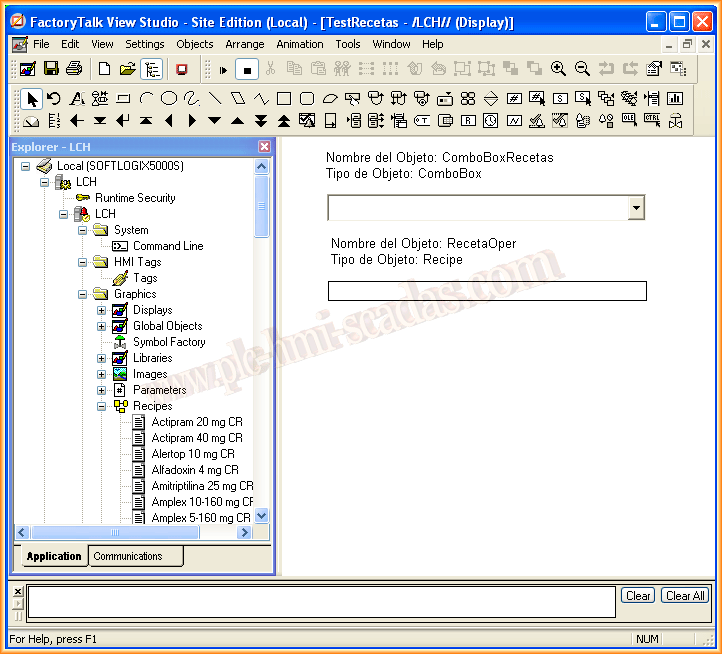
- Example — VBA Code to Load Recipes into a ComboBoxRecipe management in Factory Talk View SE. Configuration of Recipes for production.
- Example — VBA Code to Save Data to ExcelVBA code to save data in Excel from Factory Talk View SE. Automatic reporting.

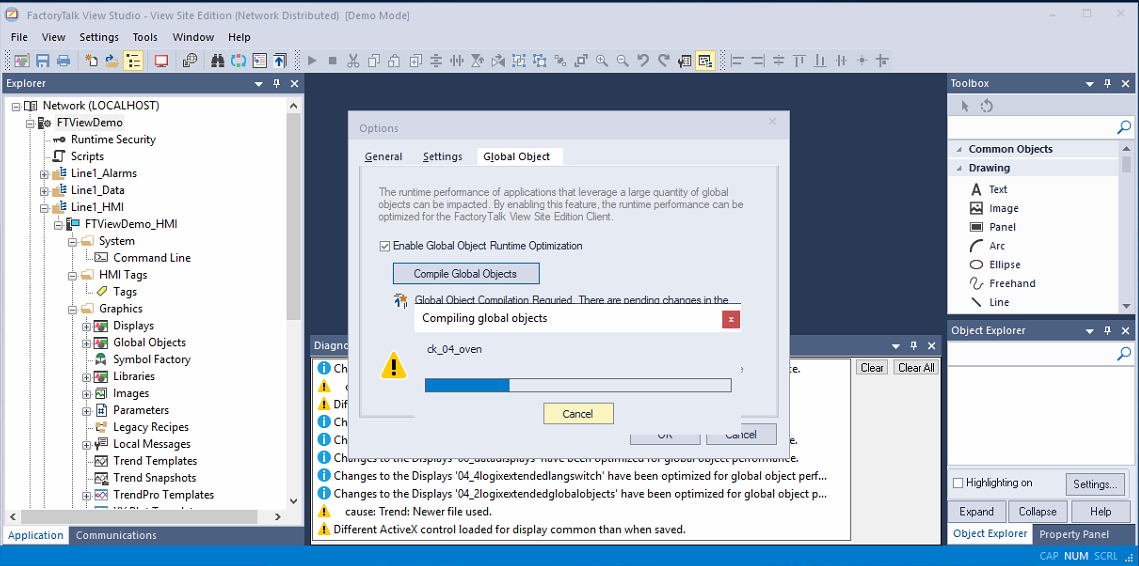
- Factory Talk View SE — Global Object Runtime OptimizationAre you working with Global Objects? Do you have a distributed architecture? Are you familiar with the Global Object Runtime Optimization functionality? If not, you need to enable...
- FactoryTalk View SE — DataLogPro ErrorFix the Unable to open the DataLogPro because the HMI server is not available error in FactoryTalk View SE v16 by checking IIS HTTPS bindings and the SSL certificate.

- FactoryTalk View SE — InfluxDBInfluxDB configuration for logging data from FactoryTalk View SE.

- Factory Talk View SE — SQLiteWe have already seen this same example with AVEVA Intouch-System Platform - WinCC and now, out of sympathy, it is Factory Talk View SE\'s turn. Just like before for Factory Talk...

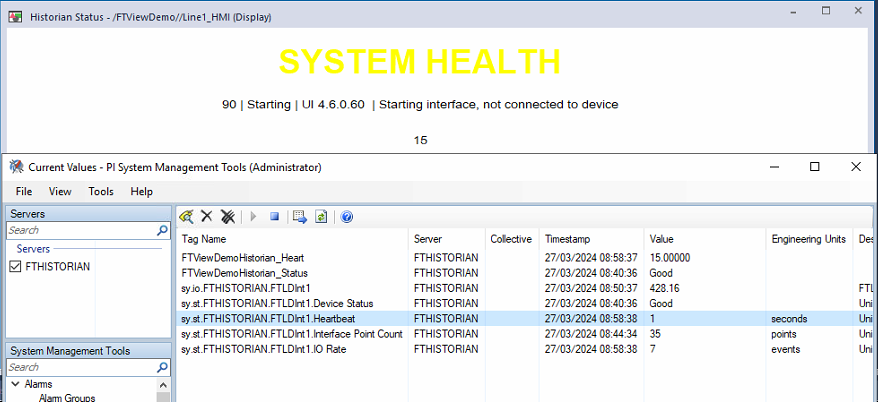
- Factory Talk View SE — Factory Talk Historian Status (FTLD)When working in a distributed architecture, we are interested in knowing the status of our Factory Talk Historian from any point in the application. We already have half the work...
- SCADA Retrofits with MS Controls ActiveX VB6 (Factory Talk View)Today we will see how to migrate our application which has integrated several ActiveX controls. For this article, I have selected Factory Talk View SE, but it is applicable to any...

FactoryTalk Historian
- Factory Talk Historian — FTLD InterfaceFactory Talk Historian, by default uses the FTLD interface to communicate with Factory Talk View SE. This interface, unlike the one we have seen before...

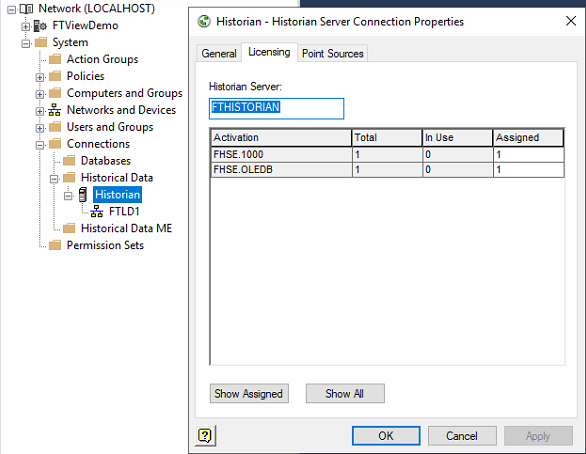
- Factory Talk Historian — LicenseSome basic concepts for licensing Factory Talk Historian.
- Factory Talk Historian — PIPerfMon (Performance Counters)To extend the information a bit more, we have already seen how to configure the PIPerfMon interface that comes by default with the 140 licensed tags.
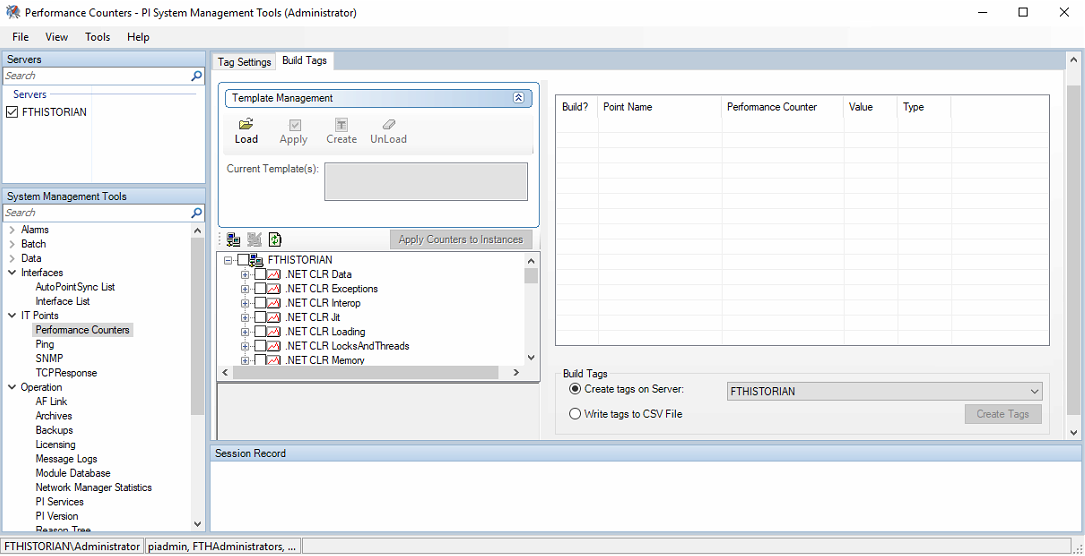
- Factory Talk Historian — PIPerfMon (Interface Performance Monitor)After the installation of Factory Talk Historian, by default it comes with 140 tags created, containing system information and information about the Historian itself. The curious...
