

Articles on programming and configuration of Siemens PLCs from the S5 to the S7-1500.
Simatic S5
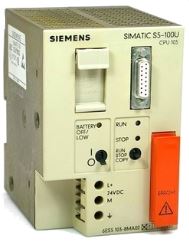
- Communication between PC/PG and CPU S5-1xx/9xxCommunication between PC/PG and S5 automation
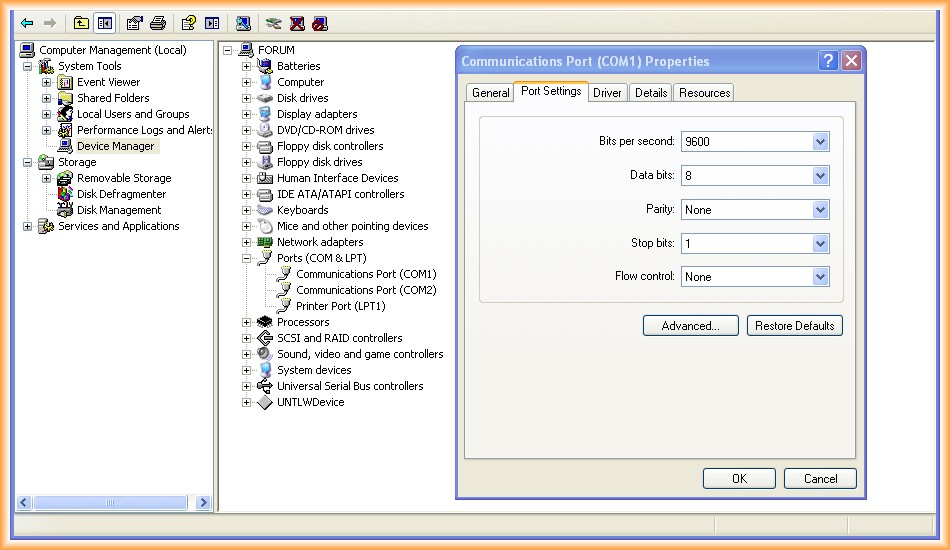
- Communication between PC/PG with IBH Link S5++ and CPU S5-1xx/9xxIBH Link S5: communication with old Siemens S5 PLCs via adapter.
.png)
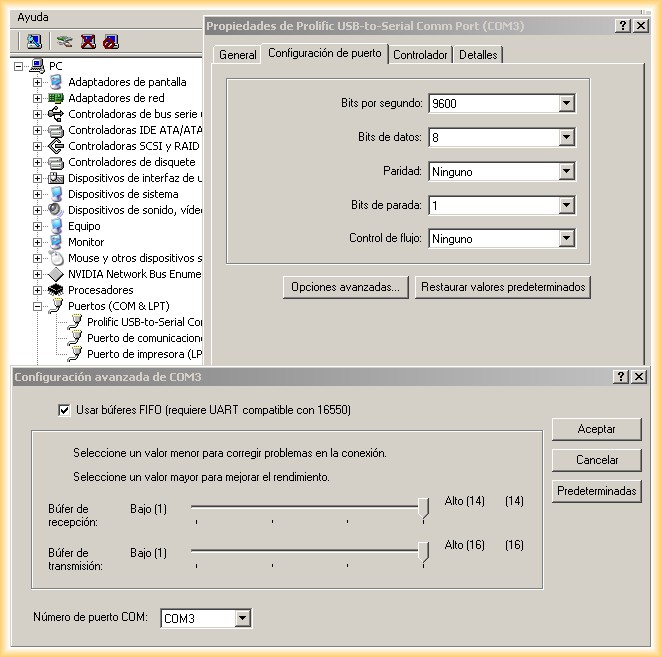
- Communication between PC/PG and CPU S5-1xx/9xx with USB-RS232 Adapter on Host Machine and Virtual MachinePC communication with S5 PLC using USB-RS232 adapter
Simatic S7-200

- Communication between PC/PG and CPU S7-2xxPC communication with S7-200, PC/PG communication with S7-200 CPU
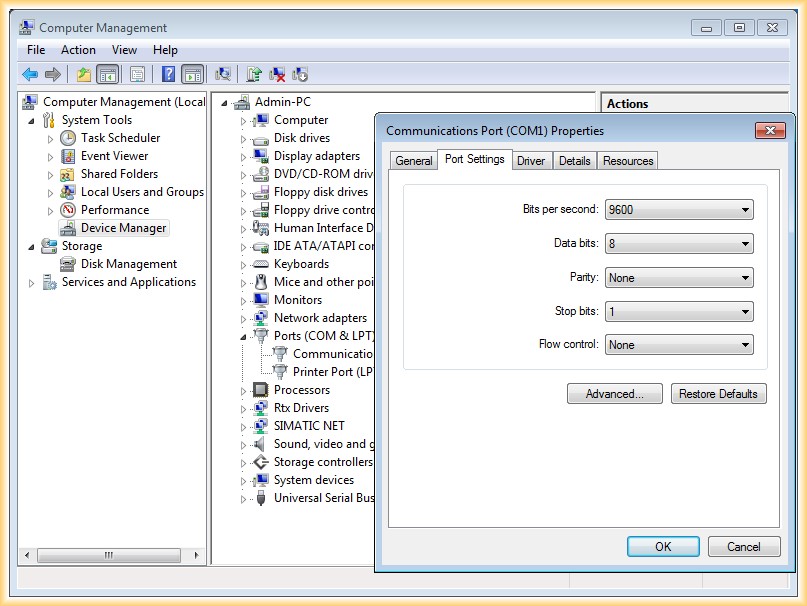
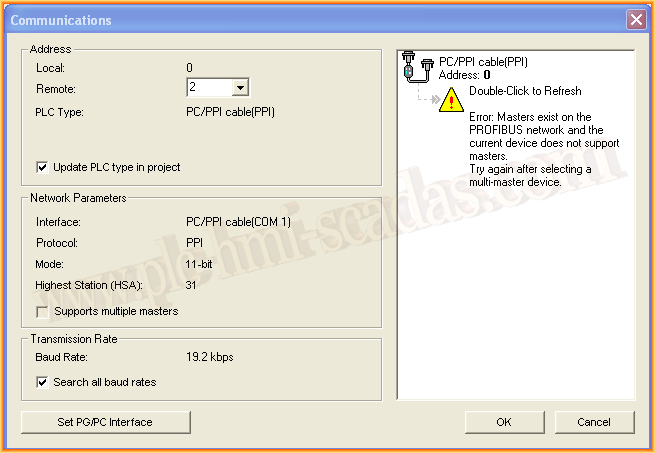
- Error: Master exist on the Profibus network and the current device does not support mastersMaster exists on the Profibus network and the current device does not support masters. Try again after selecting a multi-master device
- Profibus Configuration between S7-200 EM277 and S7-300Profibus Configuration between S7-300 and S7-200 EM277

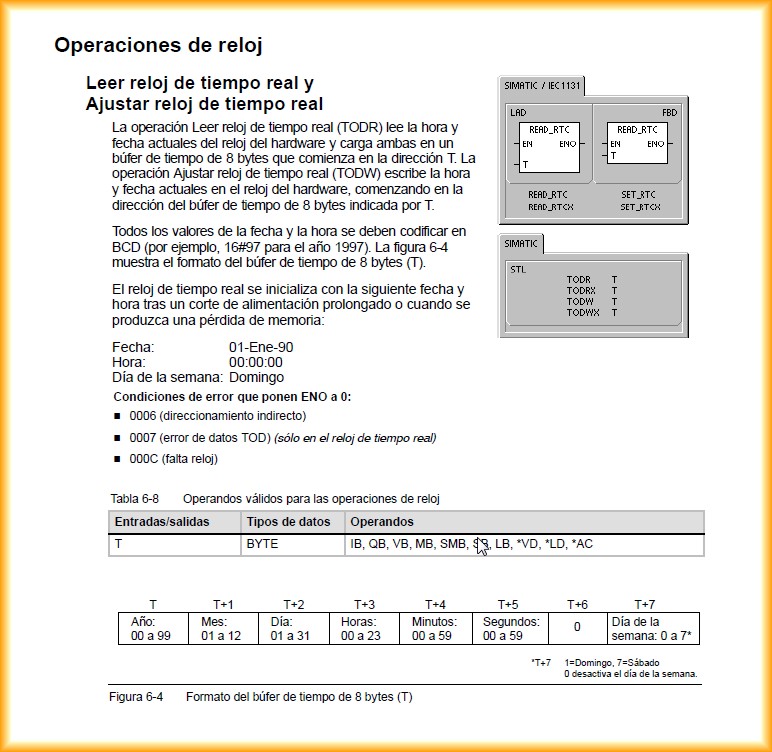
- Reading and Writing Date and Time from PLC and WinCC RT AdvancedReading and Writing Date and Time from PLC and WinCC RT Advanced
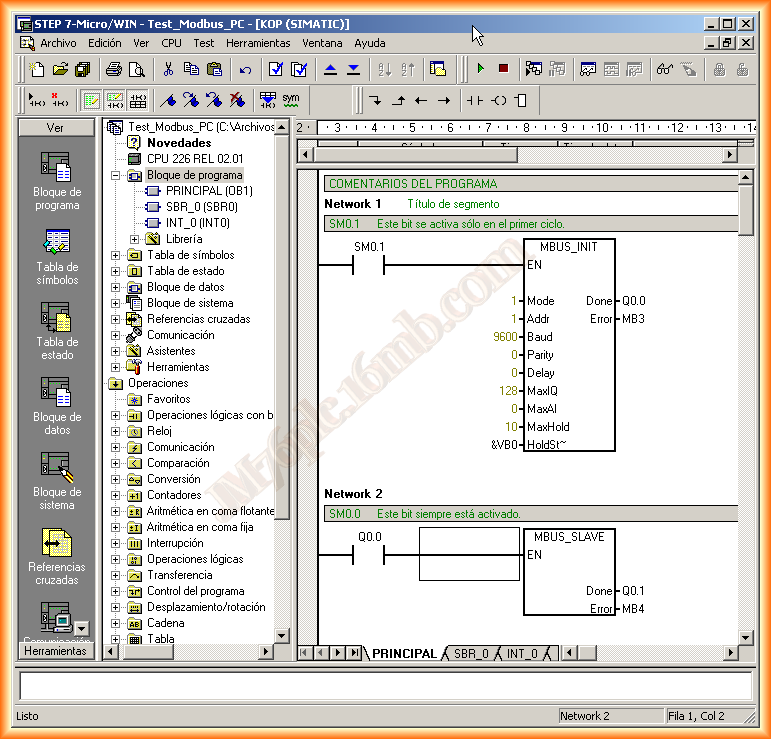
- S7-200 Modbus SlaveS7-200 Modbus Slave
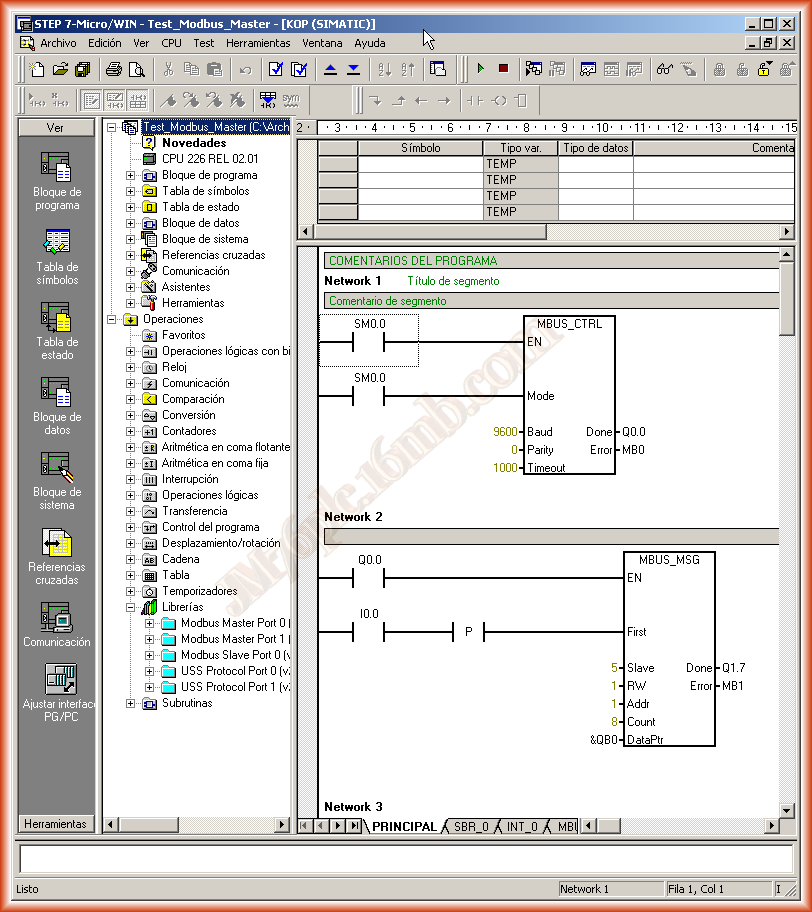
- S7-200 Modbus MasterS7-200 Modbus Master
Simatic S7-300/400

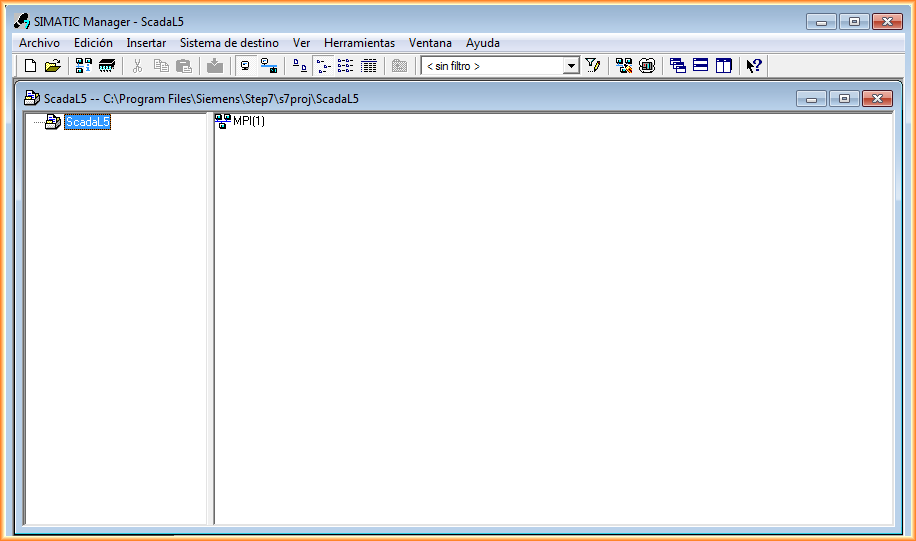
- Communication between PC/PG and CPU S7-3xx/4xx via ISO ProtocolLoad program in PG from Siemens. Reading the project from the PLC to the PC.
- Profibus Configuration between S7-300 and S7-200 EM277Profibus Configuration between S7-300 and S7-200 EM277
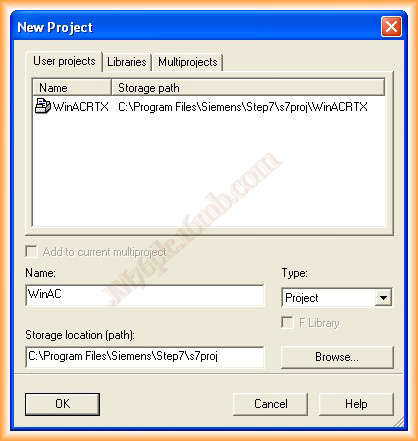
- WinAC RTX Configuration — Turn Your PC into a PLCIn this practice, we will see how to convert our PC into a PLC. For this, the software we will use is WinAC RFX from Siemens, which will automatically convert our PC into a PLC...
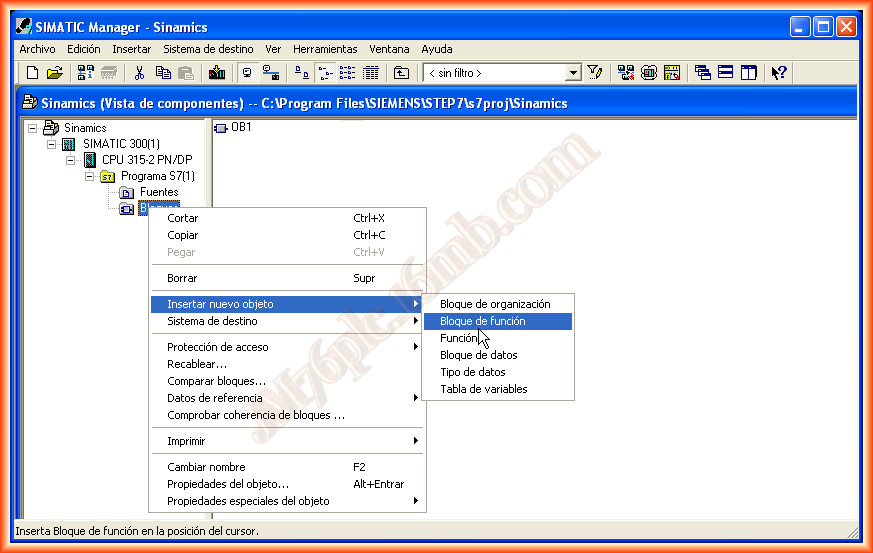
- Creating a Multi-Instance FBCreation of a Multi-instance FB
- S7 OpenModbus/TCP SimulationS7 OpenModbus/TCP Simulation

- Example — FB14-FB15 SFB14-SFB15 GET-PUT FunctionExample FB14-15 SFB14-15 GET-PUT

- CP 340 RS232 ConfigurationCP 340 RS232 Configuration
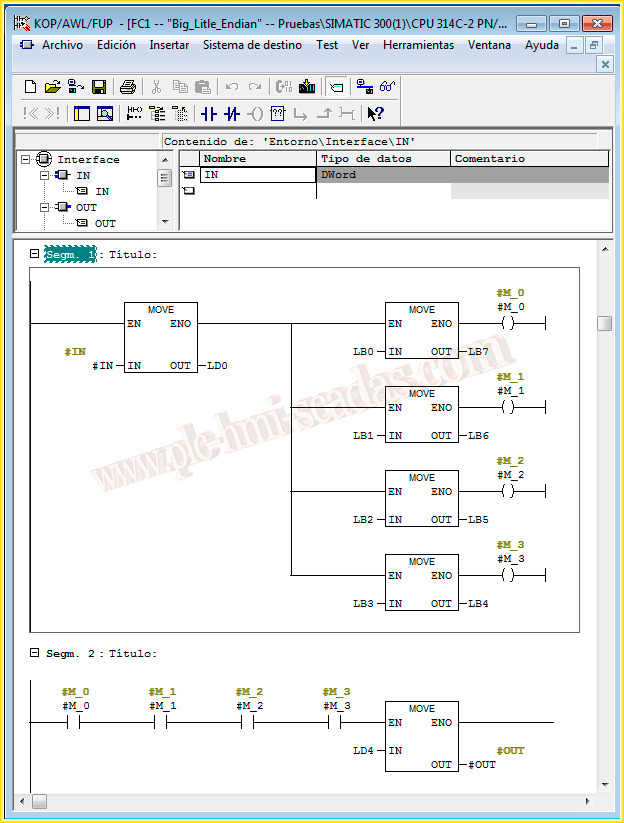
- Big-Little Endian ConversionBig Endian and Little Endian in Step 7. Data format conversion in PLC.
- Creating an S7 Project with Integrated SimotionWinCC Flexible and Simotion via OPC. OPC communication between HMI and motion controller.
TIA Portal (Totally Integrated Automation)

- Simulation with PLCSIM and FluidSIM by FESTOSimulation with PLCSIM and FLUIDSIM
- Simulation with PLCSIM V.12With the advancement of TIA Portal V.12, it is now possible to simulate the 1500 series. In this practice, we will see how to start the simulator and load our program.
- Simulation with PLCSim AdvancedTIA Portal - PLCSIM Advanced: simulation of S7-1500 PLC without physical hardware.

- PLC scan cycle: when milliseconds become distanceWhat the PLC scan cycle is, how the watchdog works and why a high cycle time can become physical distance in machines with motion.

- Trace in TIA Portal: how to find a phantom faultPractical case to capture a stop without alarms, reconstruct the sequence and locate the signal that causes the fault.

- Siemens S7-1500 OPC UA Server: TIA Portal V20 and PLCSIMEnable the OPC UA server on a Siemens S7-1500 with TIA Portal V20, publish variables, simulate with PLCSIM Advanced and validate in UA Expert.

- OPC UA Client in a Siemens S7-1500 PLC with TIA PortalConfigure a Siemens S7-1500 PLC as an OPC UA client in TIA Portal: PLCSIM Advanced, client interface, read and write lists, OPC_UA_ReadList_C, Cmd write operation and final test.

- CODESYS SoftPLC as OPC UA Server and Siemens S7-1500 as ClientPrepare CODESYS Control Win as a Windows SoftPLC, publish variables through OPC UA and read them from a Siemens S7-1500 PLC using the OPC UA client in TIA Portal.

- Syslog in Siemens PLCs: traceability and cybersecurity from the controllerHow to send Siemens PLC events to a Linux server to centralize logs, detect changes and prepare a more auditable OT architecture.

- OPC UA seguro en Siemens S7-1500: certificados, UA Expert y Sign & EncryptSecure an OPC UA communication in a Siemens S7-1500 PLC: certificates in TIA Portal, trust with UA Expert, and Wireshark verification with None, Sign and Sign & Encrypt.

- Secure Siemens PLC Communication with HMI and PC/PGPractical guide to communicate a Siemens S7-1500 PLC with WinCC Unified Runtime securely: PLC protection, project security features, encrypted loading, PLCSIM Advanced and...

- Time server for Siemens S7-1500 PLC with NTPHow to synchronize a Siemens S7-1500 PLC clock with a local Windows NTP server, configure it in TIA Portal and validate it with Wireshark.

- Siemens S7-1500 Web ServerCreate a small HMI integrated in a Siemens S7-1500 PLC with View of Things, using the Web Server, users and HTTPS configured from TIA Portal.

- Web Server Simulation with PLCSIM AdvancedS7-1200 Web Server
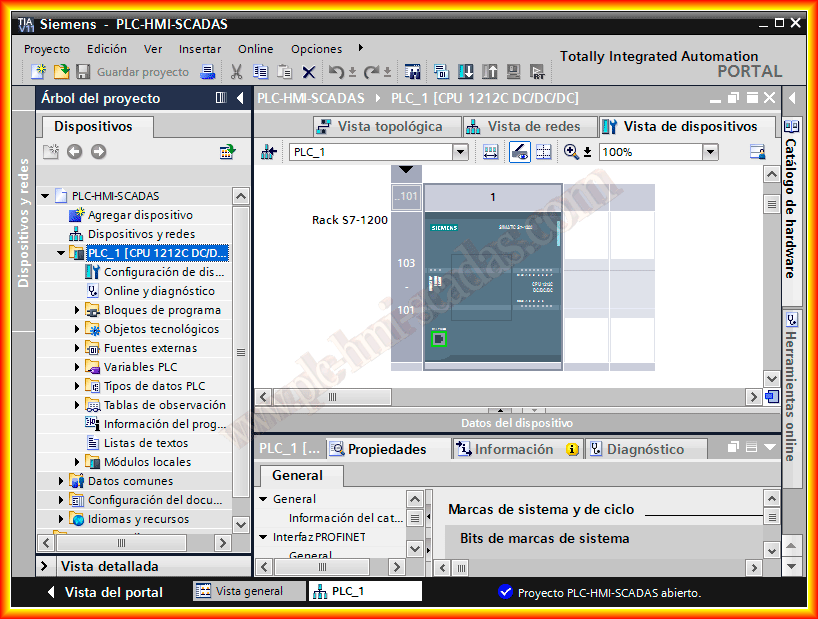
- Simatic 1200/1500 Web Server S7-1200S7-1200 Web Server
- Simatic 1200/1500 Modbus TCP ServerSimatic 1200 ModbusTCP Server
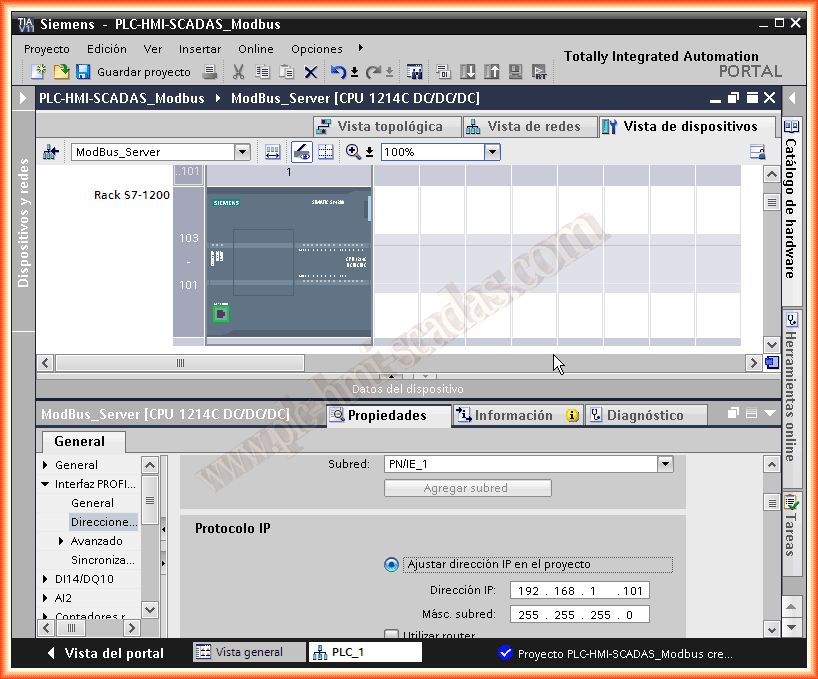
- Simatic 1200/1500 Modbus TCP ClientSimatic 1200 ModbusTCP Client

- CB1241(RS-485) - CM1241(RS-232) Modbus RTU ConfigurationModbus RTU configuration in TIA Portal with CB1241 (RS-485) and CM1241 (RS-232).
.png)
- System Diagnostics and Diagnostic ViewerSystem Diagnosis and Diagnostic Viewer

- TIA Portal — Global LibrariesTIA Portal Global Libraries

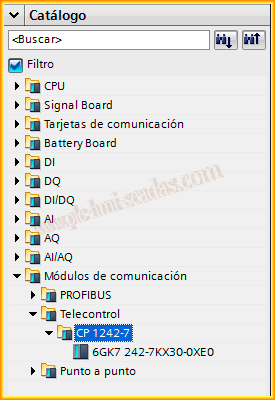
- TIA Portal — CP 1242-7 Send SMSSend SMS with S7-1200 and CP 1242-7 in TIA Portal. Industrial notifications via SMS.
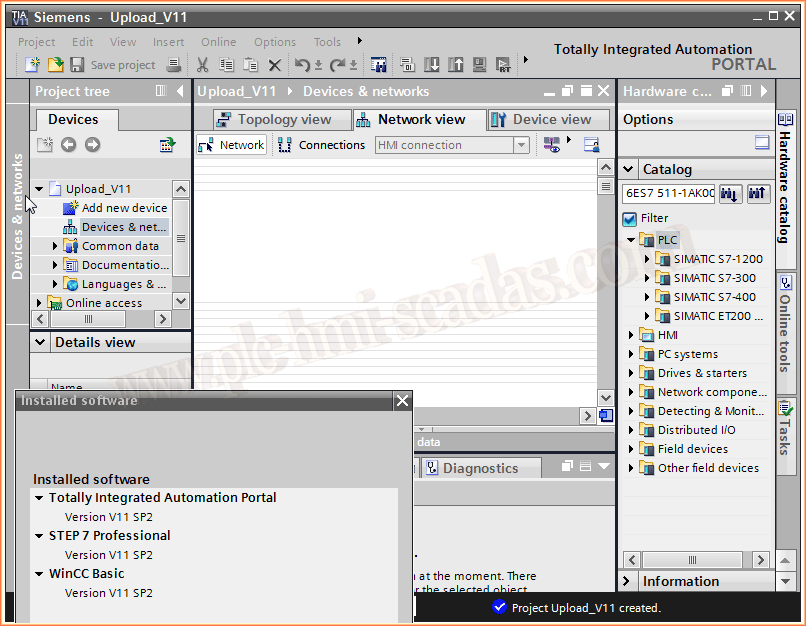
- TIA Portal — Upload Project: Which Version Do I Need?Upload of PLC program in TIA Portal. Read the project from the controller.
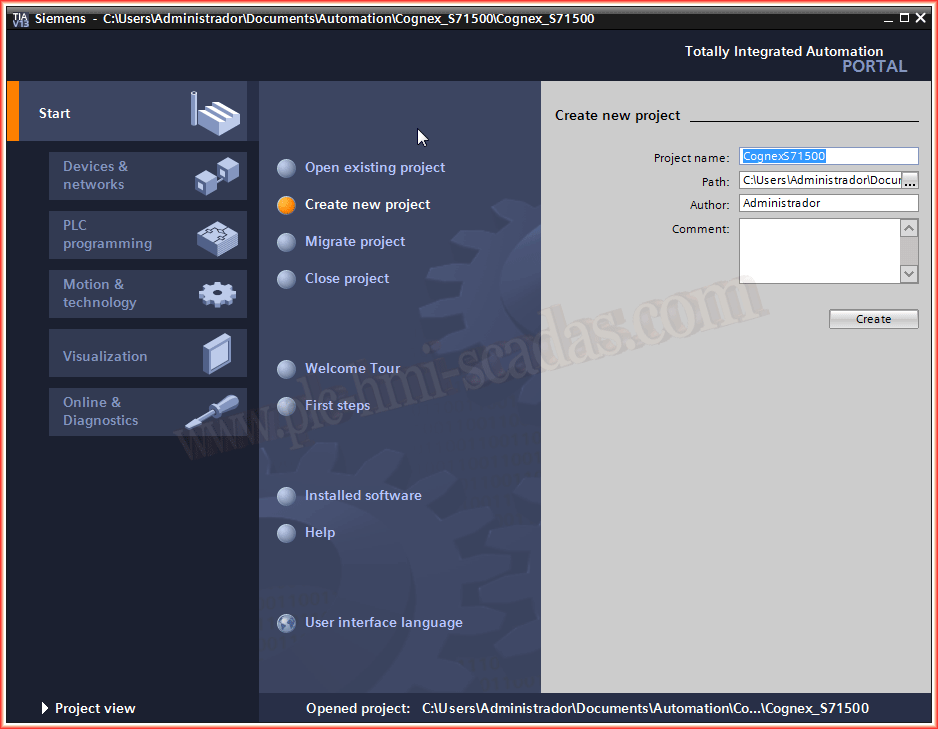
- TIA Portal — GSD Installation for Cognex CamerasInstallation of the GSD file from Cognex in TIA Portal. PROFINET configuration for cameras.

- TIA Portal — Cognex Camera (Profinet)Integration of Cognex cameras with TIA Portal via PROFINET. Industrial artificial vision.
- Example — Siemens PLC to Schneider PLC Communication via Modbus TCPModbus communication between Siemens and Schneider. Multi-brand PLC interoperability.
.png)
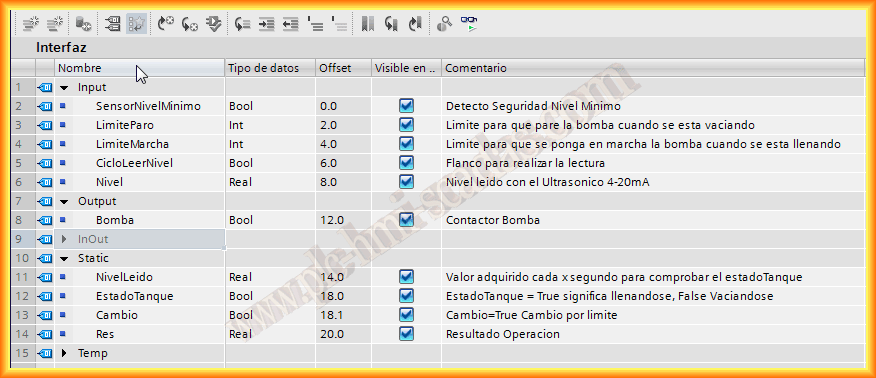
- Example — Tank Control with an FBFunction Block TIA Portal
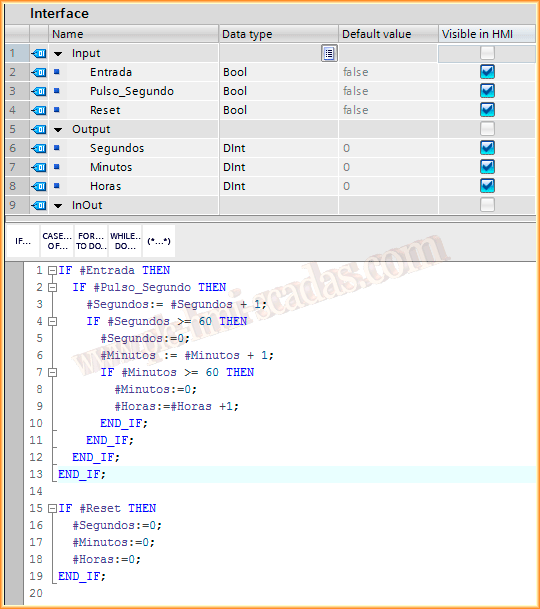
- Example — Hour Counter (Pump Running Time)Operating hour counter in TIA Portal. Hour meter programming in PLC.
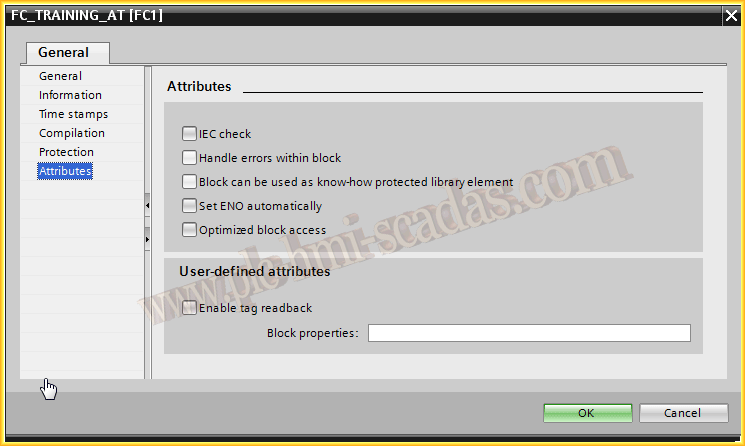
- Example — AT, Variable DecompositionAT instruction in TIA Portal. Direct access to PLC variable memory.
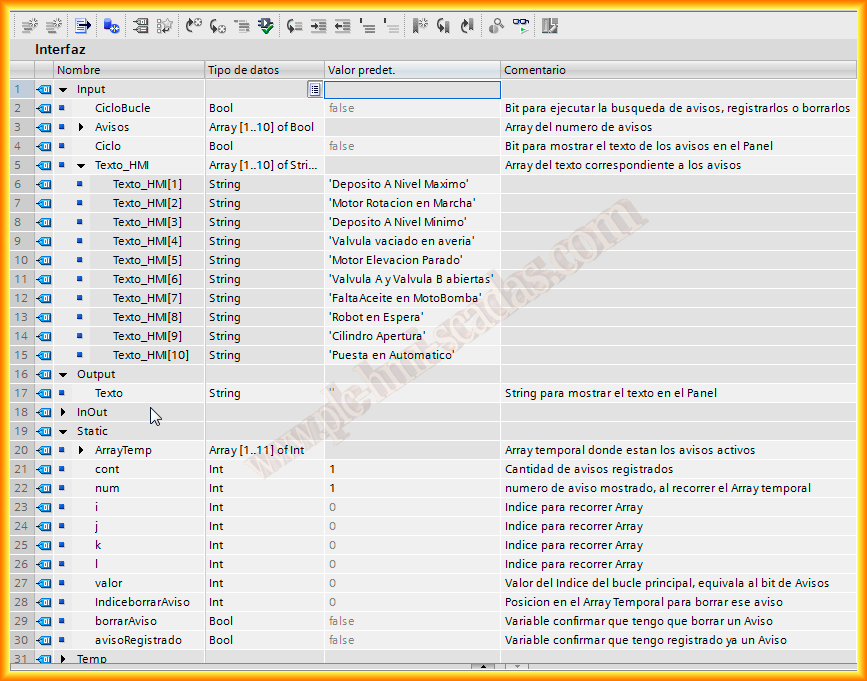
- Example — Indexed Text for HMI NotificationsIndexed Text to Display Messages on HMI
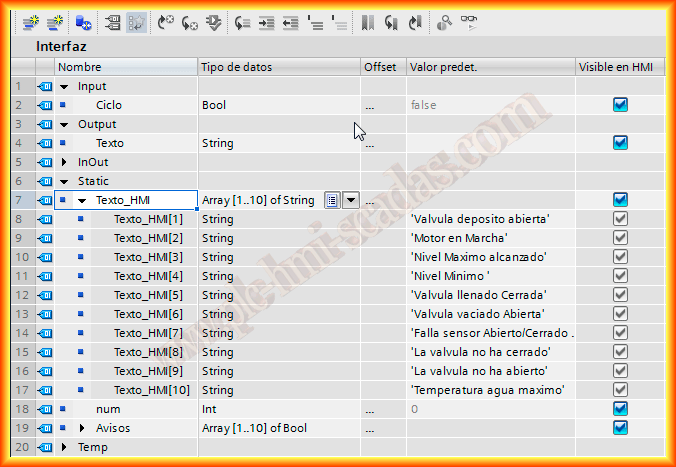
- Example — Indexed Text for HMI Notifications IIIndexed Text to Display Alerts on HMI II
- Example — Read Clock TIA Portal 1200 "RD_SYS_T" and Execute Daily ActionsRead Time Simatic 1200, RD_SYS_T

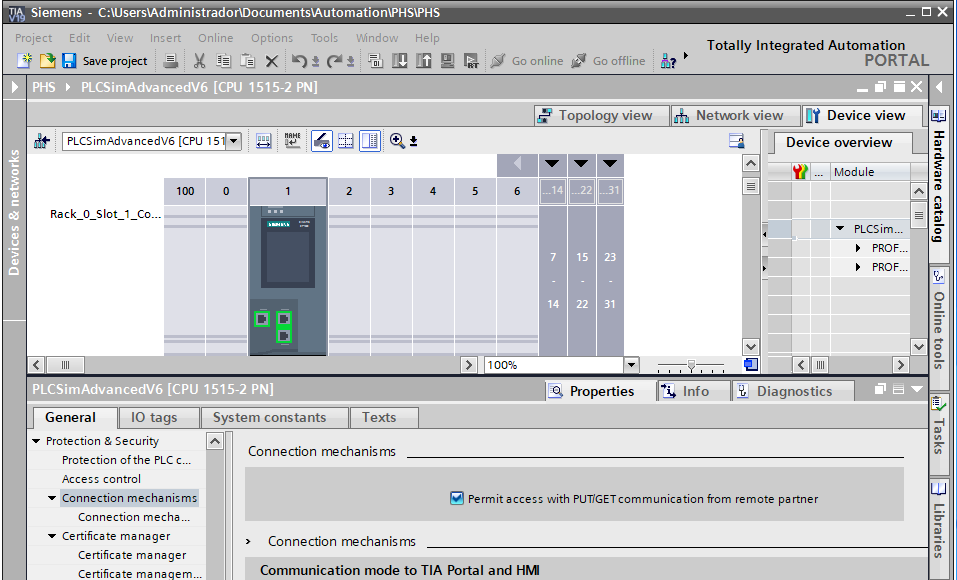
- TIA Portal 19 — Get / PutIf you communicate your programmed PLC with TIA Portal V.19 with an HMI/SCADA, you need to activate the checkbox that allows GET/PUT communications, otherwise you won’t...
- TIA Portal (Central User Management)Once we have the basic configuration of the UMC, we will proceed to configure our engineering station with TIA Portal.
- SQL Records with PLC S7-1500, Intercepted with WiresharkUsing the LSQL library in a Siemens S7-1500 PLC to log data into SQL and inspect the communication with Wireshark.

- Temperature Control System (I)In this example, we will perform temperature control of a simulated tank. We will use a simulated Siemens PLC, in this case, the PLCSIM advanced, to...

- Temperature Control System (II)Practical configuration of a temperature PID control in TIA Portal: process variables, PID Compact, commissioning, auto-tuning and value verification.

- Version Control and TIA Portal (Part 1)Today we will look at a tool that is widely used in software development, but is very difficult to apply in industry as we usually work with binary files...

- Version Control and TIA Portal (Part 2)After creating our repository in the previous post, we will see how we can manage it and make the most of this powerful tool. After following the previous...

- Version Control and TIA Portal (Part 3)After explaining in the first post the installation, in the second post the creation of a remote repository and the export of data. In this post and last...

- Cognex Insight Explorer (Enable Profinet Protocol)Cognex Insight Explorer: configuration of industrial machine vision cameras.
- TIA Portal — Configuration Time in MRP Ring with Cisco SwitchHow to configure the Configuration Time in TIA Portal to prevent the CPU from going to STOP in PROFINET networks with MRP rings containing slow-booting Cisco switches.

- PROFINET FundamentalsPROFINET is an industrial protocol based on Ethernet, developed by the Profibus & Profinet International (PI) organization. It emerged as an evolution of...

- Upload Project from an S7-1200 to PC/PG (InfoPLC)External resource related to Upload Project from an S7-1200 to PC/PG (InfoPLC).
- Analog Signal Filtering via an FB (InfoPLC)External resource related to Analog Signal Filtering via an FB (InfoPLC).