

Siemens WinCC SCADA: WinCC Unified, WinCC Classic V7, WinCC RT Professional, TIA Portal
WinCC Unified

SIMATIC WinCC Unified is Siemens' new supervisory control and data acquisition system.
TIA Portal V16 introduced this new feature. In a nutshell, it is based on web technologies (HTML5, JavaScript and SVG Graphics).
- WinCC Unified ConfigurationWinCC Unified configuration. Getting started guide and setup for the next generation SCADA.

- WinCC Unified User AdministrationUser management in WinCC Unified. Role and permission management in the new SCADA.
- WinCC Unified Project TransferTransfer project in WinCC Unified. Step by step download to the HMI/SCADA device.
- WinCC Unified OPC UA DriverOPC UA connection in WinCC Unified. Communication configuration with OPC UA servers.
- WinCC Unified OPC UA ServerIntegrated OPC UA server in WinCC Unified. Publish SCADA data via OPC UA.
- WinCC Unified JavaScript TraceJavaScript debugging in WinCC Unified. Tracing and diagnosing scripts in the SCADA.
- WinCC Unified JavaScript Synchronous / AsynchronousJavaScript in WinCC Unified: synchronous and asynchronous functions for SCADA scripting.
- WinCC Unified Custom Control DevelopmentCustom Web Controls in WinCC Unified. Development of custom web controls.
- WinCC Unified - IIS Reverse Proxy to Embed SQL Server Reporting ServicesTechnical article about WinCC Unified - IIS Reverse Proxy to Embed SQL Server Reporting Services.
- WinCC Unified - How to Create SQLite Reports in SSRSStep-by-step guide to configure ODBC, build SSRS Data Sources, and visualize reports from WinCC Unified historical SQLite databases.

- WinCC Unified — Web Embedding: Browser, iFrames and Security PoliciesComplete technical guide: how the browser decides if a web page can be shown inside WinCC Unified. X-Frame-Options, CSP frame-ancestors, Same Origin Policy, TLS and field...

- WinCC Unified Redundancy V20Practical guide to configure WinCC Unified Redundancy V20 in TIA Portal: PC Station, primary server, redundant server, DB Storage, transfer, tests and licenses.

- WinCC Unified — CWC and Open PipeHow to combine Custom Web Controls (CWC) with Open Pipe in WinCC Unified to build advanced visualizations driven by external applications.
- WinCC Unified Open PipeWinCC Unified Open Pipe is an interface that allows connecting custom applications to the WinCC Unified Runtime. Open Pipe provides a limited set...

- WinCC Unified GraphQLGraphQL is a query language and a runtime environment for APIs (Application Programming Interfaces). It is designed to allow clients to request exactly the data they need, no more...

- UMC (User Management Control)Once WinCC Unified Redundancy has been tested without UMC configuration, the next step is its configuration and operation. I have based this on the following ...

- TIA Portal (Central User Management)Once we have the basic configuration of the UMC, we will proceed to configure our engineering station with TIA Portal.

- WinCC Unified - UMC Admin Studio (UMX and UMCONF)UMC Admin Studio is a desktop application for Siemens UMC that wraps UMX and UMCONF commands in a guided UI with contextual help and credential protection.
- TIA Portal WinCC Unified (User Management Component)We have prepared our UMC server and the basic configuration on our engineering station, along with our TIA Portal project. The next step ...

- UMC Redundancy (User Management Component)Once we have configured our UMC Server, our engineering station, and our redundant WinCC Unified, the next step is the bonus :-). V...

- Network Segmentation — S7 1500 & WinCC UnifiedProposed objective: A laboratory for practicing network segmentation, following the diagram below and approaching compliance with regulations such as IEC 62443...

- WinCC Unified Collaboration - Sharing Screens Between RuntimesPractical WinCC Unified Collaboration guide for TIA Portal V20: share Screens between two Runtime stations, configure certificates and validate with PLCSIM Advanced.

- WinCC Unified Collaboration in WinCC 8.1Integrate screens from a WinCC Unified HMI into a WinCC 8.1 SCADA using Collaboration and the UnifiedPictureWindow object.

- Secure Siemens PLC Communication with HMI and PC/PGPractical guide to communicate a Siemens S7-1500 PLC with WinCC Unified Runtime securely: PLC protection, project security features, encrypted loading, PLCSIM Advanced and...

Process Management (WinCC — AddOns)

Center of Competence Process Management System
PM-Quality
- First Project with PM-Quality (#1 — Basic Concepts)WinCC Process Monitor Quality part 1. Quality control and process monitoring.
- First Project with PM-Quality (#2 — PM-Server: Create New Station)WinCC PM Quality part 2. Advanced configuration of process quality monitors.
- First Project with PM-Quality (#3 — Create Topology, Phases, Trends)WinCC PM Quality part 3. Statistical analysis and real-time quality trends.
- First Project with PM-Quality (#4 — Create Reports)WinCC PM Quality part 4. Reporting and exporting process quality data.
PM-Analyze
- First Project with PM-Analyze (Part 1)A few years ago I experienced the most basic concepts of PM-Quality that you can find here. Now we will explore the latest version as of today of PM-A...

- First Project with PM-Analyze (Part 2)If you have not read PM-Analyze (Part - 1)

PM-Control
- First Project with PM-Control (Basic Concepts)Technical article about First Project with PM-Control (Basic Concepts).
Windows Control Center (WinCC)

SIMATIC WinCC is Siemens' supervisory control and data acquisition system. Here is its evolution:
WinCC 3.0
WinCC 4.0 — 1998
WinCC 5.0 — 1999
WinCC 5.1 — 2003
WinCC 6.0 — 2003
WinCC 6.2 — 2007
WinCC 7.0 — 2008
WinCC 7.0 SP3 — 2011
WinCC 7.2 — 2013
WinCC 7.3 — 2014
WinCC 7.4 — 2016
WinCC 7.4 SP1 — 2017
WinCC 7.5 — 2018
WinCC 7.5 SP1 — 2019 (Current Version) Updated 08-03-2020
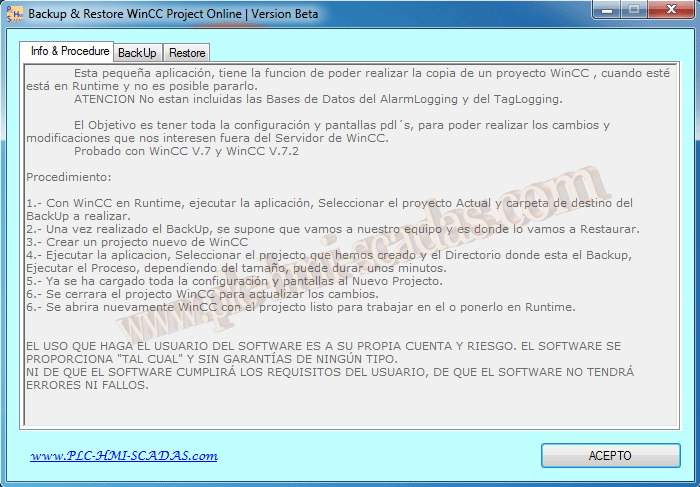
- Online Backup of WinCC ProjectBackup of the WinCC project in Runtime. Backup without stopping the SCADA system.
- VBScriptLibraryWinCCVBScript function library for WinCC. Collection of reusable scripts for SCADA projects.
- WinCC Example — Technology Used [WinCC API – ABB Robot Studio – ABB SDK – OPC Server – C# Library — SQL Server]External resource related to WinCC Example — Technology Used [WinCC API – ABB Robot Studio – ABB SDK – OPC Server – C# Library — SQL Server].
WinCC Fundamentals
- What's New in Version V8.1We now have the new version of WinCC 8.1 and here are some of the new features ... The new WinCC now comes with SQL Server 2022 and is released for the following...

- What's New in Version V7.5New features of WinCC V7.5. New characteristics, improvements, and added functionalities.
- What's New in Version V7.4News of WinCC V7.4. New features, performance improvements, and significant changes.
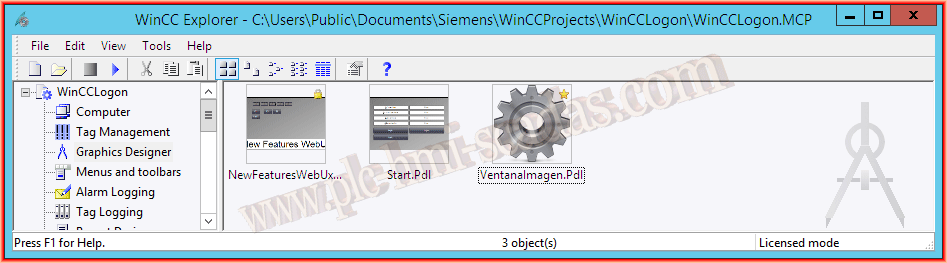
- WinCC — Cancel Runtime Auto-StartBasic knowledge you should know about WinCC
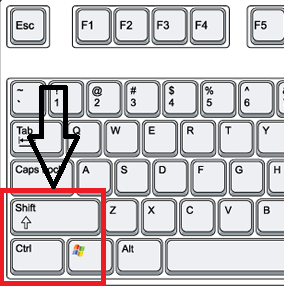
- WinCC — Open Without ProjectBasic Knowledge you should know about WinCC

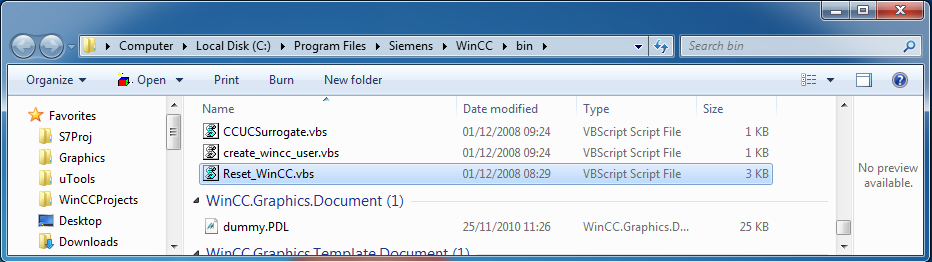
- WinCC — Total ResetWinCC basic knowledge part 3. Scripts, alarms, and historical data logging.
- WinCC — WinCC 8.1 Backup in RuntimeThis new feature of version WinCC 8.1 deserves an article :-) Ten years ago, I wrote this post to implement this functionality... Of course, it had a lot to improve, but on more...

- WinCC V8.0 — What's NewAs the saying goes, better late than never... So first of all, thank you very much Cesar Fernandez. Among all the news and features, there is always one that stands out more, and...

- WinCC — SQLiteWe have just seen how to work in Intouch / System Platform with an SQLite database, now we will extrapolate that functionality to WinCC.

- SCADA Retrofits with MS Controls ActiveX VB6 (WinCC V8)As the title suggests, we will explain some concepts that may help you if you are doing a migration, especially if you are using...

- Siemens Manual — Project Migration V.4 to V.7.4SP1PDF document related to Siemens Manual — Project Migration V.4 to V.7.4SP1.
WinCC Projects

- WinCC LicensesManagement of WinCC licenses. License types, installation, and troubleshooting licensing issues.
- WinCC V7.3 Installation on Windows 10 ProStep-by-step installation guide for WinCC. Requirements, installation process, and initial configuration.
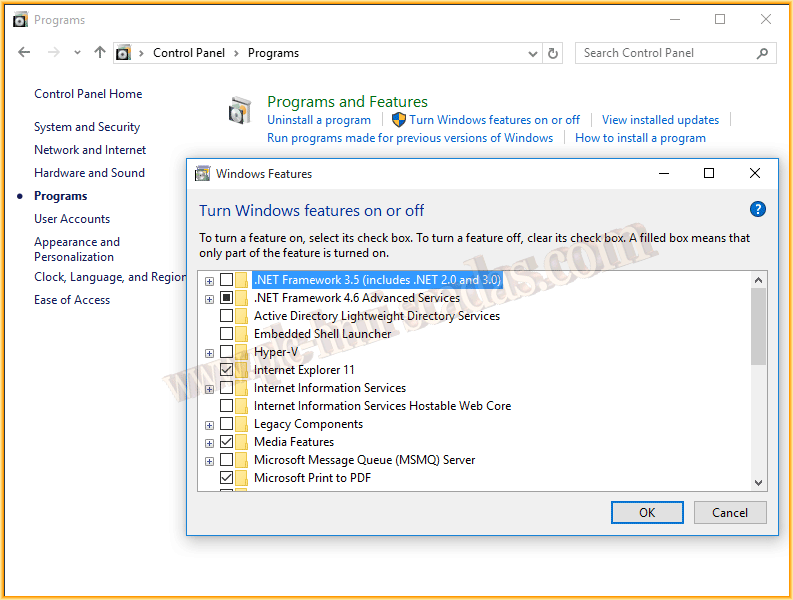
- Introduction and Basic ConfigurationTutorial on WinCC. Practical guide to industrial automation at PLC-HMI-SCADAS.com.
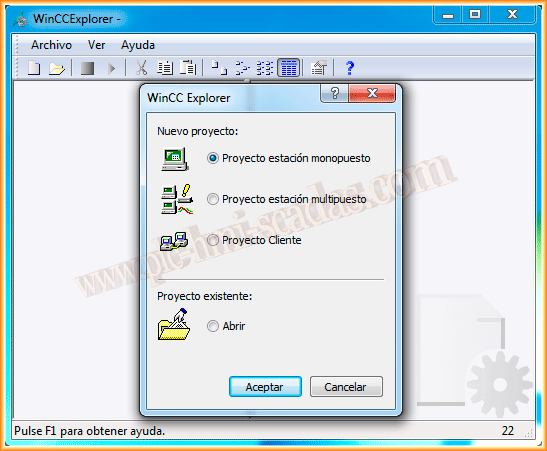
- Single-User ProjectConfiguration of WinCC stand-alone project. Step-by-step guide for a stand-alone SCADA system.
- Multi-User ProjectConfiguration of multi-user WinCC (client-server). Distributed SCADA architecture.
- Client ProjectConfiguration of WinCC as a client. Client-server architecture in SCADA systems.
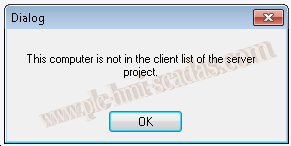
- Error: This computer is not in the client list of the server projectError resolution in multi-user WinCC. Diagnosis of client-server communication problems.
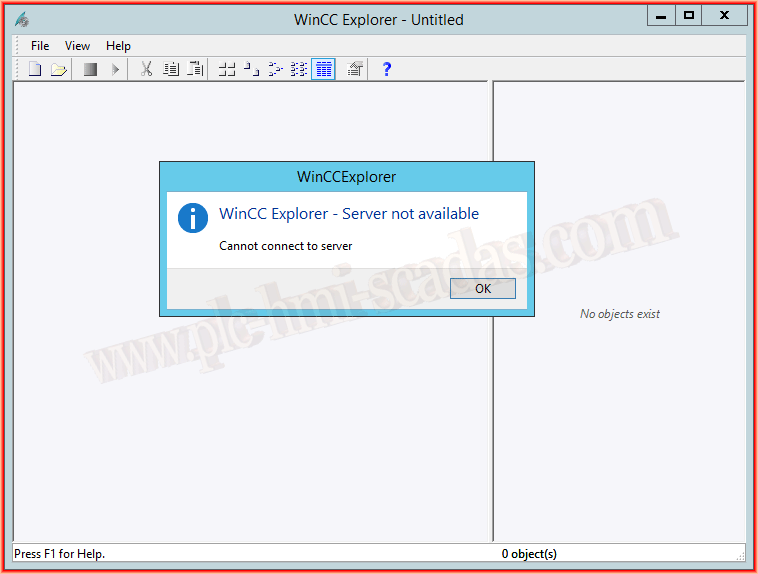
- Error: WinCC Explorer Server not availableSolution to the Server Not Available error in WinCC. Diagnosis and resolution of the problem.

Tag Management
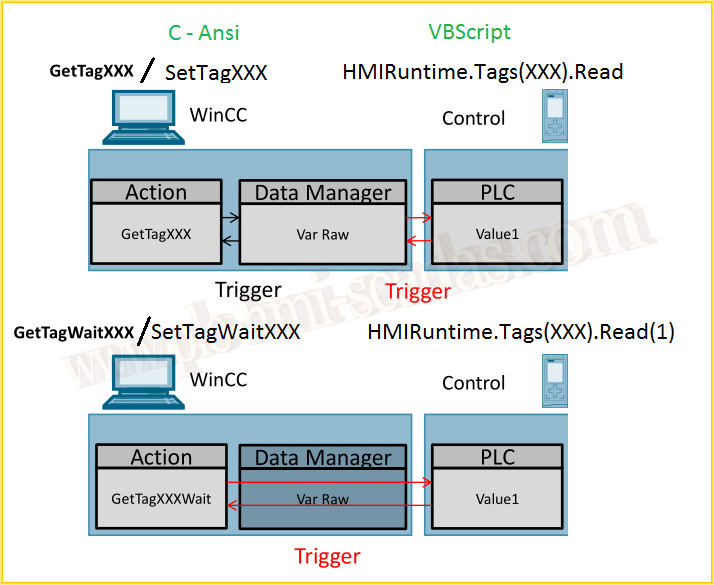
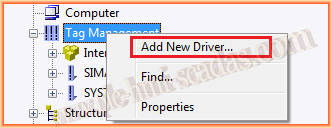
- (VBScript / ANSI C) Tag Read and WriteReading and writing tags in WinCC. Functions to manipulate process variables.
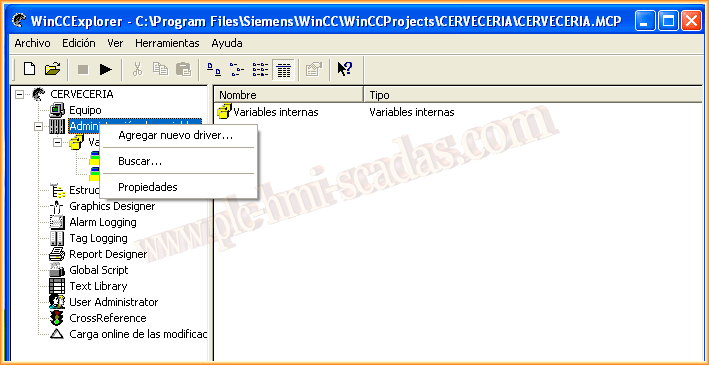
- DDE Driver Configuration — Example (WinCC DDE Communication with Intouch)DDE communication in WinCC. Dynamic data exchange with Windows applications.
- System Info Driver ConfigurationSystem information in WinCC. Status and diagnostic variables of the SCADA.
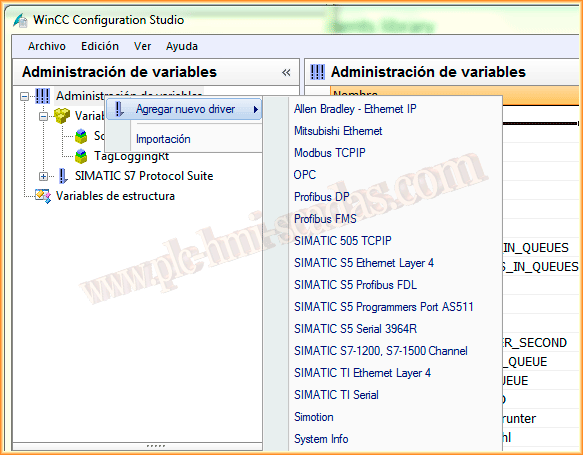
- S7 Protocol Suite Driver Configuration with IBH Link S5++WinCC connection with IBH Link S5/S7. Alternative driver for communication with Siemens PLCs.

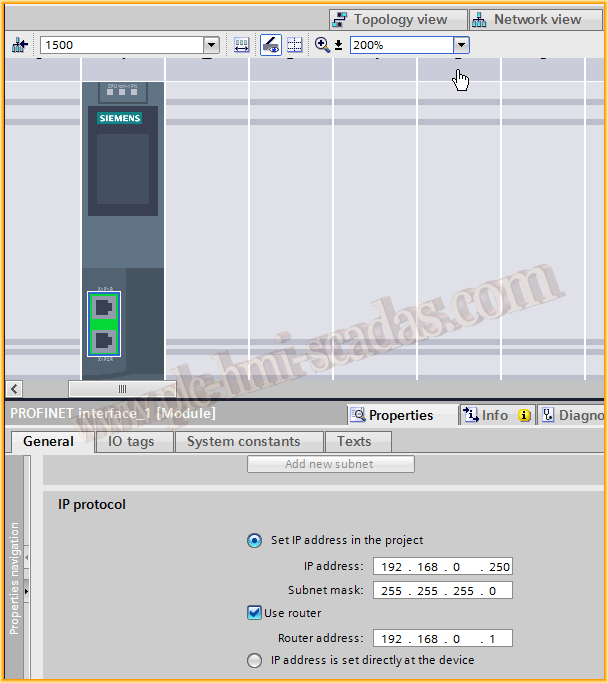
- S7-1500 Driver ConfigurationConfiguration of the S7-1500 communication driver in WinCC. Direct PLC-SCADA connection.
- Modbus TCP Driver ConfigurationConfiguration of the Modbus TCP driver in WinCC. Step by step to communicate with Modbus devices.

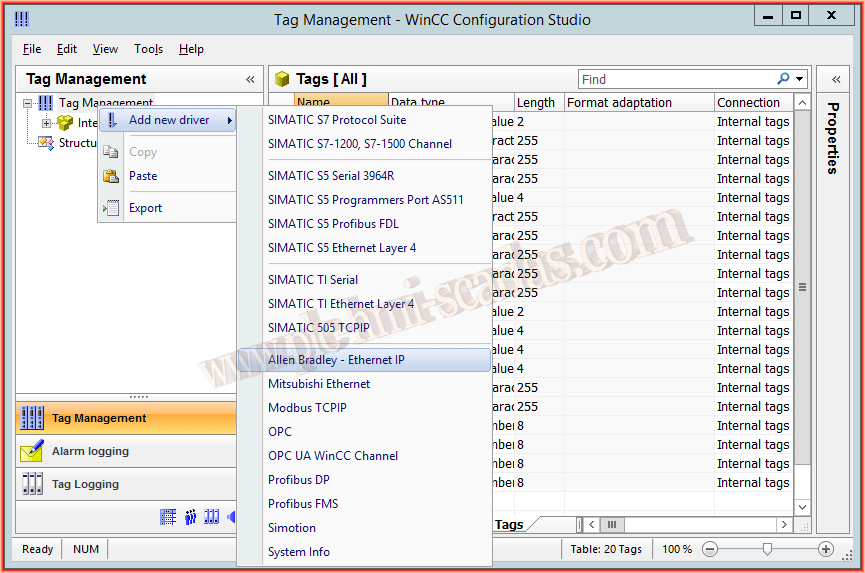
- Allen Bradley Ethernet/IP Driver ConfigurationWinCC with Allen Bradley Ethernet/IP driver. Communication with Rockwell PLCs from Siemens.
- OPC UA WinCC Channel Driver Configuration (Beckhoff UA Server)Connect WinCC as an OPC UA client to a Beckhoff TwinCAT PLC. Complete configuration guide.
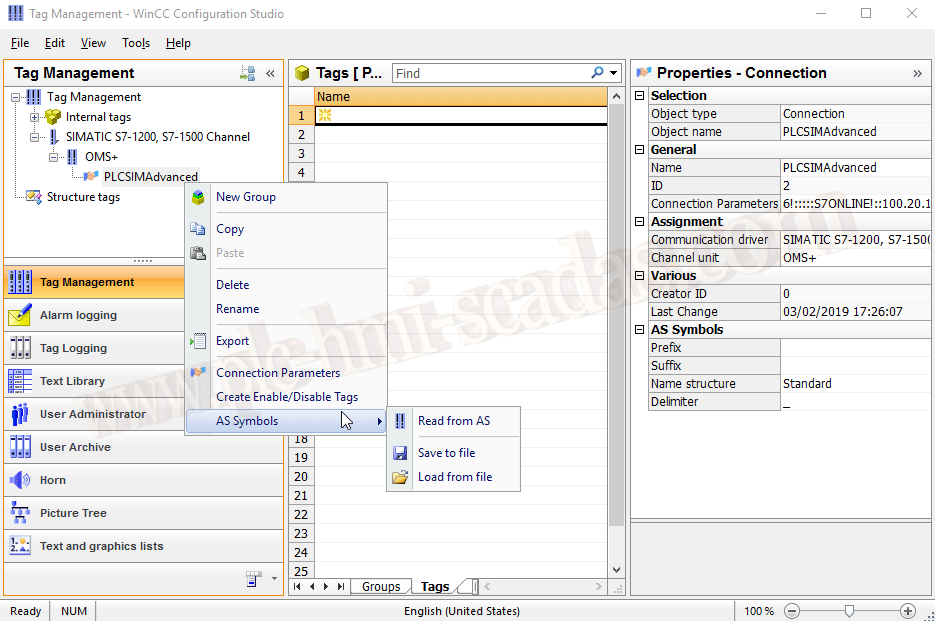
- S7-1200/1500 Driver: Read from AS (Import CPU Symbols)AS Symbols of the Automation System in WinCC. Configuration and use of AS symbols.
- No access points foundTag management in WinCC. Organization, import, and management of variables.

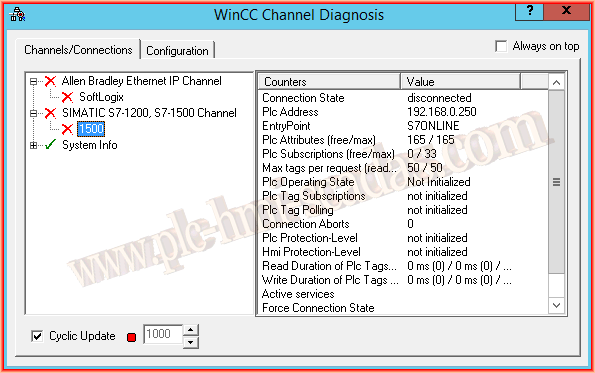
- ErrorCode 0x8000152100000084 (S7-1200/1500 Driver Communication Failure)Error solution for the S7-1500 driver in WinCC. Diagnosis and resolution of common problems.
- WinCC Simulation with PLCSIMWinCC Simulation with PLCSIM
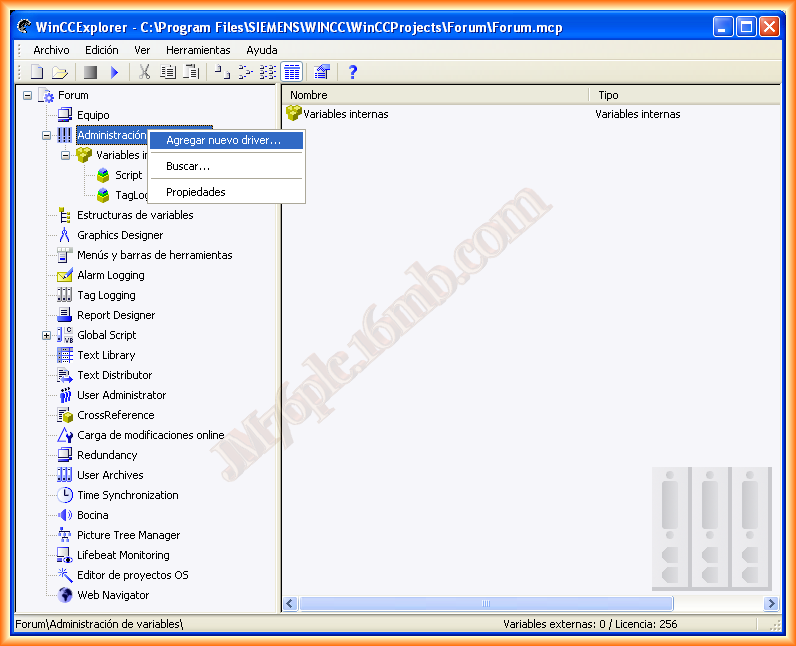
- WinCC Simulation with PLCSIM AdvancedWinCC simulation with PLCSIM Advanced. Virtual testing of the SCADA system without physical hardware.

- Timer_Simatic Variables (Scaling)Variable and timer management in WinCC. Tag management and acquisition cycles.
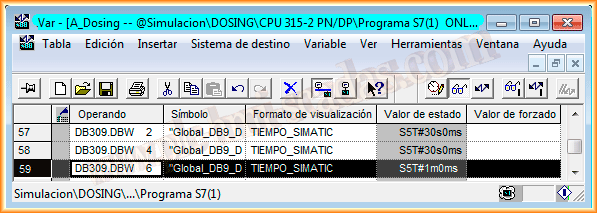
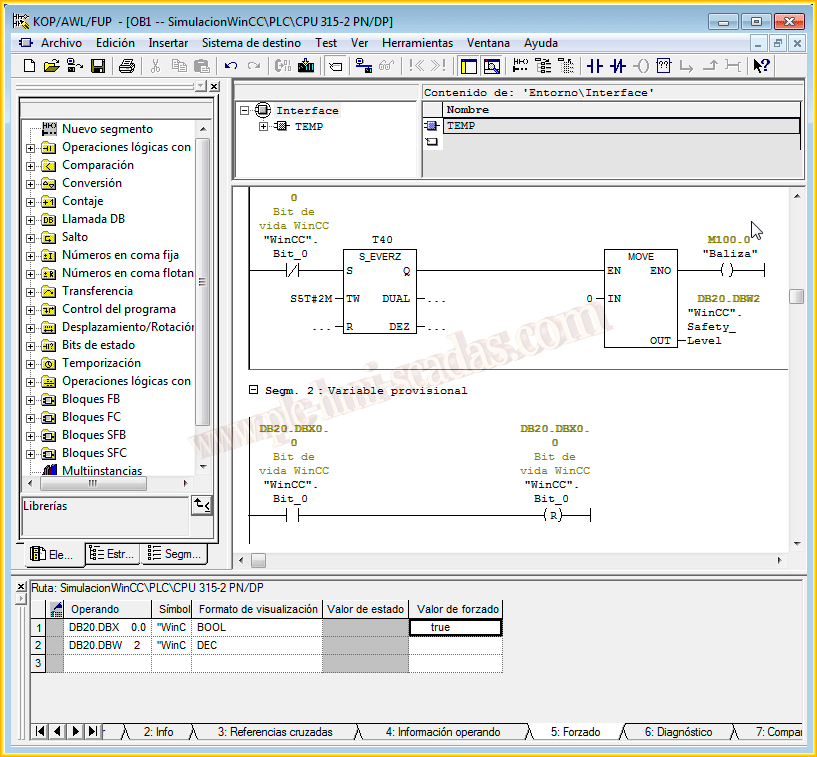
- WinCC — Heartbeat BitLife bit in WinCC. Implementation of a watchdog for PLC-SCADA communication monitoring.
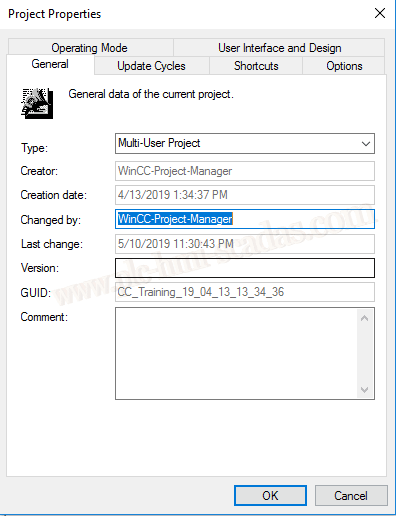
- Tag Properties — Local Computer OptionConfiguration of the local PC in WinCC. Equipment settings for optimal SCADA operation.
- WinCC OPC Server (OPC DA — OPC XML — OPC UA)Configuration of WinCC as an OPC DA server. Sharing SCADA data with other applications.

- WinCC OPC DA Client (Beckhoff.TwinCATOPCServerDA Server)Configuration of the OPC driver in WinCC. Communication with OPC DA servers for process data.
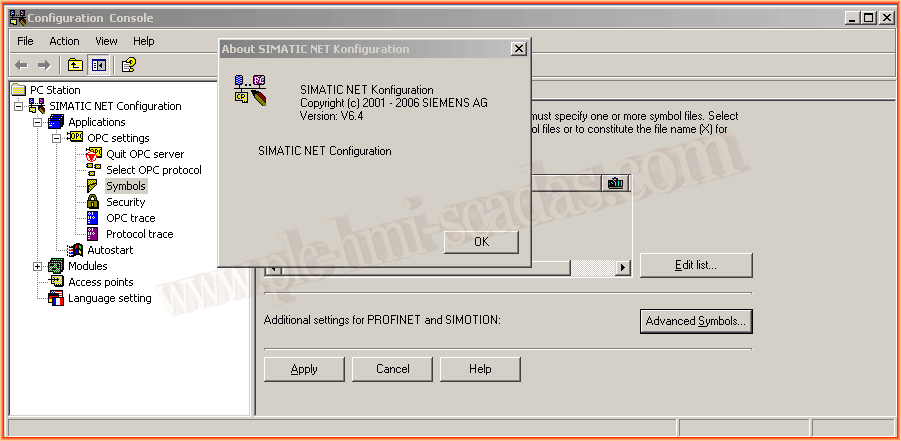
- WinCC OPC DA Client (Simatic Net Server — Simotion)WinCC Flexible and Simotion via OPC part 2. Advanced communication configuration.
- WinCC OPC XML ClientConfiguration of OPC XML-DA client in WinCC. Communication with OPC servers via XML.

- WinCC OPC UA ClientConfiguration of WinCC as an OPC UA client. Secure connection with OPC UA servers step by step.

Graphics Designer
- Picture Window — Referencing ObjectsWinCC Graphic Designer: design of process screens and SCADA graphic objects.
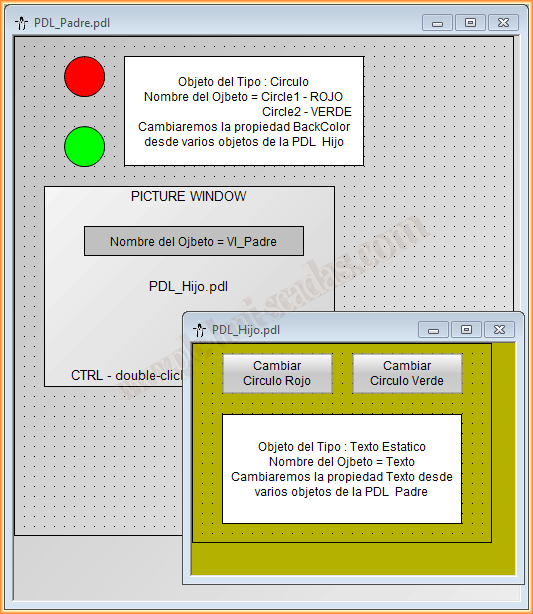
- Independent Screen Design — "Current Screen Name" — "Switch Between Screens"Tutorial on WinCC Design with Independent Screens and Current Screen Name. Practical guide to industrial automation at PLC-HMI-SCADAS.com.
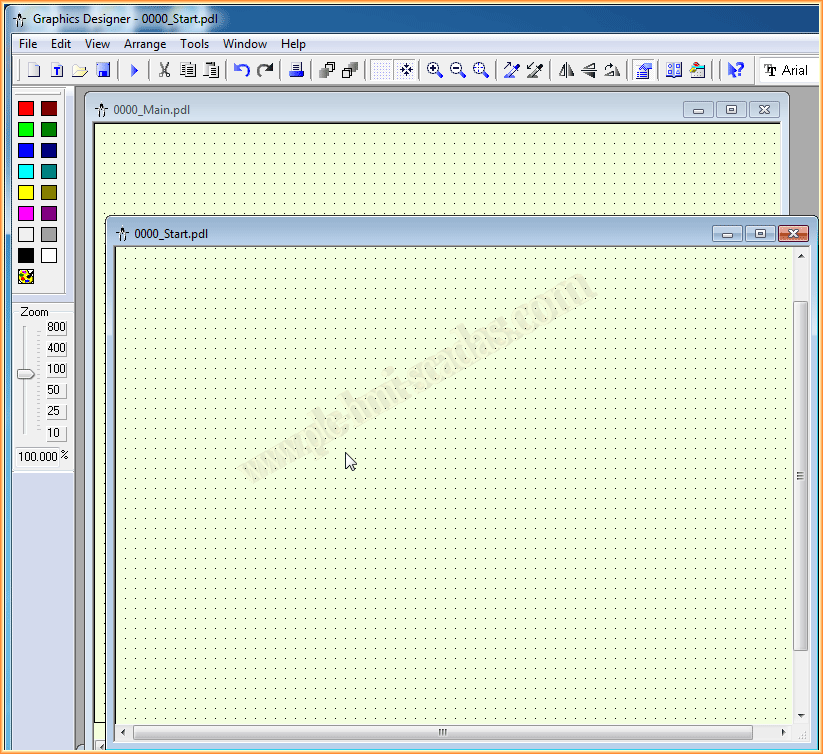
- Picture Window Design — "Current Screen Name" — "Switch Between Screens"WinCC Independent Screen Design and Current Screen Name
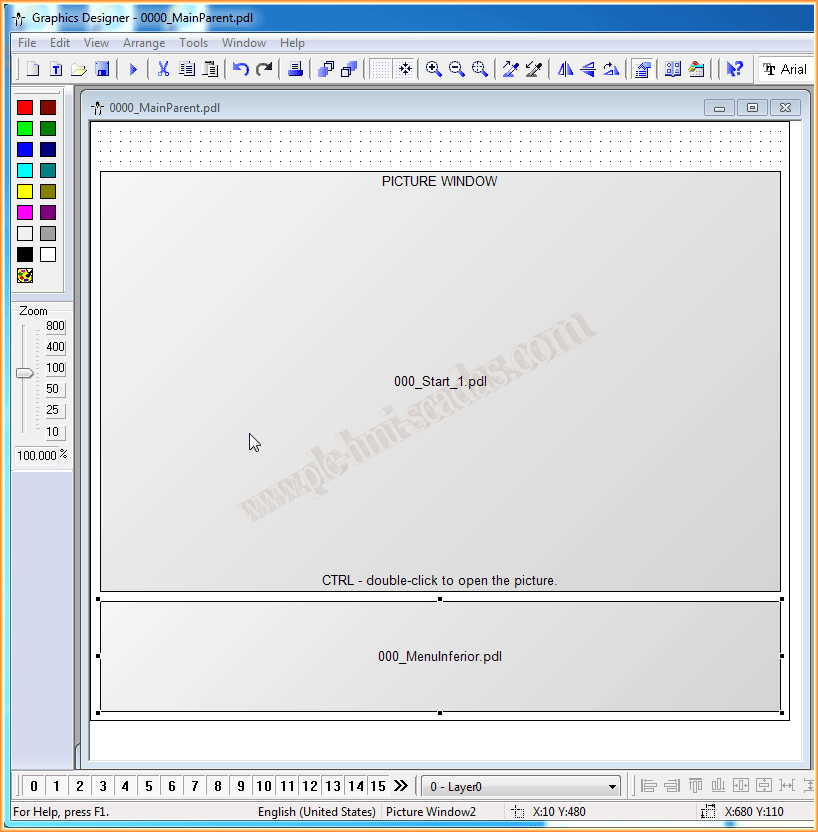
- Example: Creating and Programming a Picture Window to Control Multiple MotorsPopup window for controlling elements in WinCC V7.0
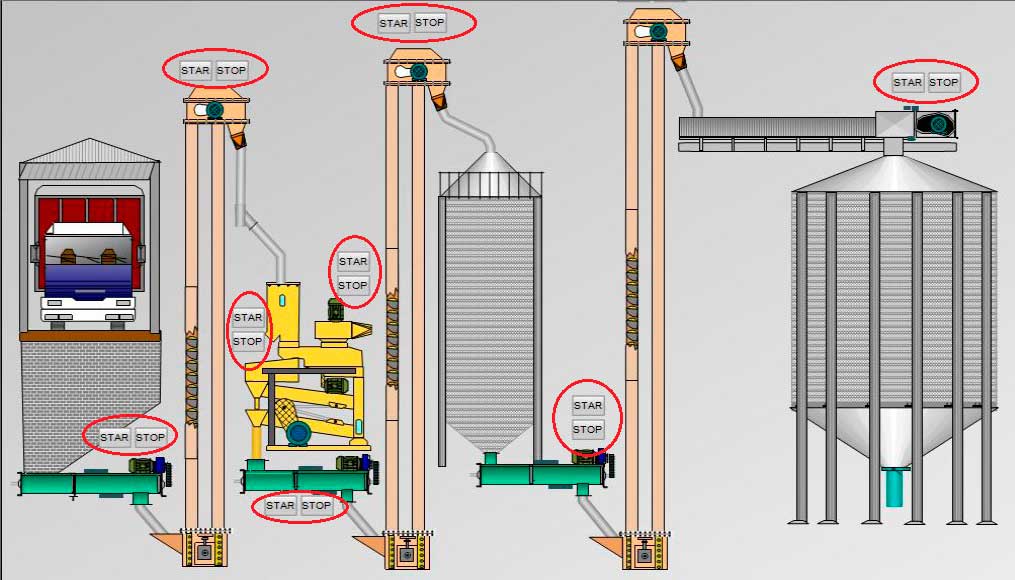
- Example: Confirm I/O Object Process Value Input with an OK ButtonConfirmation of variable value change in WinCC. Safety in tag modification.
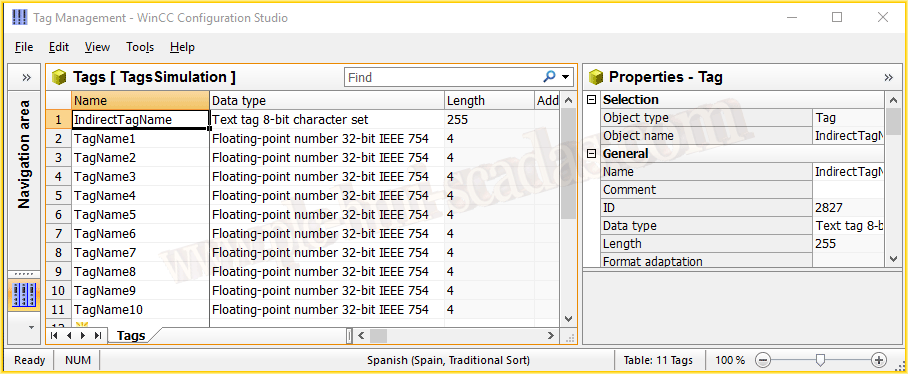
- Example: WinCC Screen Events (While Running)WinCC Events Screen (Graphics Designer)
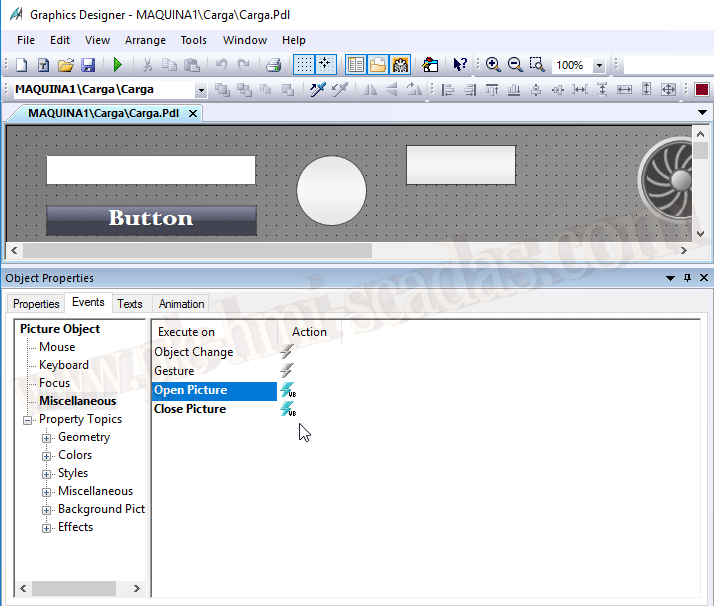
- Confirm the input value of process tag with a button (English)WinCC Confirm Change of Variable
- Library built with C# to extend options for WinCC, used with VBScript (English)WinCC VBScript Library (English). Reusable script collection for SCADA projects.
VBA

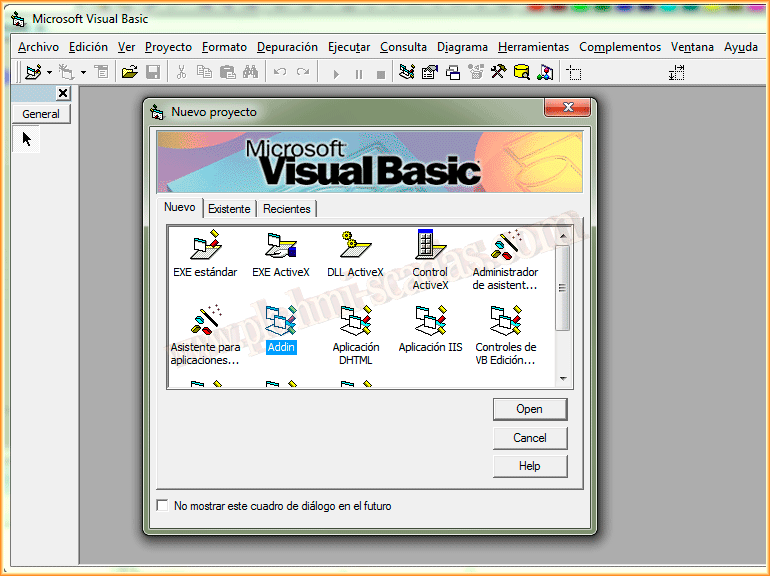
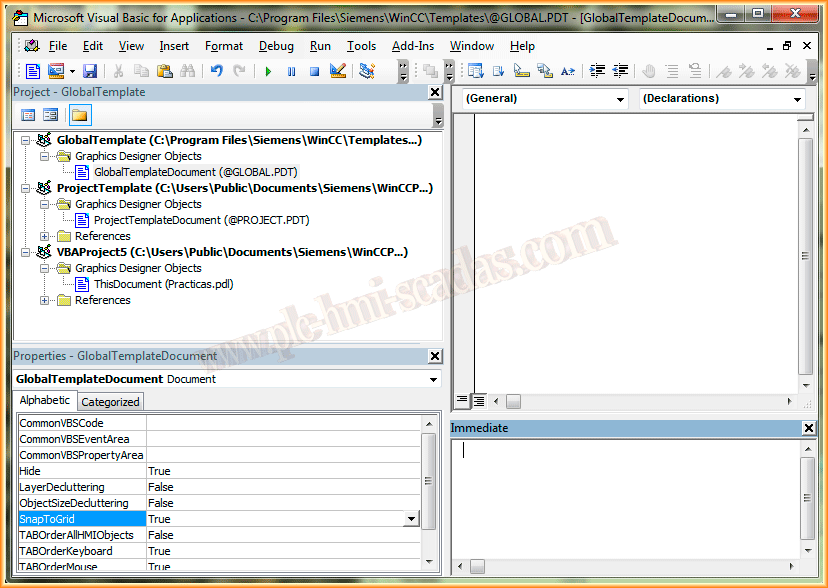
- Visual Basic for Applications "VBA" — Creating an AddIn Macro in Graphics DesignerVBA Macro AddIn in Graphic Designer WinCC
- Visual Basic for Applications "VBA" Example — Automating Tasks: Creating Actions with C CodeKeyboard control in WinCC with VBA. Programmatic management of data entry.
ActiveX and Controls

- Installing Microsoft ActiveX ControlsInstallation of ActiveX controls in WinCC. Registration and configuration of external components.
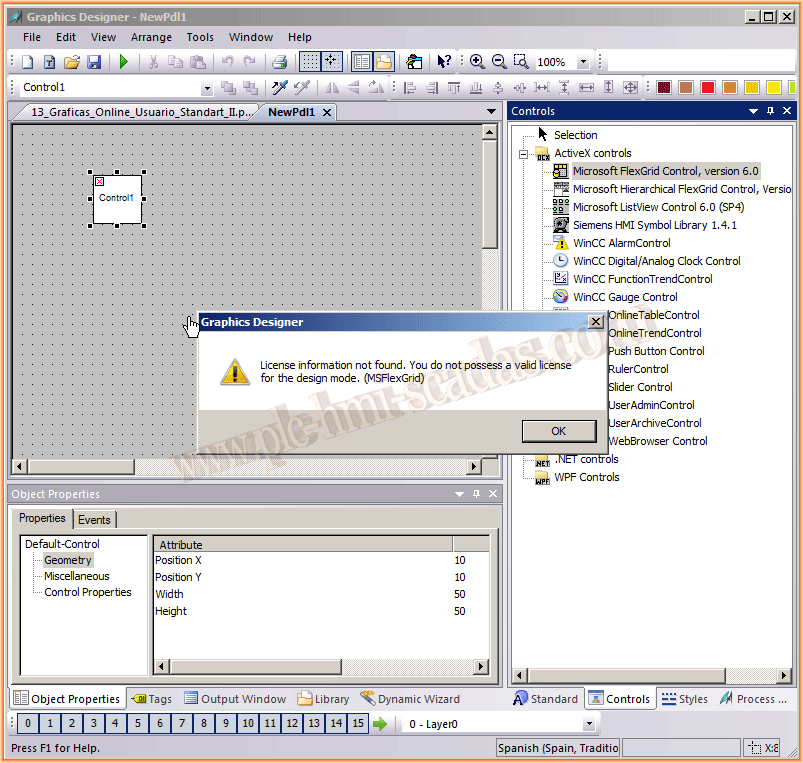
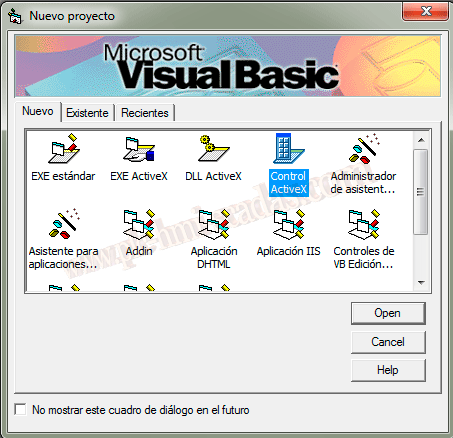
- Creating ActiveX Controls with Visual BasicActiveX controls in WinCC. Integration of external components in SCADA screens.
- Creating .Net Controls with Visual StudioNetwork configuration in WinCC. TCP/IP communications and network settings for SCADA systems.
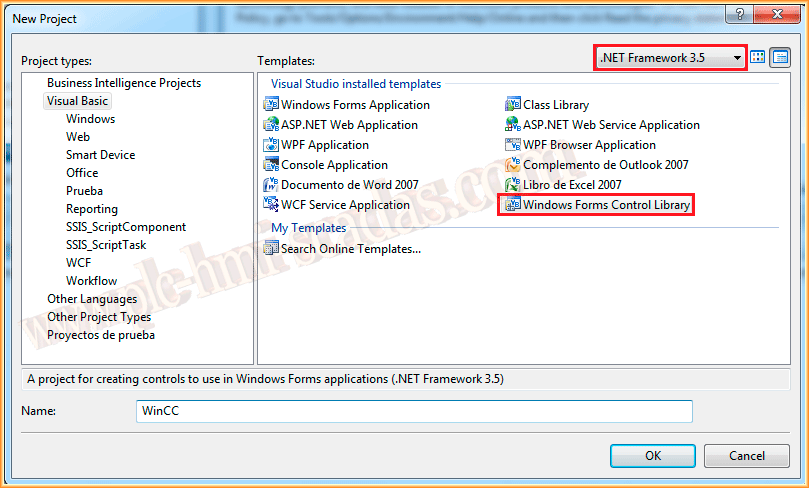
- .Net Control — Connect TagLogging Database Backup on ClientsBackup of Tag Logging in WinCC. Backup of historical data and log files.

- .Net Control — Virtual KeyboardKeyboard control in WinCC. Data entry and virtual keyboard configuration.

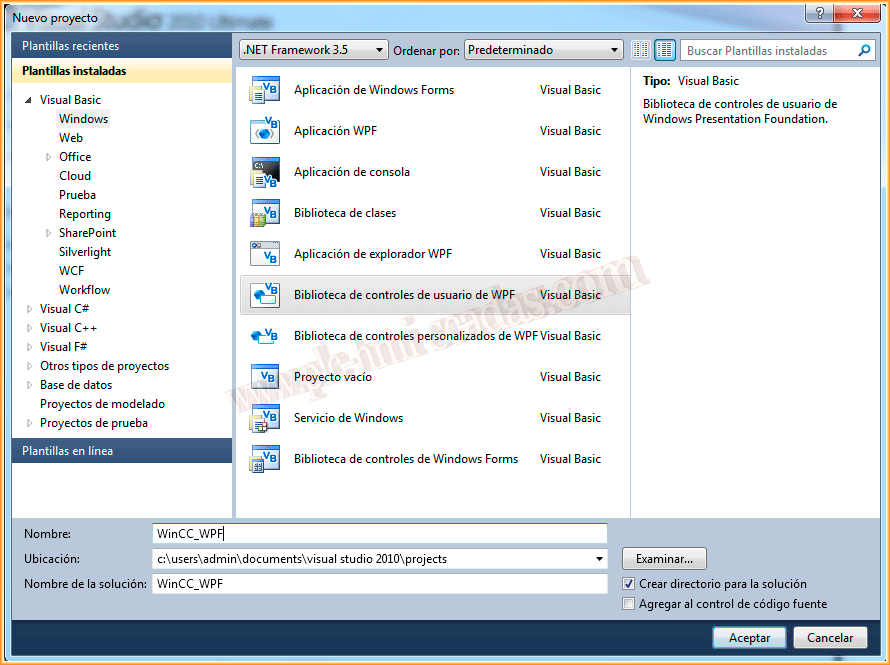
- Creating WPF Controls with Visual StudioIntegration of WPF (Windows Presentation Foundation) in WinCC. Modern graphical controls.
- ActiveX Control — Microsoft Office Spreadsheet (Office Web Component)WinCC Control ActiveX Spreadsheet
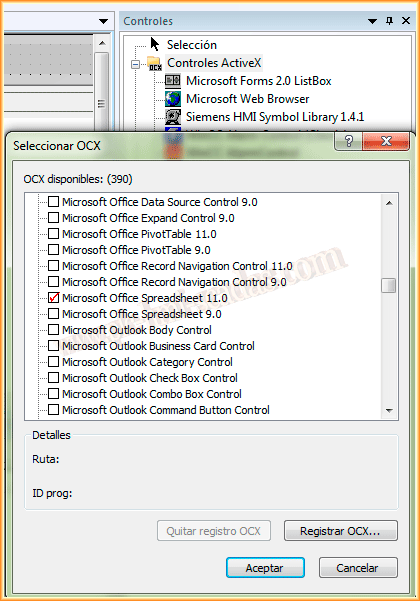
- ActiveX Control — Microsoft Office Spreadsheet (OWC): Displaying MS Excel in WinCCIntegration of Office Web Components (OWC) and Excel in WinCC for data reporting.

- ActiveX Control — Microsoft Web Browser / .Net Web Browser ControlControl ActiveX WebBrowser in WinCC. Integration of web content in SCADA screens.
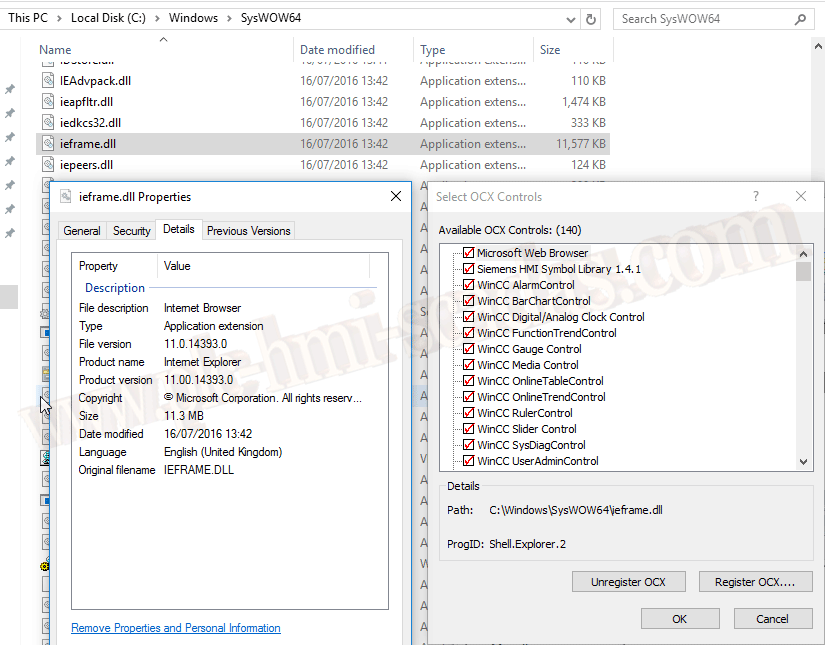
- ActiveX Control — Displaying PDF FilesViewing PDF documents in WinCC using ActiveX control. Manuals on SCADA screen.

Menu and Toolbars

Alarm Logging
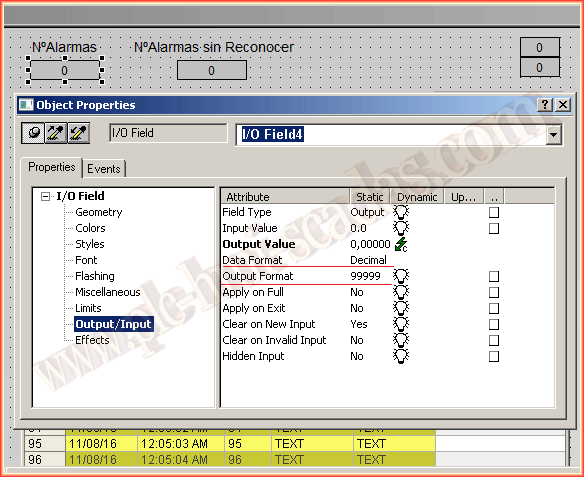
- Number of Active Alarms — Number of Unacknowledged AlarmsManagement of the number of alarms in WinCC. Counting, statistics, and SCADA alarm analysis.
- Sending WinCC Alarms via WhatsAppAn alternative to send WinCC alarms via Whatsapp using Flask and Pywhatkit, without the Whatsapp Business API.
- WinCC v8.1 Read AlarmsThe objective is to be able to hear the message of certain alarms classified as critical from the control room

Global Script
C Functions
- Creating and Using C++ LibrariesC++ Libraries in WinCC. Development of advanced functions for SCADA in C++.
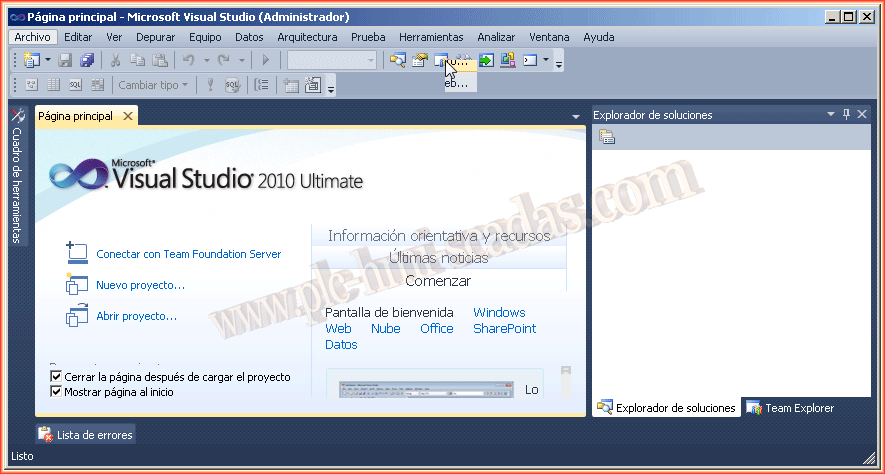
- Showing Keyboard in RuntimeKeyboard configuration in WinCC. On-screen keyboard and keyboard shortcuts for operators.

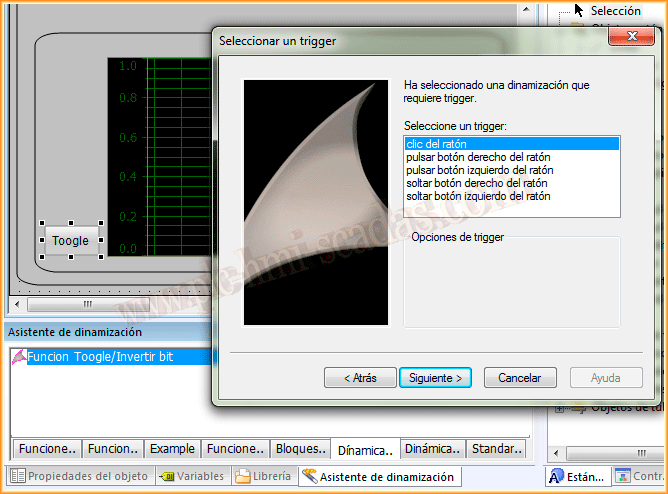
- Dynamic Wizard Editor — Example: "Toggle/Invert Bit Function"WinCC Dynamic Wizard: assistant for creating dynamic actions on SCADA screens.
- GetTagRaw FunctionGetTagRaw function in WinCC. Reading raw values of process variables.

VBScript

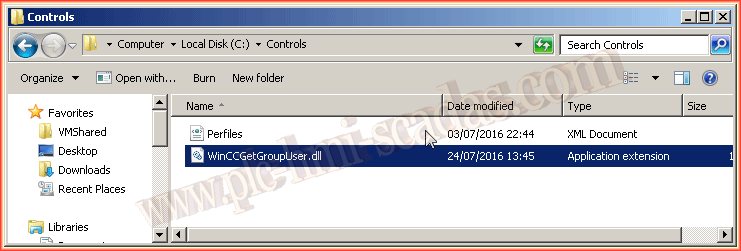
- VBScript — Creating External Libraries and Using Them in WinCCIntegration of DLL libraries in WinCC. Using C/C++ functions from SCADA scripts.
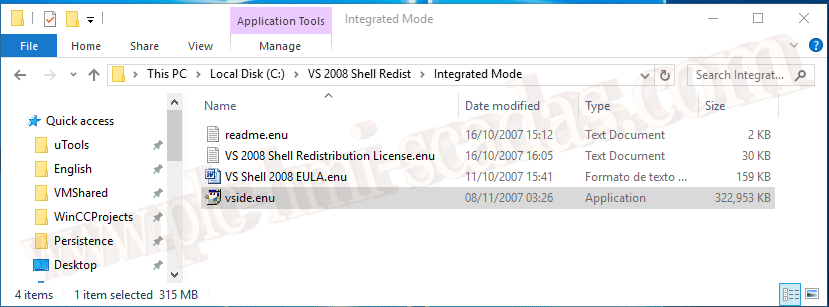
- VBScript Debugger with Visual Studio 2008Debugging VBScript in WinCC. Using the debugger to diagnose SCADA scripts.
- VBScript — Login/Logout with LibrariesUser management in WinCC with VBScript. Login, logout, and permission management.
- VBScript — Function to Activate/Deactivate BitsWinCC Function to Activate/Deactivate Bit
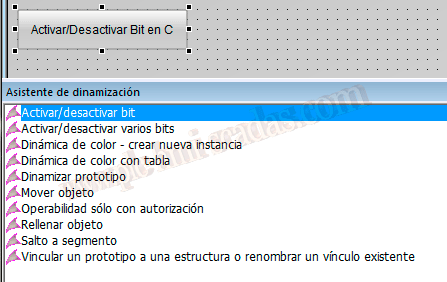
- VBScript — InvertBitInVariable / InvertBit FunctionVBScript to invert bits in WinCC. Toggle bits in process variables.

- VBScript in WinCC V.7VB Script in WinCC V.7
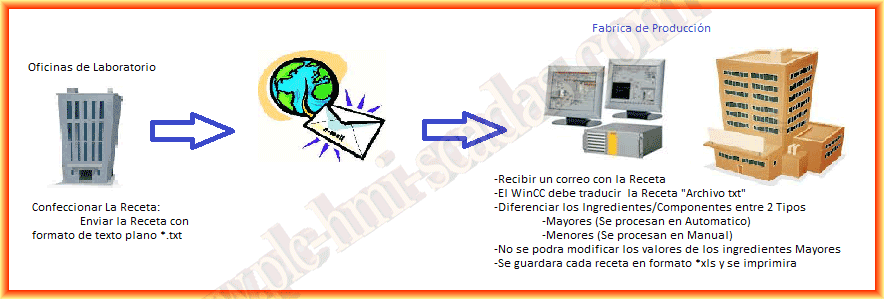
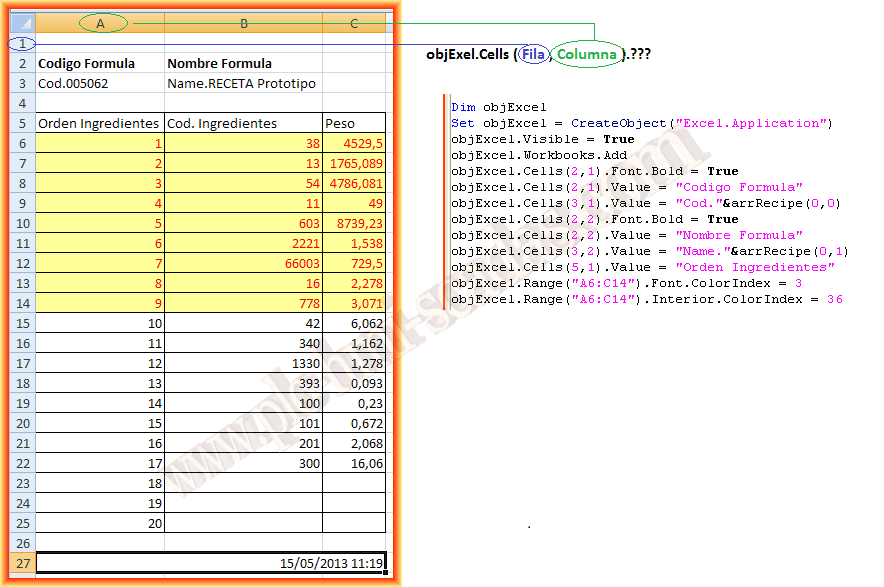
- VBScript with Excel in WinCCVBScript with Excel in WinCC
- VBScript — Ping FunctionWinCC Ping Function in VBScript

- VBScript — Server/ClientVBScript for WinCC WebNavigator. Specific scripts for the SCADA web client.

- VBScript — Print FilesPrint from WinCC with VBScript. Printing screens and automatic reports.

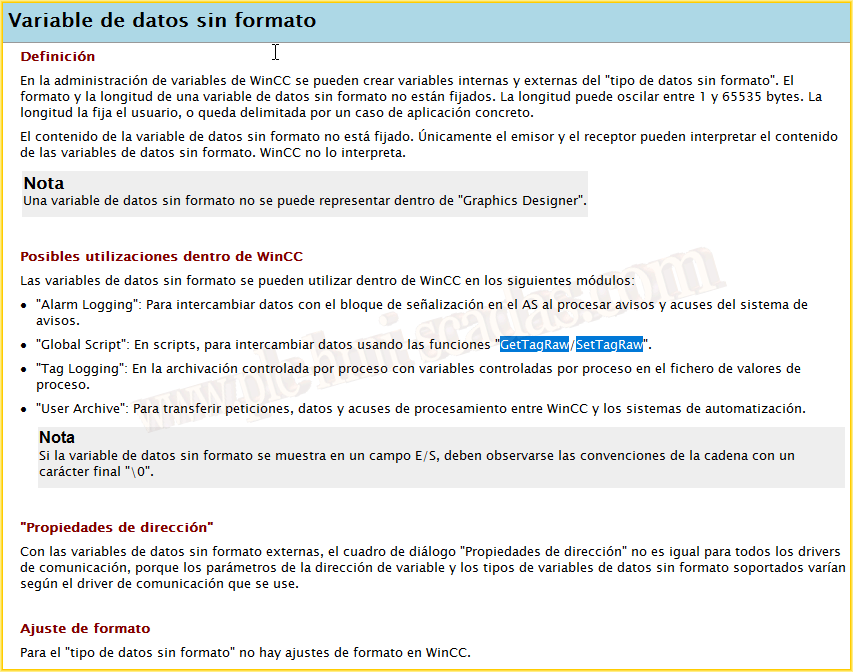
- VBScript — GetTagRaw / SetTagRawVBScript GetTagRaw script in WinCC. Reading raw values in Raw format.
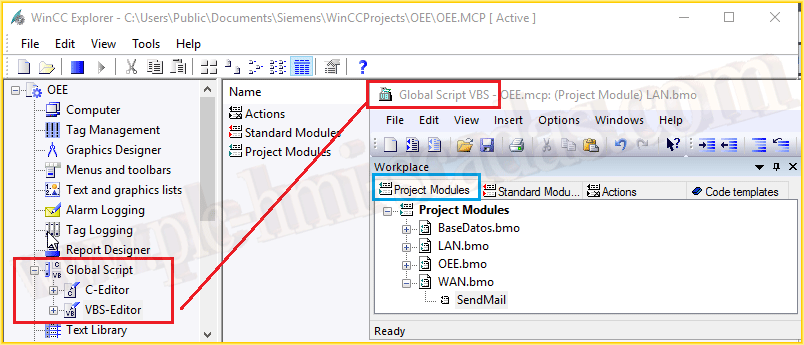
- VBScript — Send EmailSend emails from WinCC. VBS script for automatic email notifications.
Database
- Oracle Data Access Components (ODAC) InstallationOracle drivers for automation. Installation and configuration of connectors.
- ODBC Oracle Database ConfigurationRemote ODBC connection to Oracle. Configuration for accessing Oracle database.
- WinCC — Oracle Database ConnectionConnection of WinCC with Oracle Database. ODBC configuration and VBS scripts for industrial data logging.
- WinCC — MySQL Database ConnectionIntegration of WinCC with MySQL database. ODBC connection, data logging, and queries from SCADA.
User Administrator
- Simatic Logon ConfigurationSimatic Logon: centralized authentication for Siemens system users.

- Active Directory Configuration with Simatic Logon and WinCCIntegration of Simatic Logon with WinCC. Centralized authentication for SCADA systems.

- WinCC LogOn / LogOutUser login system in WinCC. Authentication and access permissions configuration.
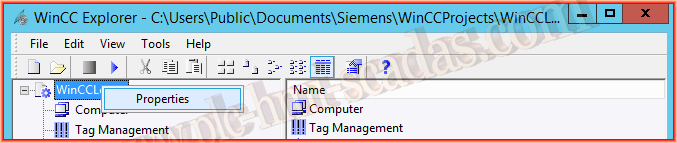
- WinCC LogOn / LogOut with VBScriptUser management in WinCC with VBScript. Login, logout, and permission management.
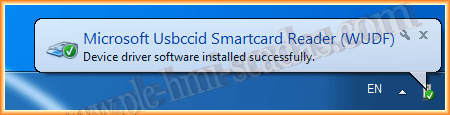
- WinCC ChipCard OptionChipcard authentication in WinCC. Smart cards for access control in SCADA.
Web Navigator
- WinCC WebNavigator ConfigurationWinCC WebNavigator Configuration

- WinCC WebNavigator HTTPS ConfigurationHTTPS configuration in WinCC WebNavigator. SSL certificates for secure access to SCADA.

- WinCC #ifdef RUN_ON_WEBNAVIGATORNormally, we will use this code when we want to take advantage of the same synoptic/function in WinCC and WebNavigator, but for some reason, there is ...

- WinCC WebNavigator — Failed to load https ServerIf after correctly configuring our WebNavigator, publishing the content, and there are no errors, you receive the following message

- WinCC WebNavigator — No Connection to serverIf after configuring our WinCC WebNavigator server, it works correctly on our own server, but when we connect from a client we get the following message...

- WinCC WebNavigator/WebUx HTTPS CertificatesOnce we have installed the WinCC WebNavigator / WebUX, we need to configure it to create the website in Internet Information Services (...

DataMonitor
- WinCC DataMonitor Configuration — Part 1WinCC DataMonitor: web monitoring of process data. Configuration and commissioning.
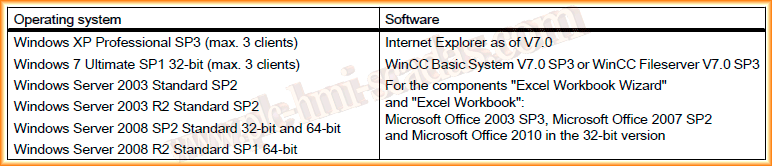
- WinCC DataMonitor Configuration — Part 2Technical article about WinCC DataMonitor Configuration — Part 2.
WebUX


Cloud Connector
WinCC RT Professional
WinCC RT Professional 11
WinCC RT Professional 12 — 2013
WinCC RT Professional 13
WinCC RT Professional 14 — 2016
WinCC RT Professional 15 — 2017
WinCC RT Professional 15.1 — 2018
WinCC RT Professional 16 — 2019

- WinCC RT Professional Communication with S7-2xx PLC via KEPServer OPC ServerWinCC RT Professional 11
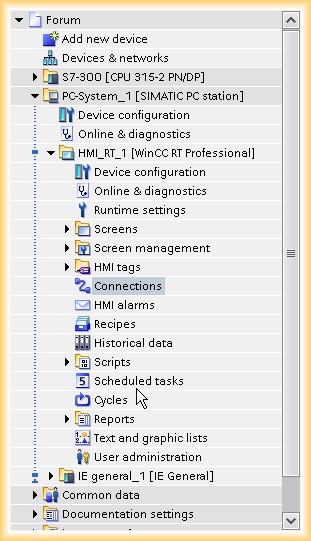
- WinCC RT Professional Communication with S7-1200WinCC RT Professional V.12 with S7-1200
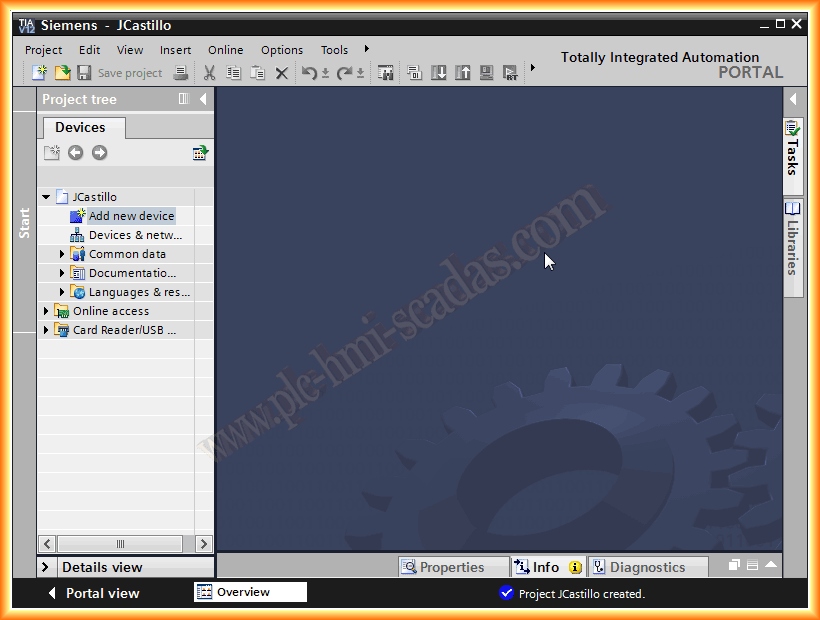
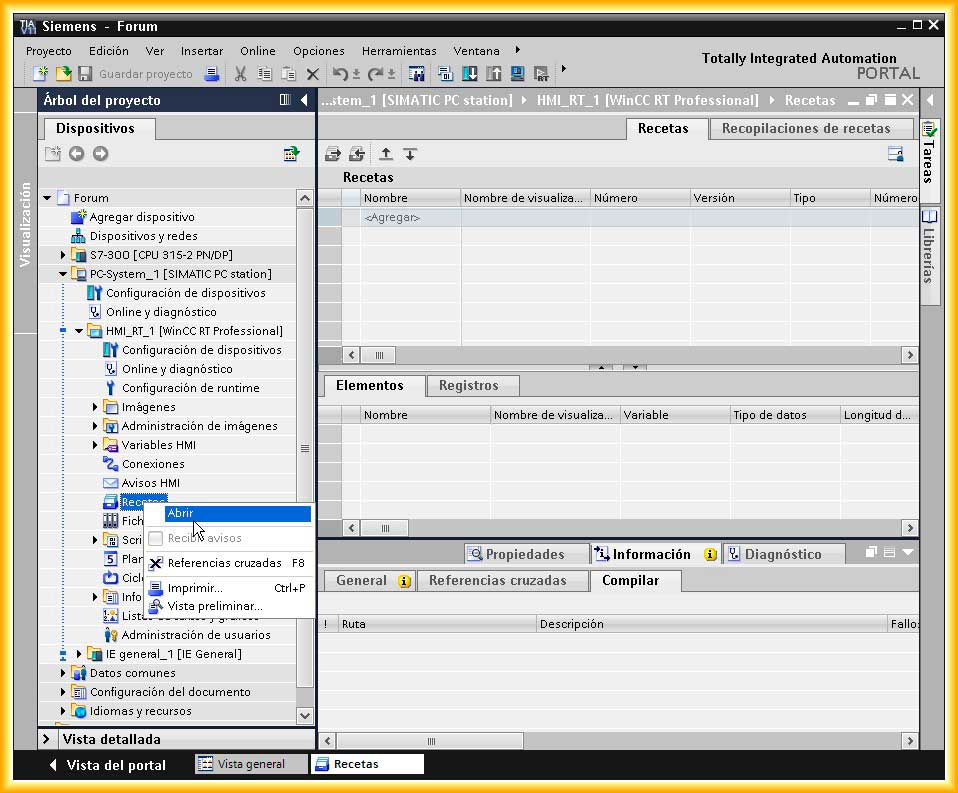
- Recipe Configuration in TIA WinCC RT Professional V.11Recipes in TIA WinCC Runtime Professional
- Pop-up Window for Field Element Control — Motors, Valves, etc.Popup Window for Controlling Multiple Motors in TIA WinCC RT Professional
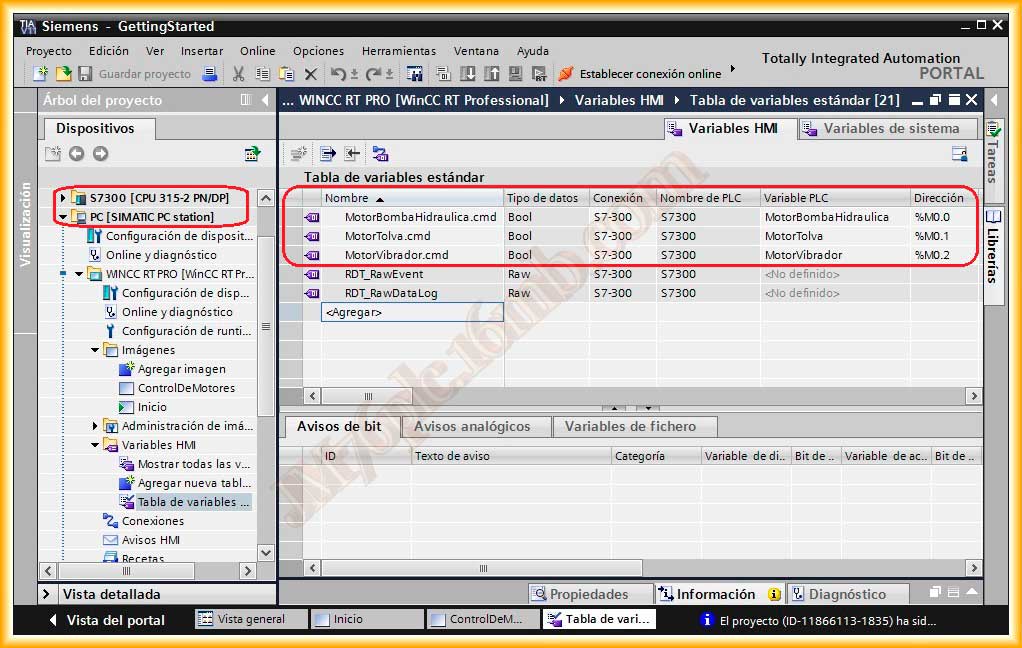
- WinCC RT Professional — Load Project to Runtime StationLoad project in WinCC Runtime. Commissioning of the SCADA system in production.

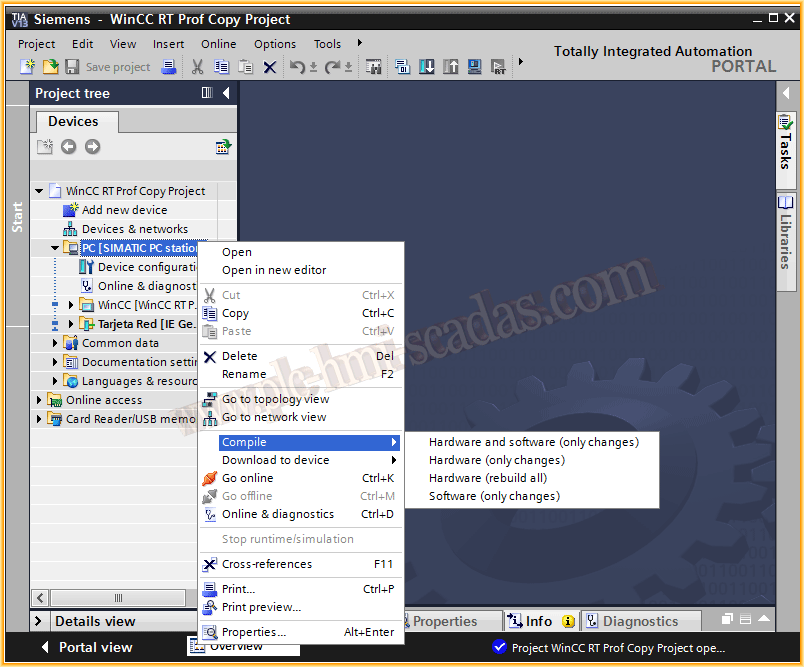
- WinCC RT Professional — Manually Load Project to Runtime StationTransfer WinCC Runtime project in TIA Portal. Download to the HMI panel.
- Scheduled Programming with WinCC RT Professional / WinCC (InfoPLC)External resource related to Scheduled Programming with WinCC RT Professional / WinCC (InfoPLC).