

Wonderware AVEVA SCADA: Intouch, System Platform, ArchestrA, Historian
Wonderware System Platform
When we talk about Wonderware System Platform, we refer to the Wonderware suite that includes:
- Intouch HMI & Operation Management Interface (OMI)
- Application Server (Galaxy Repository & IDE & Common Services)
- Historian Server & Historian Client
- Integration Objects (Device Integration IOServer)
Within the architectures, we can find what is called StandAlone (everything included in a single PC/Server) or a Distributed Architecture (Server farm and PCs where each one fulfills its role).

Intouch
- Communication between Intouch and PLC S7-2xx via KEPServer OPC ServerIntouch Communication and S7-200
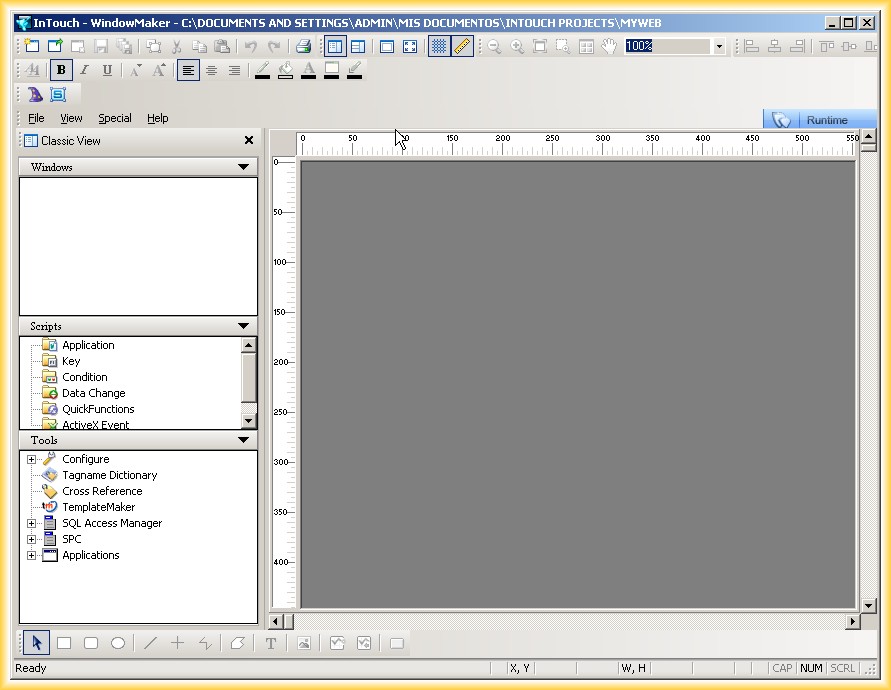
- Communication between Intouch and RSLogix Emulate 5000 via Intouch FSGatewayCommunication between InTouch and RSLogix Emulate 5000 using FSGateway and RSLinx OPC Server.
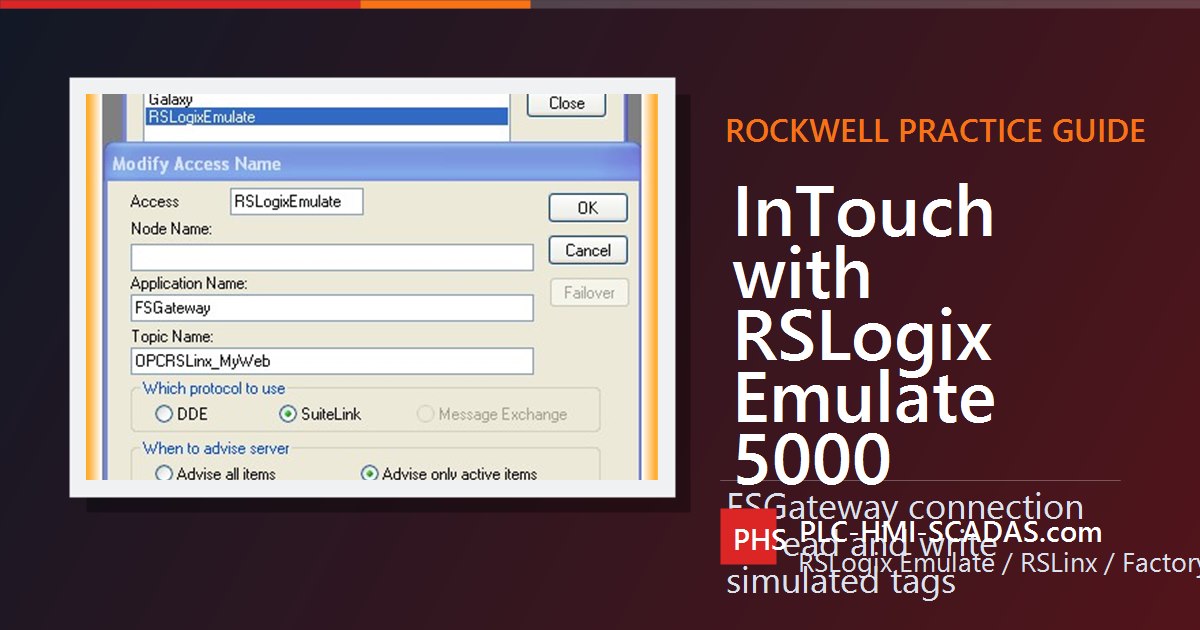
- Communication between Intouch and Unity Pro via DAServer MBTCPIntouch connection with UnityPro from Schneider. Communication between SCADA and Modicon PLC.
- Communication between Intouch and PLCSIM via NettoplcsimIntouch simulation with PLCSIM via NETTOPLCSIM
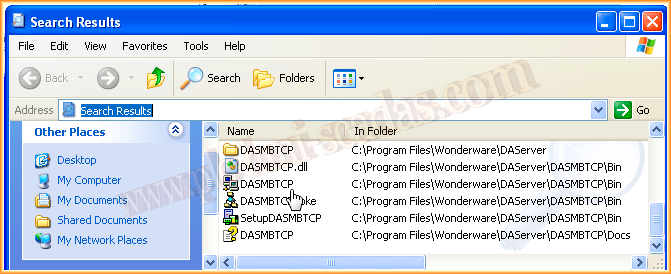
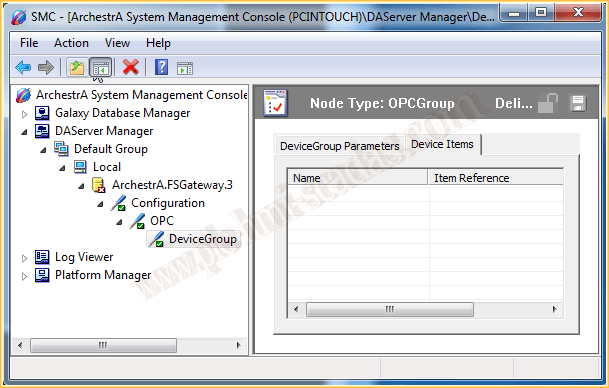
- DAServer Items Configuration in IntouchDAServer Manager Configuration
- Logging Data to Access DatabaseLogging Data in Access Database with Intouch

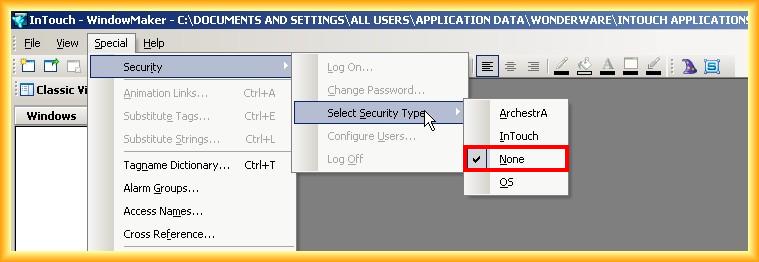
- Security and User AdministrationUser Management in Intouch
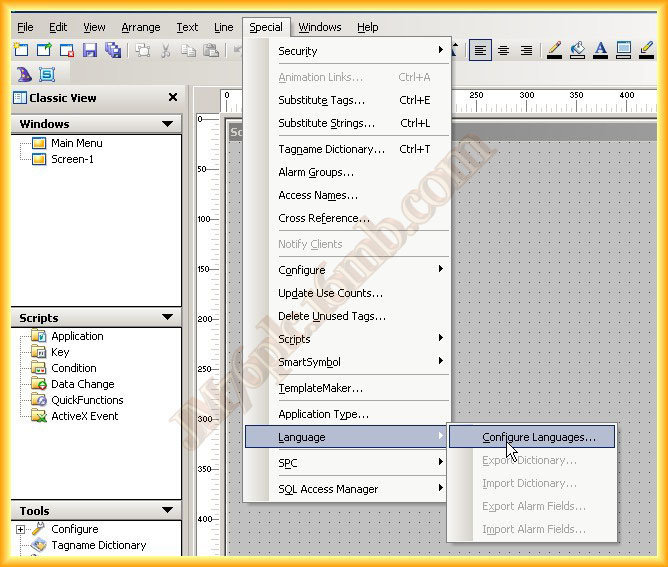
- Multi-Language ConfigurationLanguage Configuration in Intouch
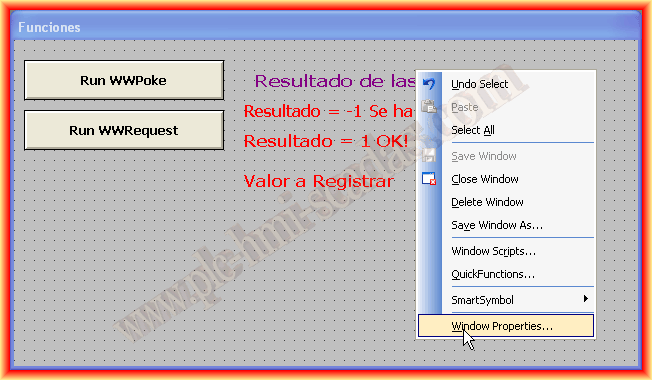
- Example — WWPoke() and WWRequest() FunctionsIn the following practice, we will see an example of the WWPoke() and WWRequest() functions, although we will give more importance to the WWRequest() function due to the nature of...
- ActiveX Controls in IntouchActiveX Controls in Intouch
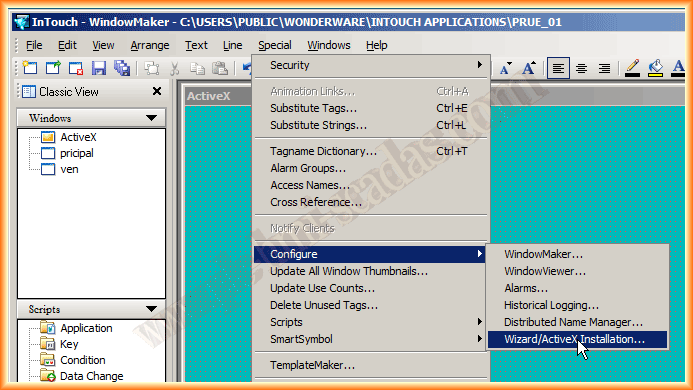
- Indirect Tags ConfigurationIndirect tags in Intouch. Use of indirect variables for dynamic programming.
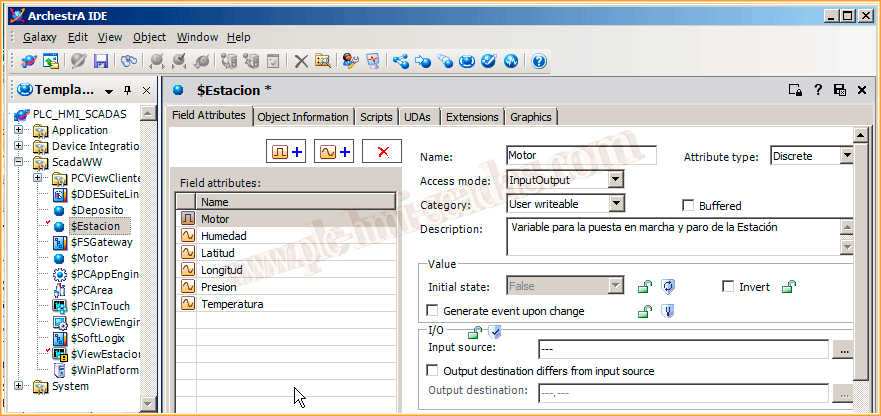
- Handling Bits of an Integer TagHandling bits and integers in Intouch. Bitwise operations on SCADA variables.

- Alarm DB Logger Manager ConfigurationAlarm configuration in Intouch with Alarm DB Logger Manager. Database logging.
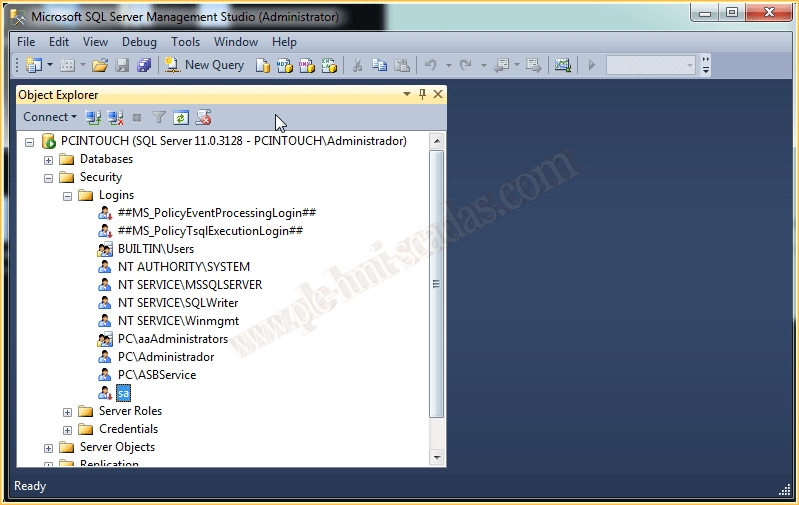
- Intouch 2017 — MySQL DatabaseIntegration of Intouch with MySQL. ODBC connection for data logging from the SCADA.

- Intouch 2017 — Oracle DatabaseConnection of Intouch with Oracle Database. ODBC configuration for data logging.
- Intouch 2017 — Open Database Connectivity (ODBC)ODBC configuration in Intouch. Connecting to databases from the Wonderware SCADA.
- Intouch 2020 — Import Default Industrial GraphicsIndustrial Graphics in Intouch 2020. New industrial graphics from AVEVA.
- Intouch 2020 — Import Client ControlsControls .NET in Intouch. Integration of .NET components in SCADA.
- Intouch 2020 — Import and Use of HTML5 Widget ControlsWidgets in Intouch 2020. New visual components of the AVEVA SCADA.
- Intouch 2020 — Unlock ApplicationThe same application is being edited in another session. Cannot edit this application
- AVEVA Intouch 2023 — What's NewPresentation of the news from the SCADA Aveva Intouch 2023.
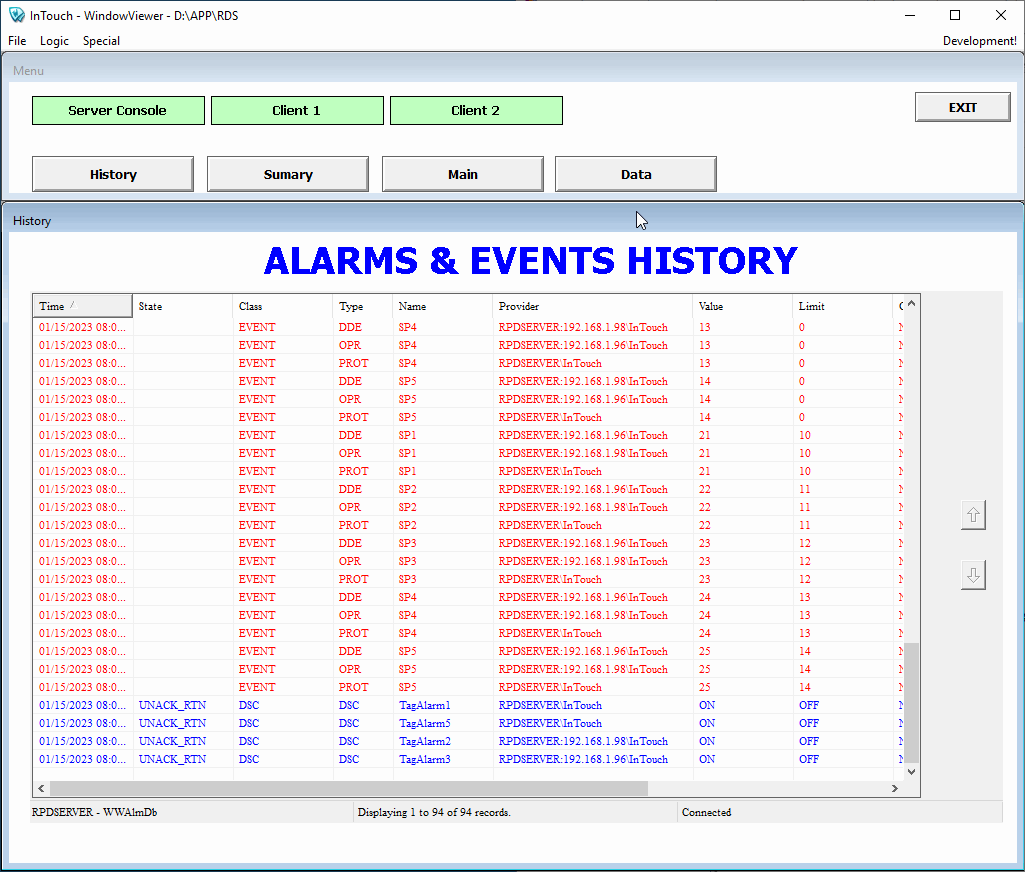
- AVEVA Intouch RDP — Alarms & EventsIn this post, we will provide some tips on how to configure an Intouch in RDS. To do this, the first thing we need to clarify is that we need a Server with the RDS role...
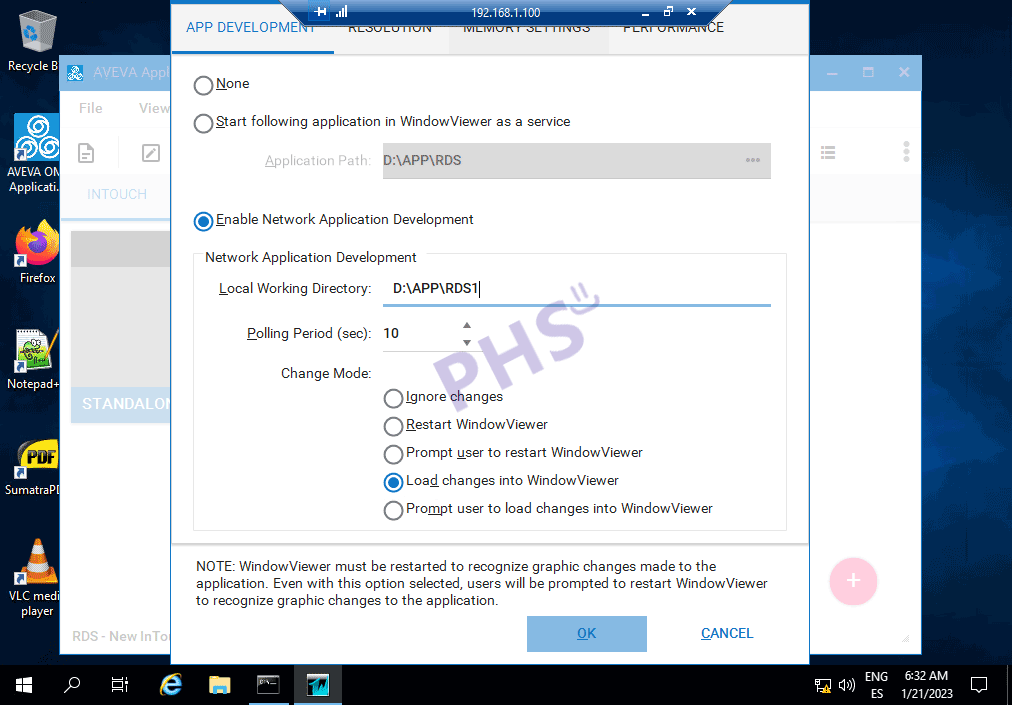
- AVEVA Intouch RDS — NADContinuing with the configuration of an Intouch RDS, we have an important detail to see when working with retentive variables. According to the documentation ...
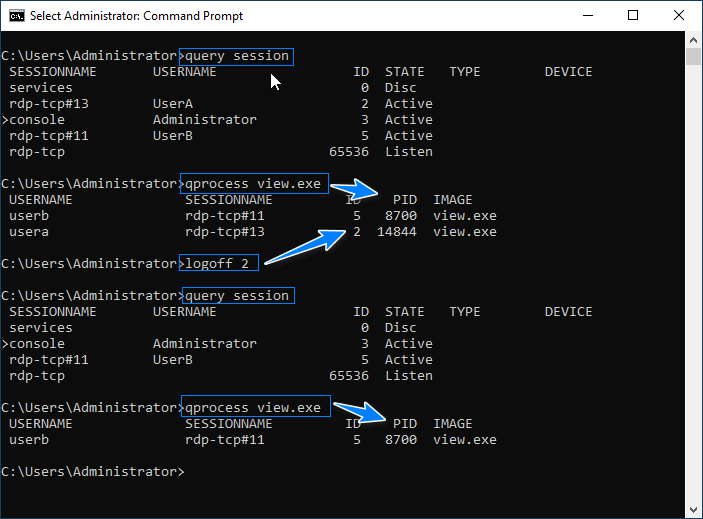
- AVEVA Intouch RDS — CMDWithin the RDS environment, I believe it is necessary to have knowledge of some commands, or at least know where to find them and their description Microsoft remo...
- AVEVA Intouch RDS — Query Events and 21 CFR Part 11In a previous post, we saw how to configure the RDS environment and now we need to filter the actions that have been executed from all the recorded events. From...

- AVEVA Intouch Historical Data (Part 1)The following lines aim to see how the Historicals work in Intouch, Who records the data? Where? How is that information stored? Par...
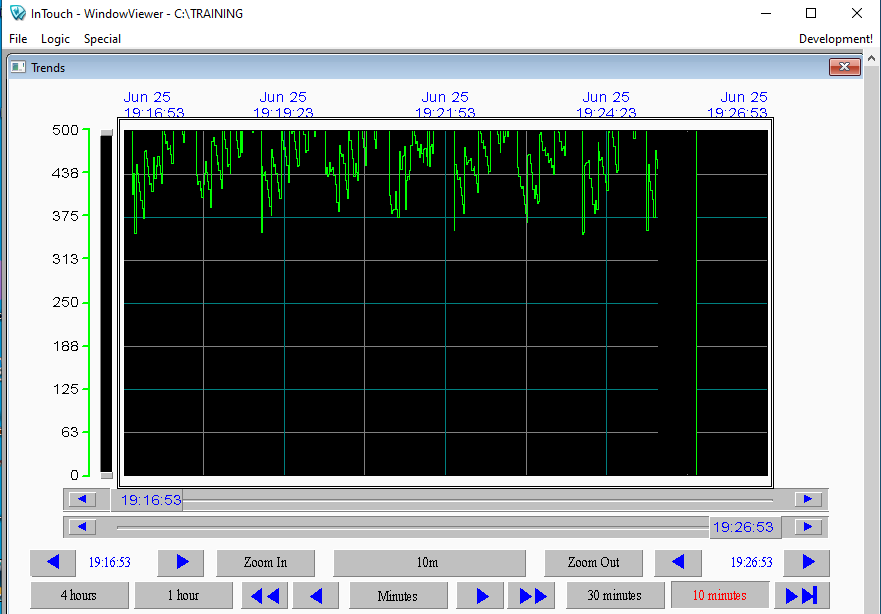
- AVEVA Intouch Historical Data (Part 2)Continuing from the first part, we will keep drawing conclusions and seeing how it works. We already know that the viewer is the one who registers, how it registers and now when...

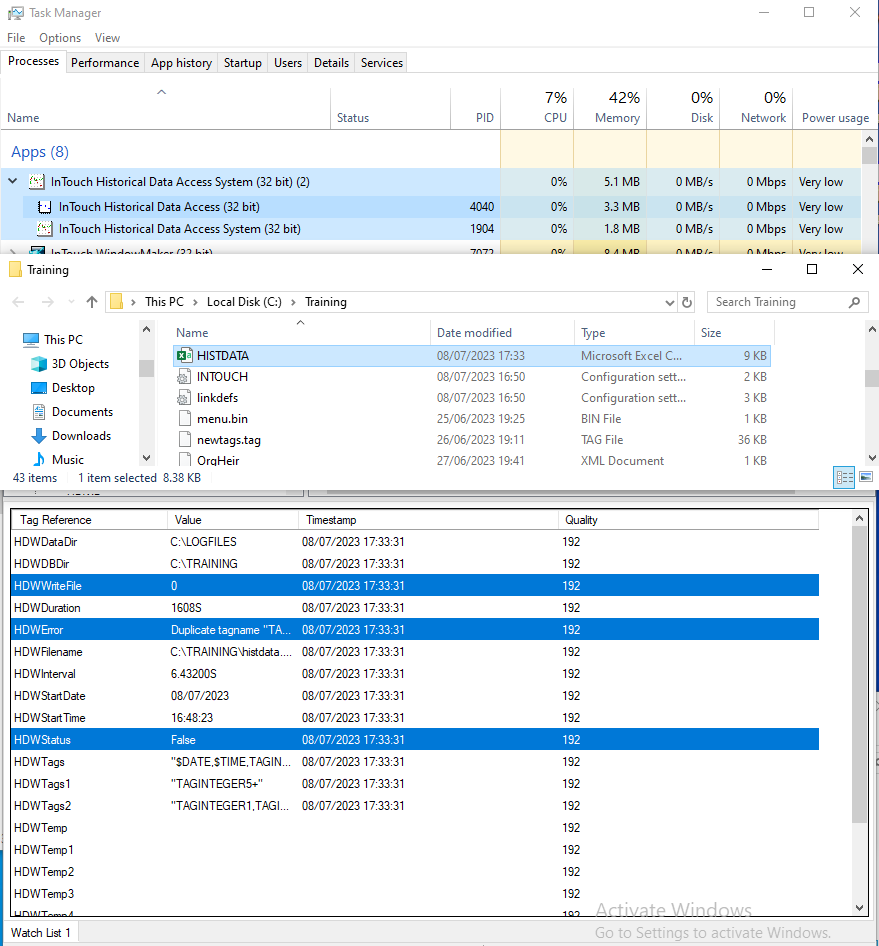
- AVEVA Intouch HistData (Part 1)What is HistData? The HistData "Intouch Historical Data Access System" is the native Intouch application for extracting data stored in files...
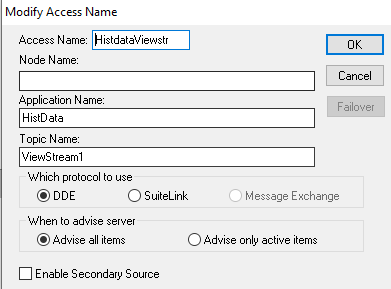
- AVEVA Intouch HistData (Part 2)After the introduction, we will move on to the practical part: We have the following graph and we will perform an automatic export
- AVEVA Intouch Read AlarmsHow to read alarms in AVEVA Intouch or System Platform using the System.Speech library from the .NET Framework.
- AVEVA Intouch 2023R2 — What's NewOne of the new features of the new version of System Platform 2023R2, which includes AVEVA Intouch, is the import of *.svg files. Scalable Vector Graphics...

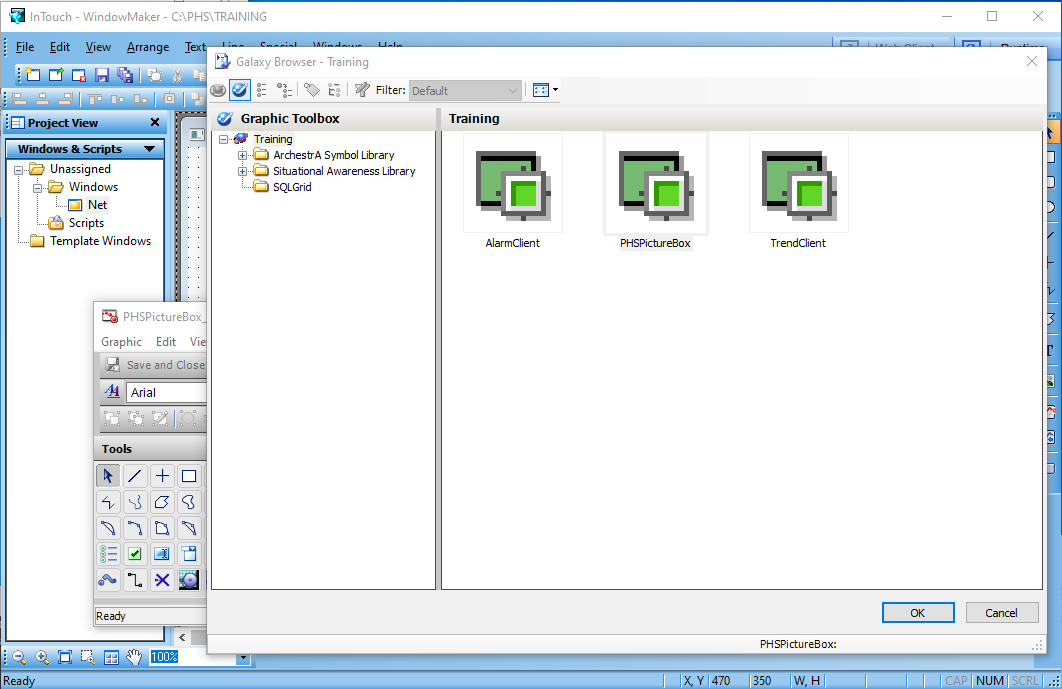
- AVEVA Intouch Client Controls .NetOnce we have created our control, we can now use it. If you missed it, check out the following post AVEVA Intouch Control .Net. First, once the Windows Maker is open and the...
- AVEVA Intouch BarcodeLibIn the following post we will see how we can display a barcode in our SCADA, in this example in AVEVA Intouch. If you are using my dear W...

- AVEVA Intouch Control .NetThe following example is dedicated to my colleague Raul Vizcaino ... Never lose the desire to keep learning... A promise is a promise, and here it is...

- AVEVA Intouch — SQLiteToday we are going to see how to work with Intouch - System Platform and with SQLite databases. And if you want to know its origins, a bit of literature here. How...

- AVEVA Intouch WidgetsA few years ago ... I wrote the following article related to Intouch and the incorporation of Widgets. In the following article, I will explain ...
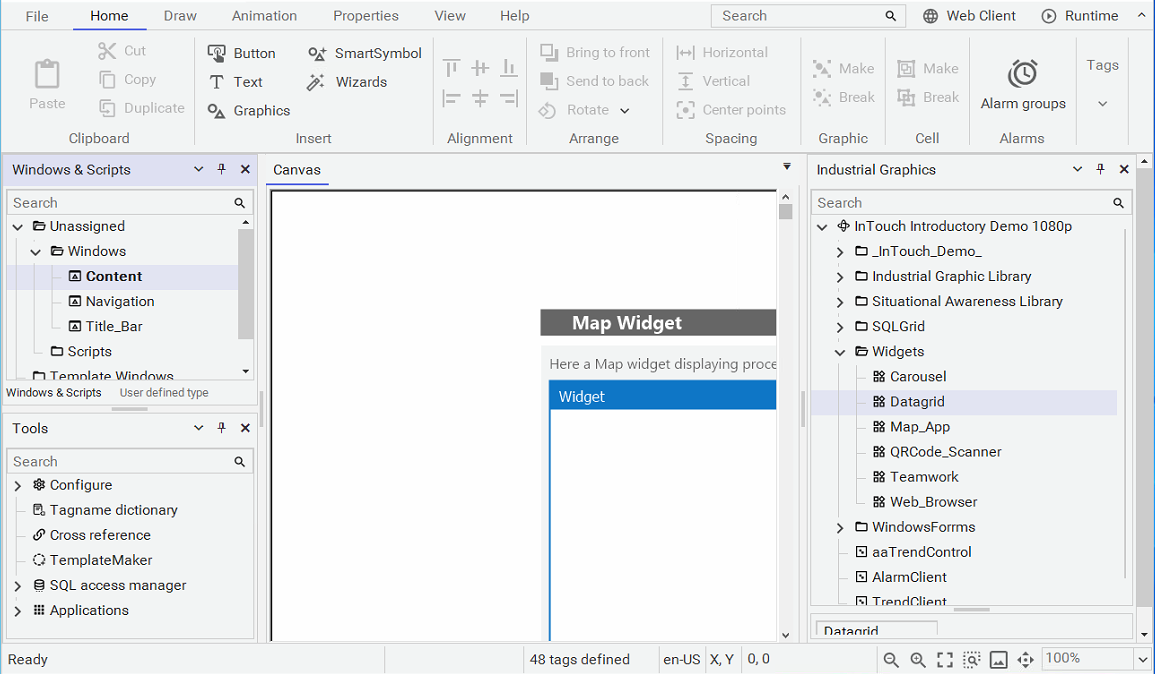
- AVEVA Intouch Widgets (Custom Widgets Package)To conclude this topic and following the last article related to widgets, we finish with the need for software to package the widgets...
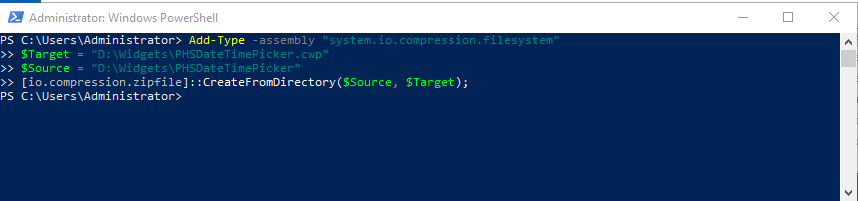
- AVEVA Driver RedundancyWe will see how we can test how the concept of redundancy works for AVEVA drivers, and for this, we will use the simulation driver. But...

- AVEVA Driver SNMPAfter some very basic concepts about SNMP Simple Network Management Protocol, we will see the example to configure the driver in AVEVA. We start from the default configuration...

- Communication between Intouch and Microsoft Excel (InfoPLC)External resource related to Communication between Intouch and Microsoft Excel (InfoPLC).
Intouch Machine Edition
Application Server ArchestrA
- Application Server ArchestrA Part 1Getting Started with ArchestrA Application Server
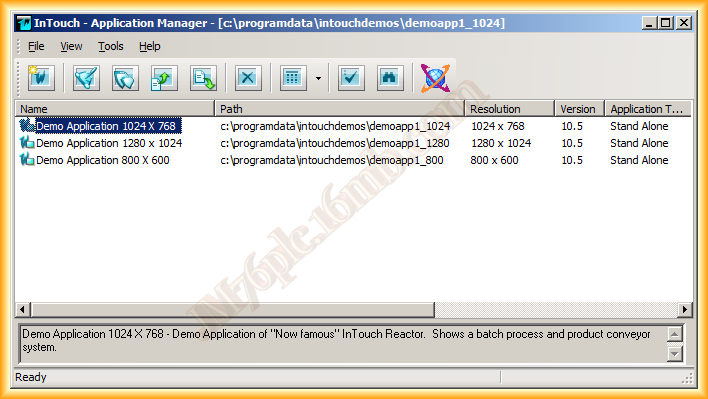
- Application Server ArchestrA Part 2Introduction to ArchestrA Application Server (Wonderware): architecture, configuration, and use in SCADA.
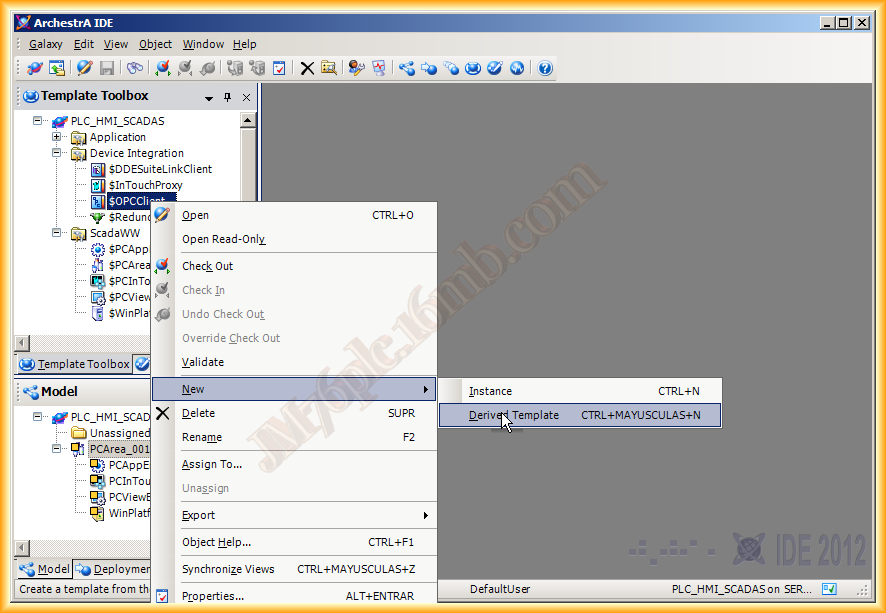
- Application Server ArchestrA Part 3Getting Started with ArchestrA Application Server Part 3
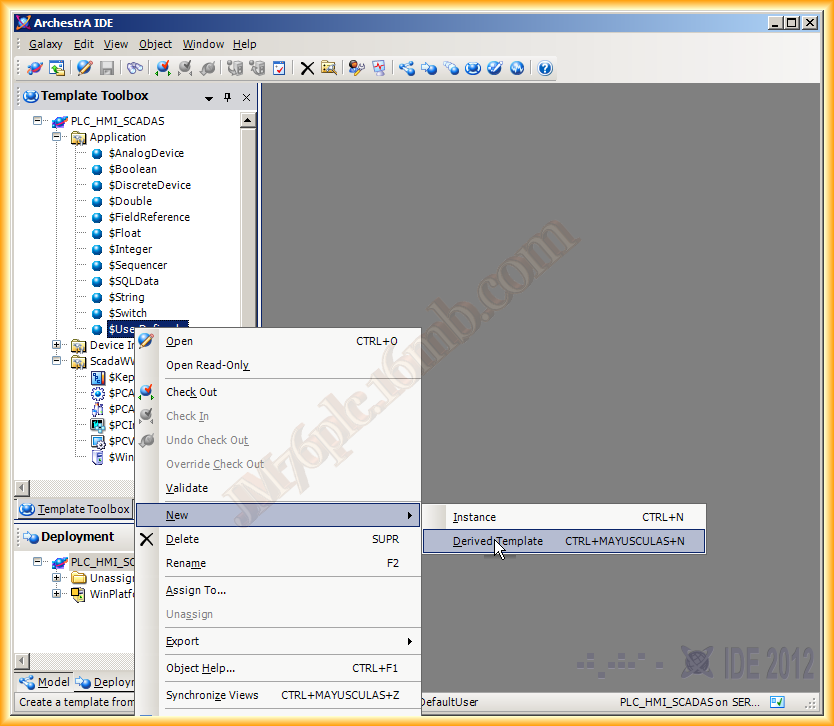
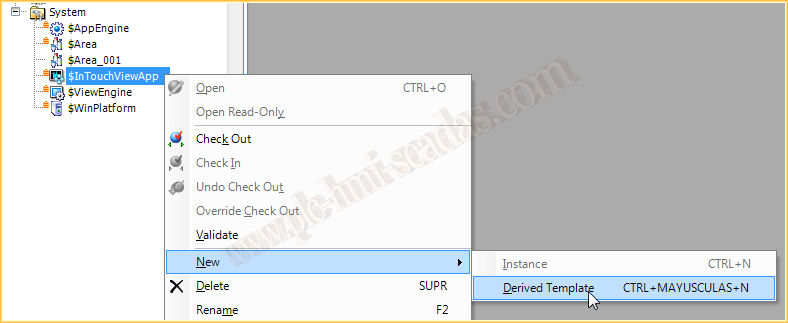
- Application Server ArchestrA — IntouchView Application Type — IntouchIntouch System Platform. ArchestrA architecture for distributed SCADA systems.
- Application Server ArchestrA — Example Application with GraphicsInstances in ArchestrA Application Server. Object management in System Platform.
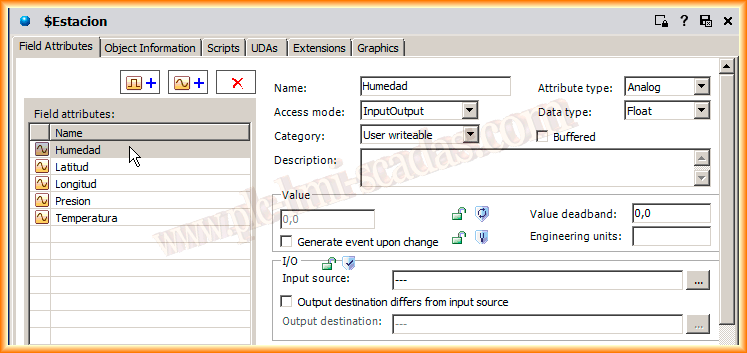
- Application Server ArchestrA — Distributed ApplicationApplication Server ArchestrA - Distributed application. Multi-node SCADA architecture.
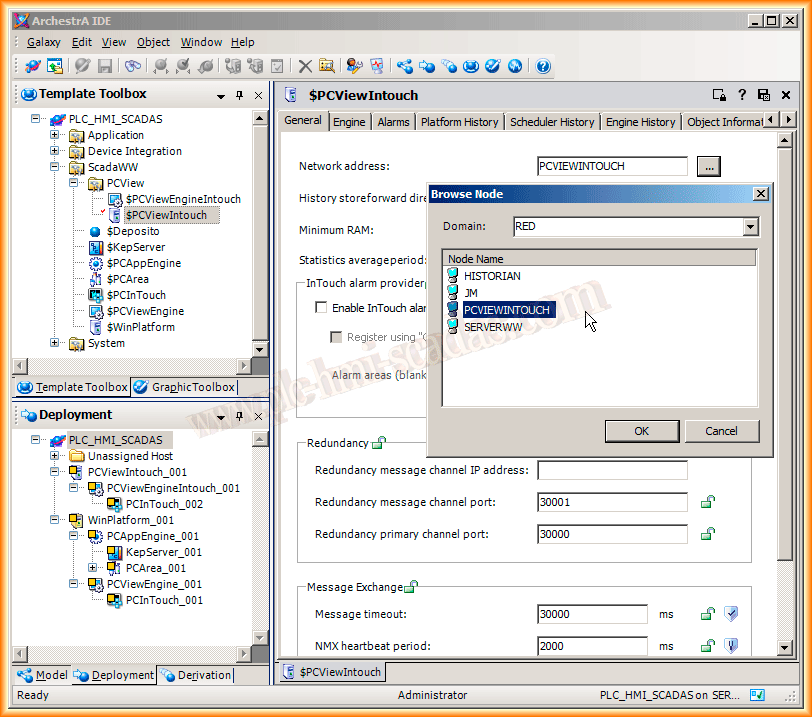
- ArchestrA — Intouch GetNodeName FunctionScripting functions in Intouch. Reference of available functions in QuickScript.
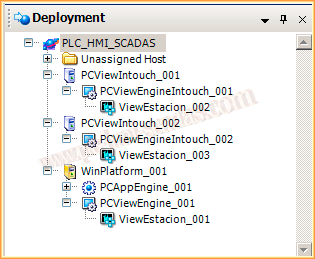
- ArchestrA — SQLDataGrid Object ConfigurationDataGrid control in ArchestrA. Data tables in Wonderware Application Server.

- ArchestrA — Importing .Net ControlsArchestrA, Importing .Net Controls
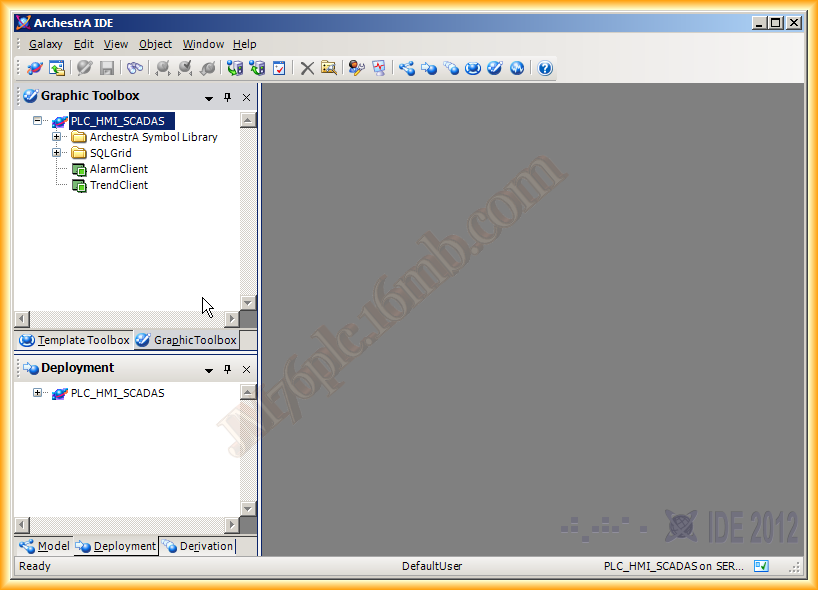
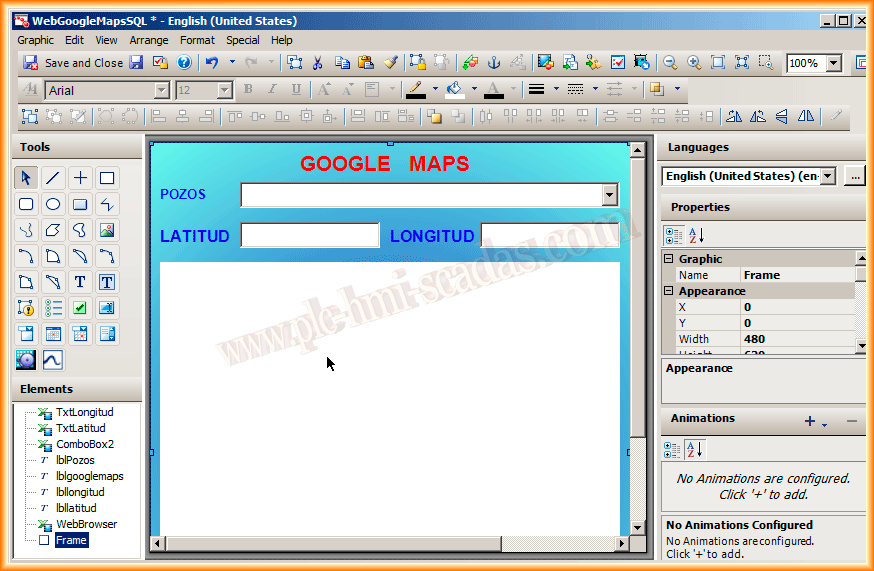
- ArchestrA — Symbol Configuration with .Net WebBrowser ControlWebBrowser in ArchestrA Application Server. Integration of web content in SCADA.

- ArchestrA — Symbol Configuration with .Net DataGridView ControlDataGridView in ArchestrA Graphics
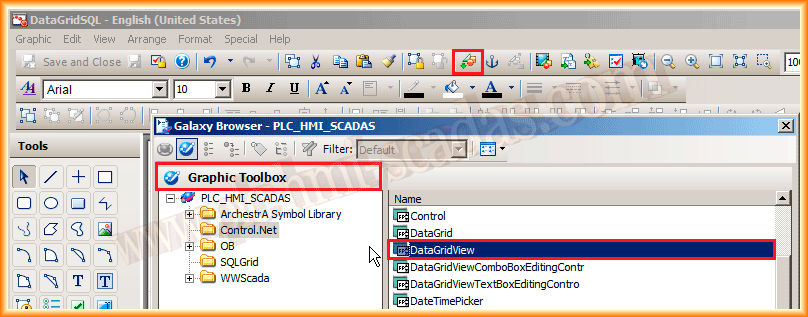
- ArchestrA — Symbol Configuration with .Net TrendClient ControlArchestrA TrendClient. Trend graphs in Wonderware System Platform.
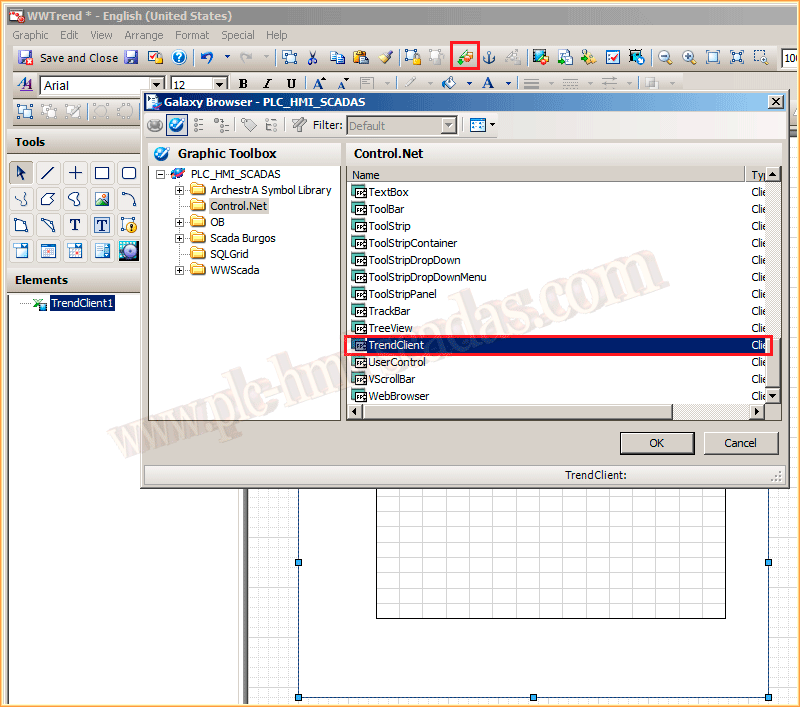
- ArchestrA — Historian Client Trend Control Symbol ConfigurationConfiguration of the Historian Client Trend symbol in ArchestrA System Platform.

- ArchestrA — SQLConnection, SQLCommand, SQLDataReaders ObjectsArchestrA - Objects SQLConnection, SQLCommand, SQLDataReaders
- ArchestrA — FSGateway Configuration with I/O Server aahIOSvrSvcWonderware Historian I/O Server aahIOSvrSvc
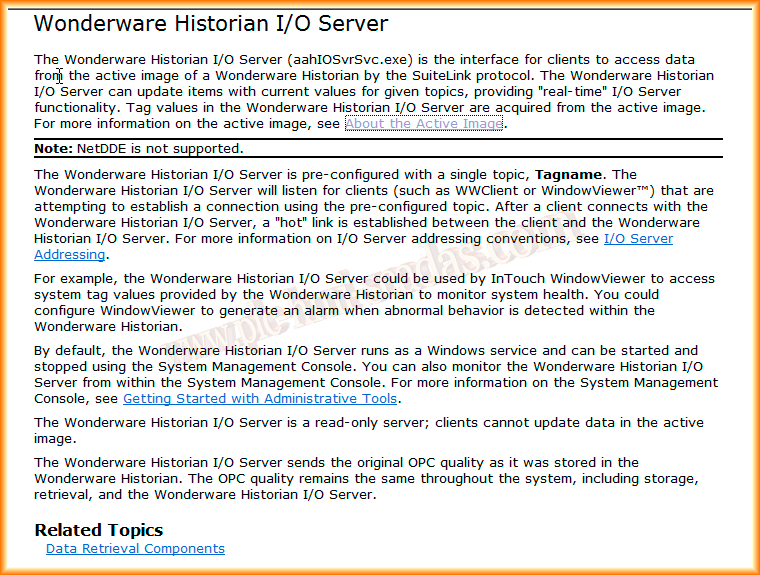
- ArchestrA — DDESuiteLinkClient Configuration with I/O Server aahIOSvrSvcWonderware Historian I/O Server. Configuration of the historical data server.

- AVEVA ArchestrA — Write to the Logger from C#Ready-to-use C# class wrapping AVEVA ArchestrA LoggerDLL.dll to write Info, Warning, Error and Trace messages to the System Platform and InTouch Logger.

Information Server
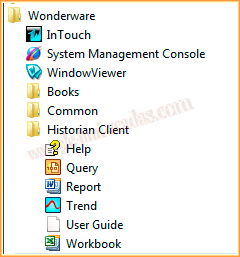
ActiveFactory / Historian Client
InSQL / Historian Server
- AutoStart Configuration WWHistorianAutomatic startup of Wonderware Historian. Service configuration for persistent startup.
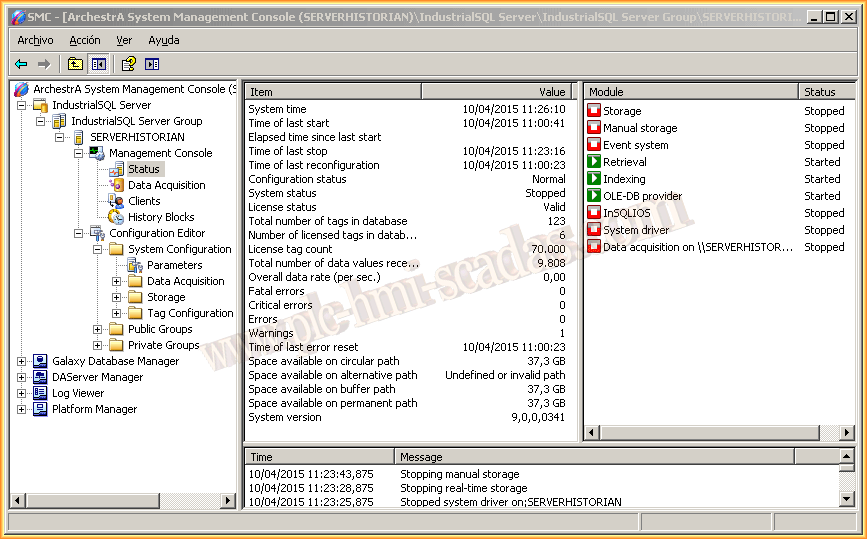
- WWHistorian ConfiguratorWonderware Historian Configurator. Configuration tool for the historian system.

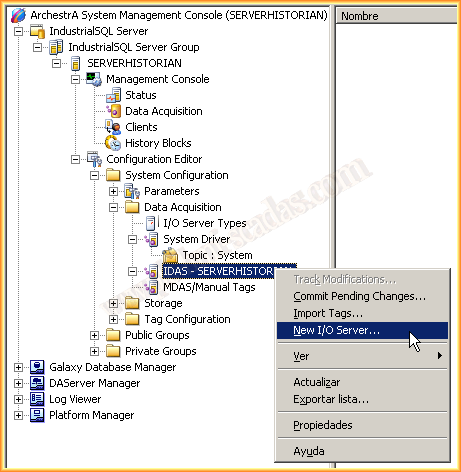
- New I/O Server ConfigurationConfiguration of Wonderware Historian. Historical logging of industrial process data.
- AVEVA Historian Client — ActiveX / .Net Controls (Factory Talk View SE)Today we will see one of the advantages of working with AVEVA Historian Server & AVEVA Historian Client. By default, with the installation of the Historian Clie...
