
In the previous practice, we configured WinAC equivalent to our PLC with Profinet interface as a Modbus TCP client, using a simulator as a server; in this case, we will replace the simulator with an S7-1200 that will act as a Server.
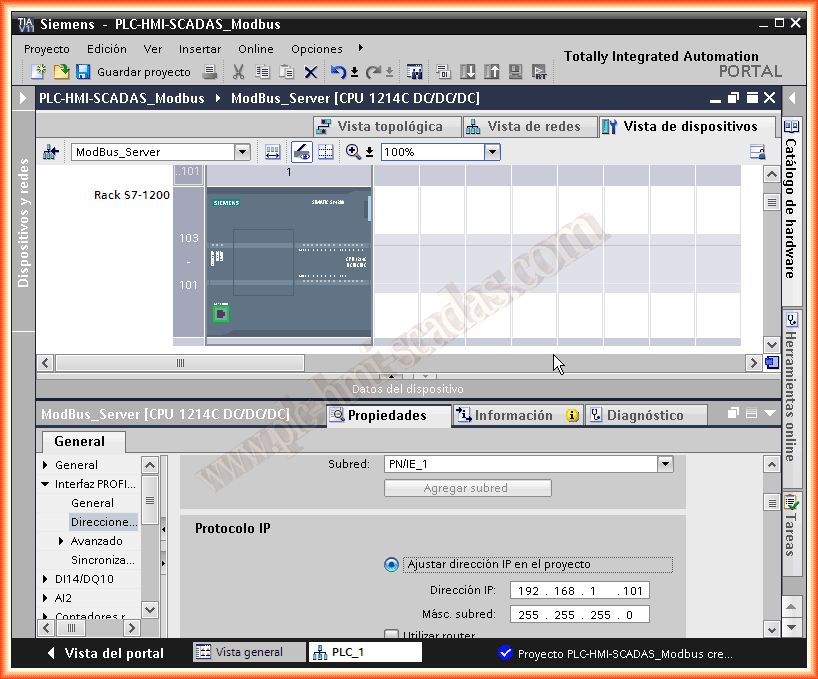
We will start from a new project, where the first thing we will configure is the IP address and add it to a network; in this case, it is in the same subnet, to remember the client has the IP 192.168.1.100
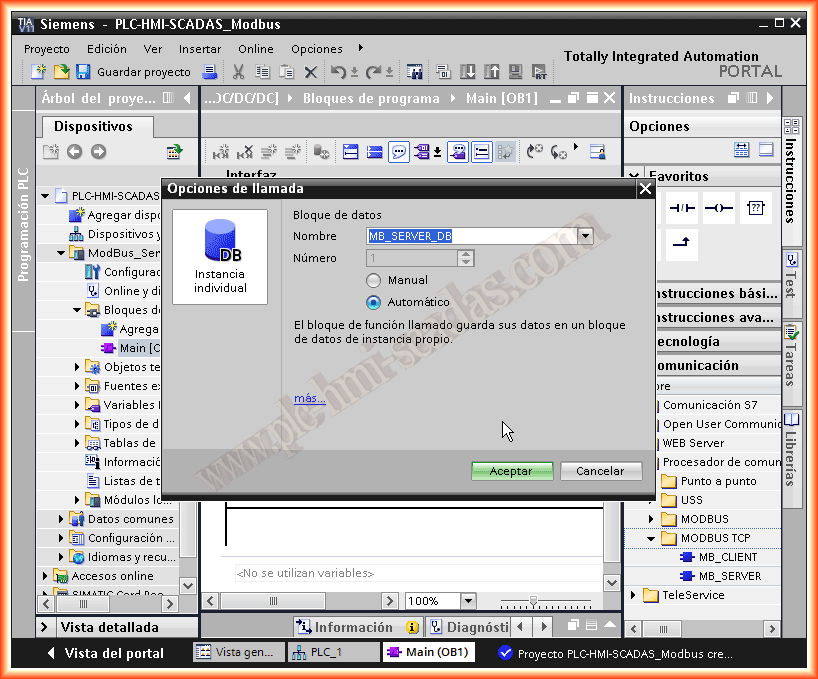
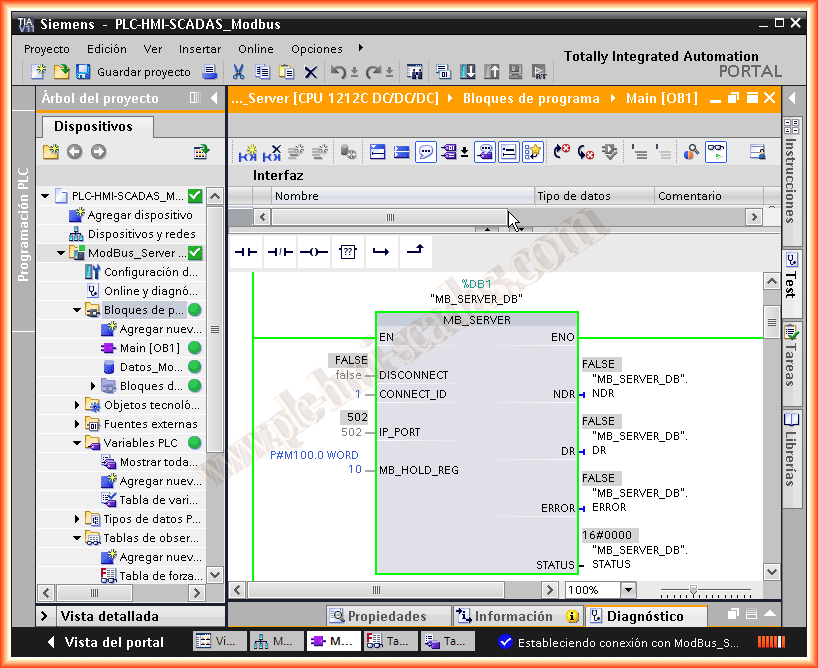
Starting from TIA Portal V.11 SP1, if I remember correctly, the function blocks for Modbus TCP communication are available; we navigate to the directory and insert the MB_SERVER into our OB1, it automatically asks us to associate a DB, by default we assign the one that appears.
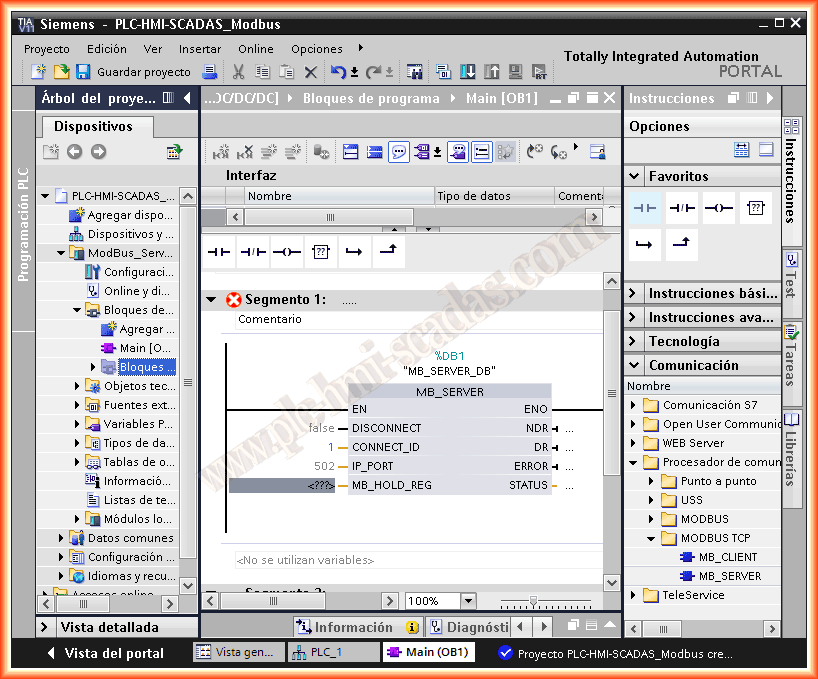
The parameterization of the module is as follows, DISCONNECT we leave as false for passive communication, CONNECT_ID we must assign a unique and unrepeatable number for future calls, IP_PORT, by default is 502 as we have already mentioned, MB_HOLD_REG is the parameter where we must assign a Pointer to the memory address of interest followed by the length, the parameters NDR refer to new data, we have true if the client has written, DR Read data, true if the client has read data, in ERROR we will have true if an error occurred when calling the function, and in STATUS we will store the error code produced.
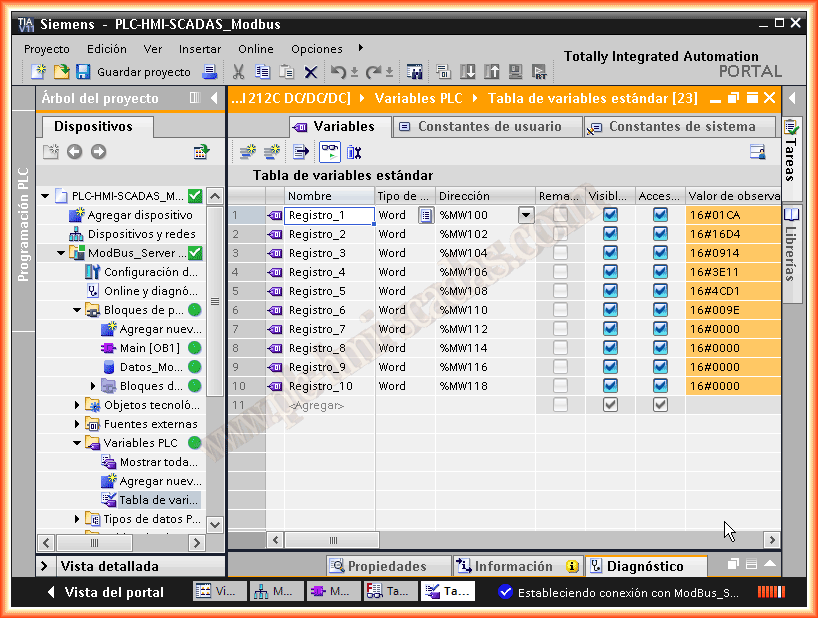
Following the example, we will serve 10 Registers, corresponding to MW100 ... MW118, which will be stored in the Client in DB10 created for this purpose.
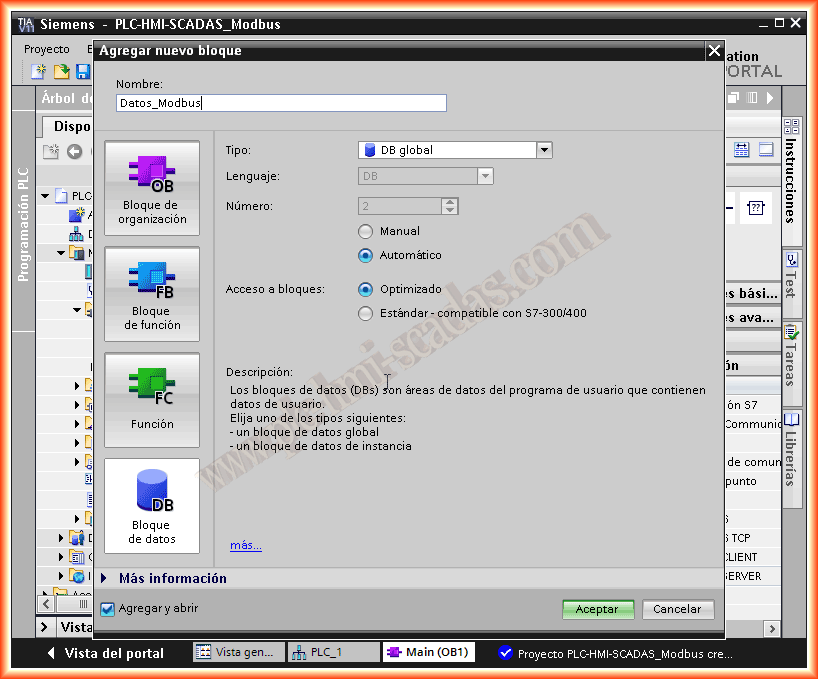
We create the variables, and in OB1 we use the move instruction to insert the values into the following registers; this guide is aimed at giving an idea of what the Modbus Server would be like, in the real project to a Modbus server to acquire those values from field sensors, flow meters, Ultrasonics, conductivity sensors, etc...
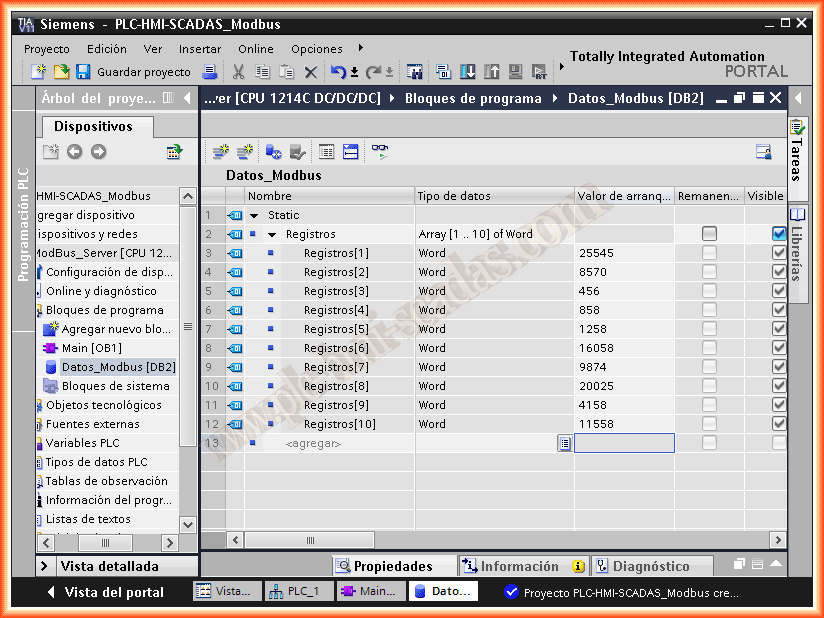
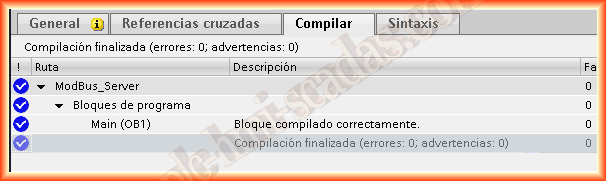
Once these steps have been completed, where the necessary logic and the configuration of the MB_SERVER should have been implemented, we can now compile and load the project to our PLC.
Once transferred, we go online and we can see that in the call to the MV_SERVER no error has occurred and everything is correct; now it is waiting for a request from the Client.
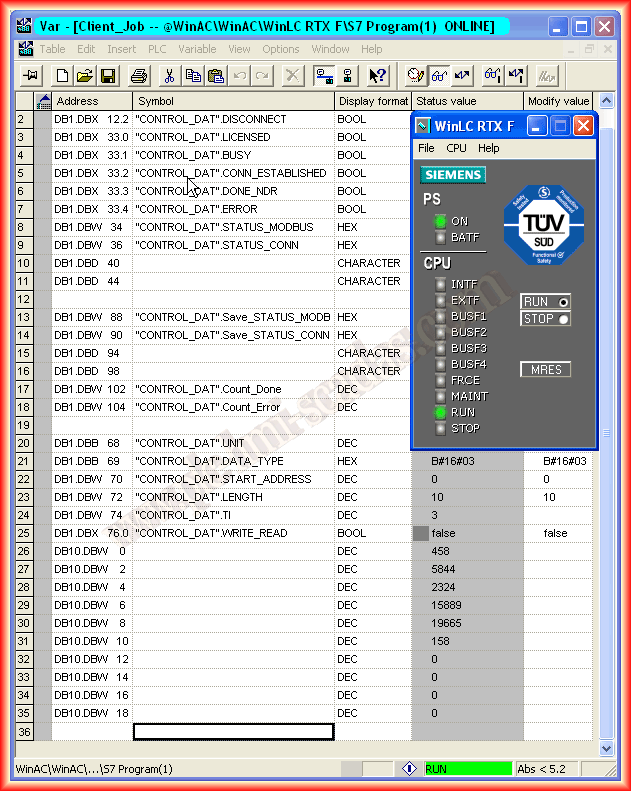
From the client, we force a data request and we can already see how in DB10.DBW 0 corresponds to the value of MW100 and so on for a length of 10 Registers. For the next practice, once the records from the Modbus Server are acquired, we will scale to apply the programming logic to the program and to visualize the data in the SCADA.
March 6, 2013