
First Test with Micro830 and Component Workbench
Taking advantage of the opportunity to have a Micro830 thanks to my friend Raul, we are going to do a couple of practices, the first of which will be a test program, and the transfer, going online and not much more... to familiarize ourselves with the environment.
For this, we will use the Component Workbench that can be downloaded from Rockwell and we will use a USB cable for the transfer.
The first step is to create a new project, and then from the Catalog, we add our PLC, a pop-up window will appear, in case there are several firmware revisions, we will choose the corresponding one and that's it.
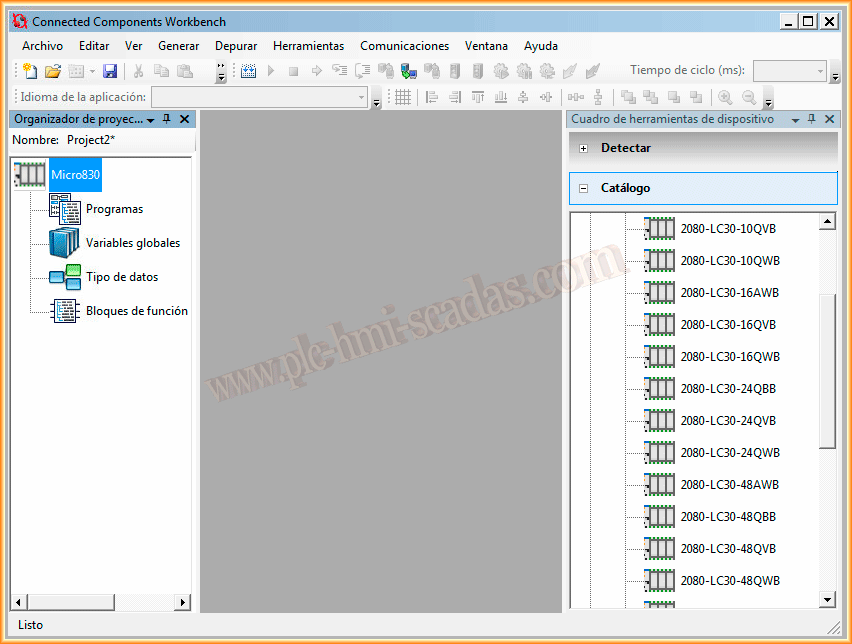
Once the PLC is added, we have the programs section, where we can add our programming in one of the available languages, we will use Ladder language for this example.

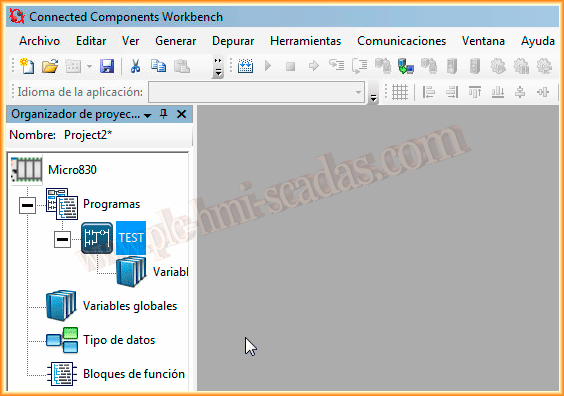
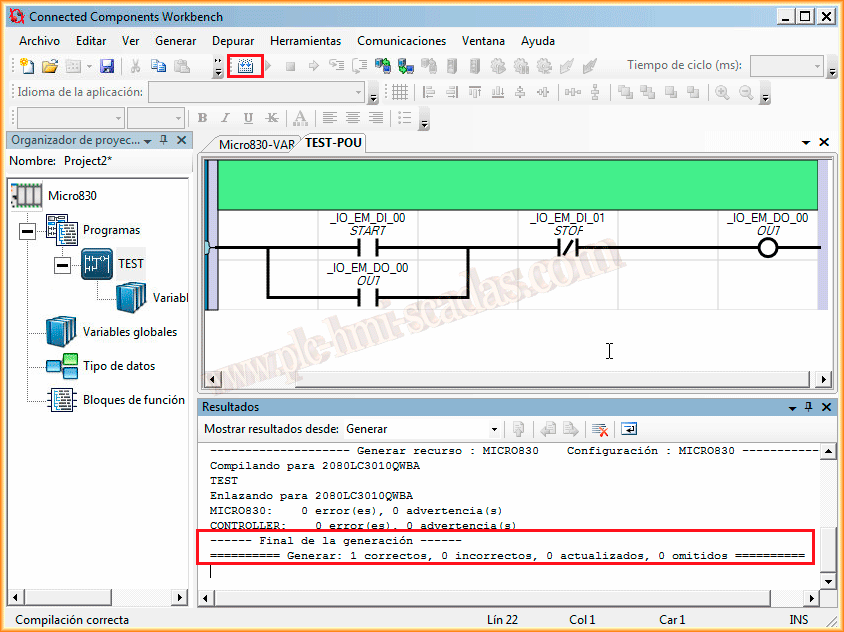
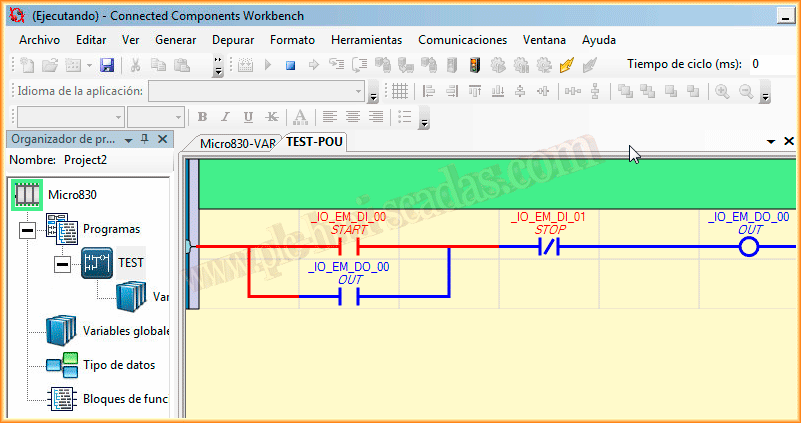
We can now open our TEST block and start adding instructions from the toolbox, we will create a simple Start-Stop. First, we have inserted the instructions and now we will assign the variables, for this, right-click, Variable Selector.

As we are going to use inputs and outputs, these are globally scoped, in the Alias we assign the label that interests us and we select the variables that we are interested in and assign them to each of the instructions.

Here we have our program to test, the first thing we must do is compile the program to verify that there are no errors, in this case, there are none and we can proceed to perform the transfer.
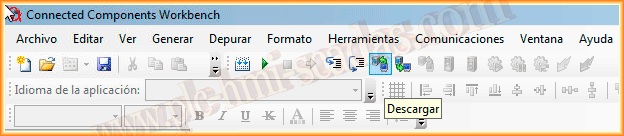
Once we have connected the USB cable to our Micro, we proceed to download.
An instance of RSLinx opens with the USB Driver and detects our Micro830, we select it and can start the download, although it also has a MiniDim port and we can perform the transfer with the DF1 driver using the Serial cable.
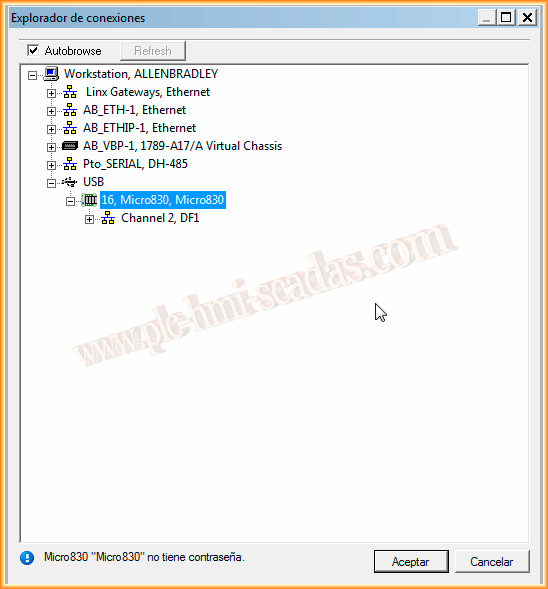
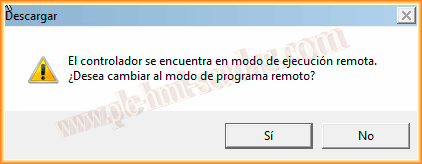
First of all, a pop-up window appears to switch to remote program, and once the project is transferred, a pop-up window appears again to switch to remote execution.
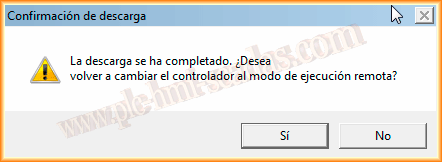
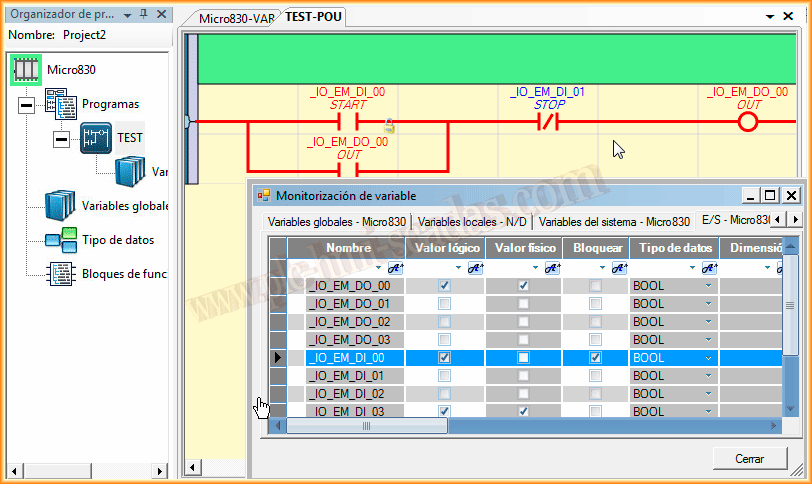
With the project transferred, we can now start debugging and go online.
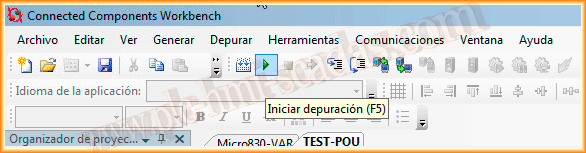
To test its operation, we will monitor the variables and force values, observe states, etc...
And here is an image of our PLC, which works perfectly for automating simple tasks. In the next one, we will take advantage of the PowerFlex 525 drive, which is controlled by this PLC, to change parameters from the same Programming environment, the Component WorkBench.

April 25, 2014
If you liked it or found it useful, share it ... :-)