
WinCC Unified Custom Web Controls


Before starting this article, thanks to Cesar Fernandez, because without him, the realization of this and many other articles would not be possible.
So thank you, my friend, because when a person gives without asking for anything in return, you can say that he is a friend, right? Thank you :-).
And now let's move on to the explanation and what we will need to learn to give our applications added value.
In this way, depending on what interests the client and with this knowledge, we will be able to offer new solutions.
If we open our application within My Controls, by default we have two controls.
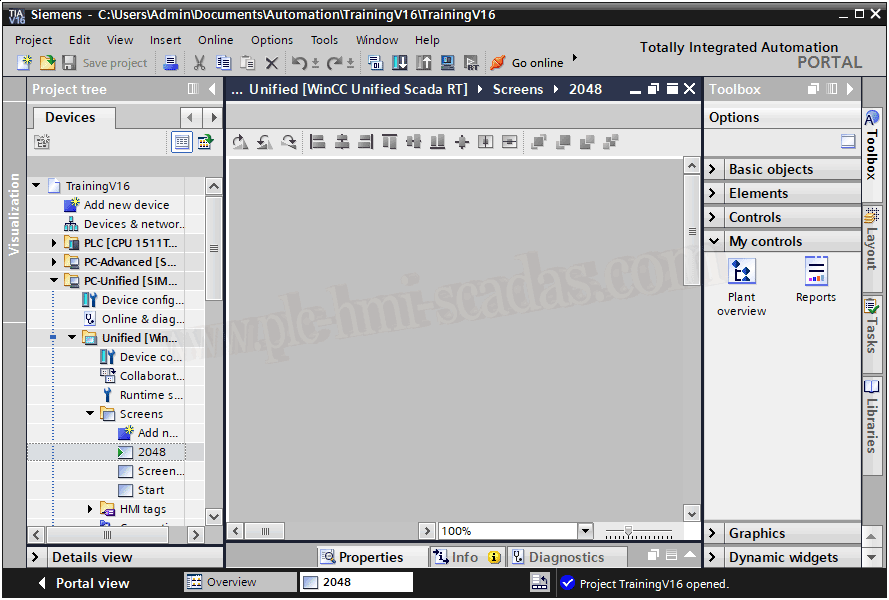
These controls, which are default and for all the projects we create in TIA Portal, are in the following directory.
Question: If there are three files, why are there two controls? Because not all three files are defined for TIA Portal to load a screen when opened.
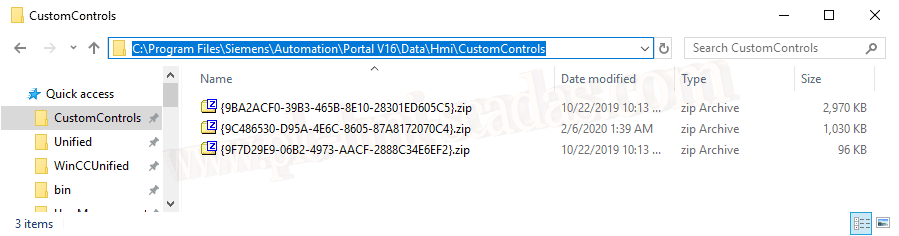
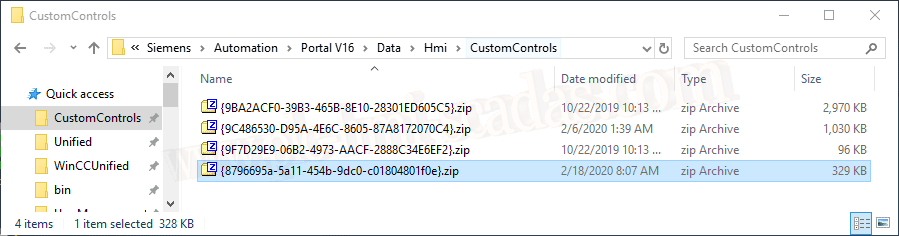
Well, this is where we will have to insert the controls we have created, and with the following format:
- A compressed file, with the name of a unique and unrepeatable GUID, exactly as it appears in the image, in zip format
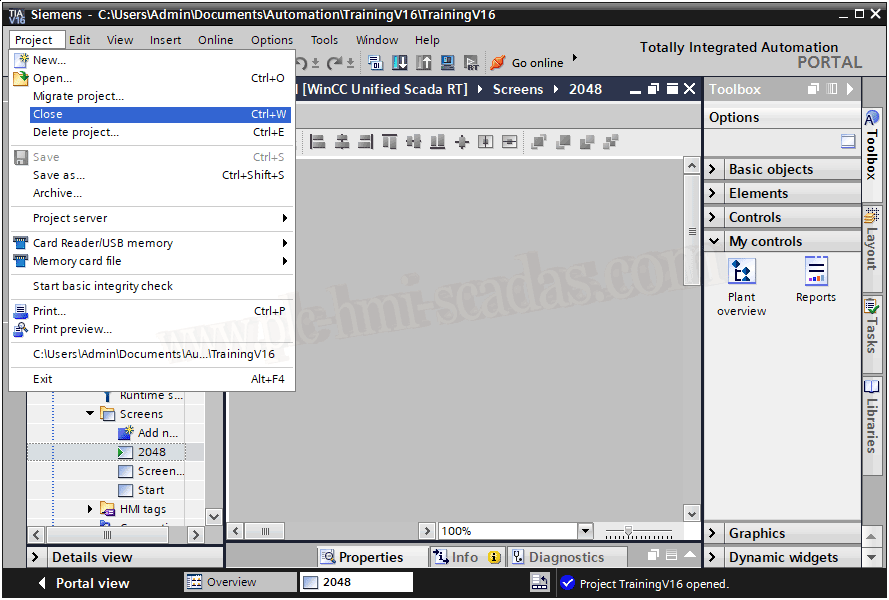
Now we close our TIA Portal project
When we reopen it, by default in My Controls, it has already loaded the control we inserted and is ready to be used
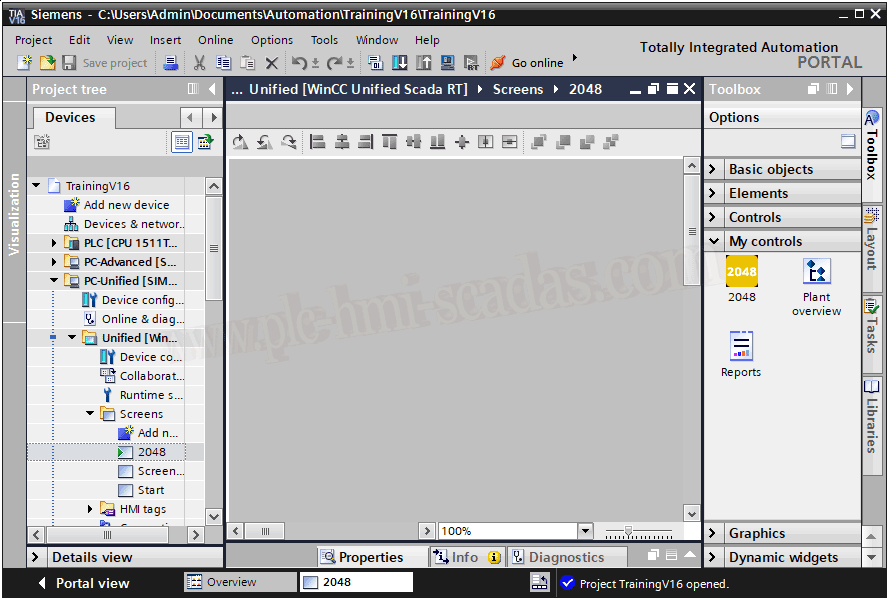
We can now drag it like any other object, where it will have the properties that have been defined, events, etc...
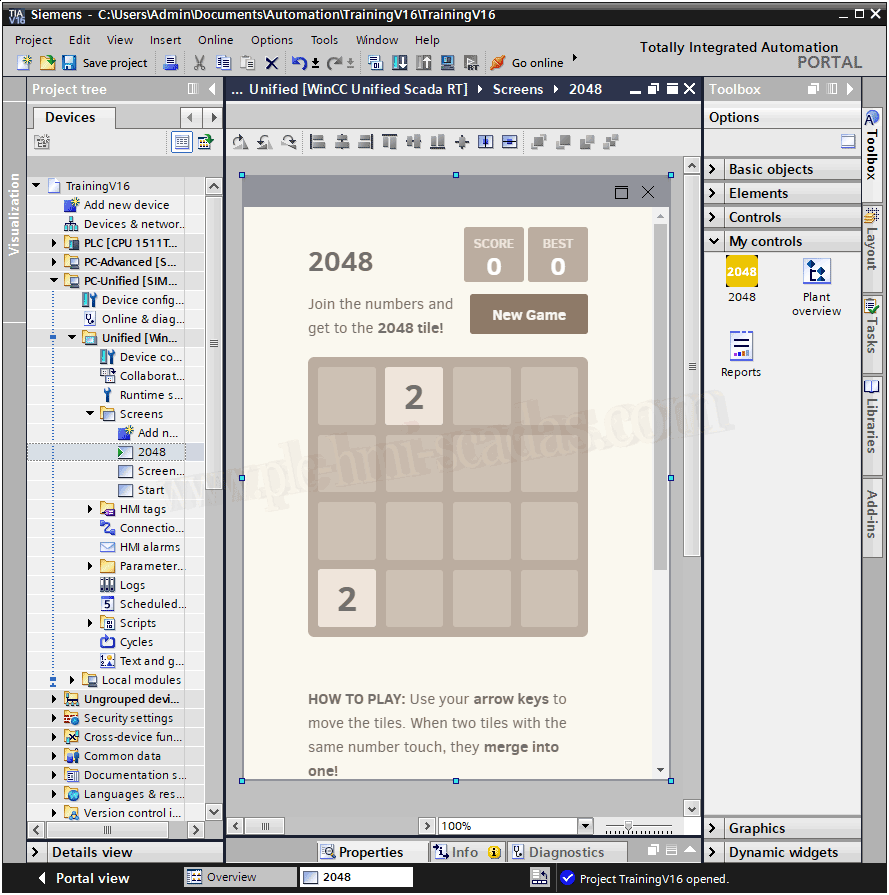
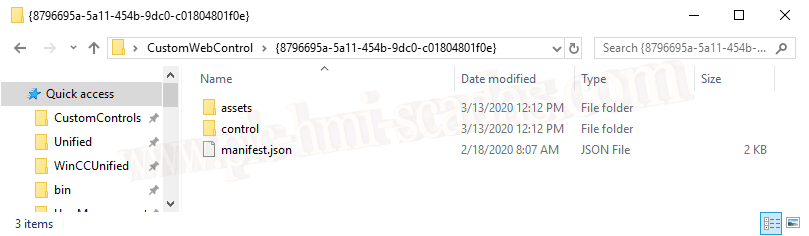
Continuing with the explanation, what is inside that compressed file? Each control we have created consists of this structure
- A folder called assets.
- A folder called control
- A manifest.json file (JavaScript Object Notation)
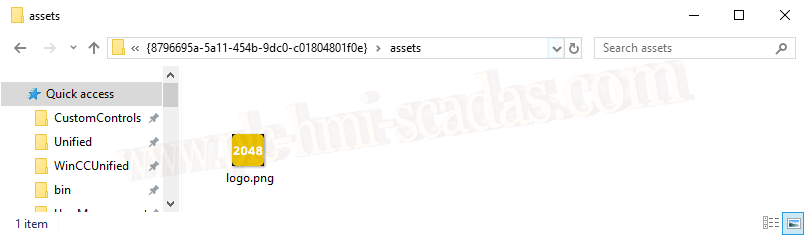
Inside the assets directory, we have the logo that we will see in TIA Portal
The control directory contains all the code we generated when creating the control, plus a webcc.min.js file
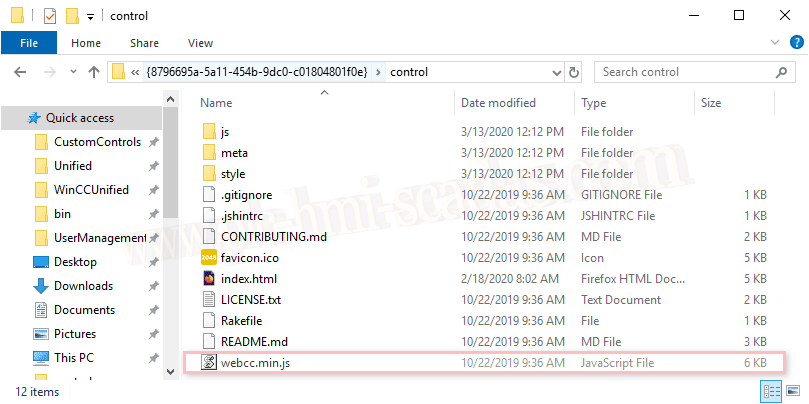
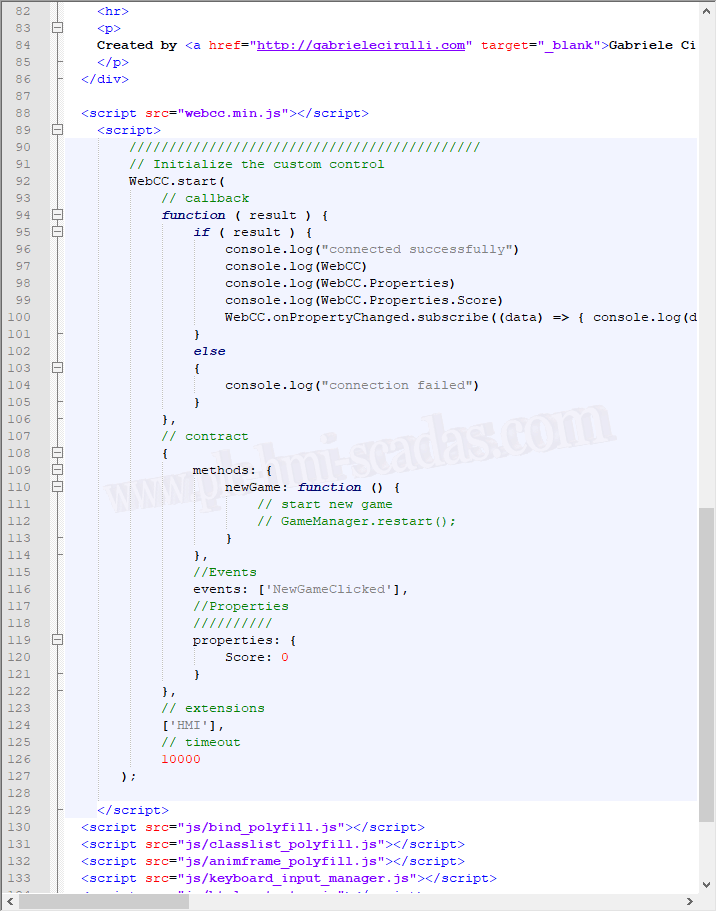
In the main file of our controls, in this case index.html, is where we will call this library, and where properties, events, and methods of the control we created are defined.
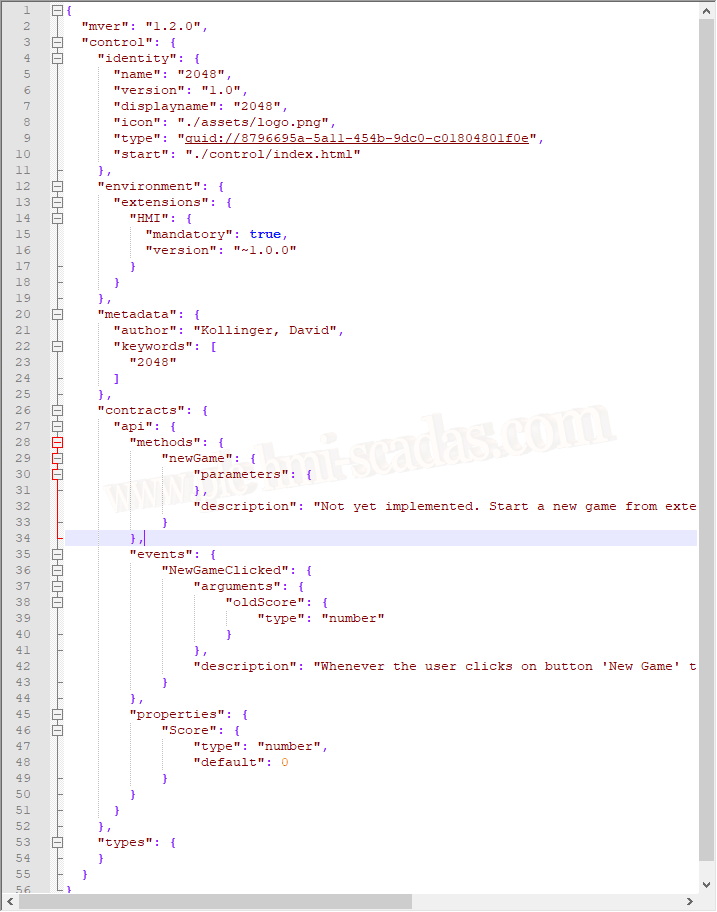
And finally the manifest.json file, where the definition of our control is subdivided
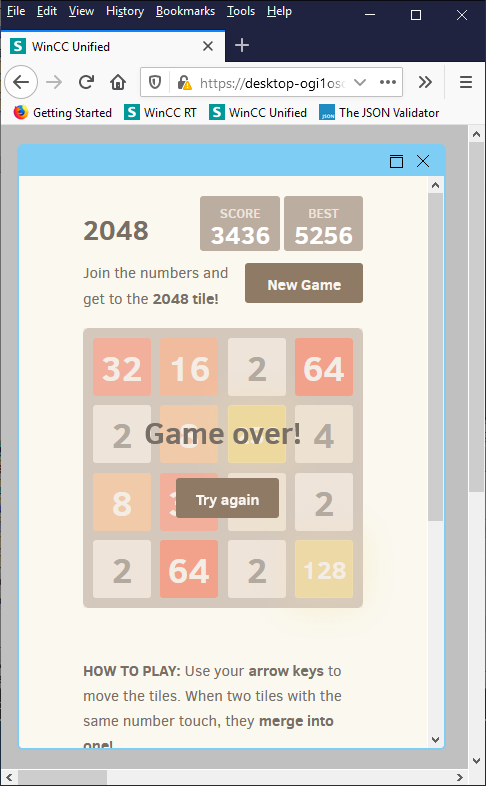
And to conclude, let's play a game...
To avoid extending this article too much, we already have the basis of how it works, and the next thing I hope to do is the creation of a simple control from scratch, so we will know how to implement everything we just saw.
15-03-2020