
As I mentioned in previous practices, ArchestrA is based on object-oriented programming (OOP). In today's practice, we will import Microsoft .Net objects into our project, allowing us to use all of them.
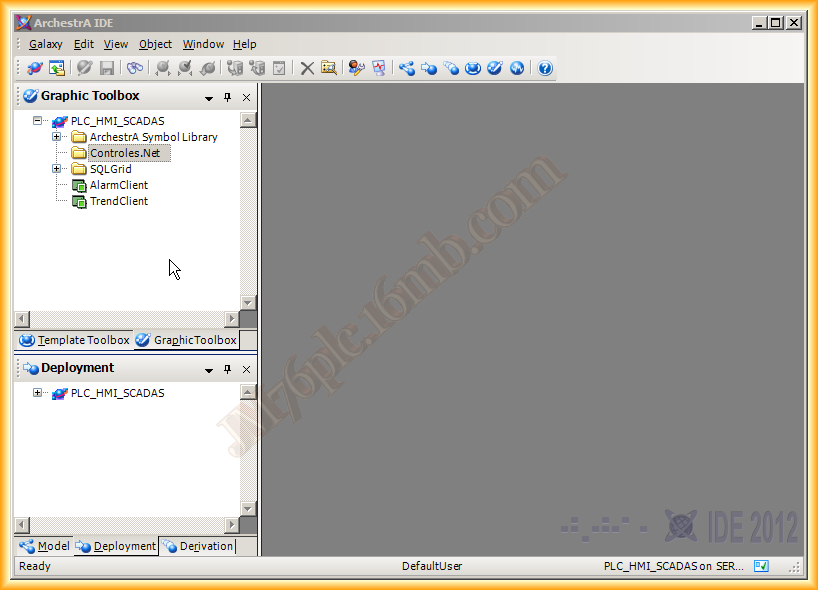
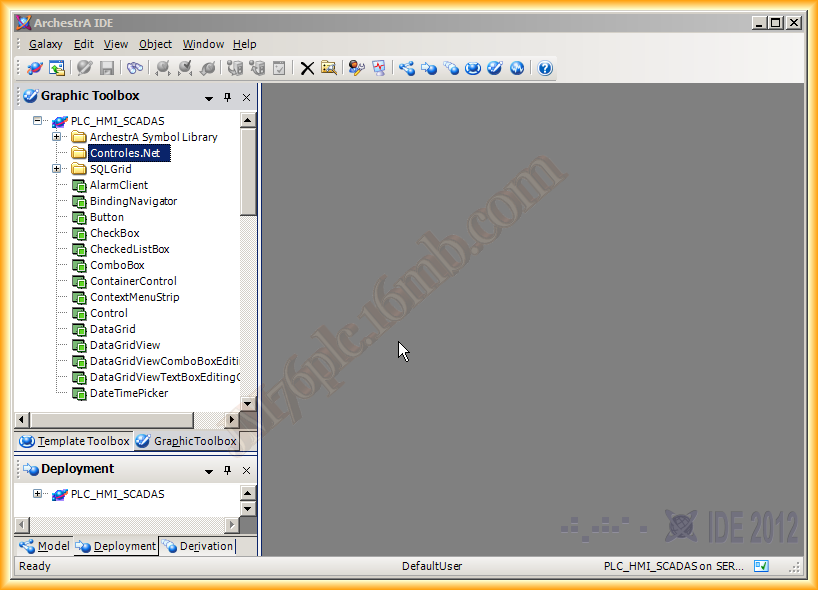
The first thing we will do is create a new toolset, a folder within the Graphic directory where we will insert all the imported controls.
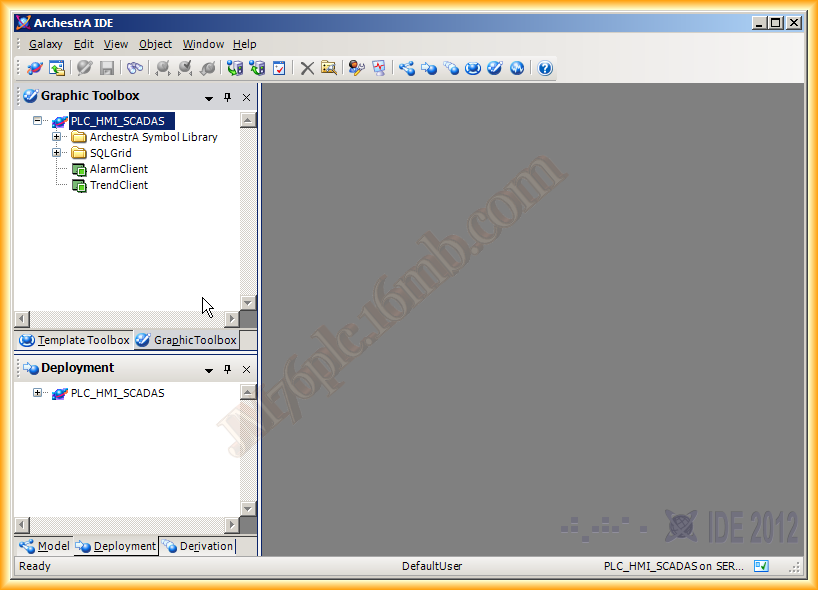
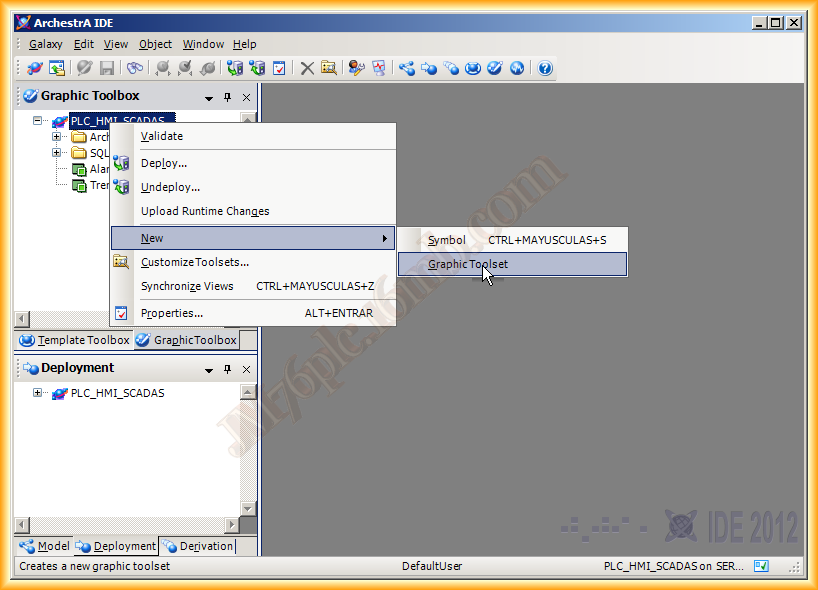
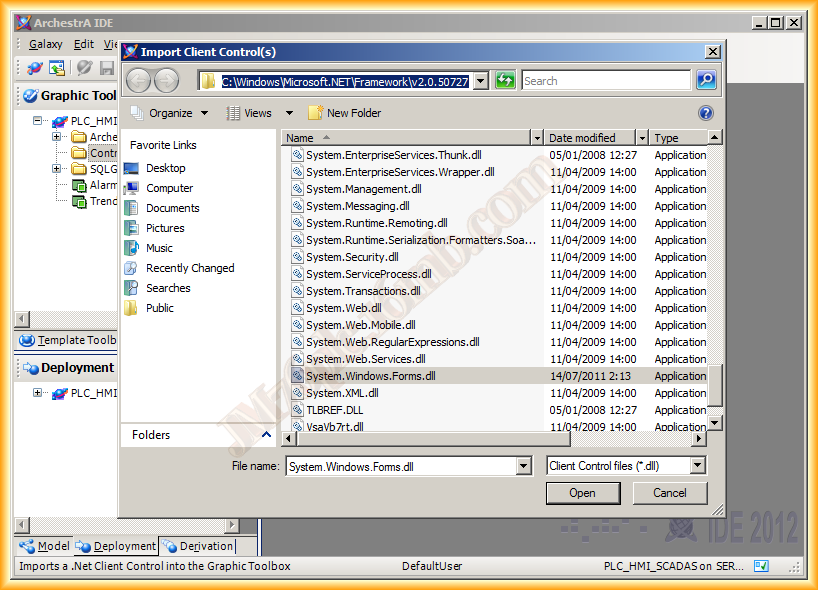
Once the toolset (folder) is created, although it is not necessary, we select Galaxy -> Import -> Client Control to import the objects
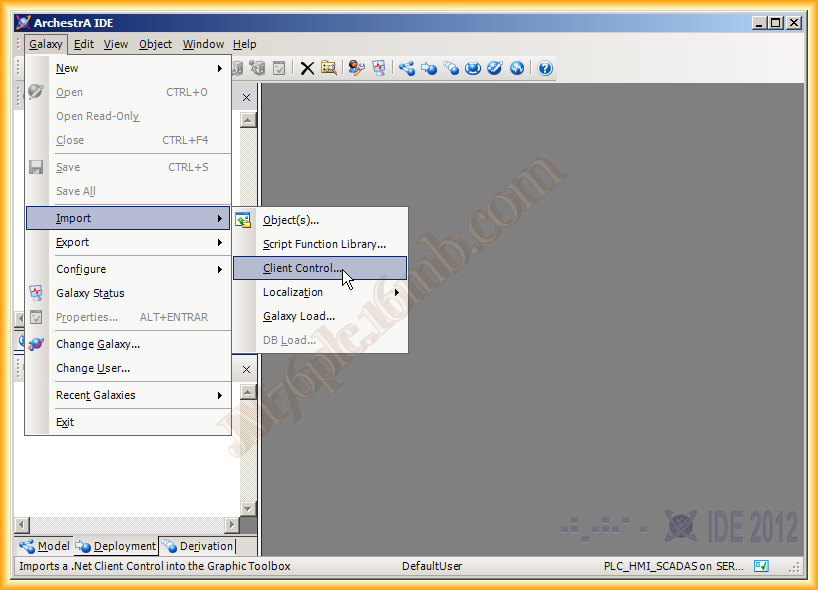
The directory we need to select is the following:
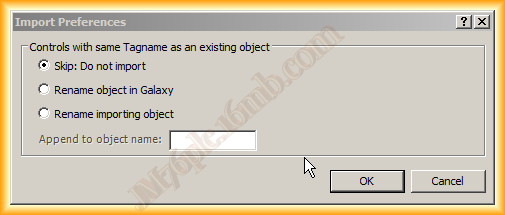
A pop-up window appears, and we must select the desired option
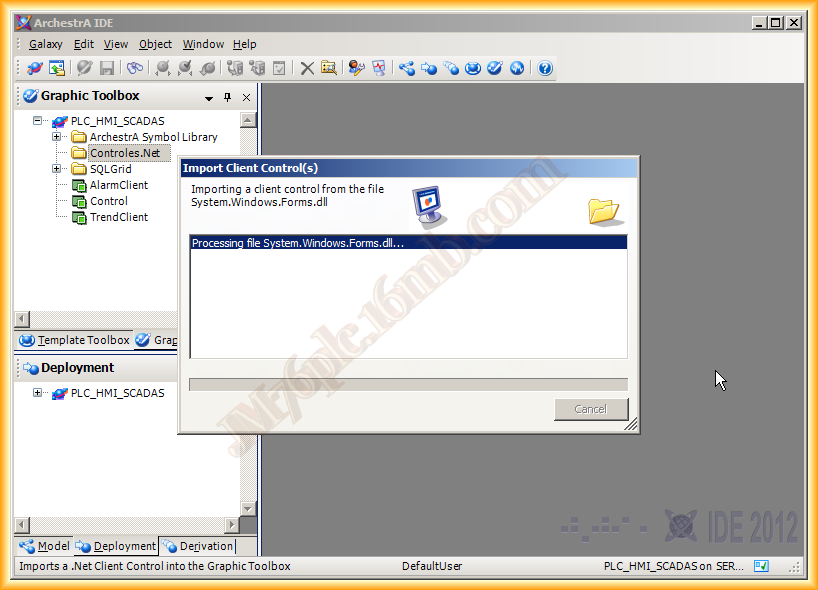
The import of objects begins, with a total of 51 objects, which are the same as when we worked with Visual Basic .Net
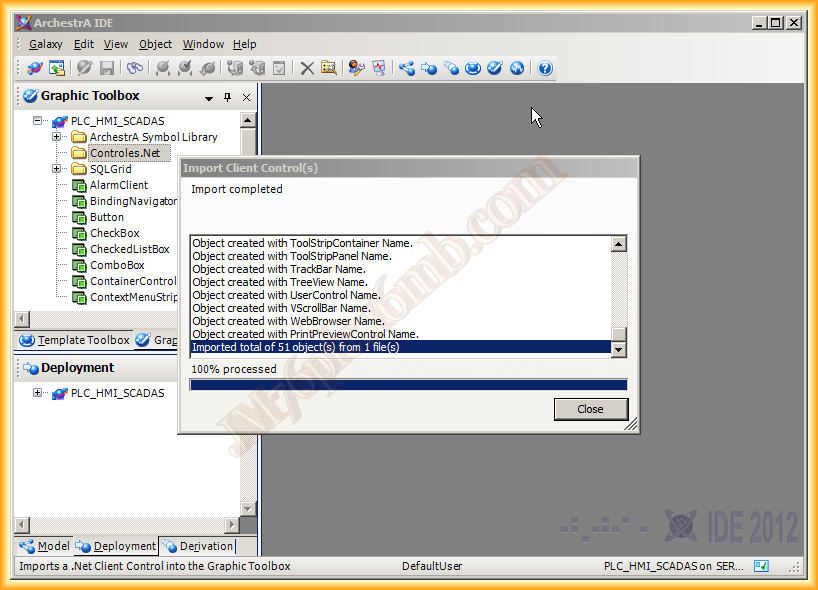
We can now move the objects within the created folder, and from this moment on, we can use them for the creation of new symbols.
January 15, 2012