Industrial simulation models that act as virtual plants and can be controlled through OPC UA from a PLC or any compatible client.
Article Series
Industrial simulation models that act as virtual plants and can be controlled through OPC UA from a PLC or any compatible client.
From configuring an OPC UA server on an S7-1500, through certificate configuration, to connecting it to a data historian for visualization
A field route through configuration, transfer, users, OPC UA, JavaScript, CWC, Open Pipe, GraphQL, reports, collaboration and redundancy in WinCC Unified.
01
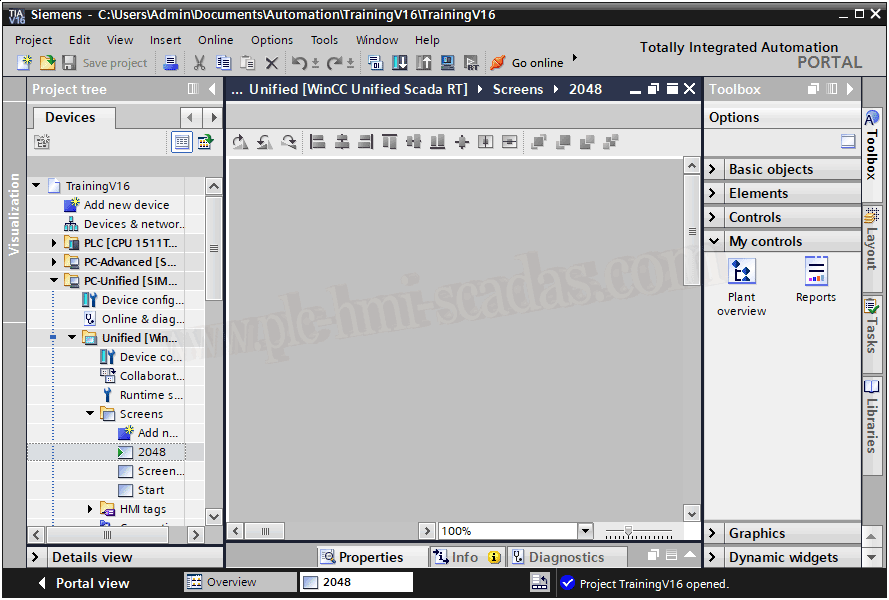
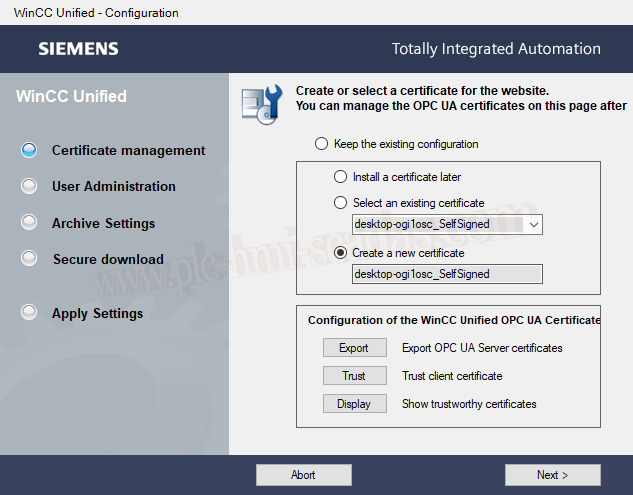
WinCC Unified - Configuration
02
WinCC Unified - User administration
03
WinCC Unified - Project transfer
04
WinCC Unified - OPC UA driver
05
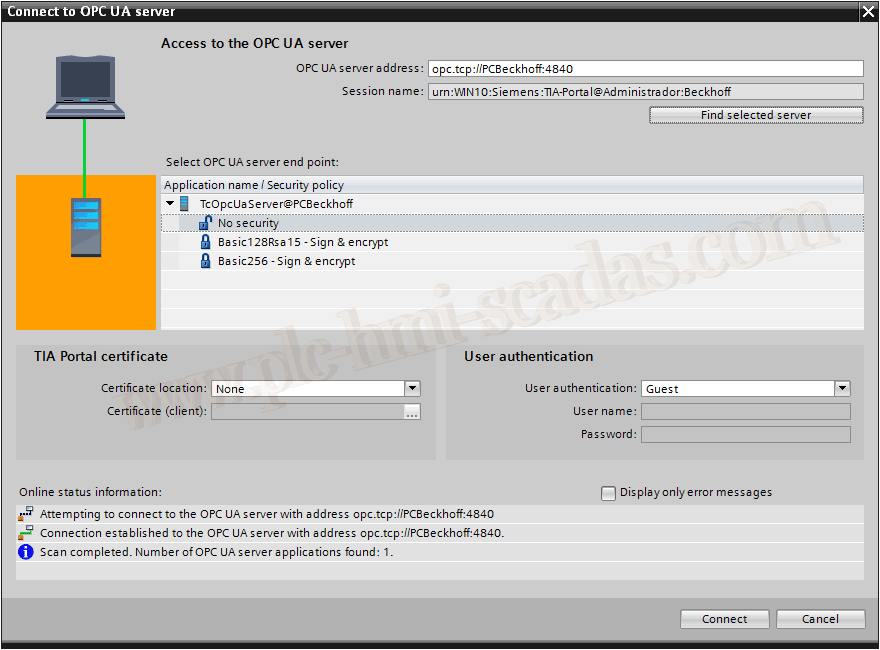
WinCC Unified - OPC UA server
06
WinCC Unified - JavaScript trace
07
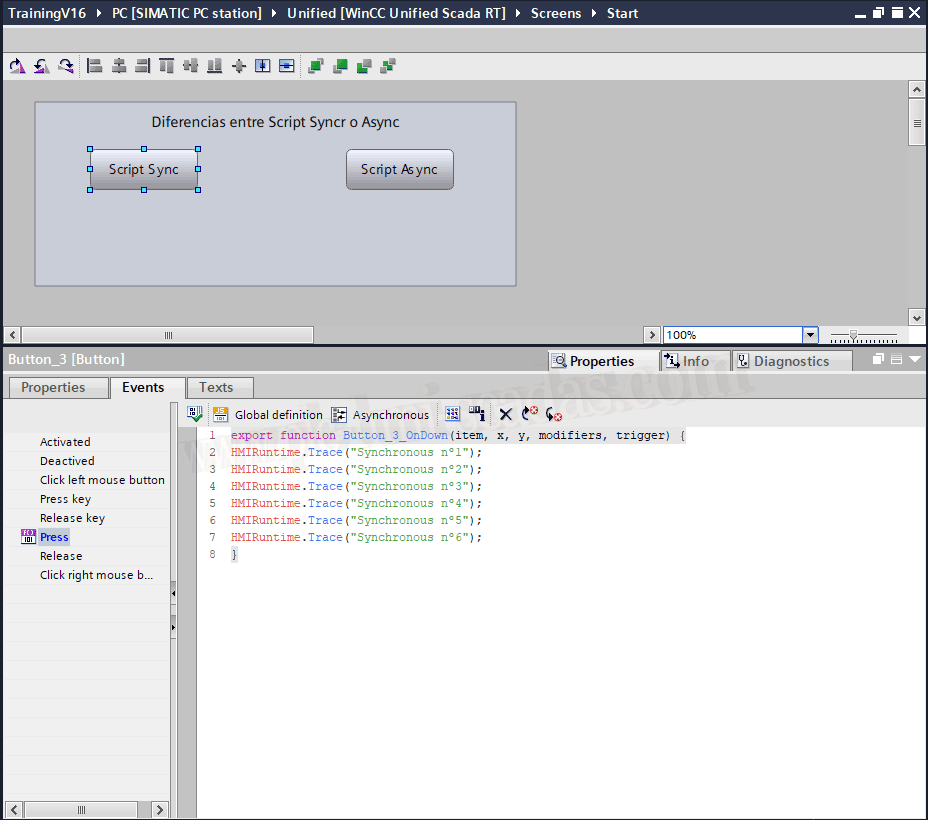
WinCC Unified - Synchronous and asynchronous JavaScript
08
WinCC Unified - Custom Web Controls
09
Network segmentation - S7-1500 and WinCC Unified
10
WinCC Unified Collaboration
11
WinCC Unified Redundancy V20
12
WinCC Unified Open Pipe
13
WinCC Unified - CWC and Open Pipe
14
WinCC Unified RT GraphQL
15
IIS Reverse Proxy for SSRS in WinCC Unified
16
WinCC Unified SQLite reports in SSRS
17
Embedded Web, iFrames and security policies
18
UMC Admin Studio
19
WinCC Unified - User Management Component
A focused Siemens hardening path: certificates, secure OPC UA flows, protected communication, CUM, UMC, user redundancy and Simatic Logon.
01
OPC UA certificates in Siemens PLC with UaExpert
02
Secure OPC UA connection flow under IEC 62443
03
TIA Portal - Central User Management
04
UMC Admin Studio
05
UMC - User Management Control
06
UMC Redundancy - User Management Component
07
WinCC Unified - User Management Component
08
WinCC Unified - User administration
09
Simatic Logon
10
WinCC - Simatic Logon with Active Directory
Prepare, test and secure OPC UA connections with Siemens PLCs, UaExpert, Docker, Python, WinCC, Beckhoff and encryption checks.
01
Siemens S7-1500 OPC UA Server with TIA Portal V20 and PLCSIM
02
Siemens S7-1500 OPC UA Client: Read and Write in TIA Portal
03
OPC UA certificates in Siemens PLC with UaExpert
04
Secure OPC UA connection flow under IEC 62443
05
S7-1500 OPC UA Client and certificates
06
TIA Portal - PLCSIM Advanced OPC UA
07
Docker: OPC UA Server and Web Client
08
OPC UA server and client with Copilot Edits
09
Temperature control system III - OPC UA
10
Beckhoff - OPC UA Server CE
11
WinCC - OPC UA client
12
WinCC Unified - OPC UA driver
13
WinCC Unified - OPC UA server
A route through simulation, transfer, blocks, libraries, Get/Put, HMI scripts and project practices in TIA Portal.
01
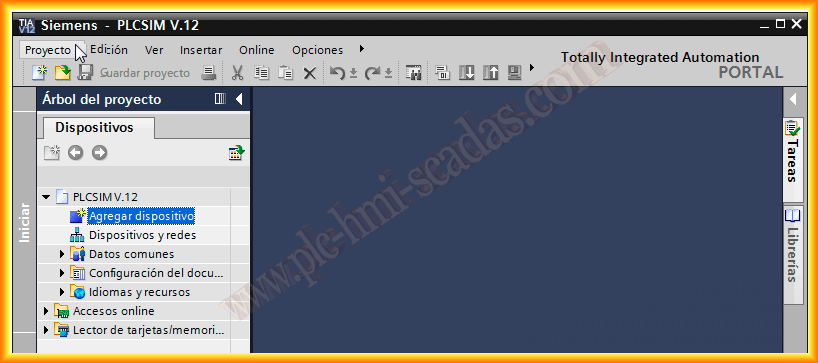
Simulation with PLCSIM V12
02
Simulation with PLCSIM Advanced
03
WinCC - PLCSIM Advanced simulation
04
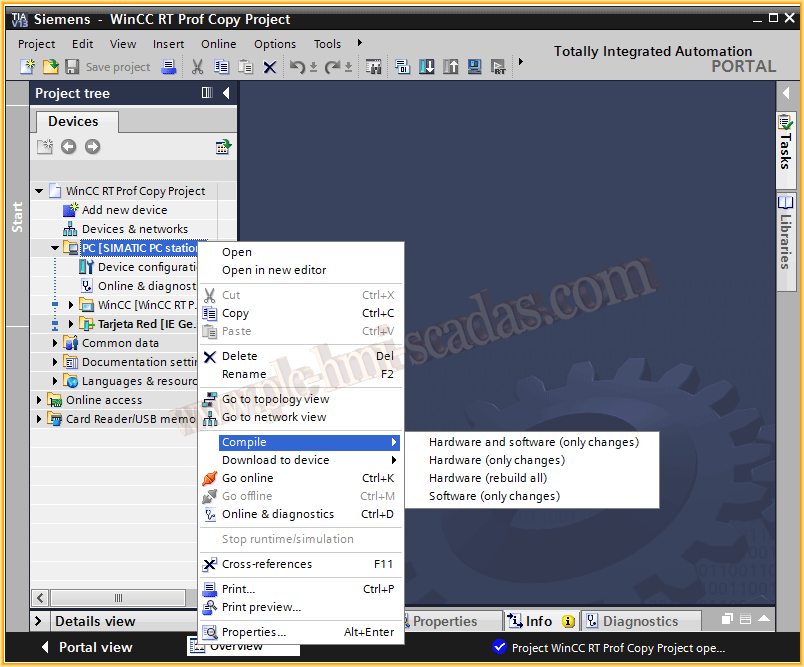
WinCC RT Professional - Transfer project
05
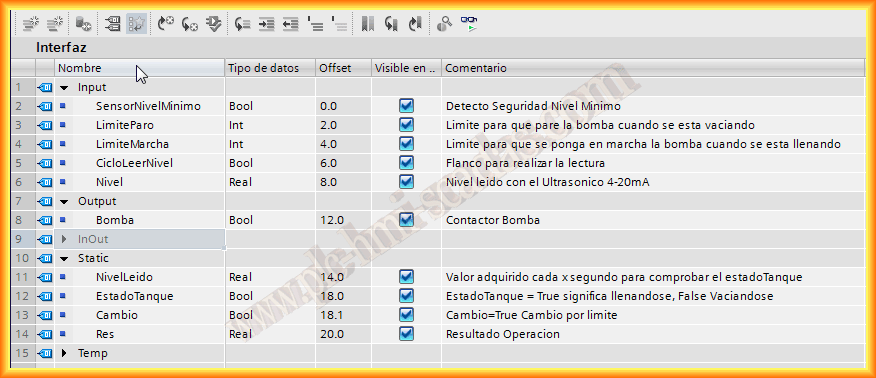
Function Block in TIA Portal
06
TIA Portal - Global libraries
07
GET/PUT with FB14-15 and SFB14-15
08
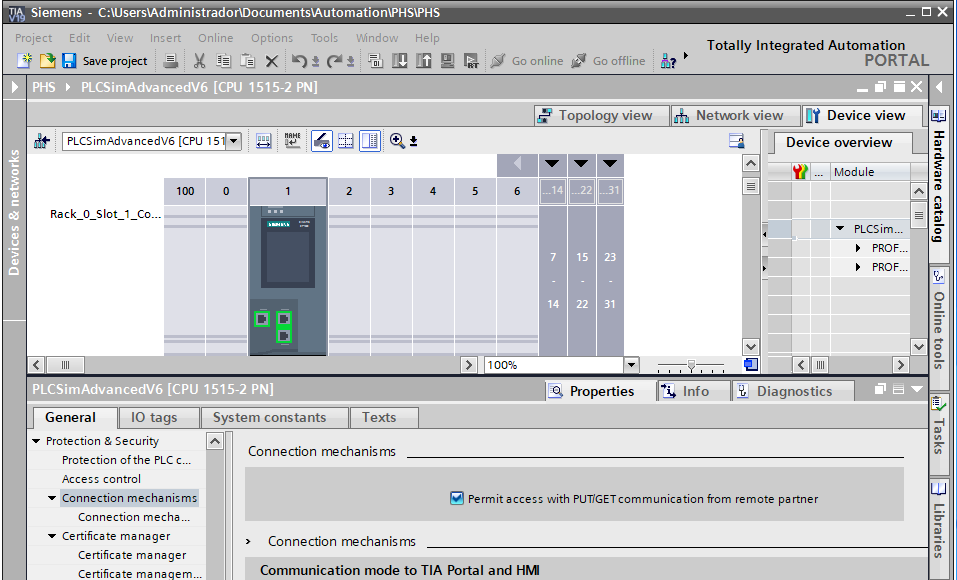
TIA Portal 19 - Get / Put
09
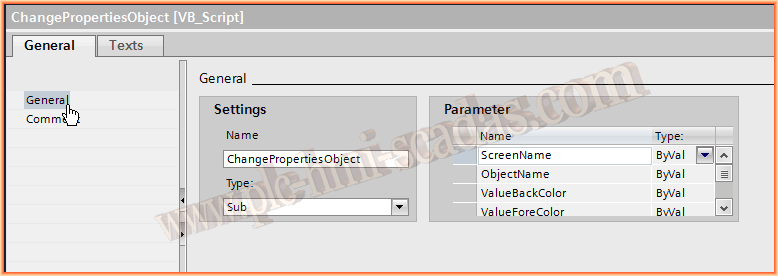
VBScript - Change object properties
10
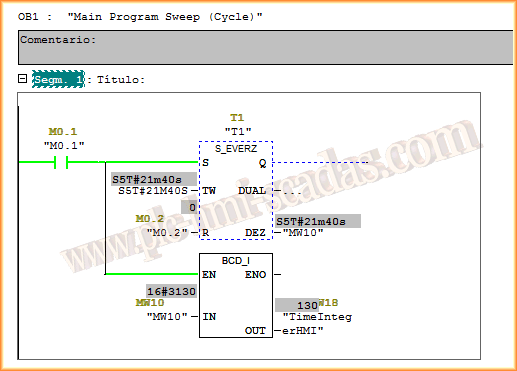
Convert S5Time BCD_I to H_M_S
11
Convert S5Time milliseconds to H_M_S
12
SQL records with S7-1500 PLC and Wireshark inspection
Web publishing, certificates, real errors, WebNavigator runtime behavior, WebUX and DataMonitor reporting for classic WinCC.
01
WinCC WebNavigator configuration
02
WebNavigator HTTPS configuration
03
WinCC WebNavigator/WebUX - HTTPS certificates
04
WinCC WebNavigator - No Connection to server
05
WinCC WebNavigator - Failed to load Main.PD
06
WinCC #ifdef RUN_ON_WEBNAVIGATOR
07
VBScript in WinCC Server / WebNavigator Client
08
WinCC - New WebUX server V7.3
09
WinCC WebUX
10
WinCC DataMonitor
11
WinCC DataMonitor - Advanced reporting
12
WinCC Flexible as web server
VBScript, VBA, libraries, ActiveX, .NET, WPF, Excel, PDF, ping, menus and utilities to extend classic WinCC.
01
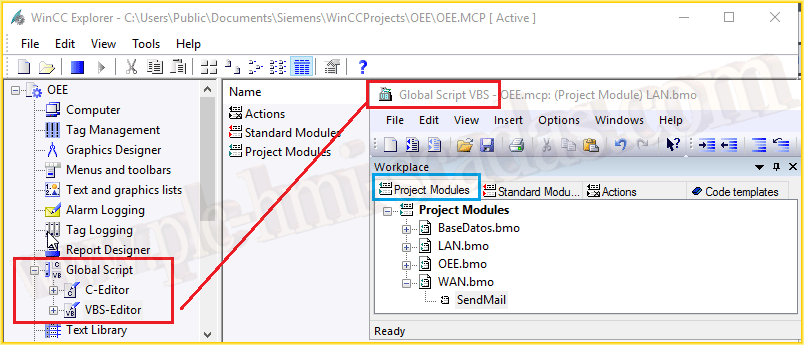
VBScript in WinCC V7
02
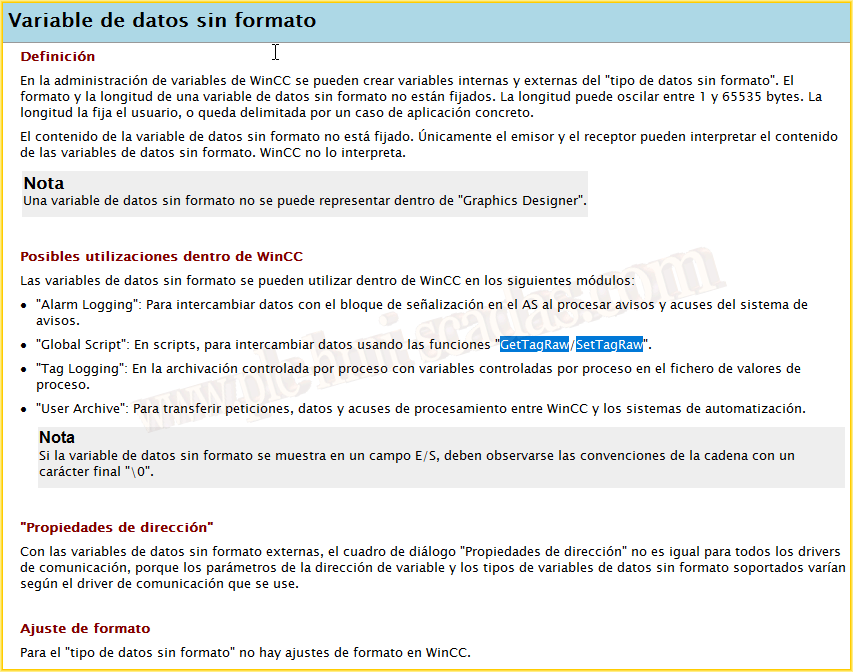
WinCC - GetTagRaw / SetTagRaw in VBScript
03
WinCC - GetTagRaw function
04
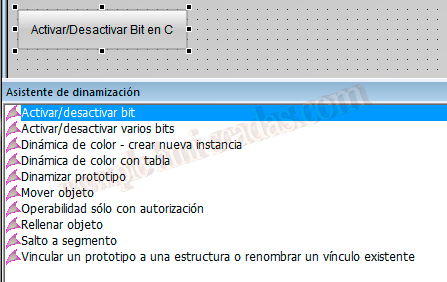
VBScript function to activate and deactivate bits
05
WinCC VBScript - Invert bit in variable
06
WinCC VBScript - Invert bit in tag
07
WinCC VBS Ping
08
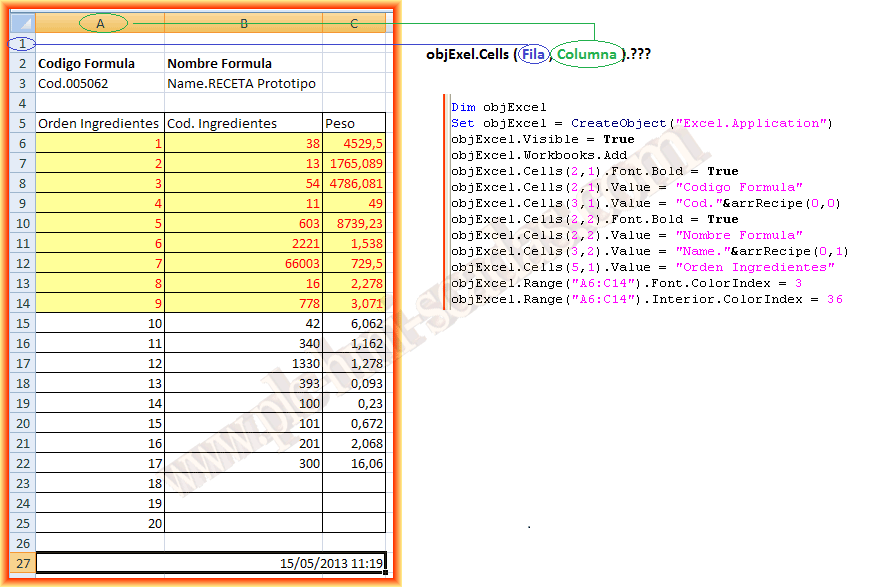
VBScript with Excel in WinCC
09
WinCC VBScript - Print files
10
WinCC - Send mail with VBScript
11
WinCC - Menu with VBScript
12
WinCC Debugger VBScript
13
WinCC VBScript library
14
Use external libraries in VBScript
15
C++ libraries in WinCC
16
VBA Macro AddIn in Graphic Designer
17
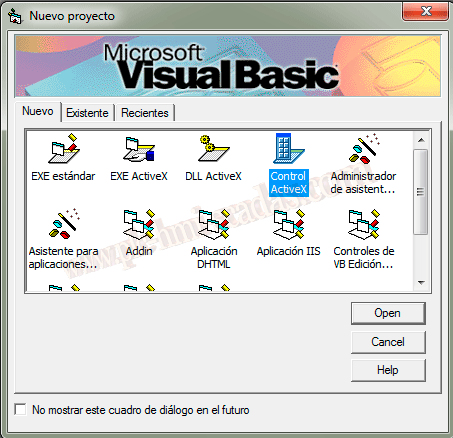
WinCC - Create ActiveX controls
18
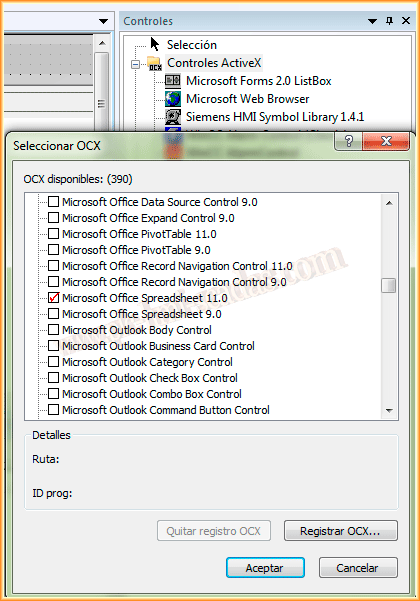
WinCC ActiveX Spreadsheet
19
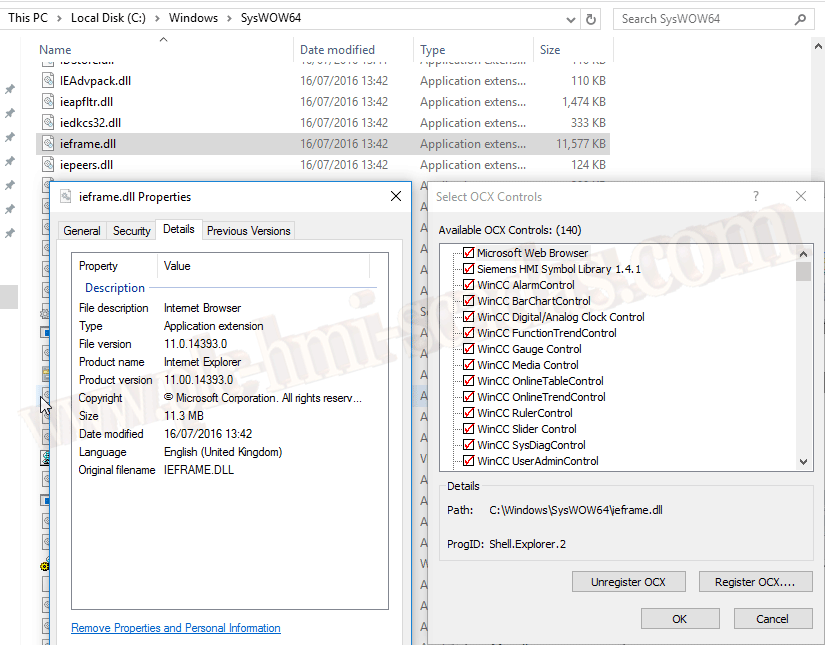
WinCC ActiveX WebBrowser .NET
20
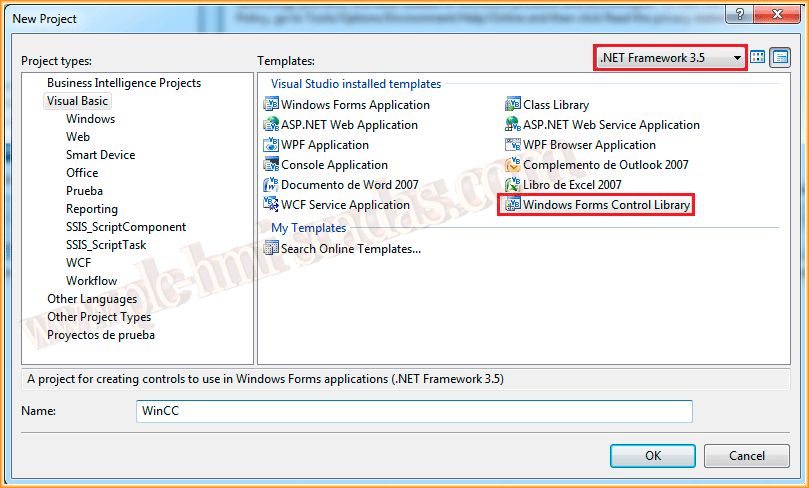
WinCC - Create .NET controls
21
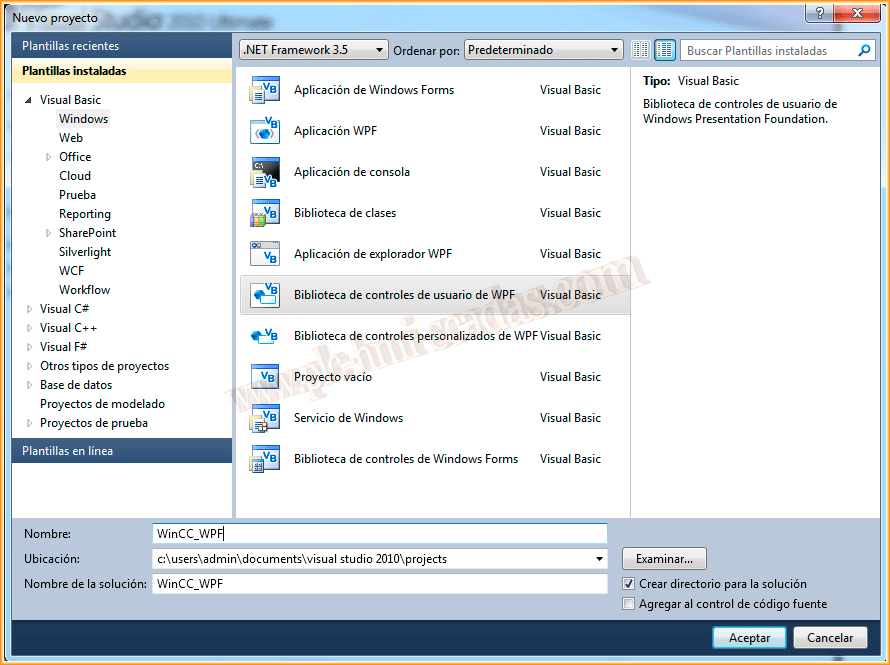
WinCC - Create WPF controls
Updates, Industrial Graphics, widgets, .NET controls, BarcodeLib, SQLite and modern extensibility in AVEVA InTouch.

01
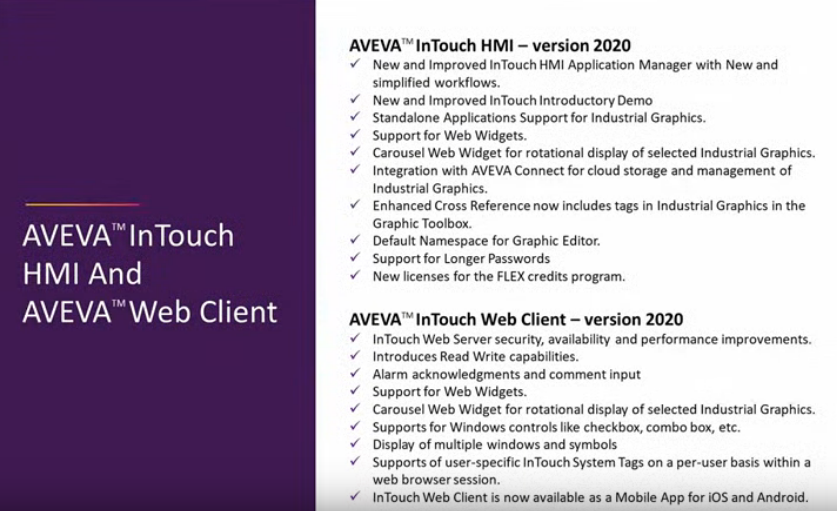
AVEVA InTouch 2023 - What's new
02
AVEVA InTouch 2023R2 - What's new
03
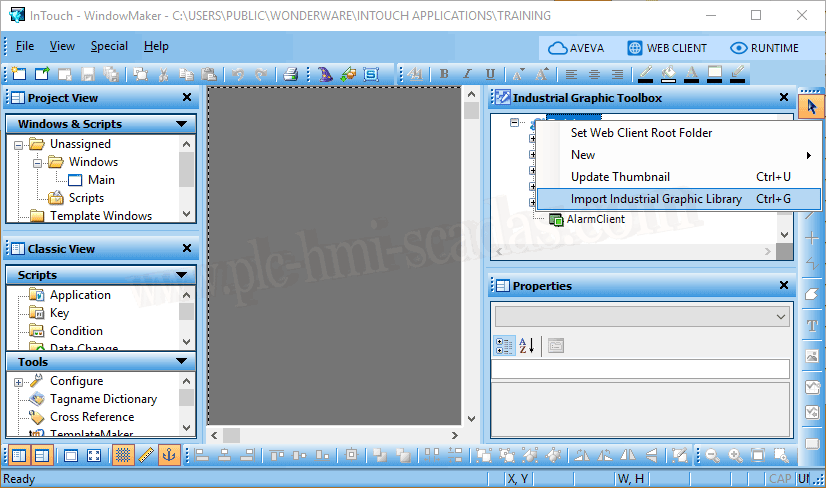
InTouch 2020 - Import Default Industrial Graphics
04
InTouch 2020 - HTML5 Widget Controls
05
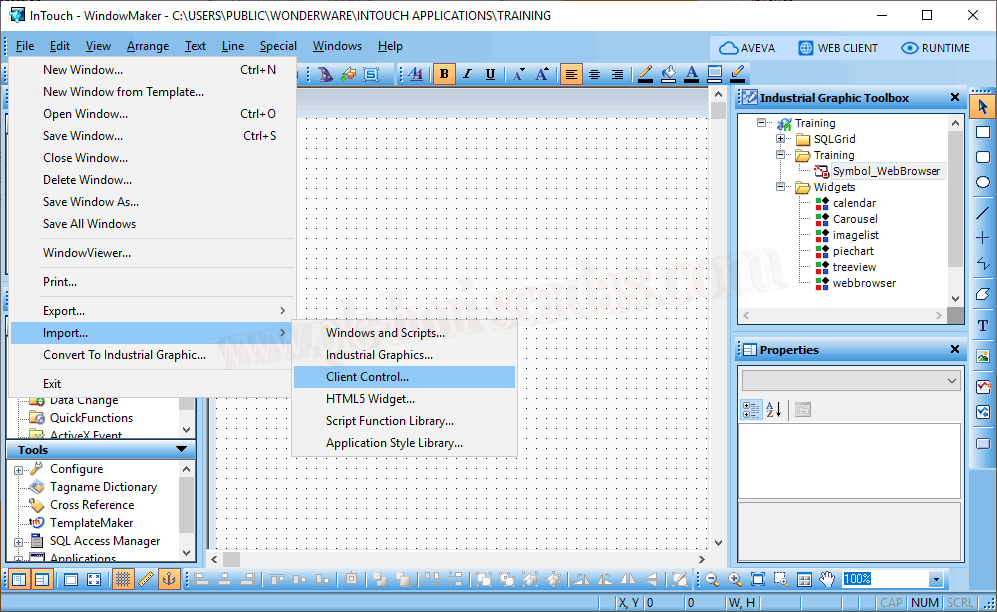
AVEVA InTouch 2020 - Import Client Controls
06
AVEVA InTouch Client Controls .NET
07
AVEVA InTouch Control .NET
08
AVEVA InTouch BarcodeLib
09
AVEVA InTouch - SQLite
10
AVEVA InTouch Widgets
11
AVEVA InTouch Widgets - Custom Widgets Package
12
InTouch 2020 R2 SP1 - OPC UA Server
Alarm reading, historical data, HistData, RDS, RDP, NAD, events and 21 CFR part 11 traceability in AVEVA InTouch.
01
AVEVA InTouch - Read alarms
02
InTouch - Alarms
03
AVEVA InTouch Historical Data - Part 1
04
AVEVA InTouch Historical Data - Part 2
05
AVEVA InTouch HistData - Part 1
06
AVEVA InTouch HistData - Part 2
07
AVEVA InTouch RDP - Alarms and events
08
AVEVA InTouch RDS - CMD
09
AVEVA InTouch RDS - NAD
10
AVEVA InTouch RDS - Query Events and 21 CFR part 11
11
InTouch Historian
12
Active Factory / Historian Client Trends
Licenses, FTLD interfaces, PIPerfMon, performance counters, FactoryTalk View SE status and Historian clients.
01
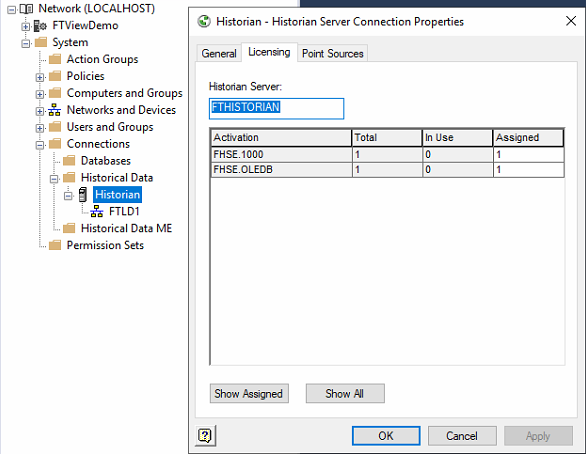
FactoryTalk Historian - License
02
FactoryTalk Historian - FTLD
03
FactoryTalk Historian - PIPerfMon Interface
04
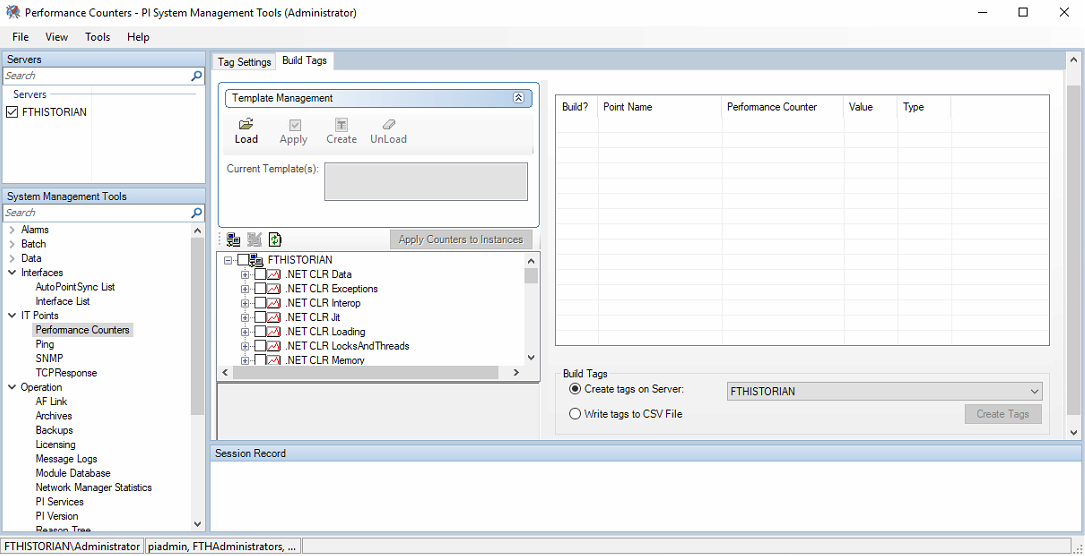
FactoryTalk Historian - PIPerfMon Performance Counters
05
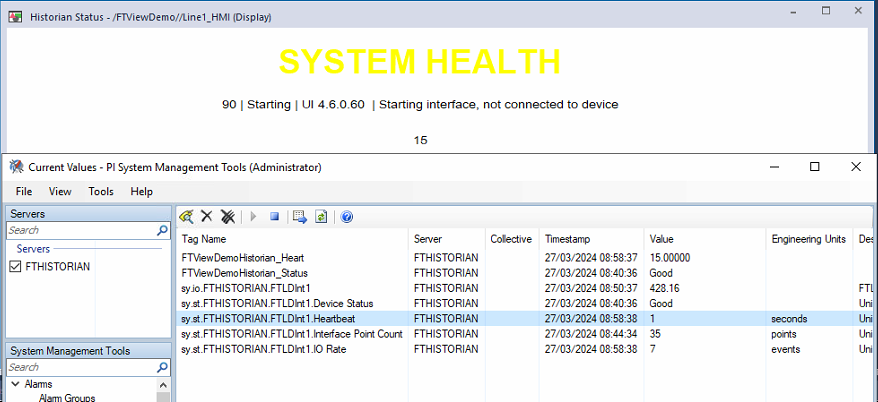
FactoryTalk View SE - FactoryTalk Historian FTLD status
06
Historian Client in FactoryTalk View SE
07
Active Factory / Historian Client Trends
08
Historian Client Trend symbol
A practical FactoryTalk View route: communication, clients, import, users, alarms, datalogs, messages, recipes, email, SQLite and global objects.
01
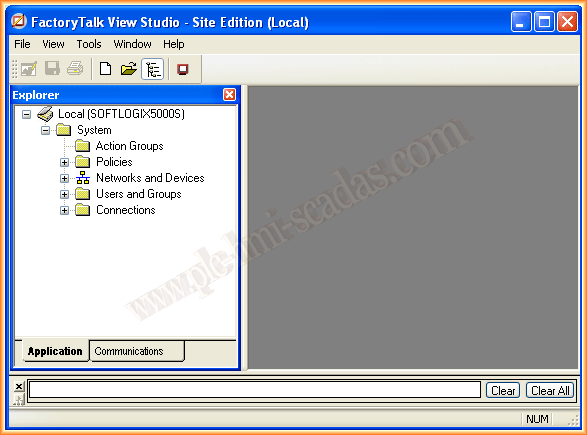
FactoryTalk View SE
02
FactoryTalk View Client
03
Import FactoryTalk View SE project
04
FactoryTalk View SE with RSLogix Emulate 5000
05
FactoryTalk View ME with RSLogix Emulate 5000
06
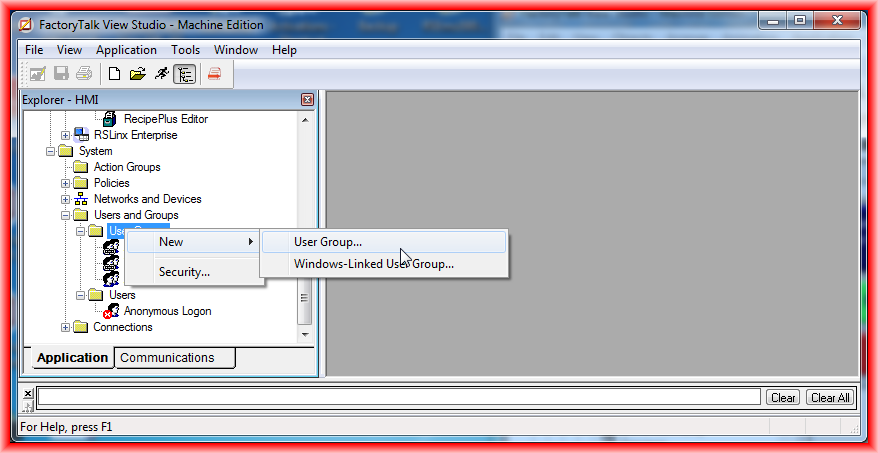
Users and security in FactoryTalk View ME
07
FactoryTalk View ME - Alarm configuration
08
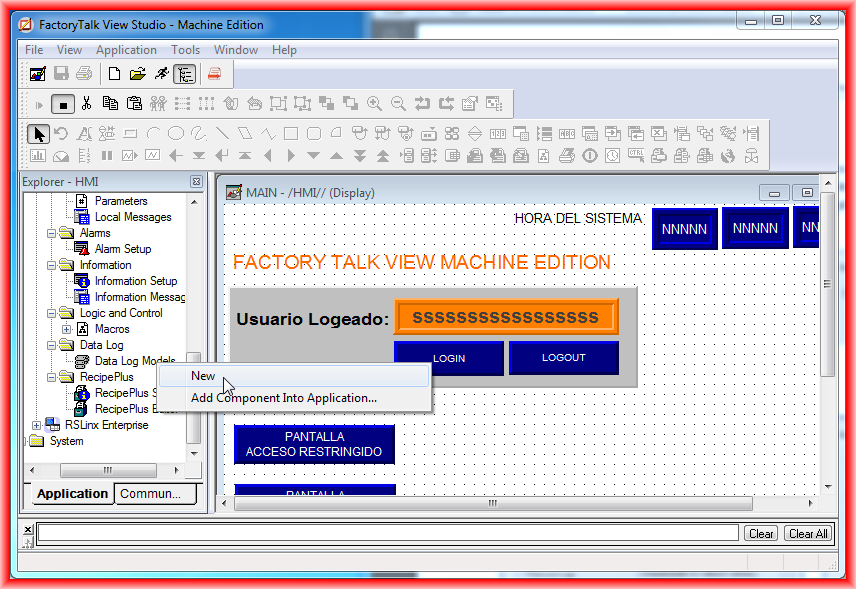
Data Logs in FactoryTalk View ME
09
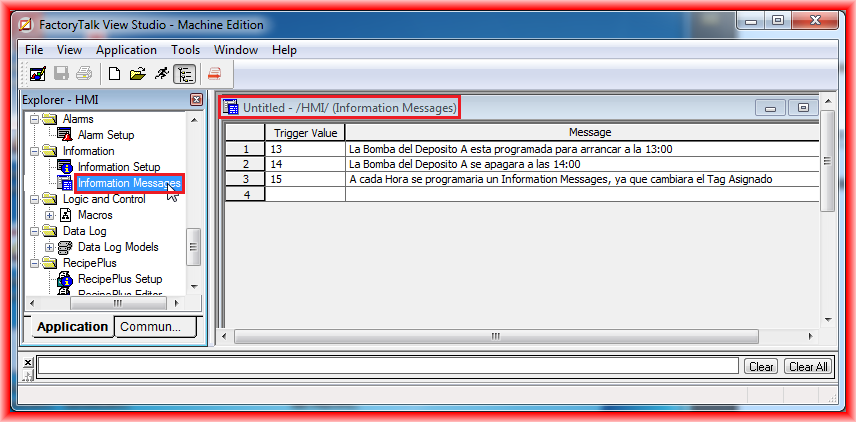
Information Messages in FactoryTalk View ME
10
Macros in FactoryTalk View ME
11
Language switching in FactoryTalk View ME
12
FactoryTalk View SE - DataLogs
13
FactoryTalk View SE - DataLogs II
14
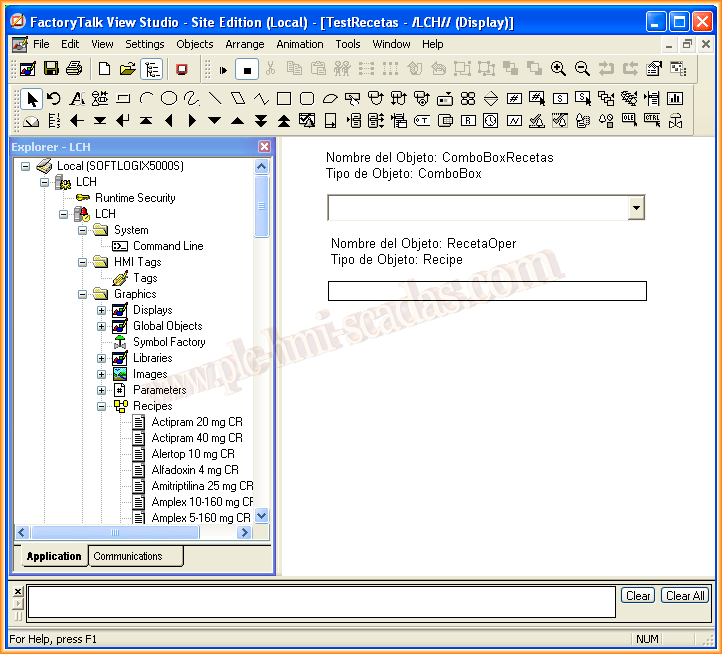
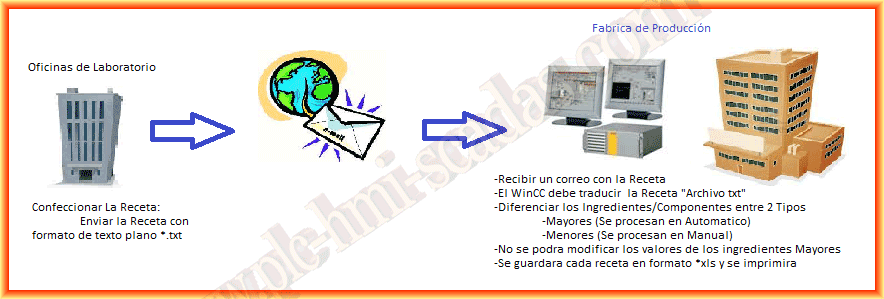
FactoryTalk View SE - Recipes
15
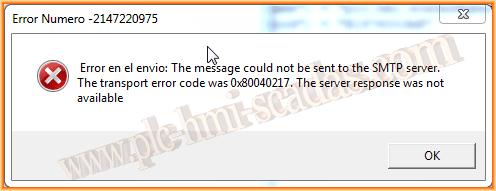
FactoryTalk View SE - Send email
16
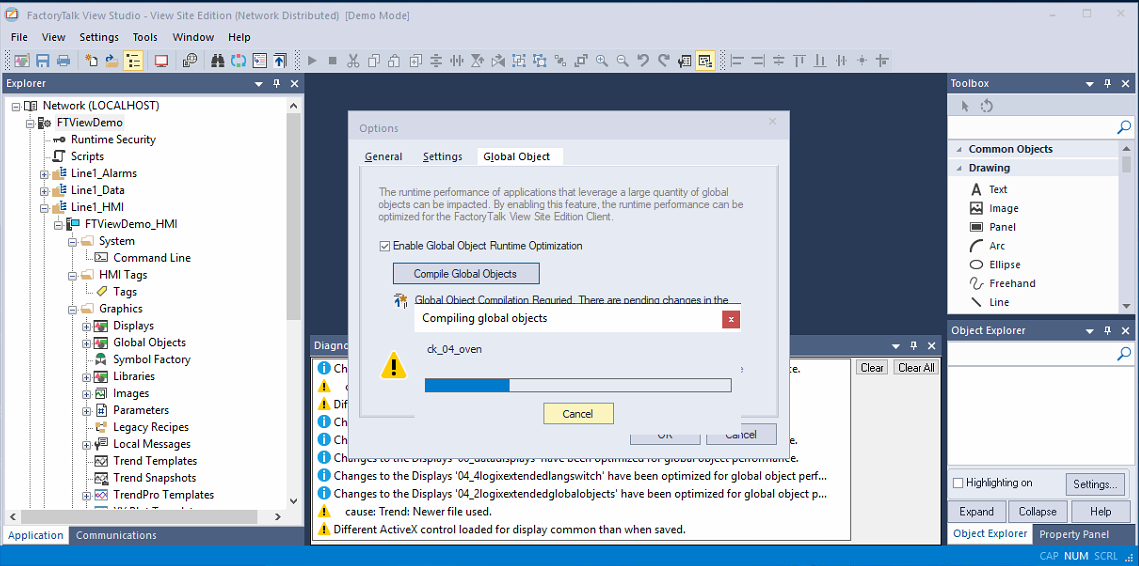
FactoryTalk View SE - Global Object Runtime Optimization
17
FactoryTalk View SE - SQLite
18
FactoryTalk Alarm and Events
19
FactoryTalk Alarm and Events database
20
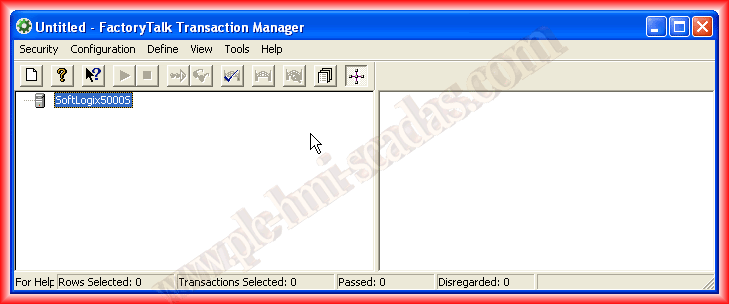
FactoryTalk Transaction Manager
A practical route to simulate Rockwell controllers, prepare RSLinx OPC and FSGateway, and connect InTouch, FactoryTalk View SE/ME and RSView32 with RSLogix Emulate 500/5000.
01
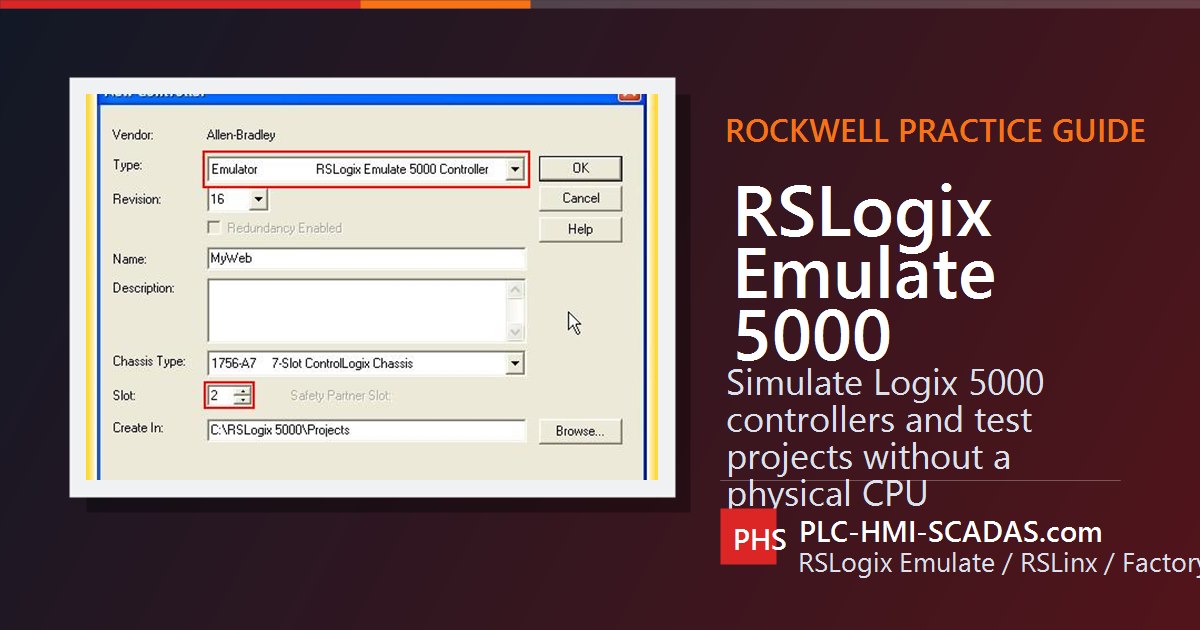
RSLogix Emulate 5000
02
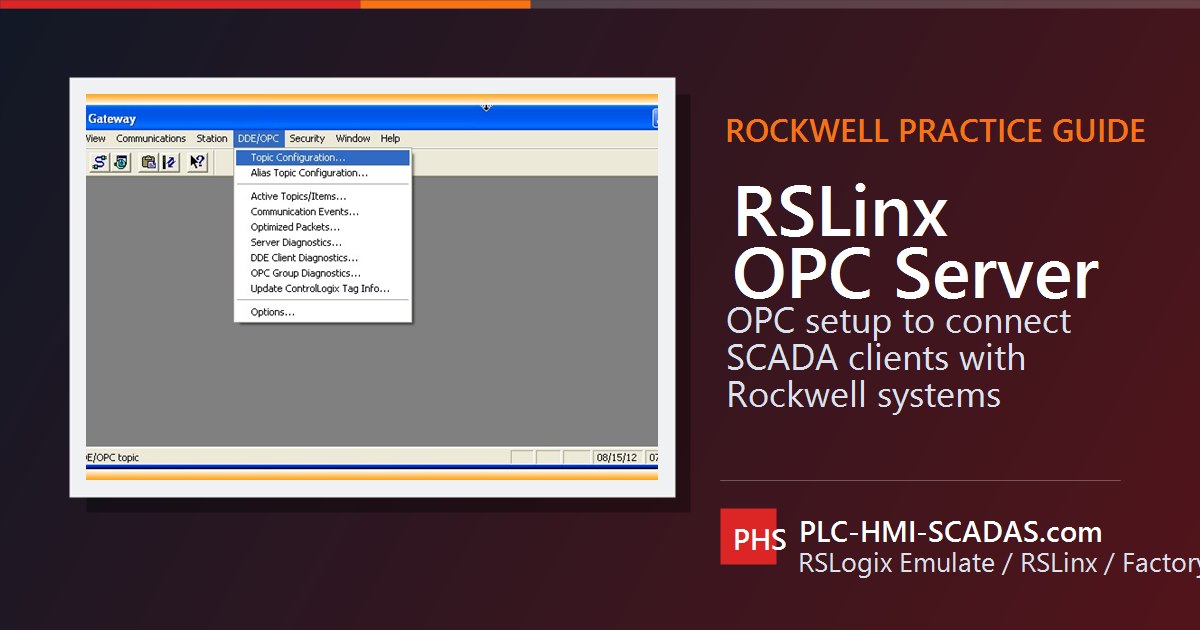
RSLinx OPC Server
03
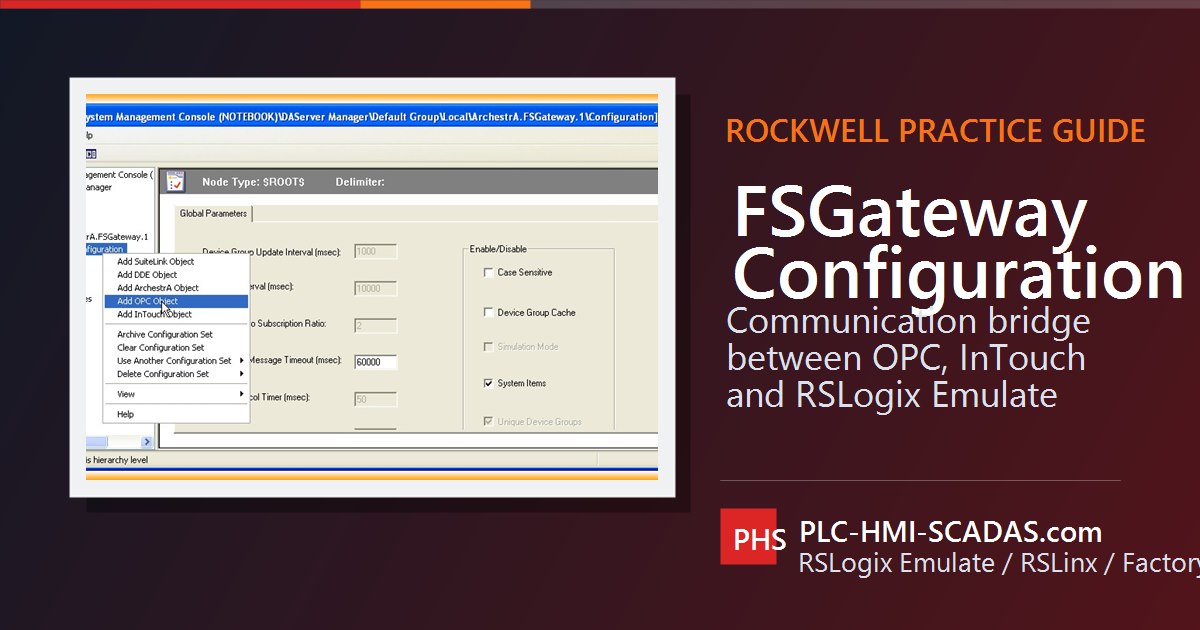
FSGateway configuration
04
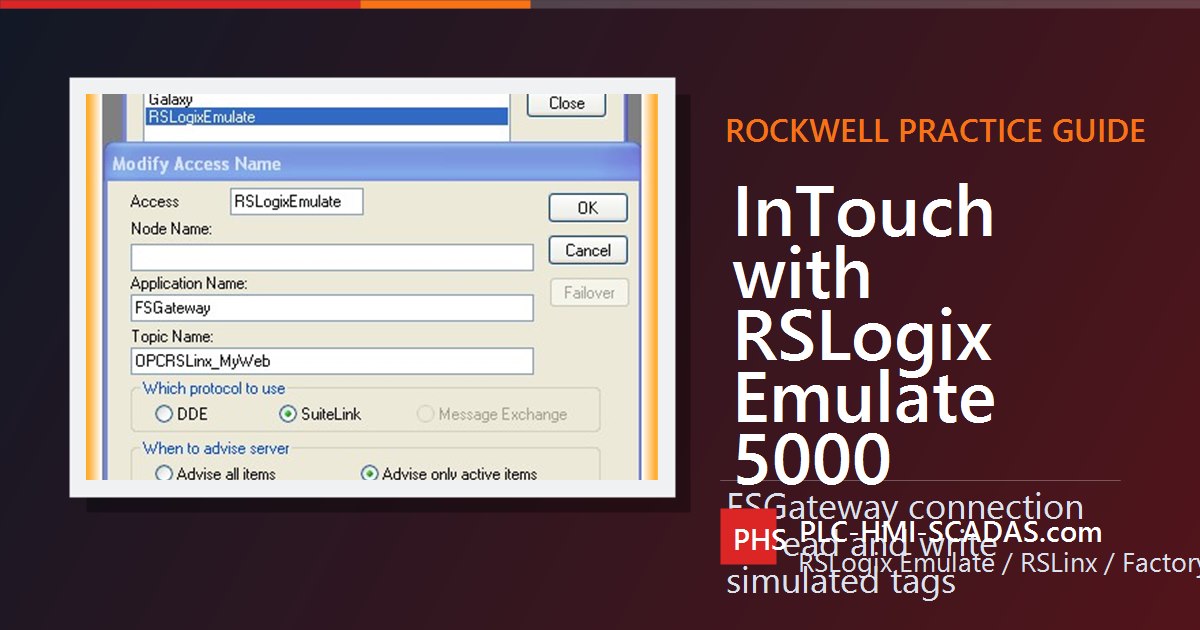
InTouch with RSLogix Emulate 5000 through FSGateway
05
FactoryTalk View SE with RSLogix Emulate 5000
06
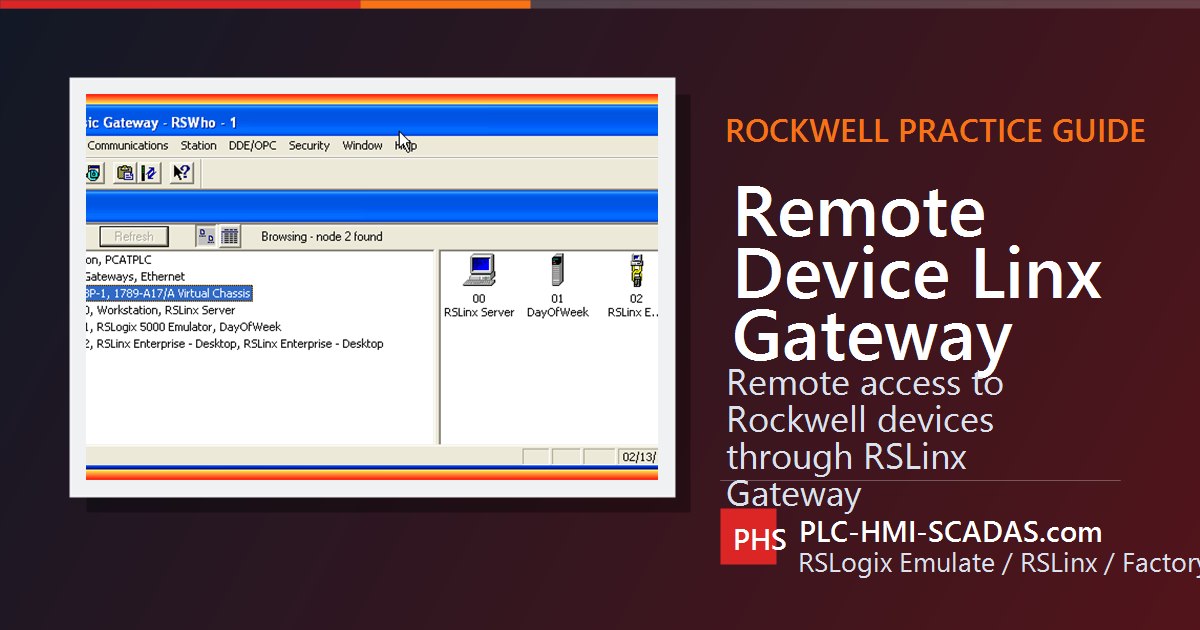
Remote Device Linx Gateway
07
FactoryTalk View ME with RSLogix Emulate 5000
08
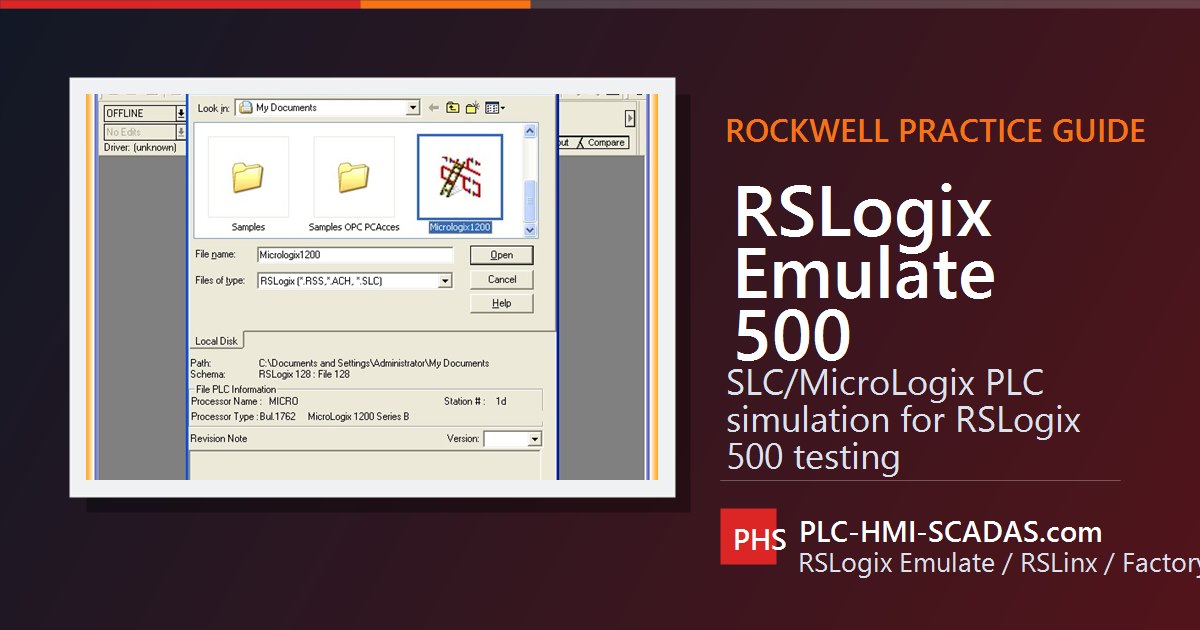
RSLogix Emulate 500
09
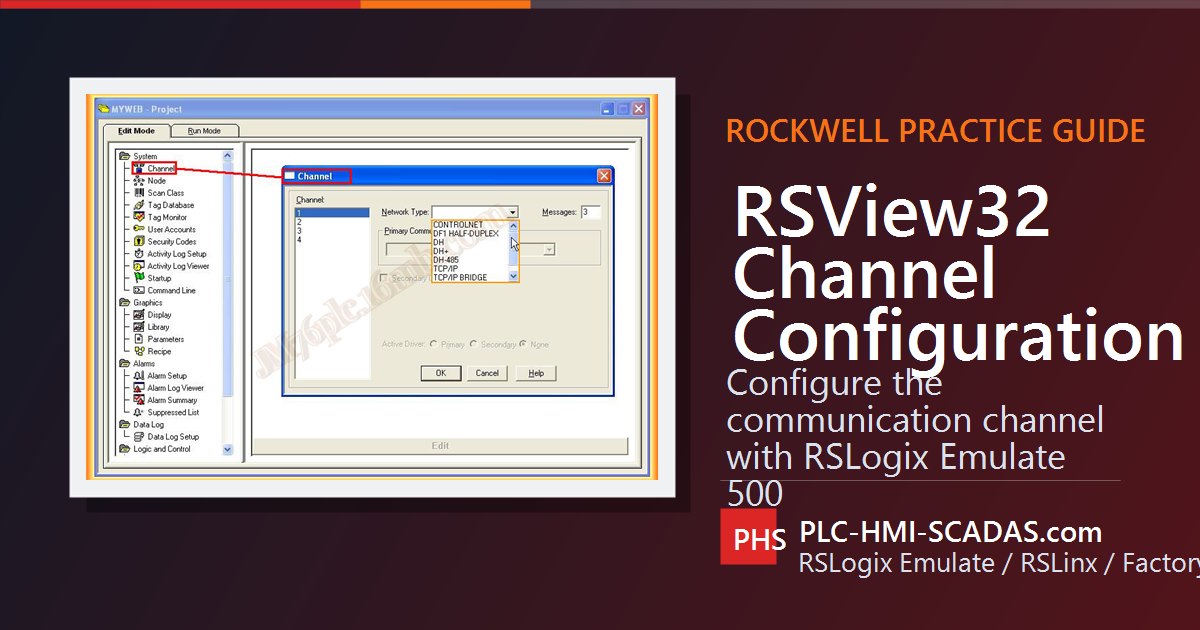
RSView32 channel for RSLogix Emulate 500
Introduction, simulation, messaging, produced/consumed tags, GSV/SSV, ALMD, EDS, firmware, PowerFlex, MicroLogix and RSLinx.
01
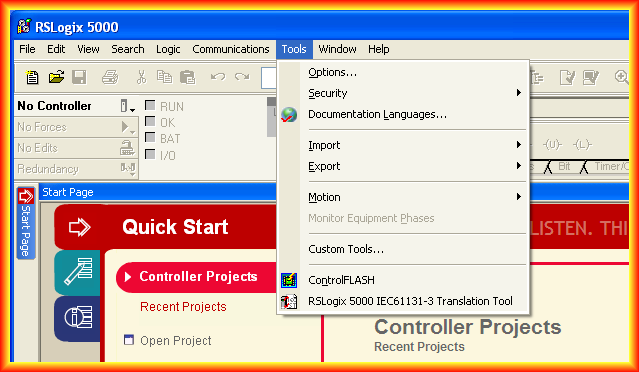
Introduction to RSLogix 5000
02
RSLogix Emulate 5000
03
Logix5000 - Consumed and produced tags
04
Logix5000 - Message configuration
05
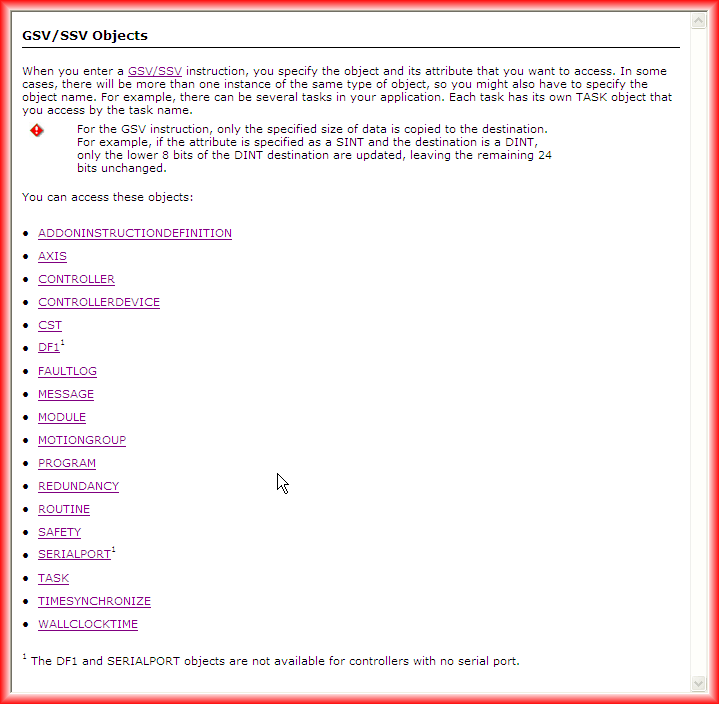
Logix5000 - GSV/SSV instructions
06
Logix5000 - ALMD digital alarms
07
Logix5000 - Read barcodes
08
RSLogix 5000 / Studio 5000 - Electronic Data Sheet EDS
09
Update firmware in ControlLogix
10
FactoryTalk Echo - Update firmware v37
11
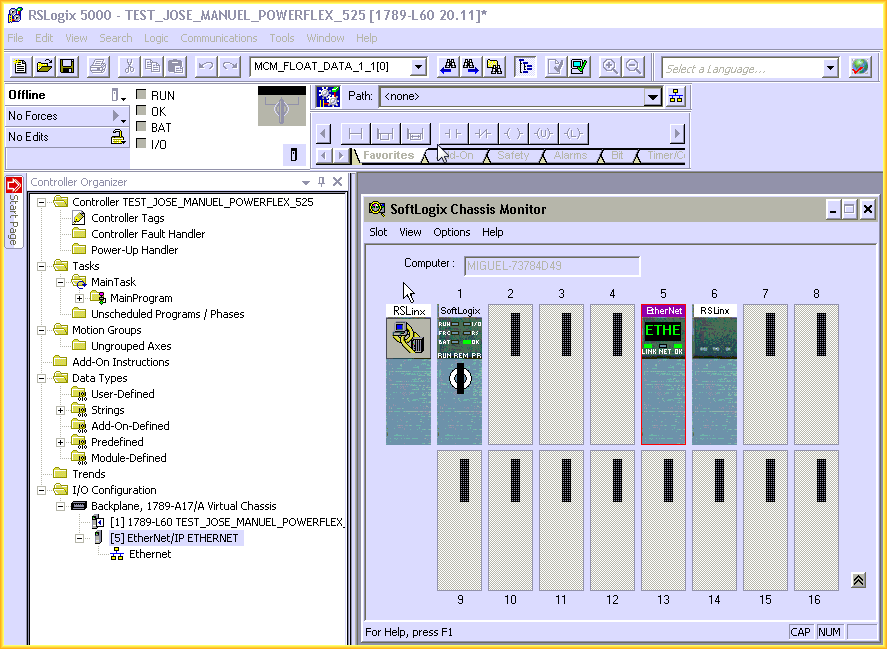
Logix5000 - Ethernet network with PowerFlex 525
12
Parameterize PowerFlex 525 with Component Workbench
13
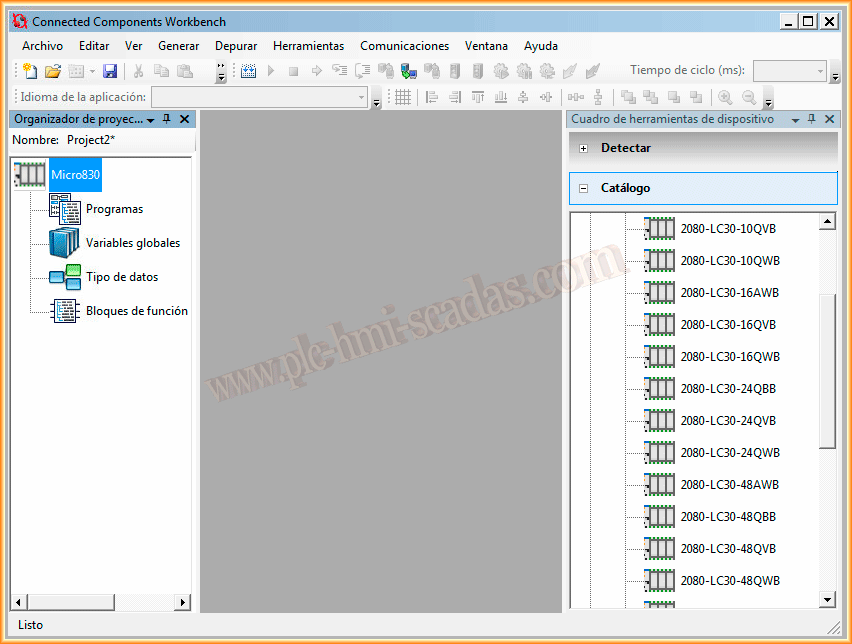
First Micro830 test with Component Workbench
14
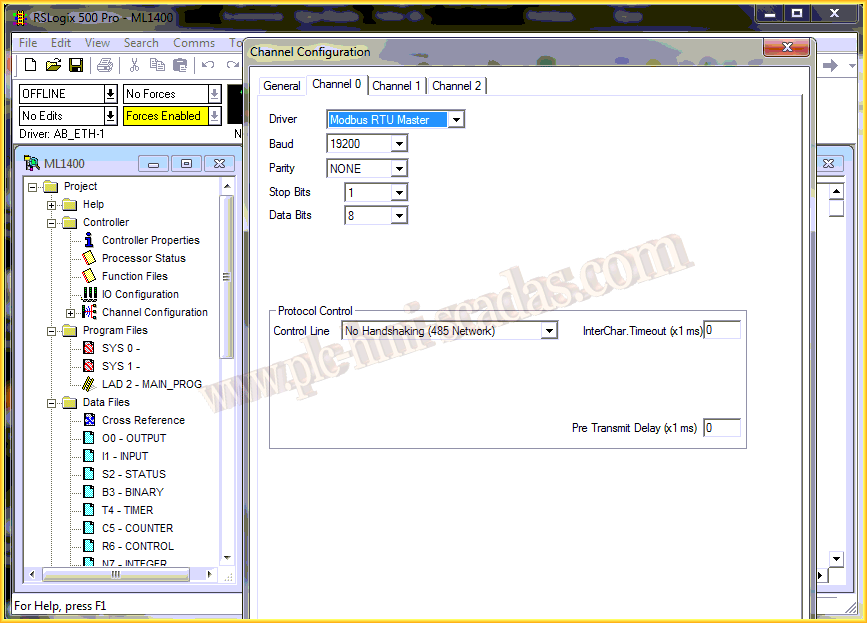
MicroLogix Modbus Master RTU
15
RSLogix 500 - Upload Project
16
RSLinx OPC Server
17
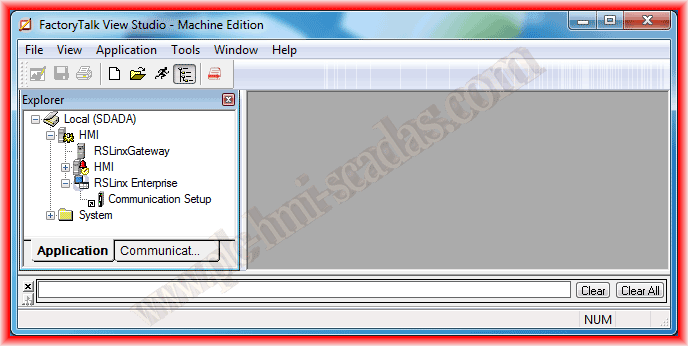
RSLinx Enterprise configuration
Modbus RTU/TCP from simulation to Siemens, Schneider, Rockwell, WinCC, Wireshark and real vulnerabilities.
01
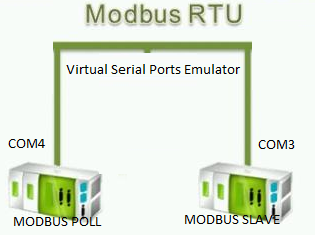
Modbus RTU network simulation
02
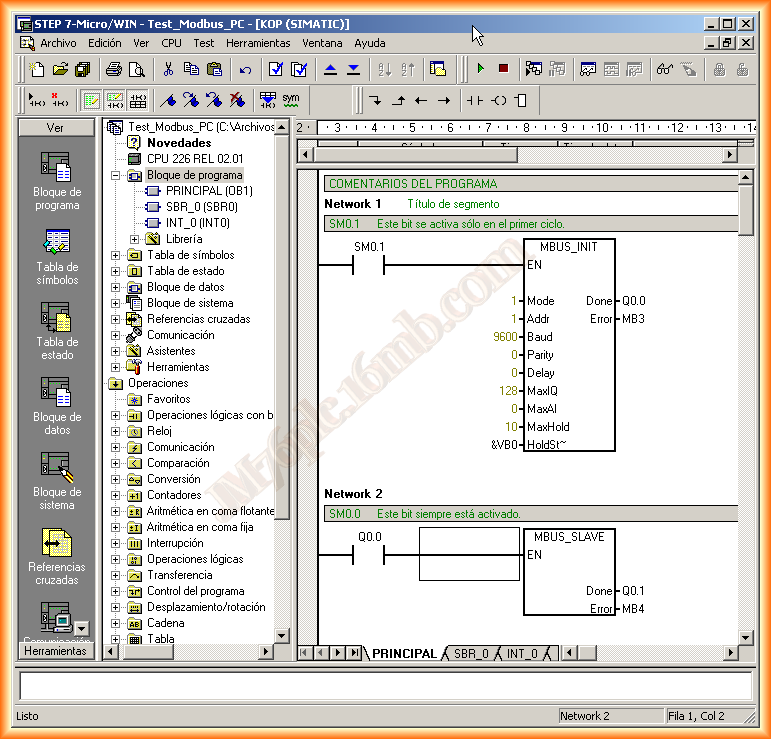
S7-200 Modbus slave
03
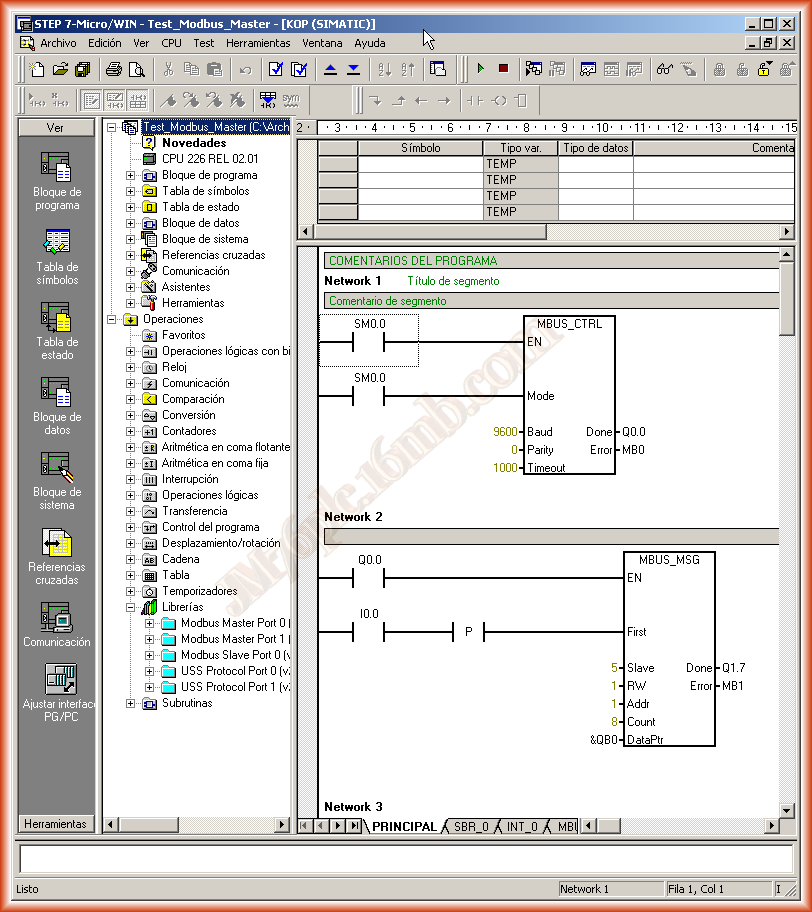
S7-200 Modbus master
04
S7 OpenModbus/TCP simulation
05
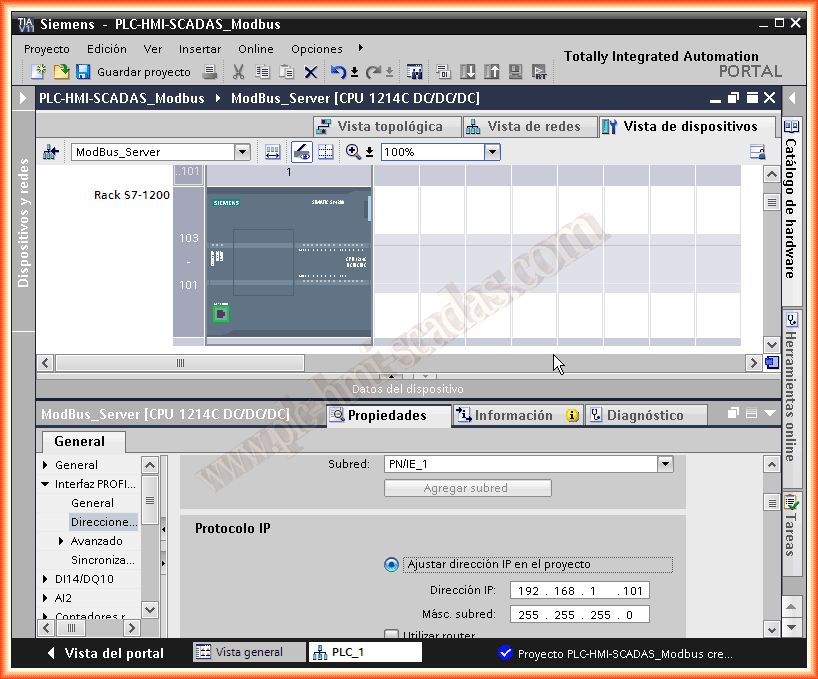
Simatic 1200/1500 Modbus TCP server
06
Simatic 1200/1500 Modbus TCP client
07
TIA Portal - Modbus RTU with CB1241/CM1241
08
Siemens and Schneider exchange over Modbus TCP
09
WinCC - Modbus TCP driver
10
MicroLogix Modbus Master RTU
11
MicroLogix Master Modbus with PowerFlex 4
12
Analyzing Modbus TCP communications
13
Exploiting Modbus TCP vulnerabilities
PROFINET, STP, MRP, segmentation, SNMP, EtherNet/IP, CIP, PPS, Prosoft and industrial network diagnostics.
01
PROFINET basic concepts
02
GNS3, broadcast storm and STP protocol
03
Network segmentation - S7-1500 and WinCC Unified
04
TIA Portal - Configuration Time in MRP ring
05
SNMP
06
SNMP - Simple Network Management Protocol
07
AVEVA SNMP Driver
08
Common Industrial Protocol CIP / EtherNet-IP
PPS: the heart and limit of EtherNet/IP
10
Prosoft PLX31-EIP-SIE
11
Prosoft AN-X2-AB-DHRIO Gateway
12
Industrial Ethernet networks
A natural PM Quality series: introduction, PM-Server, stations, topology, phases, trends, reports and PM-Analyze.
Version control for TIA Portal, collaborative flows, VS Code environment, Copilot, AI agents and an assisted OPC UA example.
AI examples taken into code, games, small SCADA, algorithms and industrial problems for learning by building.
A three-part mini-series that evolves a temperature simulator into a control architecture with OPC UA.
GRAFCET theory and the GrafSim interactive tool as a natural continuation for designing and simulating sequences.
First project, hardware configuration, upload/download, TwinCAT OPC server, OPC UA, HMI CE and CERHOST access.
01
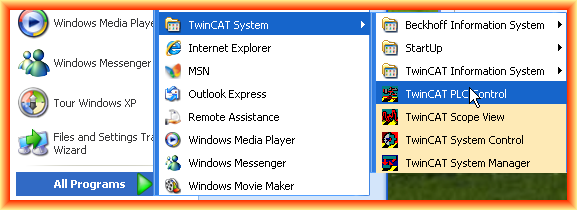
First project in Beckhoff TwinCAT
02
Online hardware configuration in TwinCAT System Manager
03
Download TwinCAT PLC project
04
Upload TwinCAT PLC project
05
Upload TwinCAT System Manager configuration
06
TwinCAT OPC server configuration
07
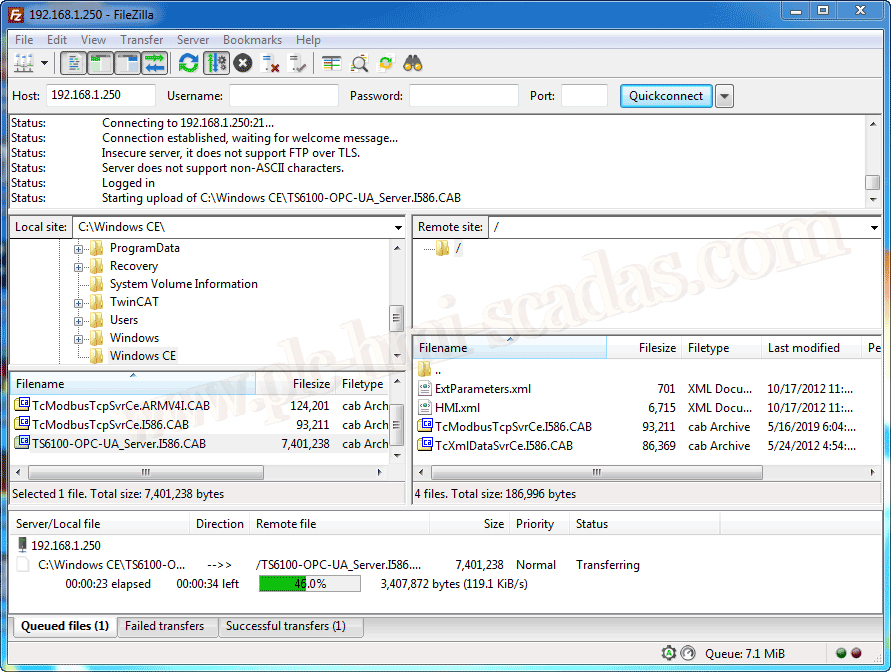
Beckhoff - OPC UA Server CE
08
Beckhoff - HMI CE
09
Beckhoff CERHOST
Modernization and compatibility for old controls: FactoryTalk View, iFix, WinCC V8, InTouch, MS Controls, ActiveX and .NET.
01
SCADA retrofits with MS Controls ActiveX VB6 - FactoryTalk View
02
SCADA retrofits with MS Controls ActiveX VB6 - iFix 2023
03
SCADA retrofits with MS Controls ActiveX VB6 - WinCC V8
04
WinCC - Microsoft ActiveX controls
05
WinCC - Create ActiveX controls
06
WinCC ActiveX Spreadsheet
07
WinCC ActiveX WebBrowser .NET
08
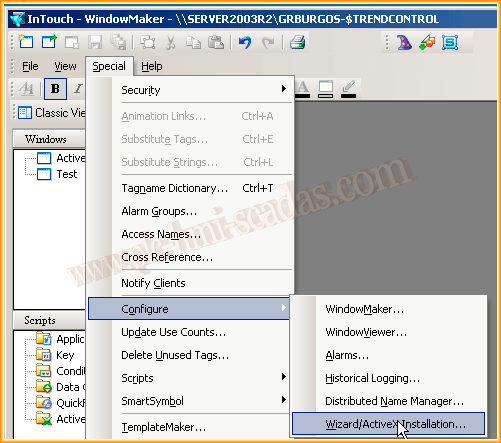
ActiveX controls in InTouch
09
ActiveX Control aaHistClientTrendControl
10
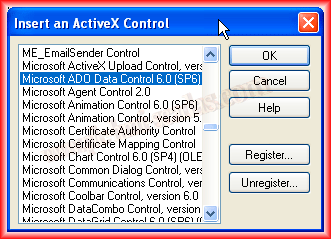
FactoryTalk View - ActiveX ADO and DataGrid
11
Historian Client ActiveX/.NET in FactoryTalk View SE
Capture, storage, querying and reporting: SQL, SQLite, ODBC, Oracle, MySQL, DataLogs, SSRS and PLC/SCADA data.
01
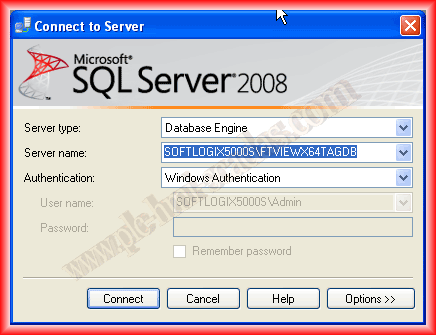
SQL databases in SCADAs
02
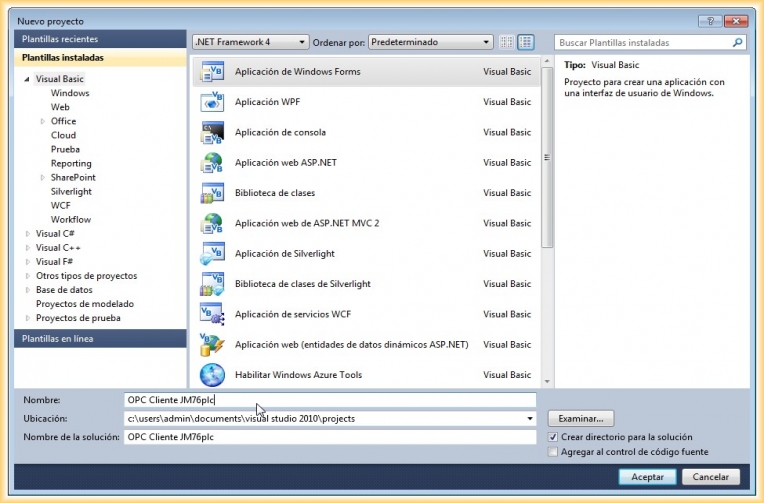
Log PLC data into a database with OPC and VB.NET
03
Log Access data with InTouch
04
CitectSCADA DataBase
05
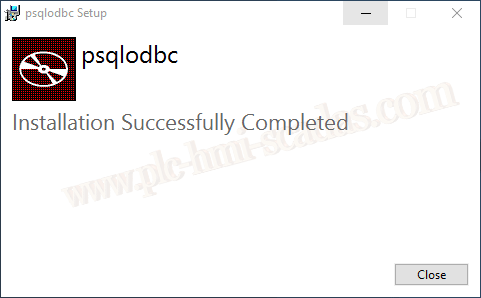
iFix - PostgreSQL connection
06
InTouch - ODBC
07
InTouch - MySQL DataBase
08
InTouch - Oracle DataBase
09
WinCC - MySQL DataBase
10
WinCC - Oracle DataBase
11
WinCC - SQLite
12
FactoryTalk View SE - SQLite
13
AVEVA InTouch - SQLite
14
SQL records with S7-1500 PLC and Wireshark inspection
15
FactoryTalk View SE - DataLogs
16
FactoryTalk View SE - DataLogs II
17
WinCC DataMonitor - Advanced reporting
18
IIS Reverse Proxy for SSRS in WinCC Unified
19
WinCC Unified SQLite reports in SSRS
A historical but still useful route for S5, S7-200, PPI, PC/PG, KepServer, InTouch, WinCC Flexible, ProTool, Modbus and Profibus.
01
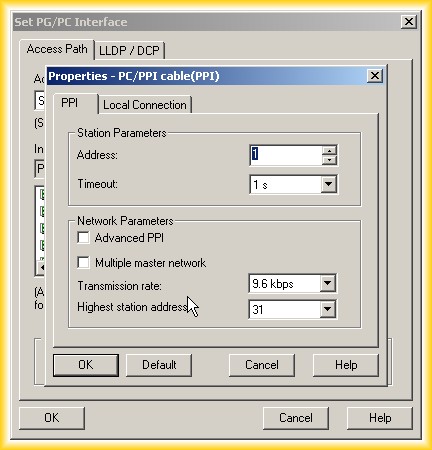
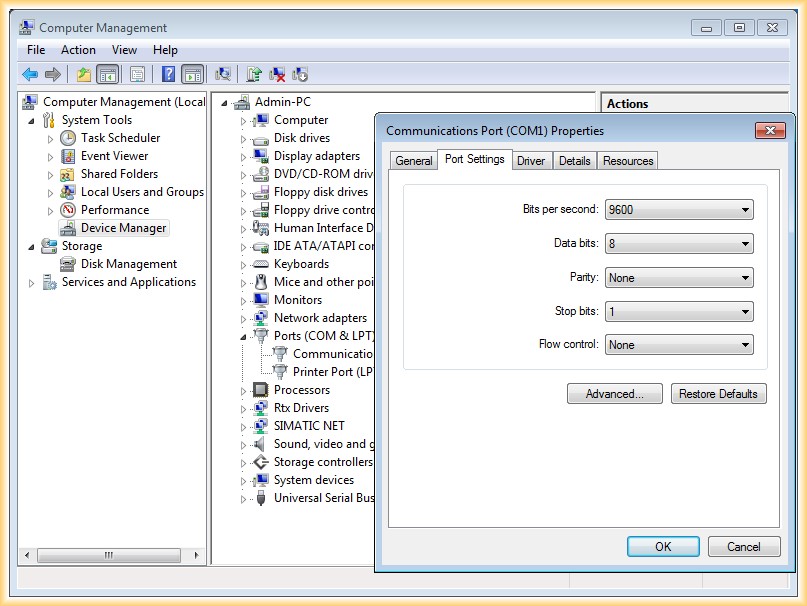
PC/PG communication with S7-2xx CPU
02
PC/PG communication with S5-100 CPU
03
PC/PG communication with S5 through USB-RS232
04
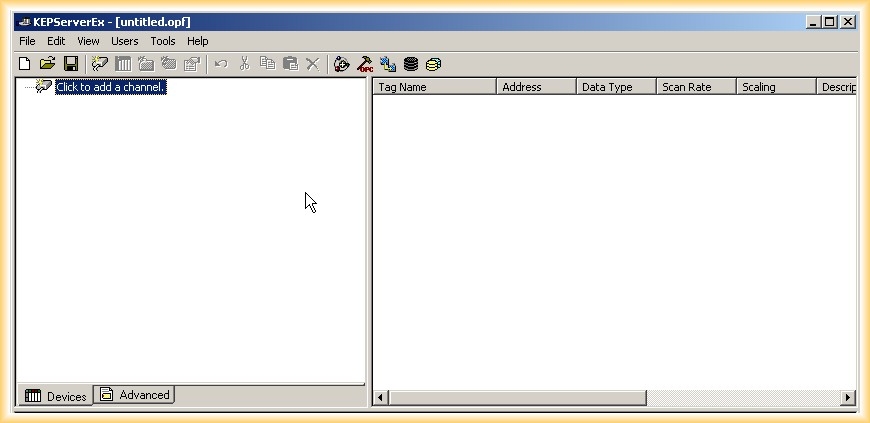
S7-200 OPC communication with KepServer
05
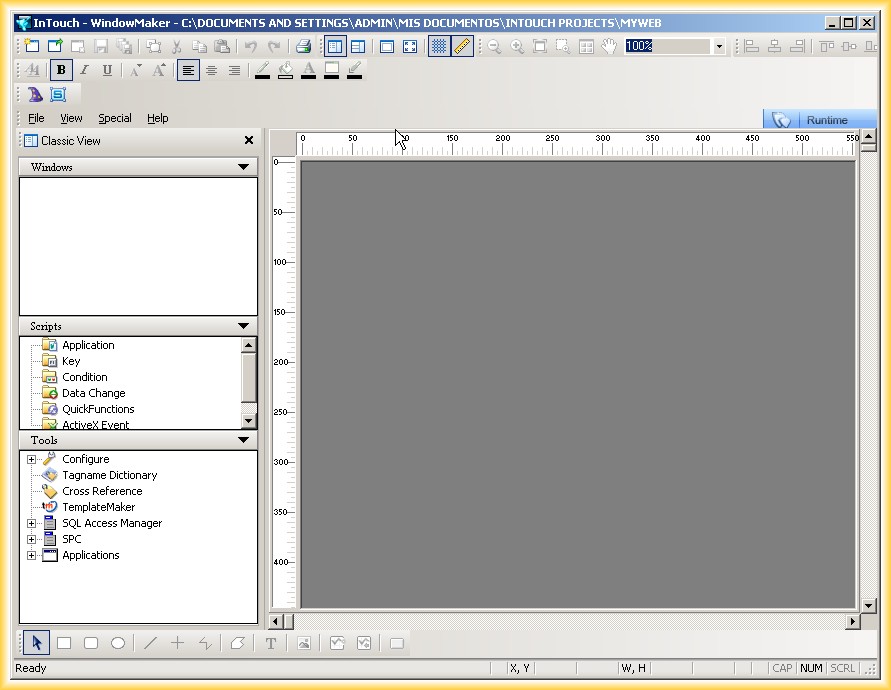
InTouch and S7-2xx communication
06
S7-2xx PPI with WinCC Flexible PC Runtime
07
Profibus between S7-300 and S7-200 EM277
08
S7-2xx PPI with WinCC RT Advanced
09
ProTool PC Runtime with S7-200 PPI
10
Upload S7-200 MicroWin
11
S7-200 Modbus slave
12
S7-200 Modbus master
13
IBH Link S5++
14
S5 CPU with WinCC through IBH Link S5++
15