
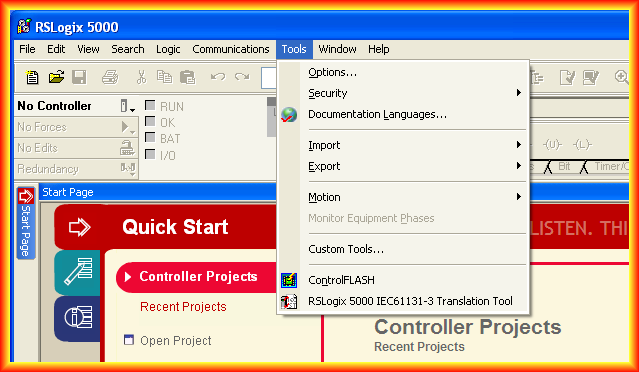
In today's practice, we will see how to update the firmware of a ControlLogix. Once we have RSLogix 5000 open, we have a shortcut to the ControlFLASH application in the tools menu.
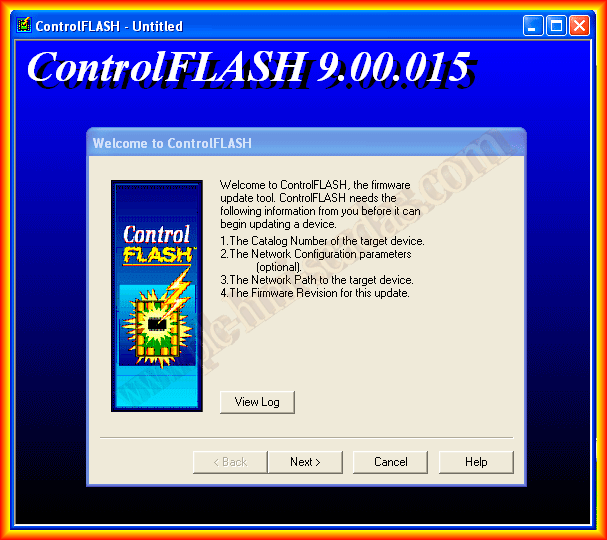
Once opened, this is the interface shown to us with the wizard. We click next.
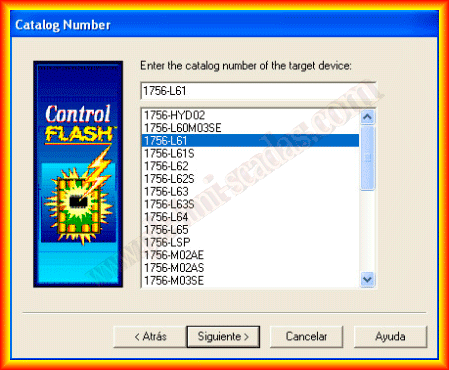
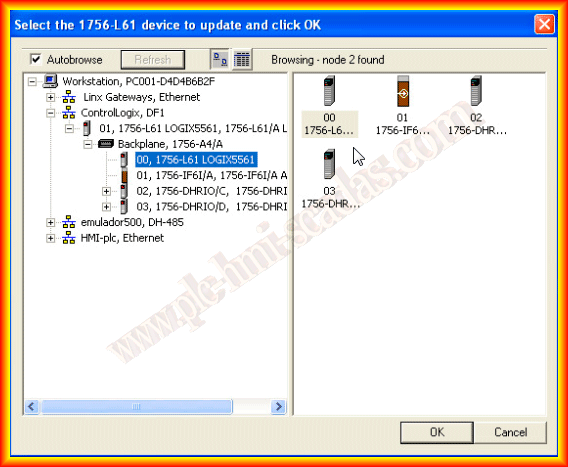
The first step is to choose the reference number of our ControlLogix. Once selected, we click next and look for our device according to the driver we have configured for it. In this case, it is a serial communication with the DF1 driver; you can find its configuration here.
Once selected, it will show us the current version and the new one that will be installed. If we agree, we can confirm.
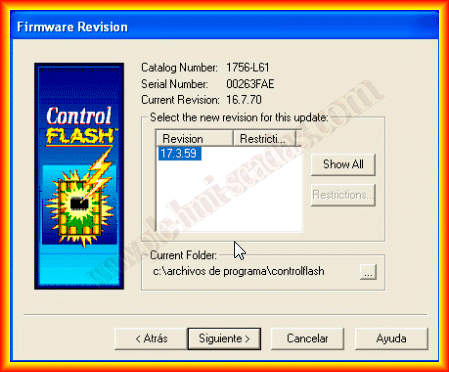
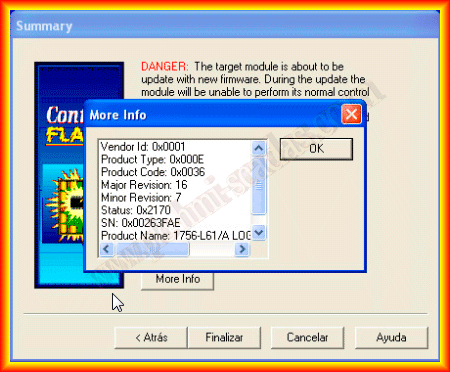
Once we have confirmed to finish, it will show us another pop-up window asking if we want to load it to the device. We accept, and the process begins.
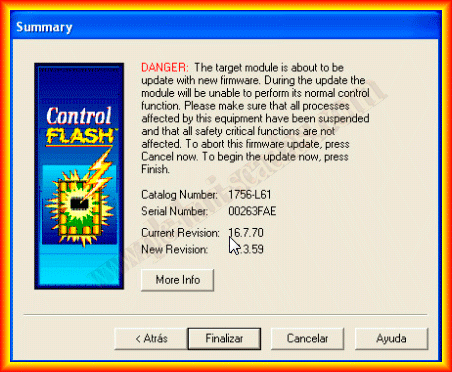
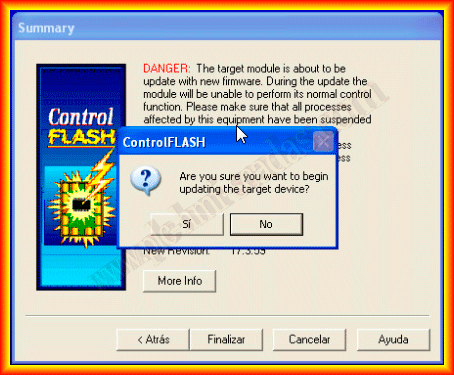
A progress bar will show us the status of the update.
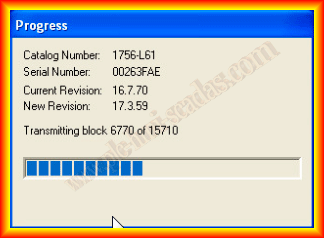
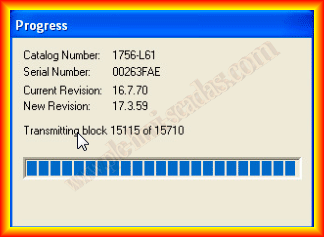
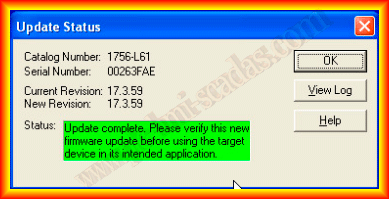
Once completed, it will show us the following window, and the firmware has been updated correctly.
My thanks to Miguel Custodio for his collaboration.
March 29, 2013