
I will dedicate some practical examples to the services offered by the new Comfort Panels, as well as the WinCC RT Advanced, created with TIA Portal V.11 - V.12
The first of these will be Remote Control, this is the only one that requires a license to run, however, it is possible to try it, despite the warnings that are shown to us.
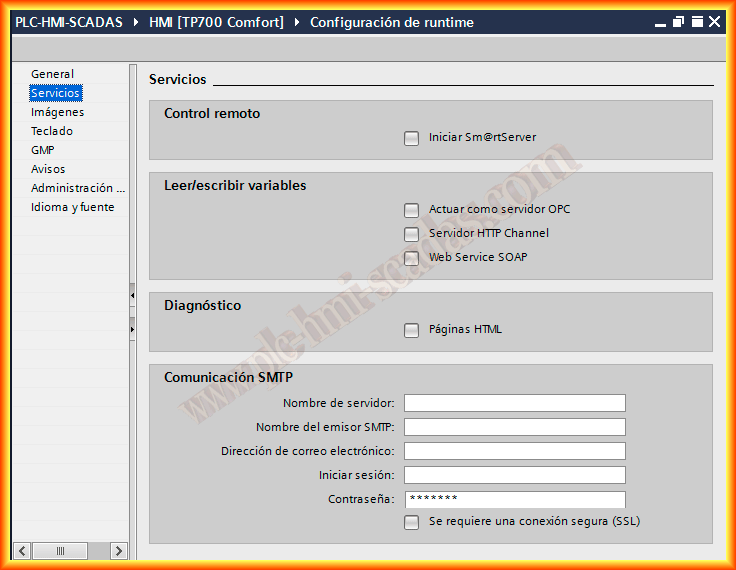
We will assume that we have completed our project, and we will configure Remote Access, for this we go to Runtime configuration -> Services and select Start Sm@rt Server, this is a VNC Server.
We can now compile and load the project or start the runtime.
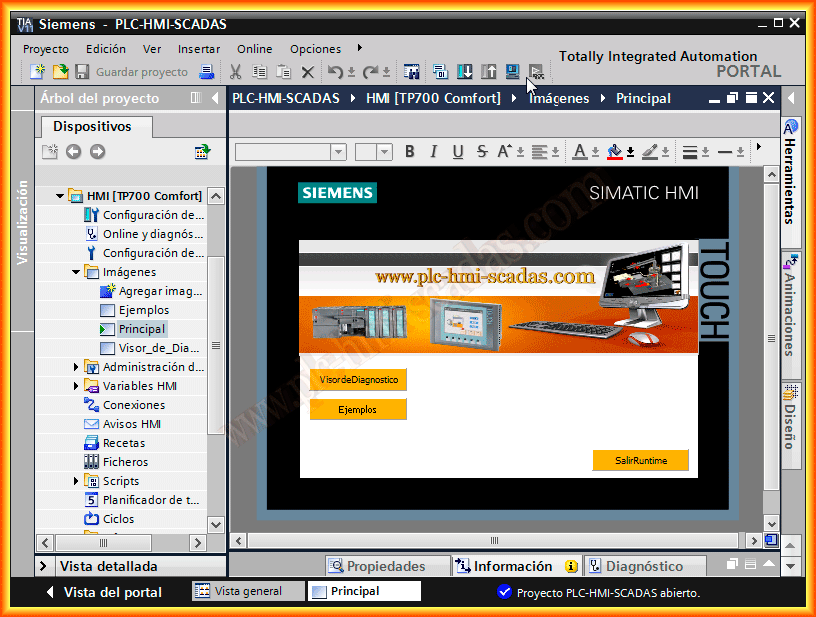
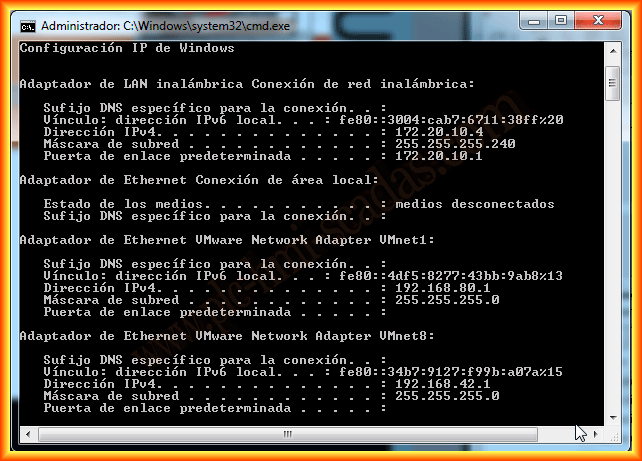
We identify the IP address of the device where it is running, we do an ipconfig and find that the host IP address is 172.20.10.4
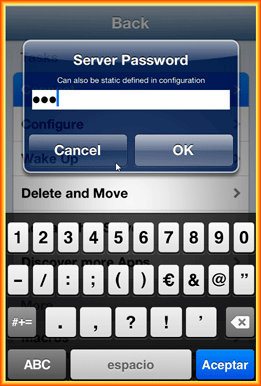
As a first example, we will connect to our Panel or PC with a Smartphone, Tablet, etc... we download any VNC Application, I have chosen Mocha VNC in its Lite version which is free, to make the tests sufficient.
We run the application and on the Connect button, we indicate the IP address of the Server, once accepted it asks us for the password, which by default is 100, with this we can now have Remote access to our Panel.
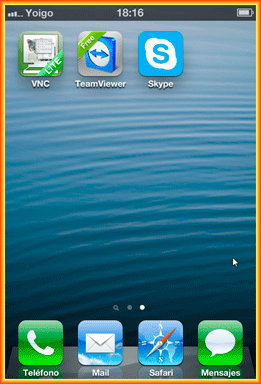
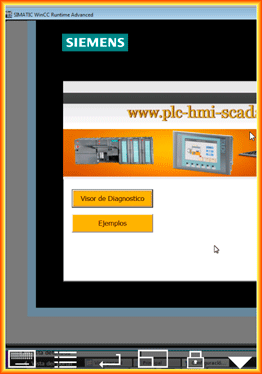
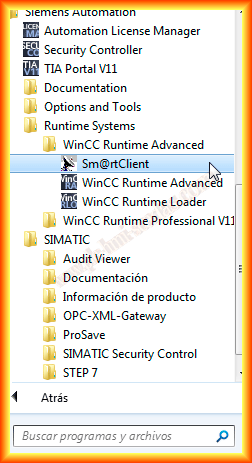
Another option will be to connect through a PC, with the installation of TIA Portal, the Sm@rtClient is installed, a VNC Client, so we will try it, we start the application and the first thing it asks us is the name or IP address of the Server
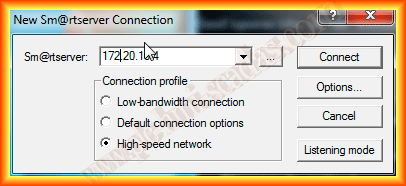
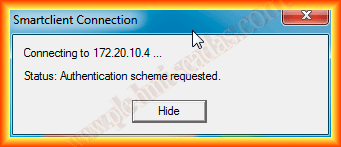
When trying to connect and establish communication, it is detected that authentication is required
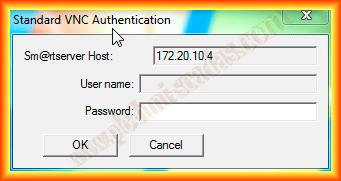
We enter the password, which is again the same as the default, if we have not changed it, which is 10
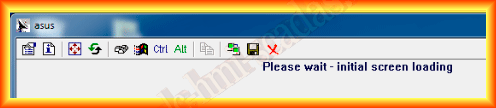
And we have already connected to the Panel or PC Runtime
April 8, 2013