
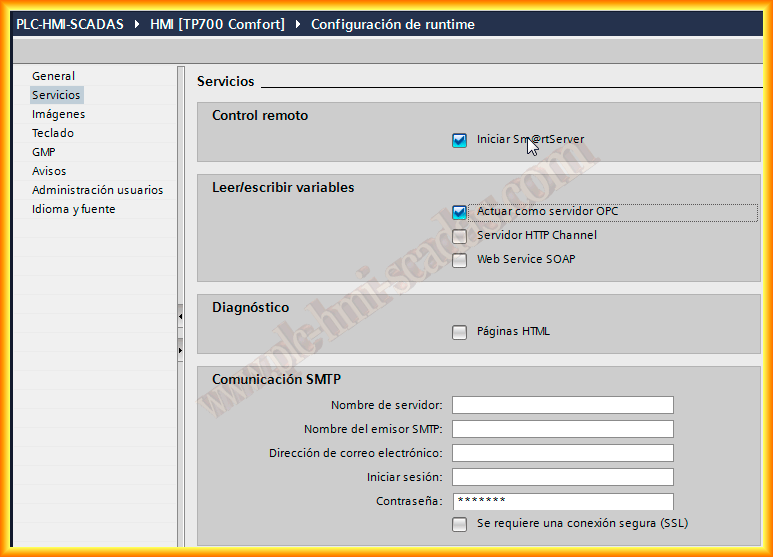
Continuing with the services offered by the Comfort Panels, just like PC Runtime Advanced, we have another great advantage, as the OPC Server no longer requires a license, it is available by default on all Comfort Panels.
We simply need to select the Check Box, and once the runtime starts, the OPC server is executed.
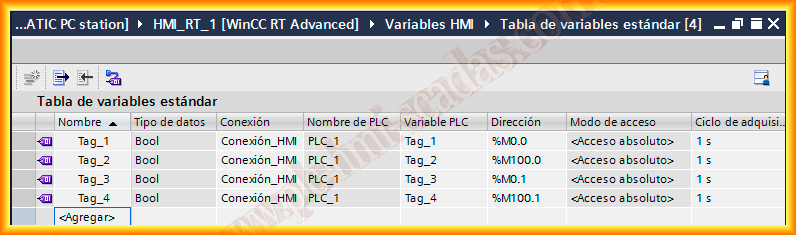
We start with our project created, I have only 4 items for this example, but all the items we have created will be the ones available in the OPC Server.
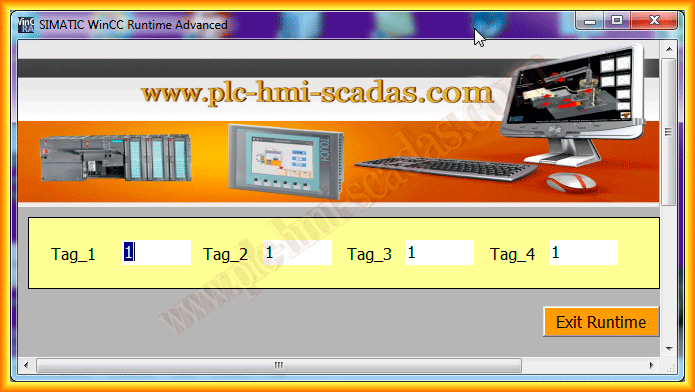
Once our project is compiled, we run the Runtime, from this moment we can access the OPC Server.
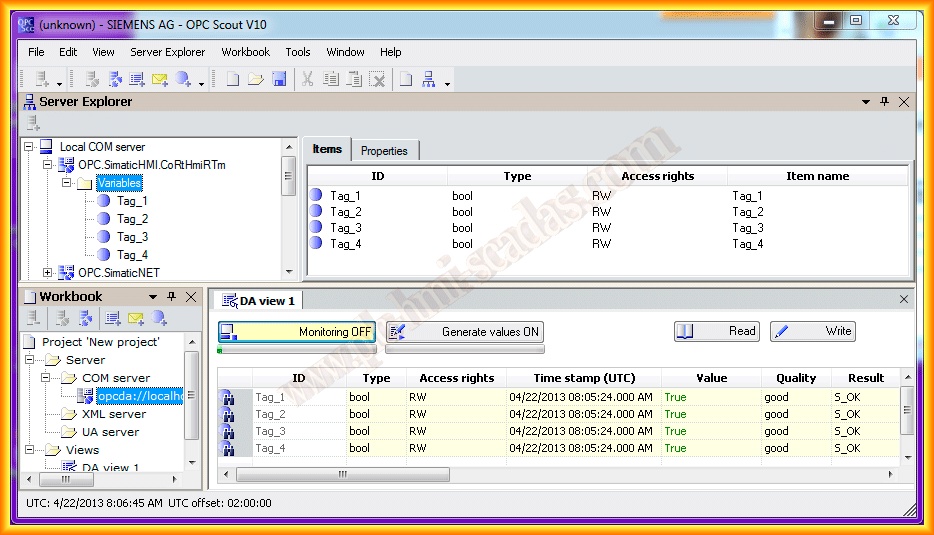
The first test I am going to perform will be with the OPC Scout, the OPC Client of Simatic Net, to check that I can access the items and connect to the Server.
The name of the Server is OPC.SimaticHMI.CoRtHmiRTm, it is necessary to know it in case we are interested in creating an application in some object-oriented language, although later we will check how to access it with an Excel sheet and the help of VBA.
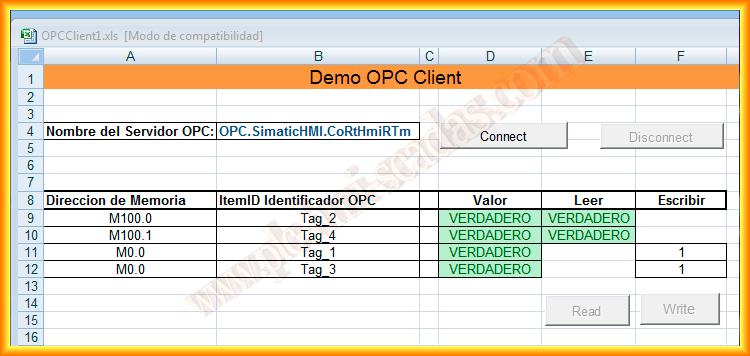
Continuing with the tests, the next example is an Excel sheet that I downloaded from Siemens and adapted for my example, which you can download here, you will be able to check the code to create the connection, disconnection, reading, and writing.
Here it can be seen that the read values are correct.
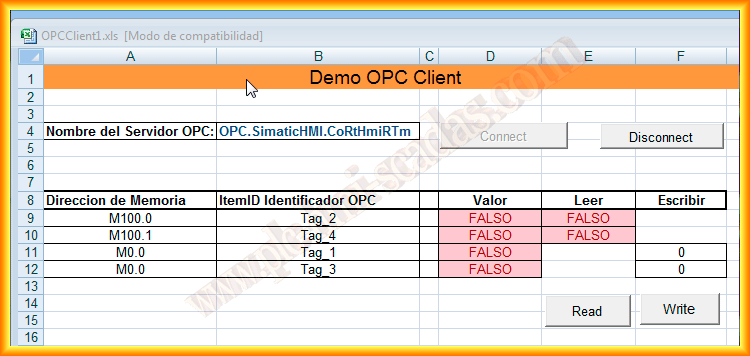
Now I am going to write in the variables Tag_1 and Tag_3, when writing these variables, Tag_2 and Tag_4 will change.
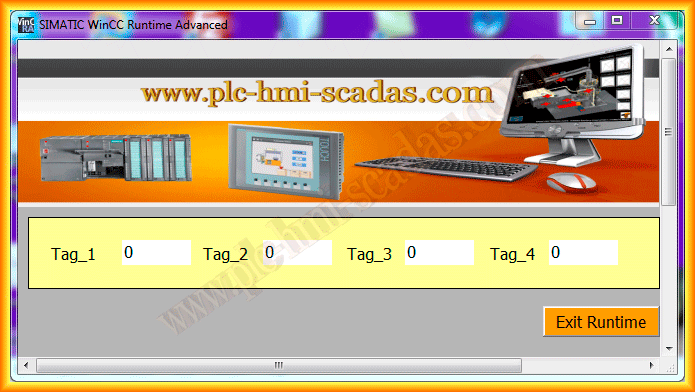
And here is the update of our variables on our Panel.
Some time ago I received a query in which a new Panel was going to be installed, but from another manufacturer, one option was for the existing panel to act as an OPC Server and the new Panel to communicate with this OPC since it did not have the necessary driver.
April 22, 2013
If you liked it or found it useful, share it...