
In the following practice, we will create a backup of a project that is loaded on a TSX P57 PLC. The software we will use is Unity Pro, and we will use a USB cable as the interface; we could also use the Ethernet port or the minidim for the same purpose.
We run the software, and the first thing we will do is configure the interface to be used.
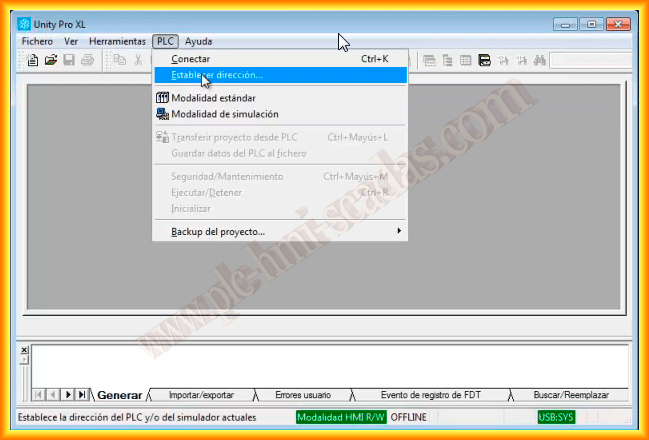
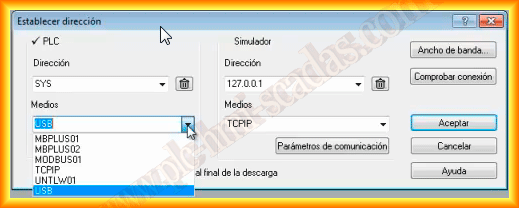
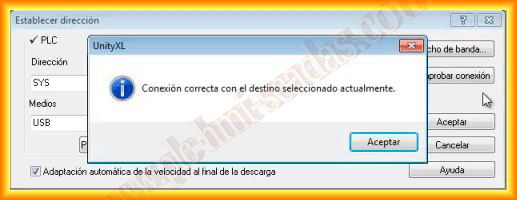
Following the mentioned instructions, we select USB as the medium to be used, and to check that there is communication, we click on the Check connection button. A pop-up window appears, and the connection is correct.
Once we have configured the interface, we can click on PLC -> Connect. From this moment on, we are connected.
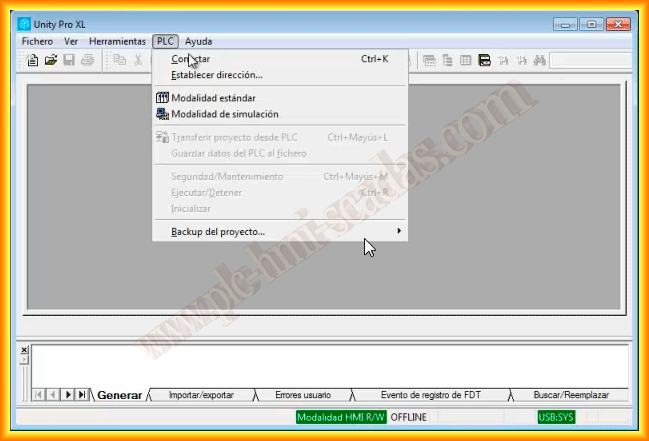
Once we are connected, we have enabled the option we are interested in, Transfer project from PLC.
A new pop-up window opens, where we see information about the project and the last compilation that was done. We click on transfer the project from a PLC.
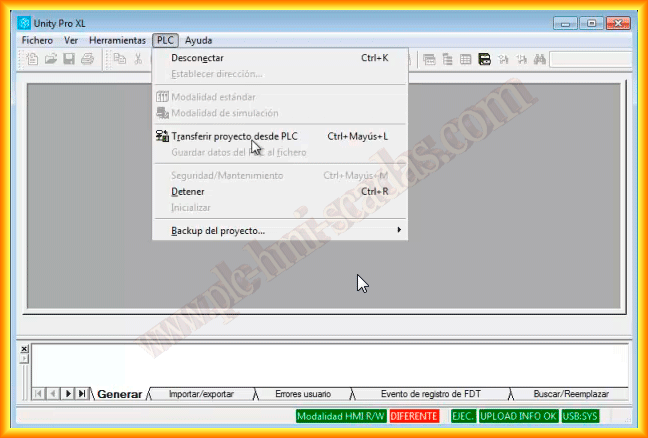
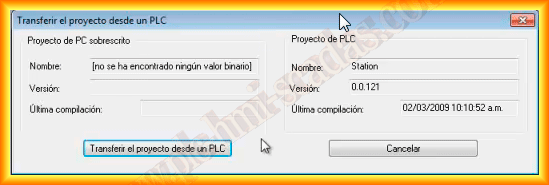
A new project creation starts, which we will later save, and we will have completed our backup. It will also serve us to make some modifications or check the program execution online.
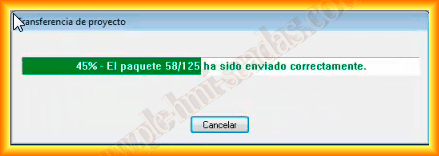
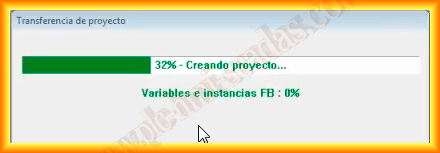
Here is the image of our new project.
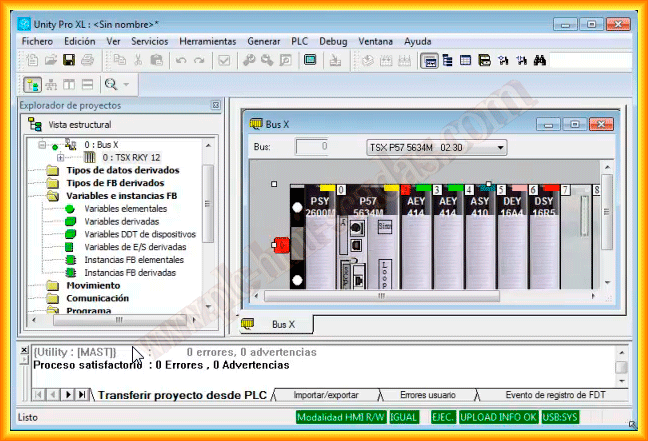
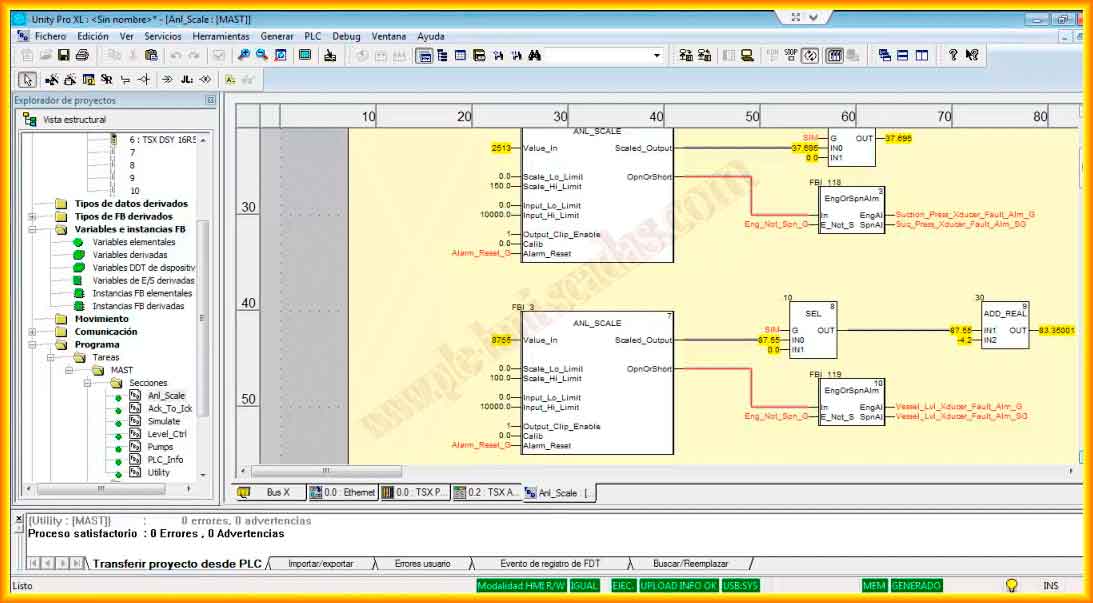
And in the following image, the online monitoring of a part of the program.
April 23, 2013
If you liked it or found it useful, share it...