
In the previous practice, we saw how to create a project in the network and run a Client on the Server, now we are going to configure a new Client that is within the same workgroup and on the same subnet.
To do this, the first thing we are going to run is the tool to select where the Server directory is located, by default it is localhost, so we are going to change it, it is necessary for the Administrator to have created a password and we select the Server machine.
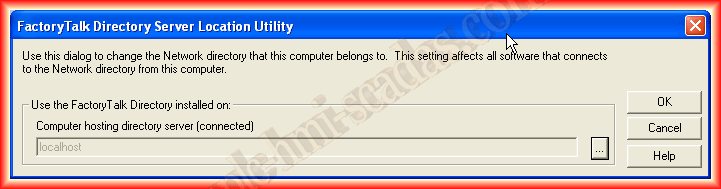
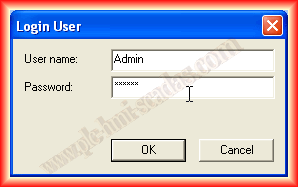
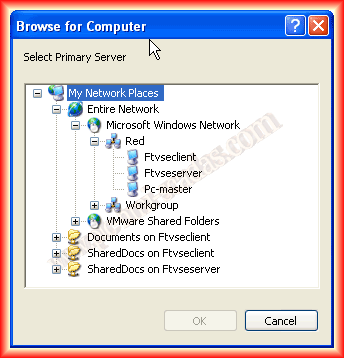
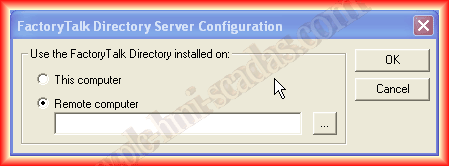
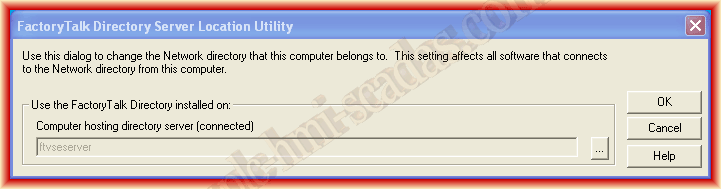
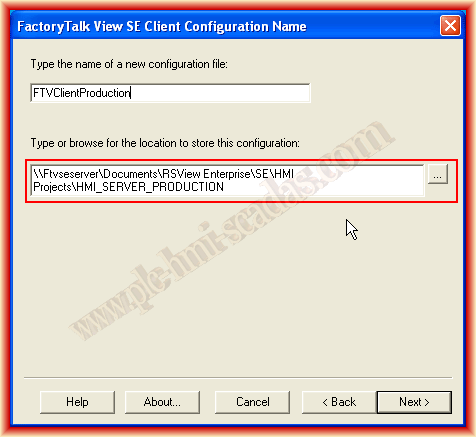
The procedure from here is the same as we had seen, the only difference is that now we must select the directory on the Server and the project of the HMI Server.
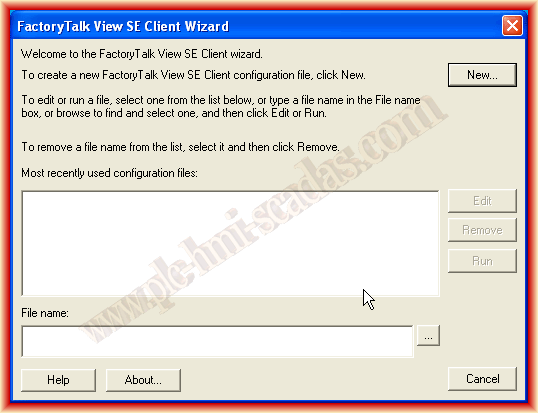
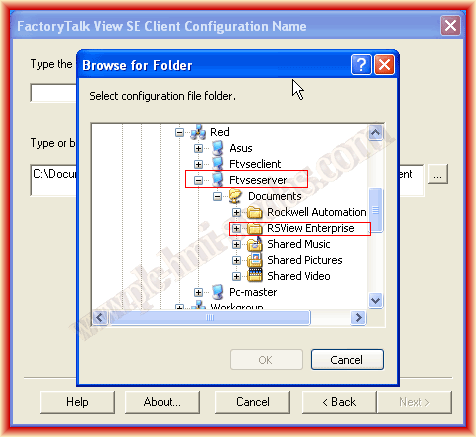
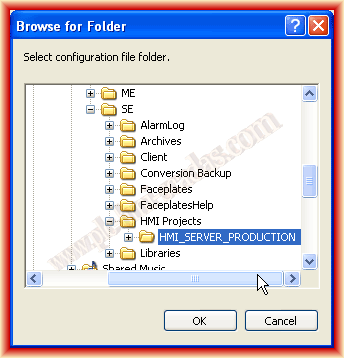
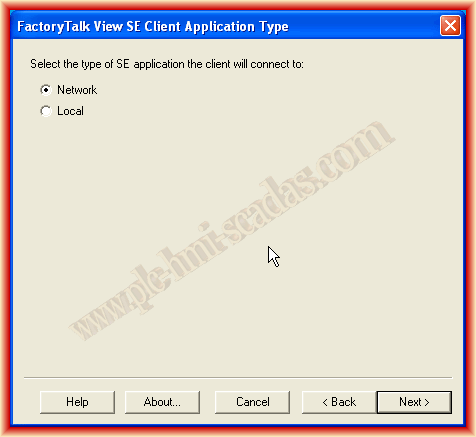
We give it a name that interests us and in the application type we select Network, since that is our goal, otherwise we would select Local and click next.
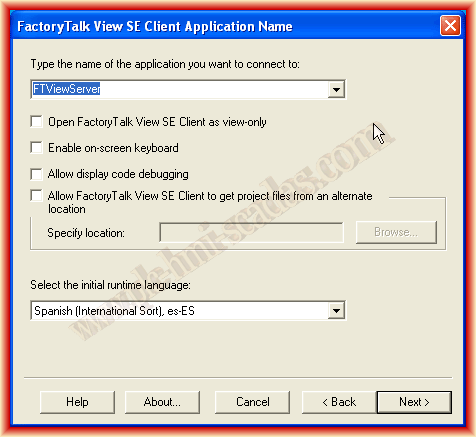
Automatically we can select any application that has been created on the Server and is of the type Network, our example FTViewServer and we select the checkboxes that interest us, then we select the Area and the initial image.
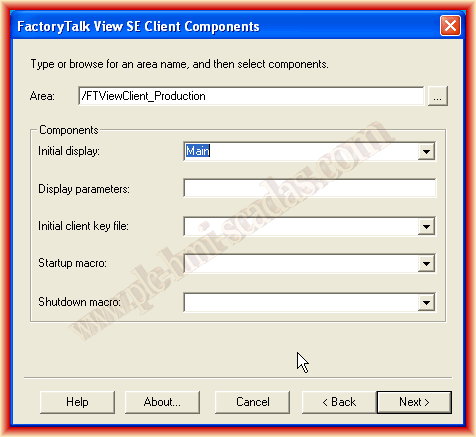
In the following images of the wizard, we select the desired options and save the configuration, immediately the Client is initialized.
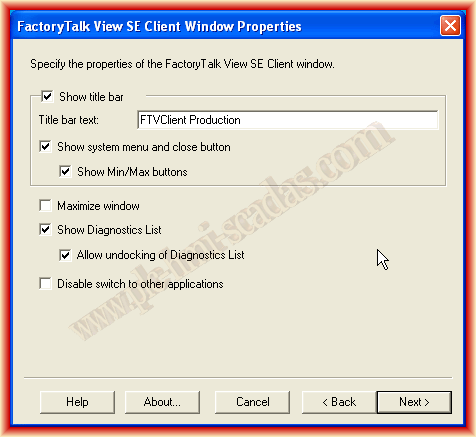
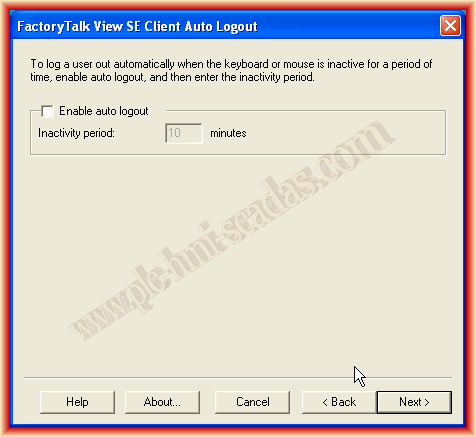
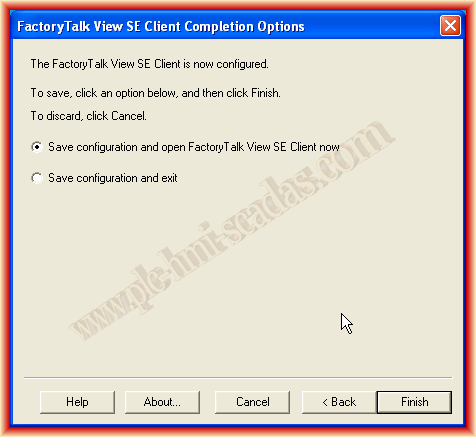
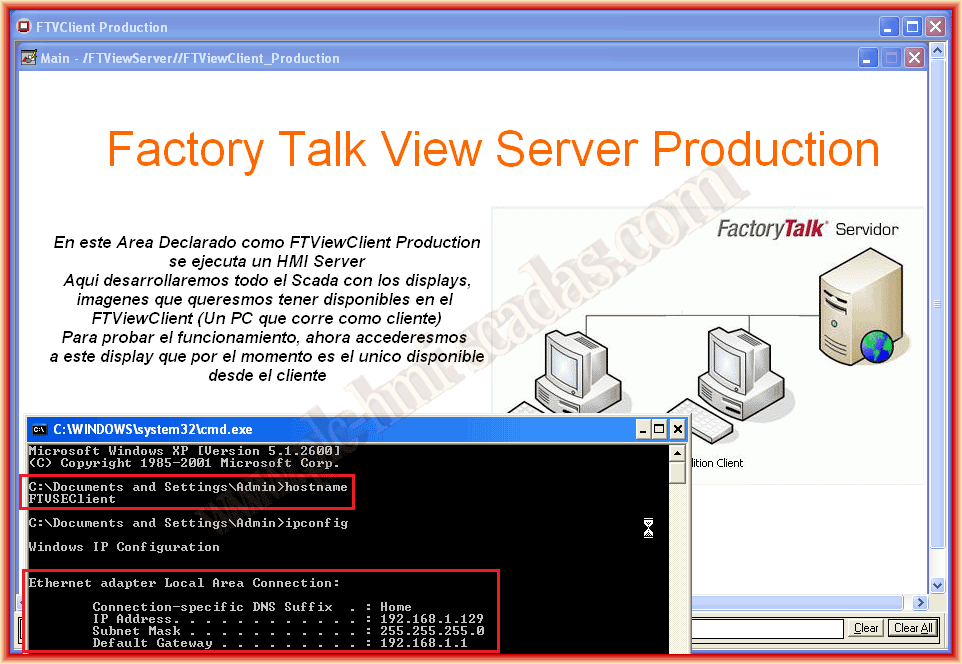
And here is our application running on the Server machine.
May 3, 2013
If you liked or found the information useful, share it...