
Beckhoff CERHOST
Continuing with the CX1020, we will look at the Beckhoff CERHOST utility to connect remotely and manage the system. It can be downloaded from Beckhoff

Once downloaded, we start it and connect, we log in with the credentials and that's it
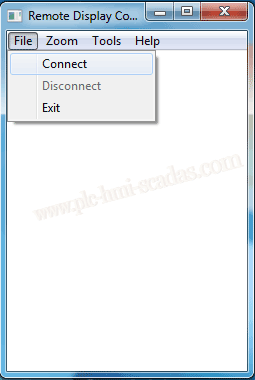

We are now connected, and from now on we manage our system

Start -> Control Panel:
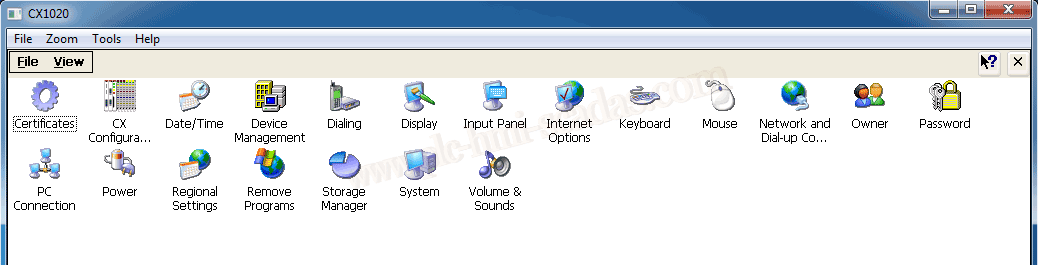
CX Configurator, for example, we are going to enable the FTP service, disable it, manage users, etc...
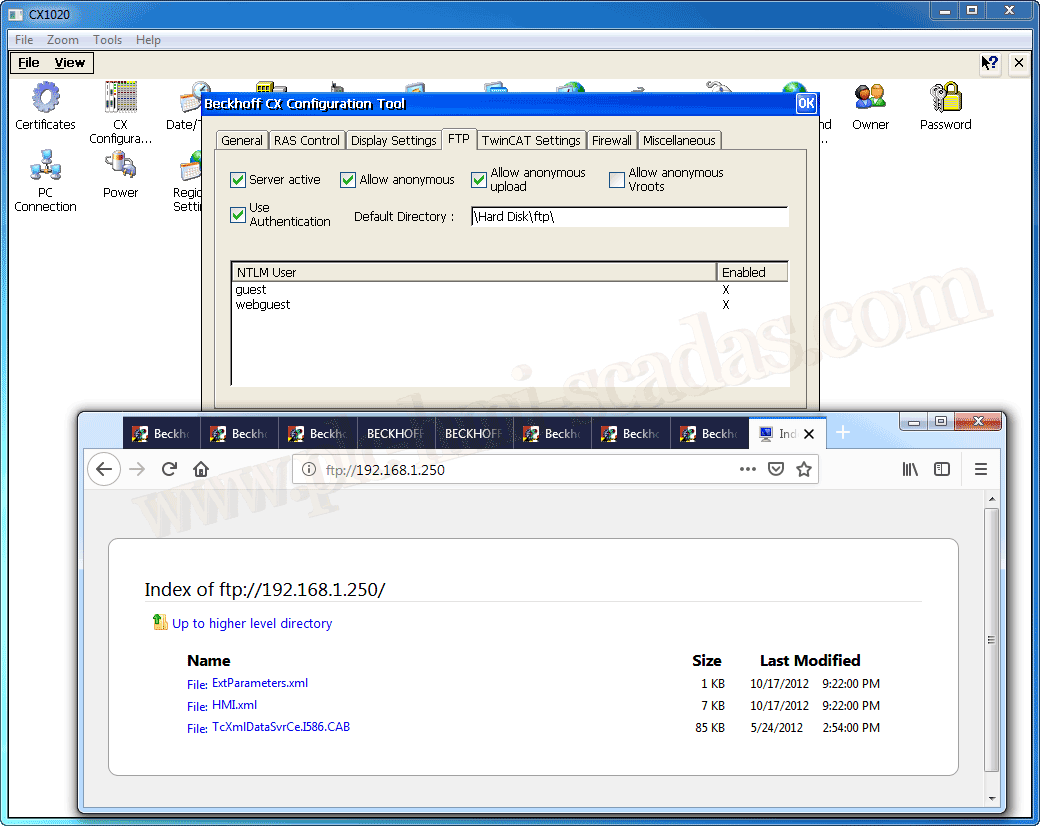
Change IP address ...
Depending on the changes we make, we need to restart the device and we do this with Start -> Reset

31-01-2019