
Load Recipes into a ComboBox and Then Sort Them
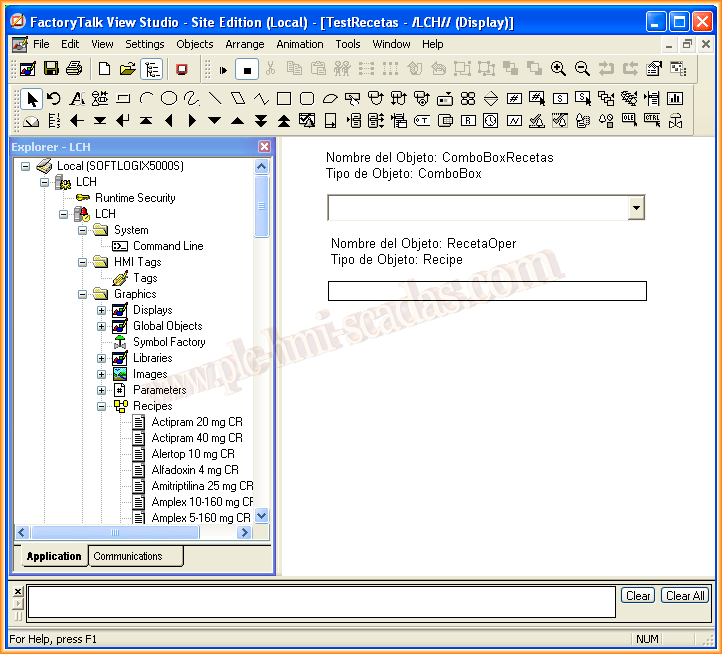
As the title indicates, we will see an example of how to load the recipes configured in our project into a ComboBox for subsequent selection. We start from the premise that we already have the recipes created, which will reference the corresponding variables. On our screen, we have two objects, a ComboBox and an advanced Recipe object, its name is shown in the following image, which is necessary to understand the code in VBA.
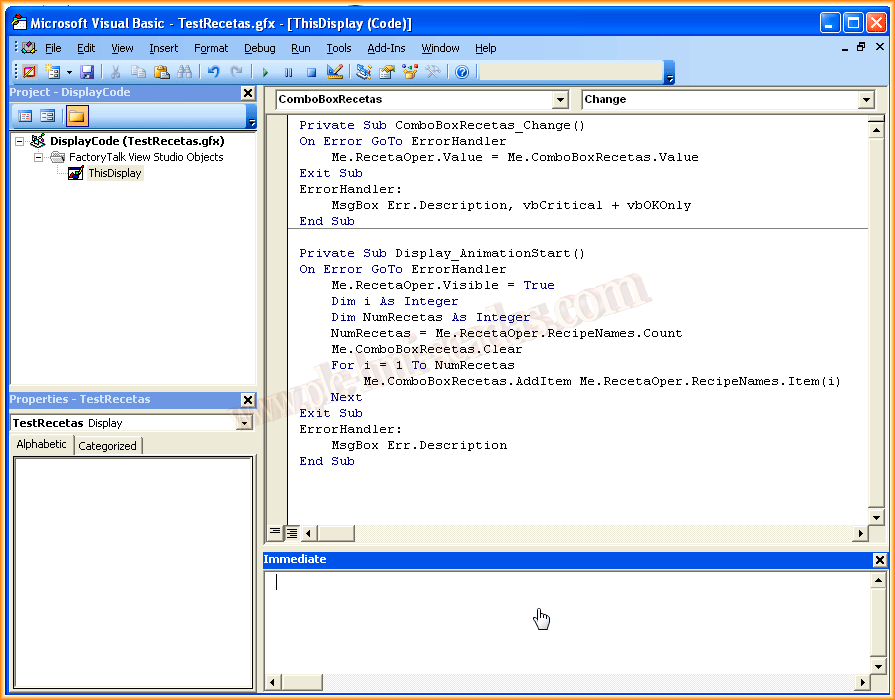
Here we will see the code used to load all the recipes from our project into the ComboBox, and once selected, its name will be loaded into its object with the event ComboBoxRecetas_Change().
The ComboBox will be loaded once the screen is displayed, hence the code is in Display_AnimationStart().
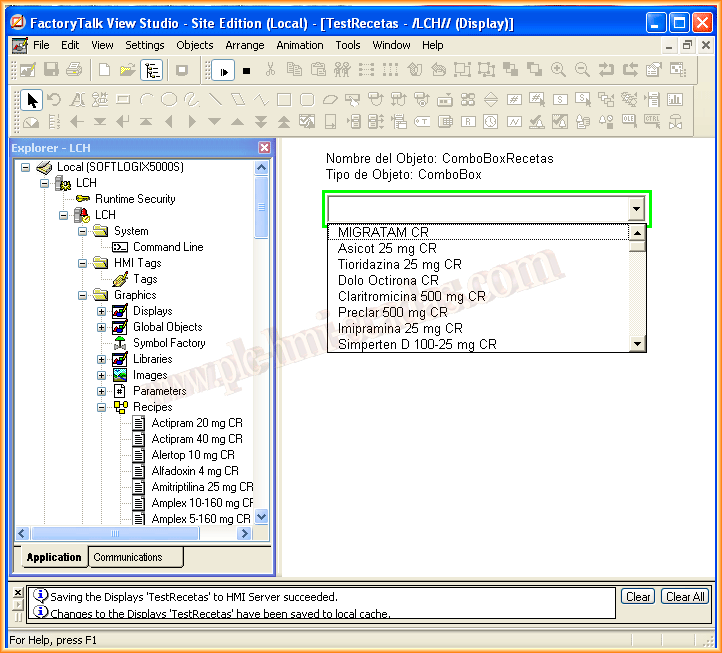
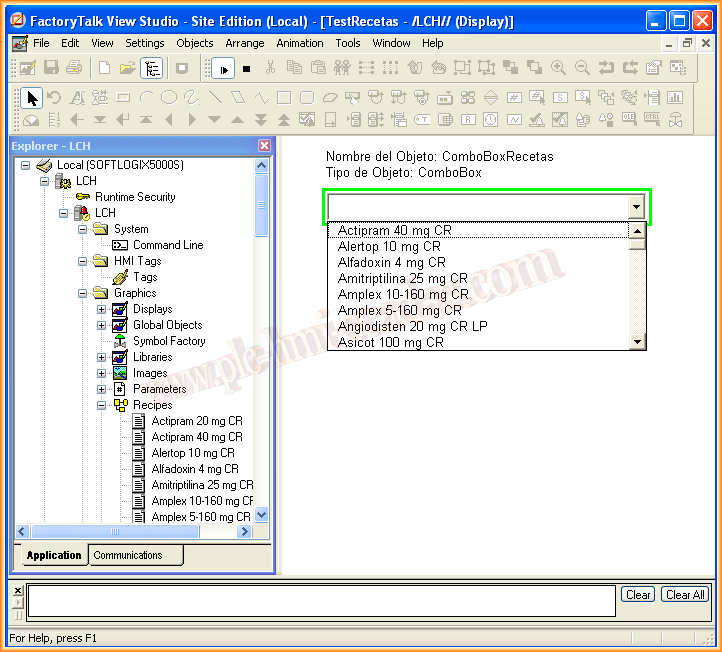
If we start the display, we can already see that the recipes have been loaded correctly, and we can select the recipe that interests us, which will be loaded into the Recipe object, but we have not used any method, as each person can implement it according to their needs.
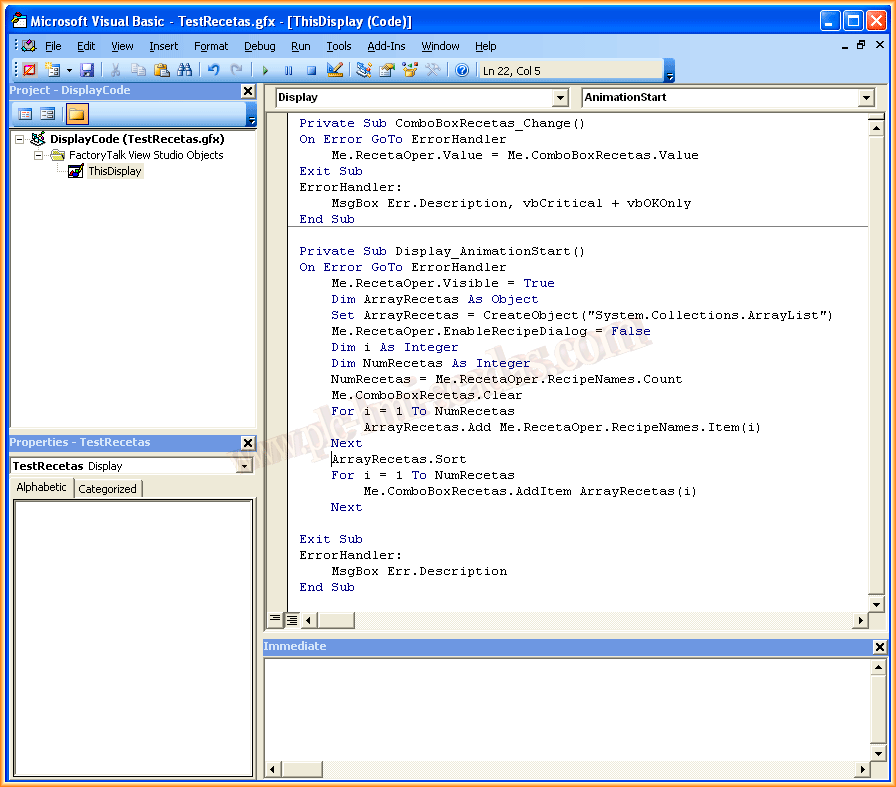
The most interesting part comes next, which is the sorting of the recipes displayed in the ComboBox in alphabetical order. For this, we will use an ArrayList object, which does have the .sort method for this purpose.
The code is as follows.
And to finish, an image that shows us the functioning of our code.
March 31, 2014
If you liked or found the information useful, share it...