
AVEVA Intouch 2020 Import Industrial Graphics


When we start our Intouch, by default in the Industrial Graphic toolbox, the predefined symbols do not appear.
All we have to do is right-click on the main menu.
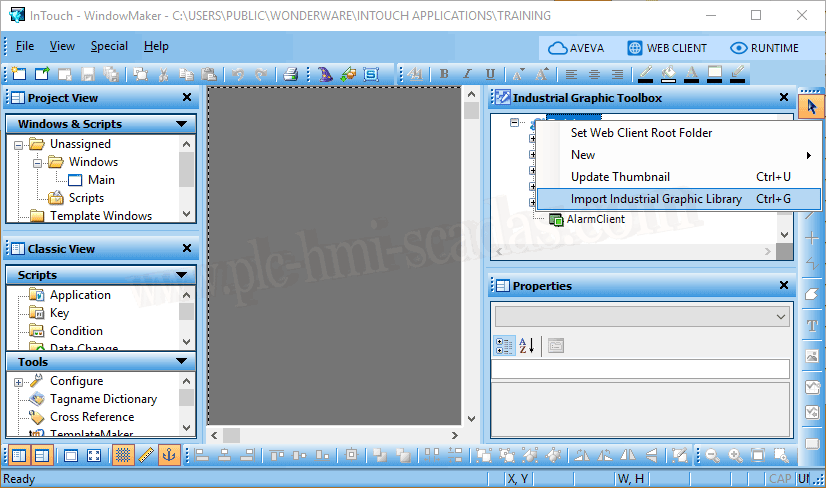
Import Industrial Graphic Library, and the import process begins.
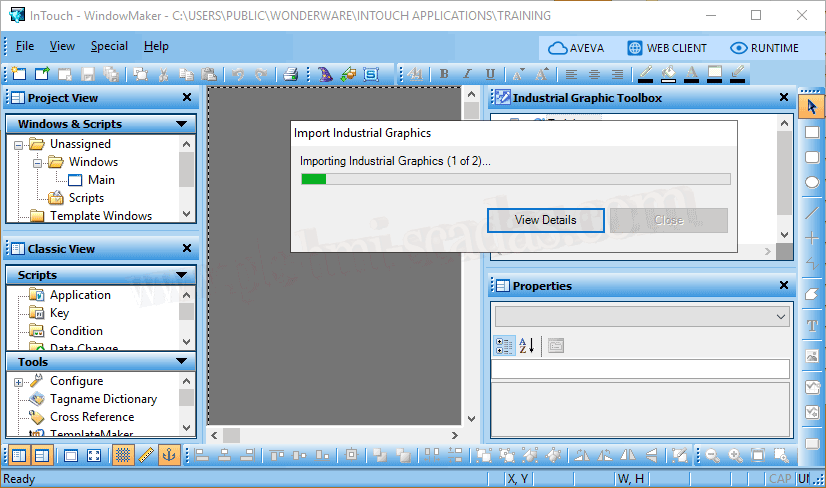
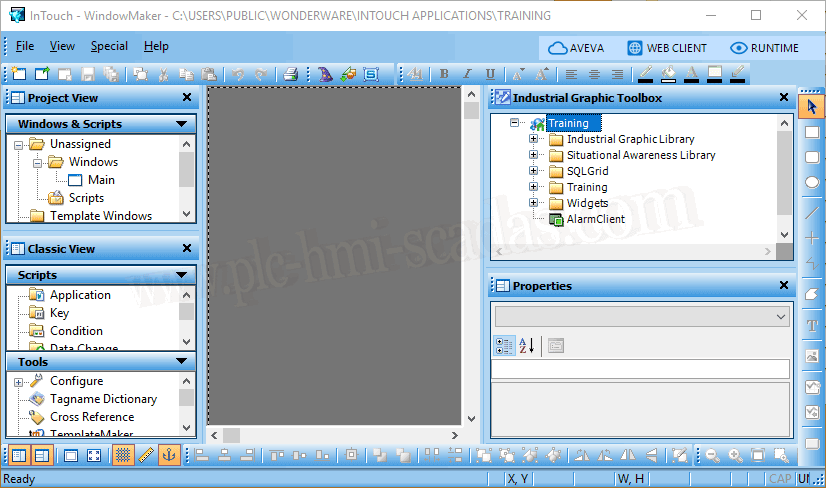
After a few seconds, we now have the two directories with all the symbols.
-Industrial Graphic Library
-Situation Awareness Library
14-05-2020