
AVEVA Intouch 2020 Widget (Wonderware)


AVEVA Intouch 2020 is now available, and these are some of the new features it includes. (Image taken from the video AVEVA System Platform 2020 Release)
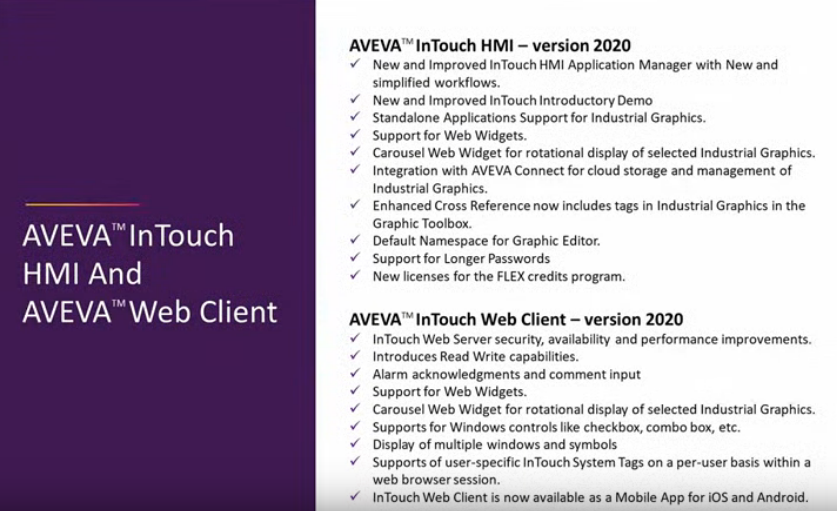
Among the new features, we will see how the Web Widgets controls work.
Once our Intouch is started, by default there is a Widgets directory within Industrial Graphic, where the Carousel Web Widget is included.
We will import new controls - File --> Import --> HTML5 Widget
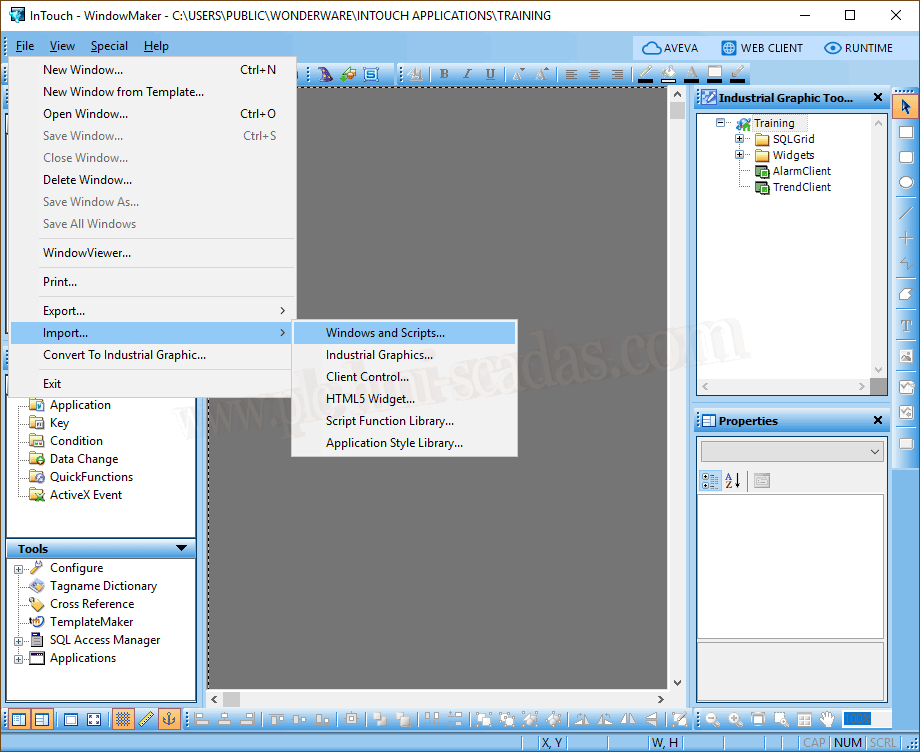
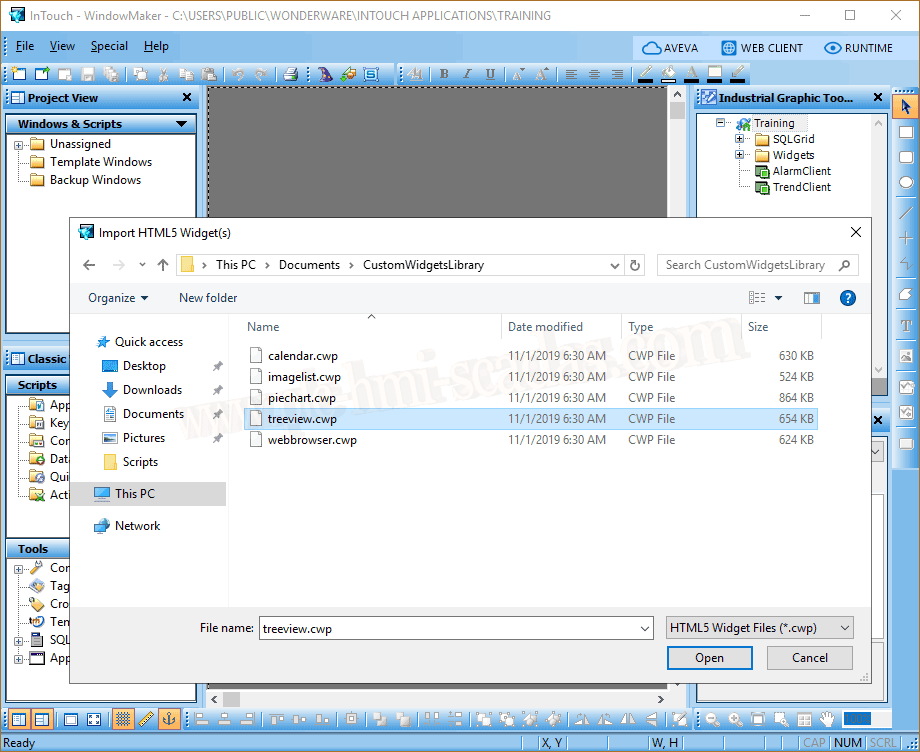
The file type it is expecting is Custom Widgets Package *.cwp.
The following image shows a series of controls; we select all of them and import them.
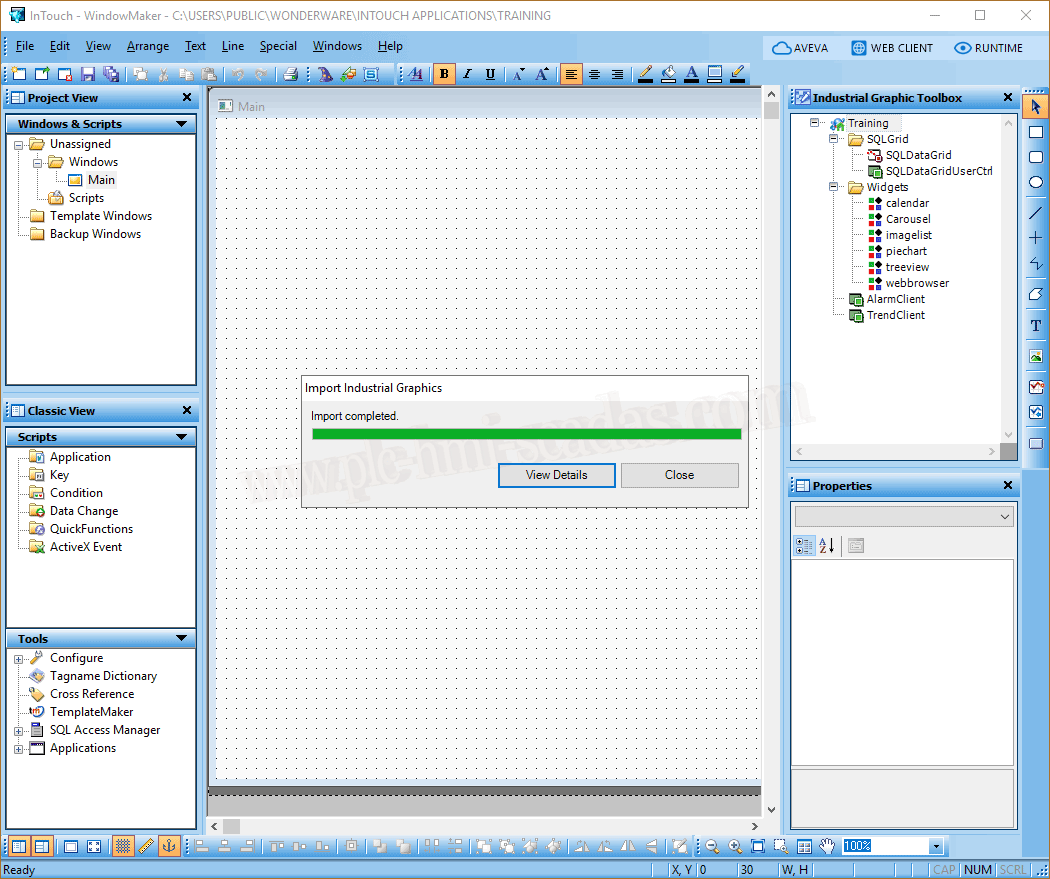
We can now see that they are added to our directory.
If we now want to insert these objects directly onto our screen, we will not be able to do so. These Widget objects need to be inserted into a new Symbol.
To test it, we will create a new symbol, and what we do is embed our widgets; if we navigate in the directory, we find all the ones that are created or imported.
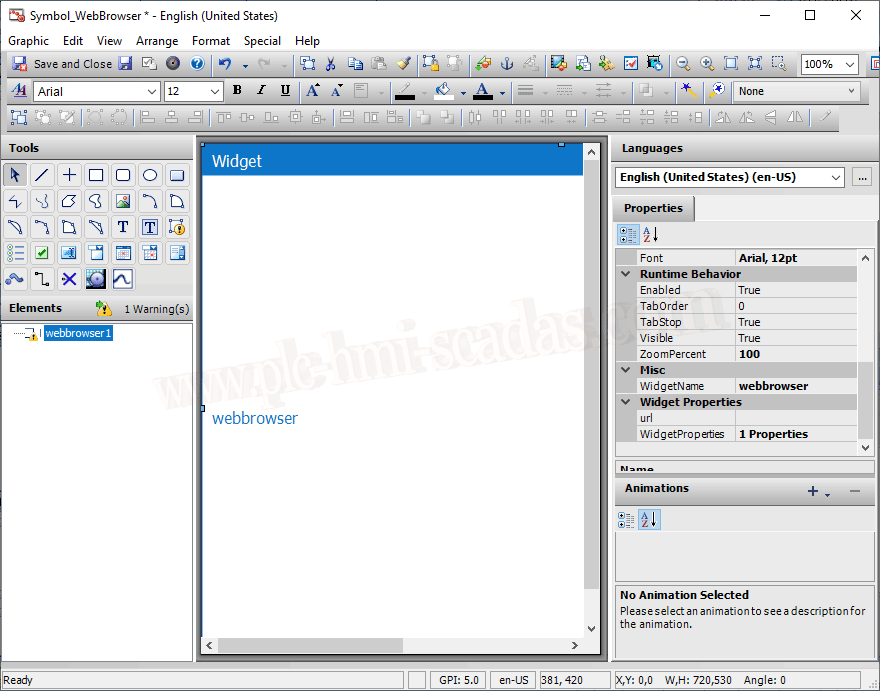
For this example, I will use the WebBrowser for its simplicity; it only has the URL property.
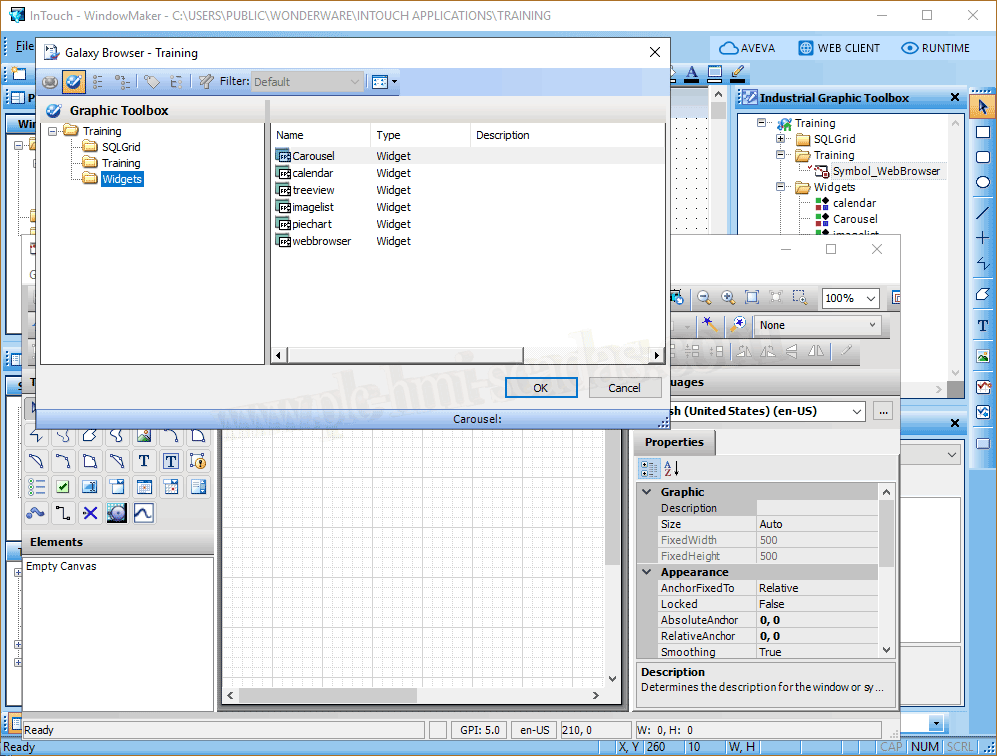
Once embedded, what remains is to configure the properties to adapt it to our needs.
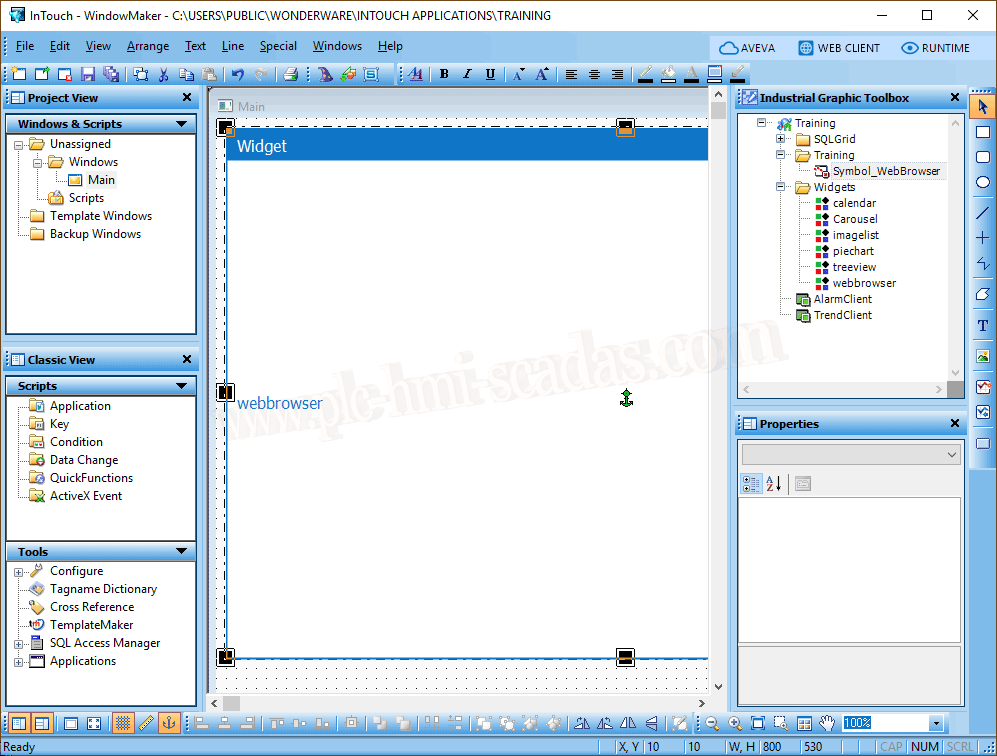
Once our symbol is finalized, we can insert it into our screen and test its functionality.
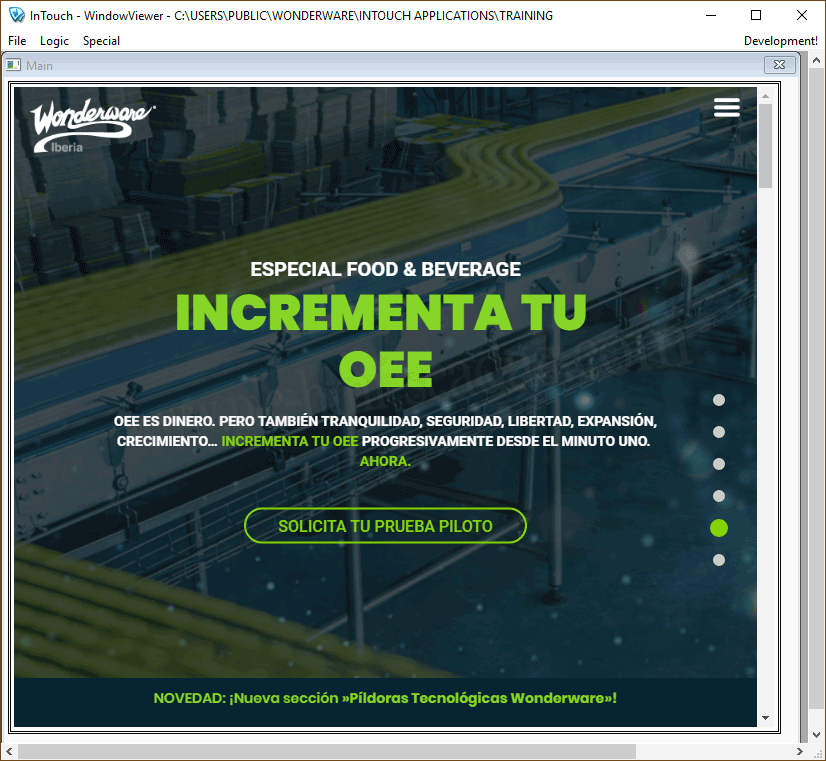
We start the Runtime and check its correct operation.
Basic questions. How do we create these symbols?
-The widgets are based on HTML5, CSS, and JavaScript.
-These symbols were incorporated by Indusoft Web Studio, which is now also part of AVEVA, and the new version that will be released in a few days will be AVEVA Edge 2020, where one of its novelties is that it will support and have the System Platform (Industrial Graphics) graphics editor integrated.
-The easiest way to create these widgets is with its editor, where properties, events, etc., are defined, and subsequently, the HTML, CSS, and JScript files are finished editing.
-I suppose that in new versions of Intouch, it will incorporate its own editor to facilitate the task.
-The widgets that I have imported are precisely those included in Intouch Edge HMI, and it is precisely one of the objectives, among the different platforms, to share resources that we have created in various applications.
05-13-2020