
DAServer Manager Item Configuration in Intouch
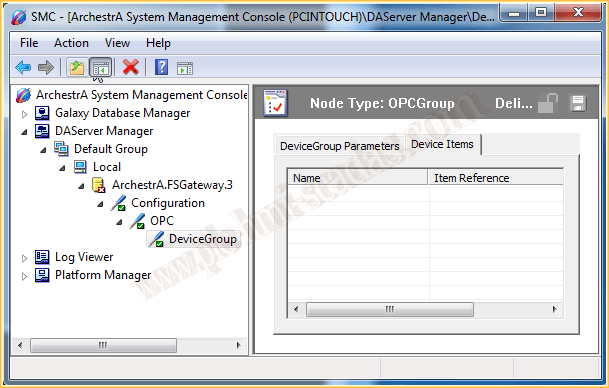
Once we have created the configuration of our DAServer, regardless of the type we are using, once we have defined the Group, we only need to define the items that interest us. Well, on this occasion, we are not going to perform that step; we will leave the configuration as it is.
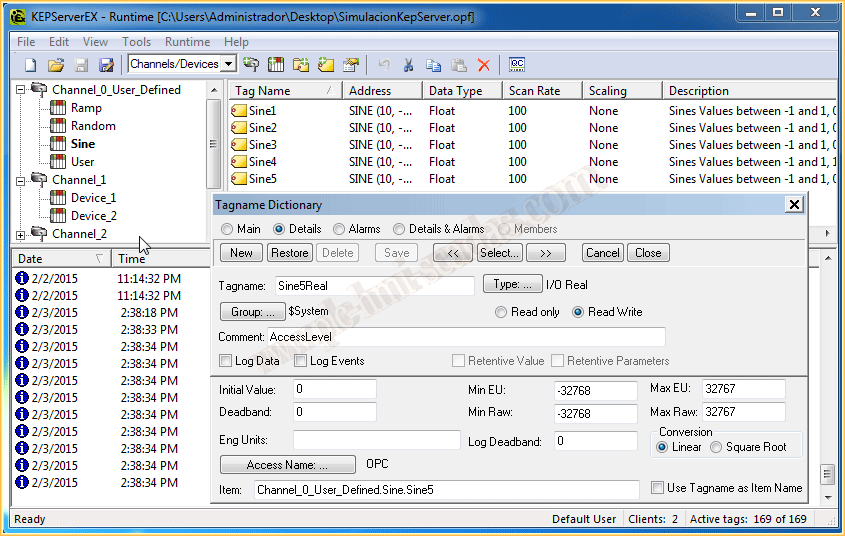
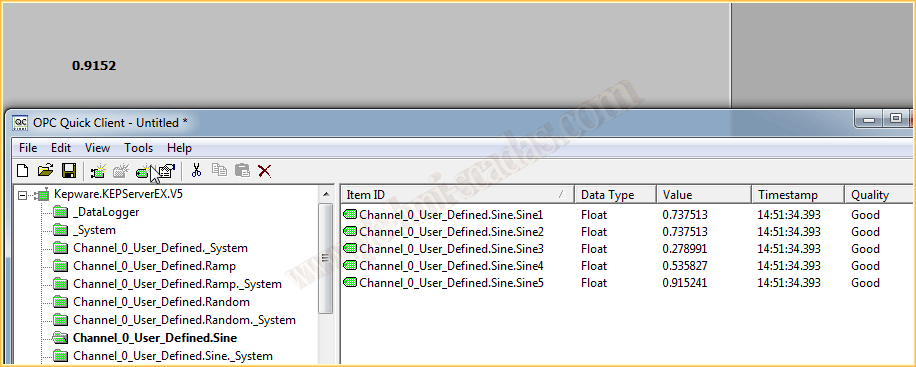
What we do is the same as if we had defined the items, and we define in the Tagname Dictionary the items; here the address is taken directly from the PLC or OPC, as is my case. You can observe the Channel0_User_Definid, group Sine, and tag Sine5.
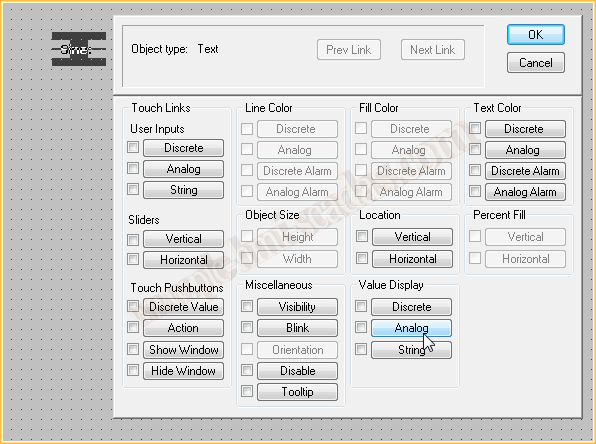
From that moment on, we can insert an object, in this case of the Text type, which allows us to use the dynamic Value Display, and we select the Tag we just added and so on with all the tags that interest us.
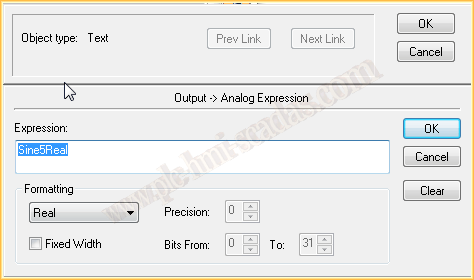
If we run our project, we can observe that it works correctly.
At the same time, we check with the OPC Client the value of the Tag we had defined.
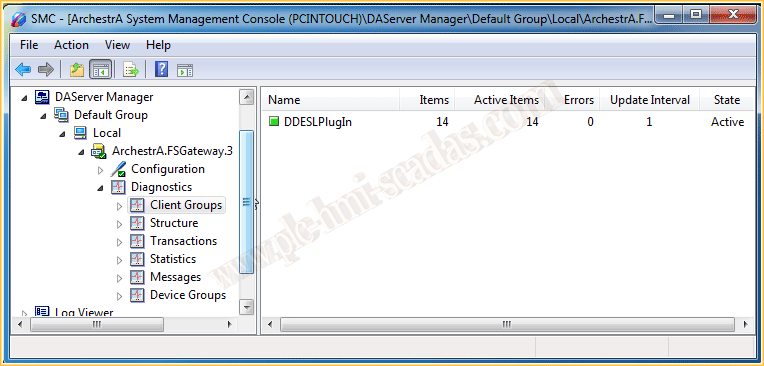
In the SMC Administration Console, we can also observe in the Diagnostics Group --> Client Groups, all the Tags that have been declared and those that are active, in this case 14.
Monday, February 4, 2015
If you liked it or found it useful, share it ... :-)