
S7-1500 OPC UA Client("The security checks failed using the selected certificates")


"The security checks failed using the selected certificates"
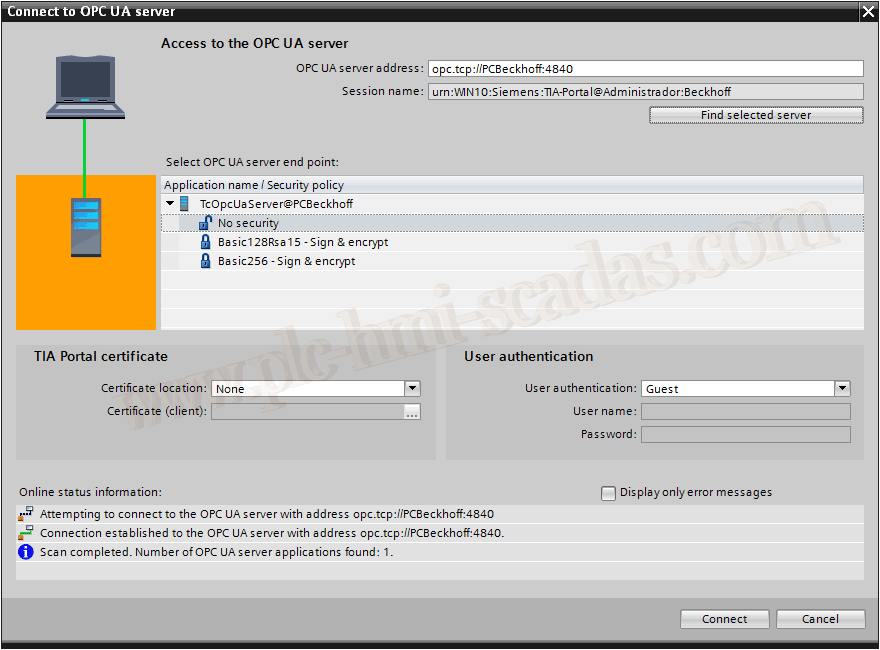
If you are configuring an OPC UA Client instance with TIA Portal v15.1, and when trying to connect Online with the configuration without security (No Security)
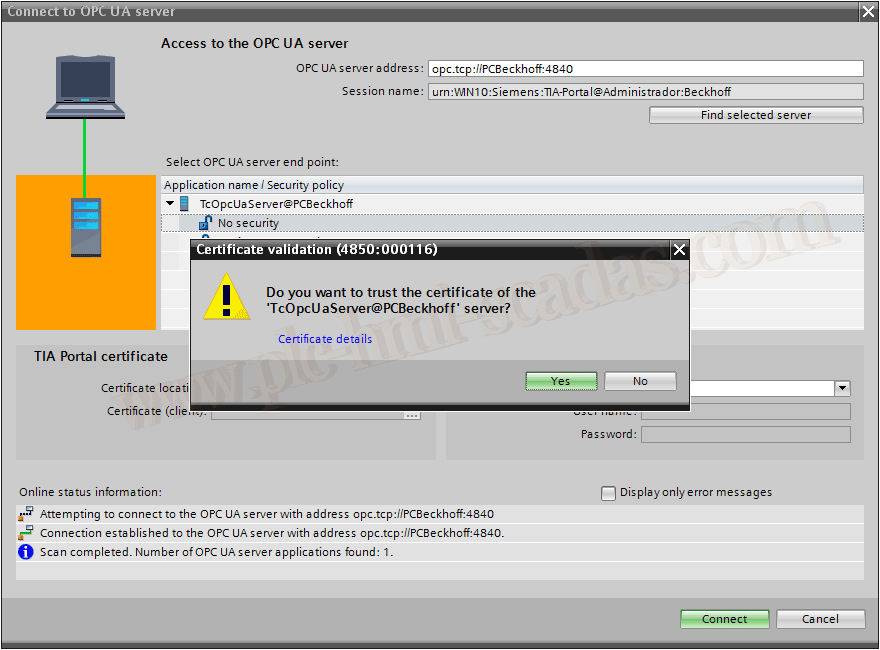
A pop-up window will appear with the name of the Server you are configuring, and you confirm to trust the indicated certificate
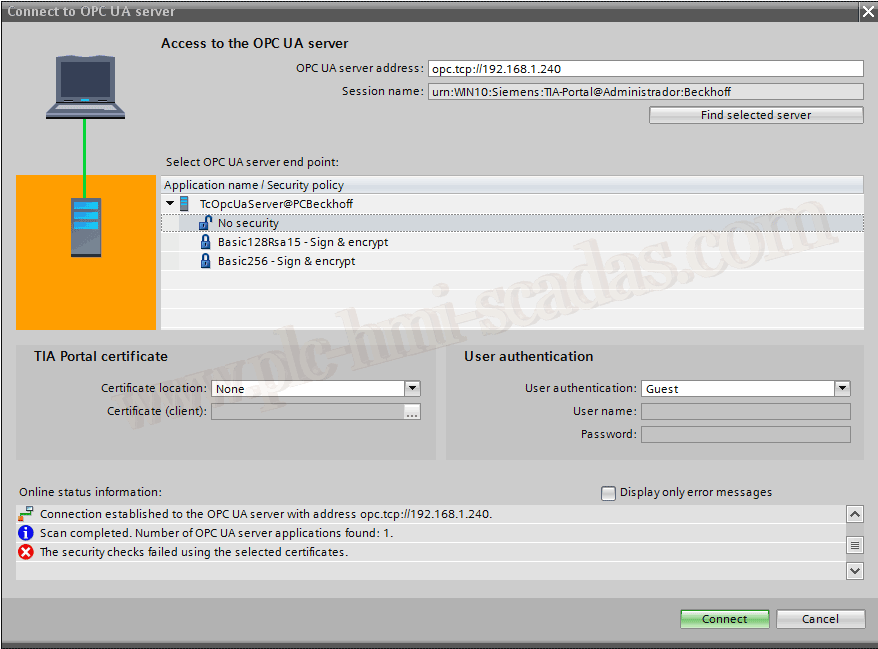
It does not connect and the error "The security checks failed using the selected certificates" appears
Solution: Install the latest update, at the time of performing these tests, the current update is 1. Once installed, follow the same steps and it works correctly.
26-05-2019