
WinCC - PLCSIM Advanced Simulation
Another of the functions offered by PLCSIM Advanced is the ability to run the Web Server, and we are going to see it.

To enable the Web Server option on an S7-1200/S7-1500, we need to go to the CPU properties, once in the properties we go to the Web Server feature and check the checkbox Activate web server on this module. That is the main thing we need to do; if we transfer the new configuration, we can test it.
As I mentioned earlier, that is the main step, afterwards we can configure Users / Permissions, Observation Tables, custom web pages, and this is the most important feature from my point of view that can help us the most. This means we can develop our web page and test it without the need for the real CPU.

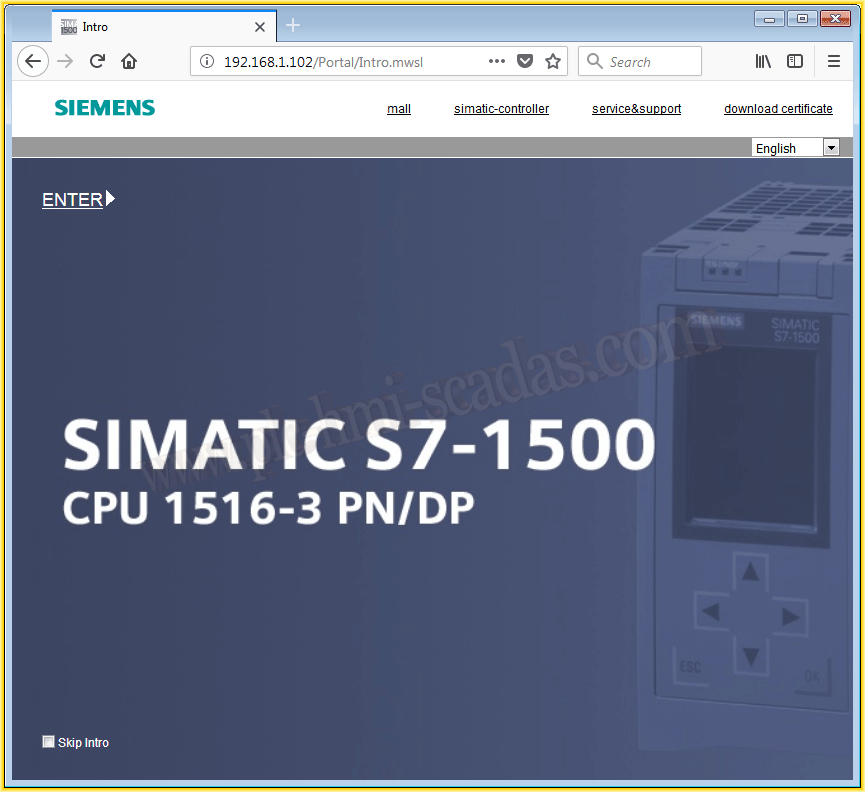
We can now open the browser and enter the IP address of our CPU "http://192.168.1.102" and that's it...
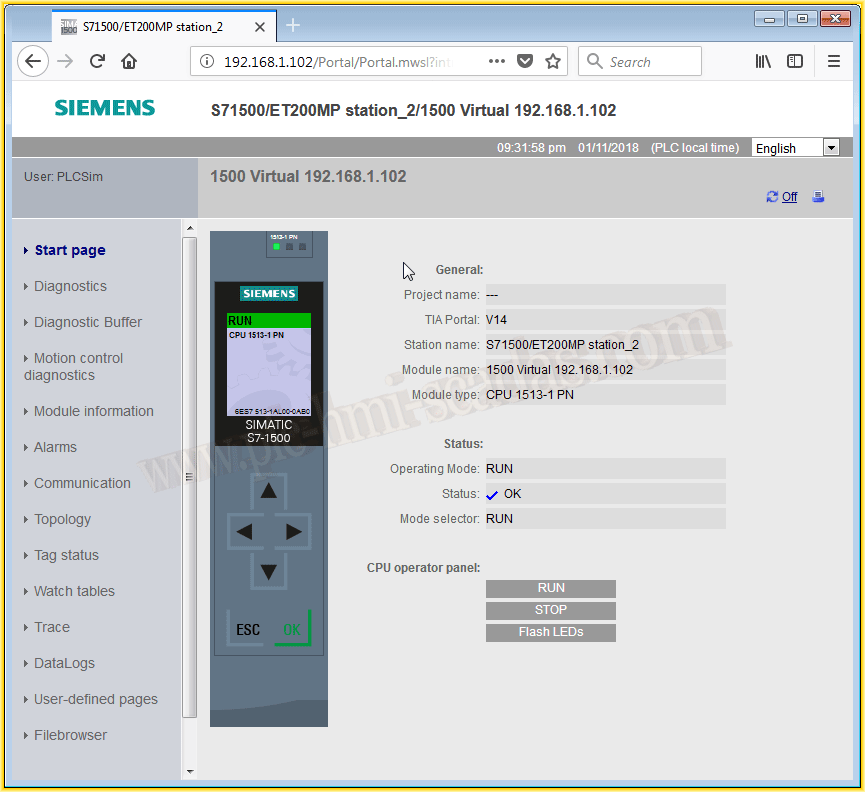
And all the available features and properties to practice and learn...
To create custom web pages, here is an example from Siemens with the corresponding manuals.
January 12, 2018
"Gratitude in silence serves no one." Gladys Bronwyn Stern