
Viewing Flash Files in WinCC
In the following article, we will see how we can view Flash files within WinCC.
The software we need to install for this control to be available is Shockwave Flash.
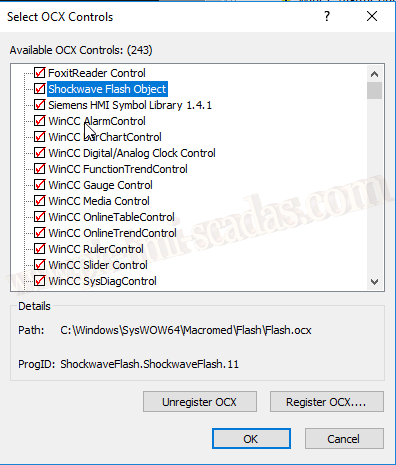
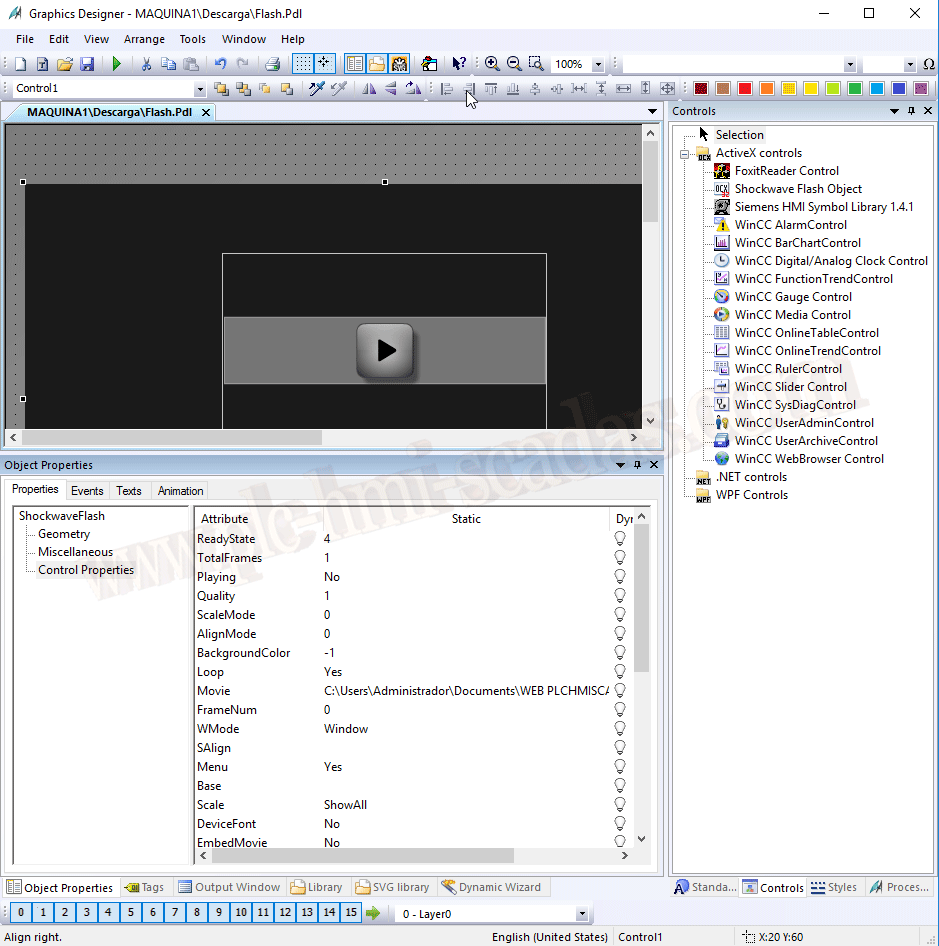
Once we have our control available, we select it and insert it into our screen, we give it the dimensions according to our needs, and in the Movie property is where we select the path of our Flash file.
Once in Runtime, we can now see our presentation, our manual, etc...
In some projects, I have seen how procedures are recorded to perform any action, and they are made available to the operator.

11-02-2019