
Simatic Time Variable in WinCC (Scaling)
Today we are not going to consider this as a practice, but rather as a tip, as it is often said, the only thing I will explain will be the behavior of a variable declared in Simatic Time format.
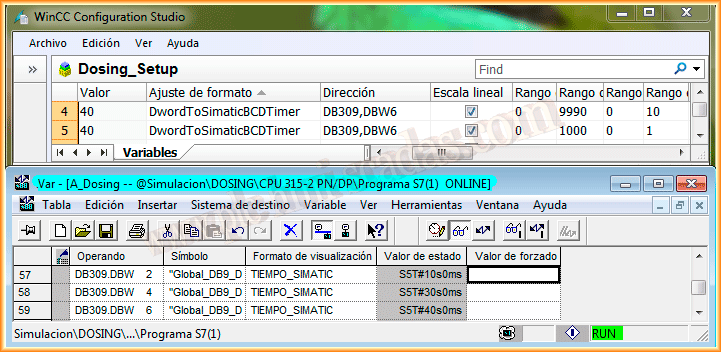
But let's start from the beginning, considering that in our Step7 project we have a series of timers and we need to bring them to WinCC, we will follow the example of DB309.DBW6.
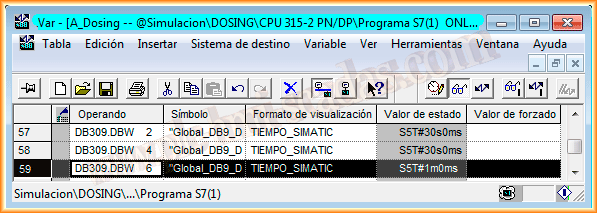
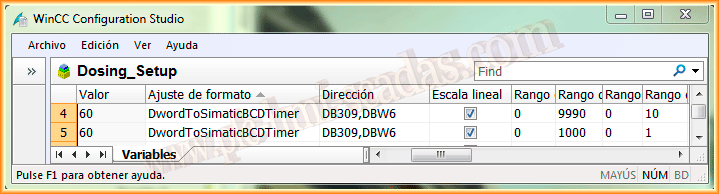
The first thing I will do is declare my variable within WinCC and also within the PLC where it belongs, to declare a variable in time format we must use the DwordToSimaticBCDTimer format, there is an example on this topic in the Siemens FAQ.
The issue at hand is that I have used two types of scaling to see the time in seconds, which is what I need to display in the SCADA.
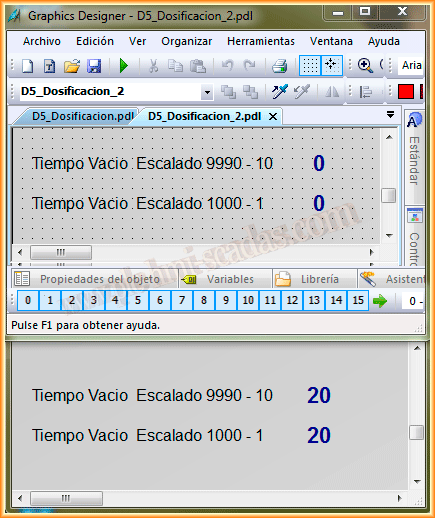
As I have declared two variables with different names, but the same address, I have inserted two Input/Output Field objects. We run the Runtime and everything seems correct.
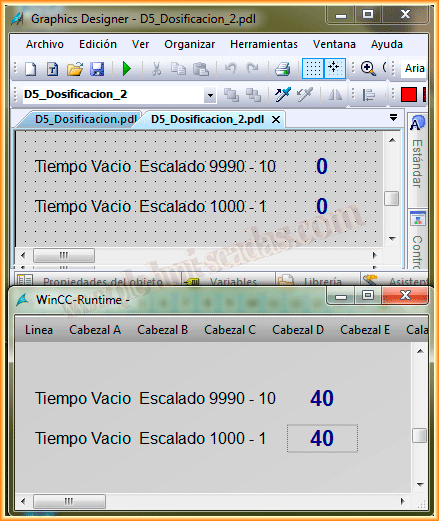
The problem I have encountered is that if I use the first object to input a new value with the scaling 9990-10, it does not work, I don't know why! However, if I use the second scaling 1000-1, everything works correctly.
April 11, 2014
If you liked it or found it useful, share it...