
WinCC ActiveX Controls Microsoft
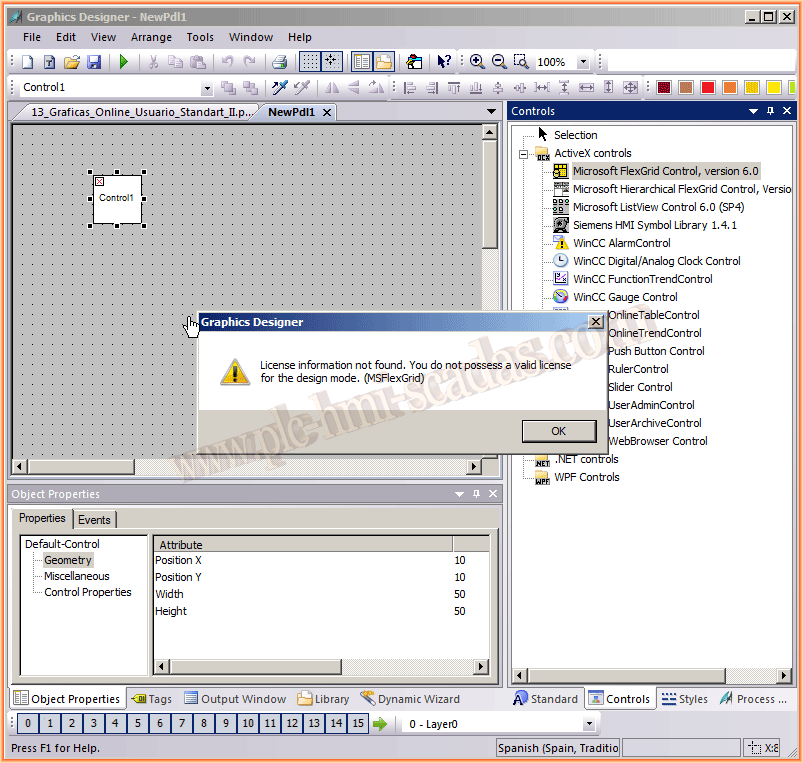
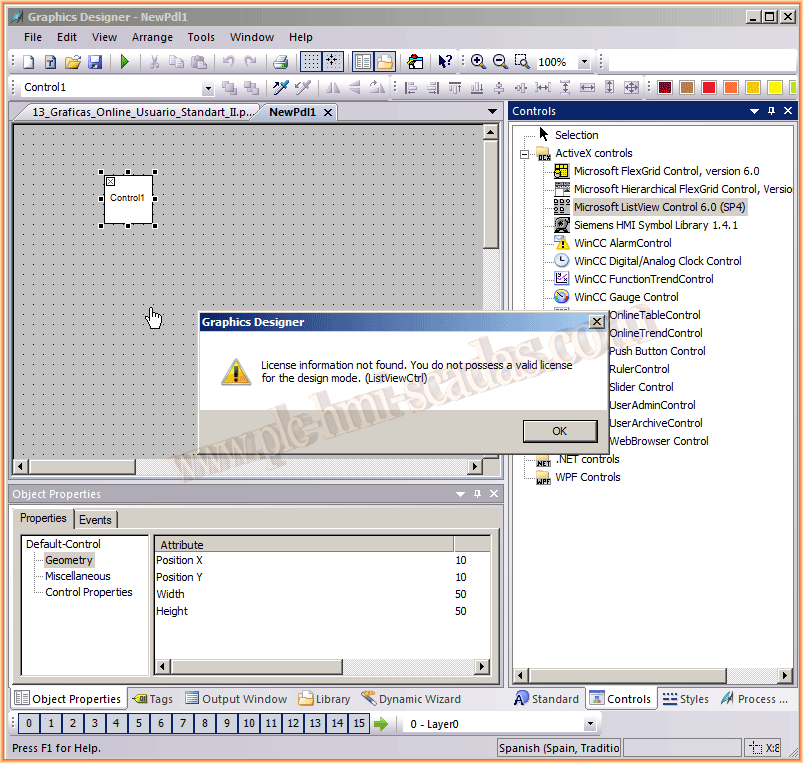
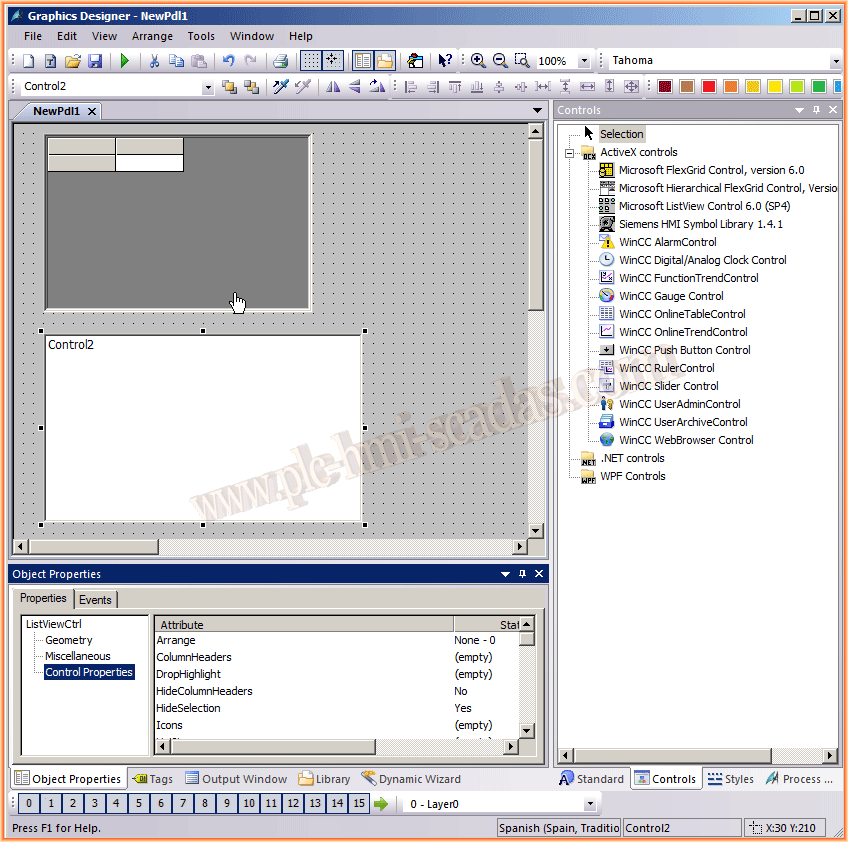
In this practice, we will see how to solve the problem of the ActiveX Controls that we have by default from Microsoft, that is, if we look for ActiveX controls, we will find quite a few that we cannot use, due to the message that it shows us, License information not found. You do not possess a valid license for the design mode. (Control Name), here I put a couple of images of various controls.
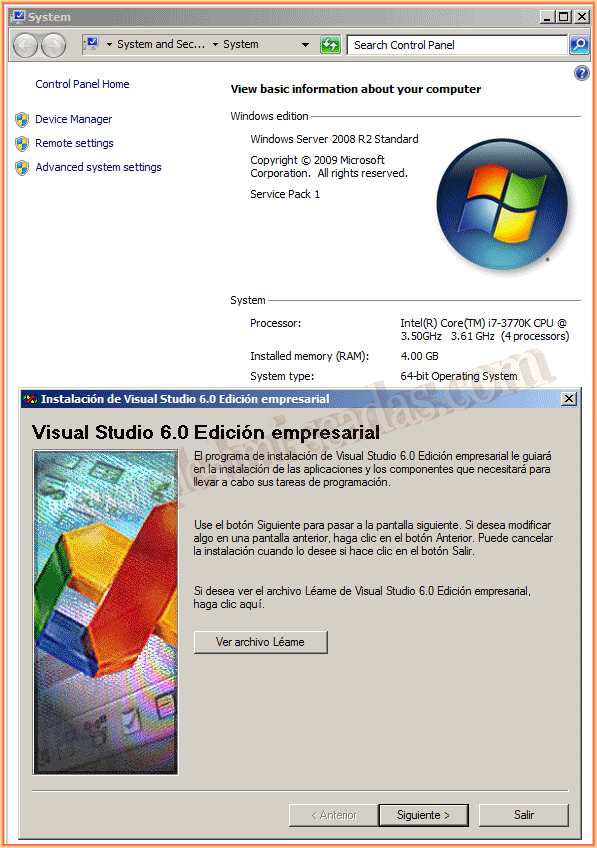
Applicable and tested for WinCC V.7 - V7.2 and the new V7.3, for 32/64 bit operating systems, tested with Windows XP, Windows 7, Windows Server 2003, and Windows Server 2008.
For this practice, I used WinCC V7.3 and Windows Server 2008 R2 64-bit, as can be seen in the following image, and to solve the problem, what we need to do is install Visual Basic V.6 or Visual Studio V.6, and during the installation, the most important option is the ActiveX controls.
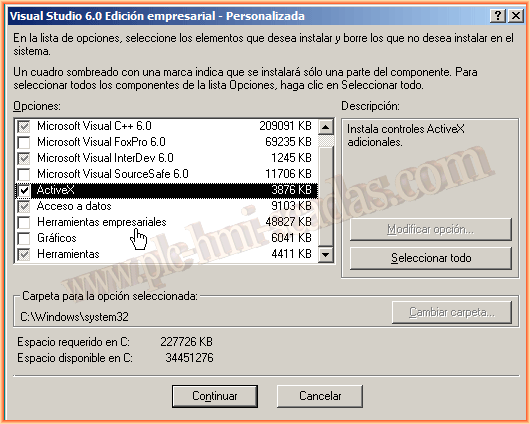
Once the installation is complete, the problem is solved and we can now use all the ActiveX controls; let's hope that for the next version of WinCC, they keep this in mind during the installation :-)
May 30, 2015
If you liked it or found it useful, share it :-)