
WinCC Unified Configuration


Once we have installed the TIA Portal with WinCC Unified, the first thing we need to do is the configuration of the WinCC Unified Configuration, redundancy aside.
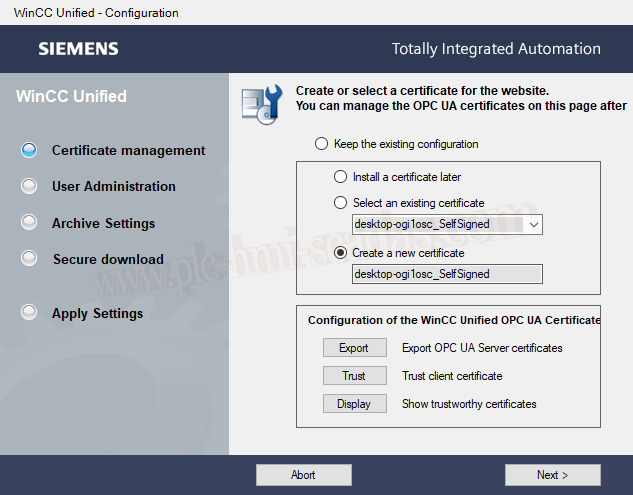
We start the wizard, and here, I have selected to create a new certificate, just as it appears in the image.
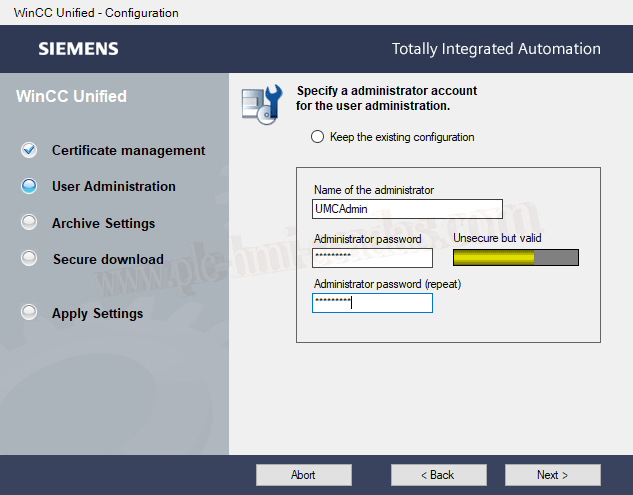
The next step is to create an administrator and password for user management. (User Management)
You will need this user or another created later to start the Runtime.
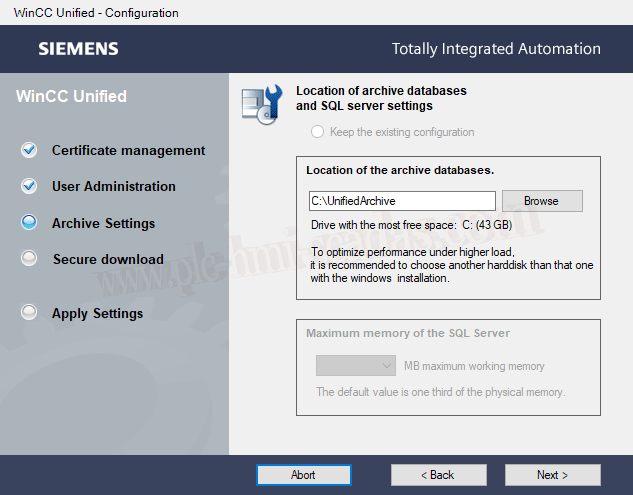
Default directory for the Databases or SQL Server configuration in case SQL Server is selected. You can choose SQLLite or SQL Server.
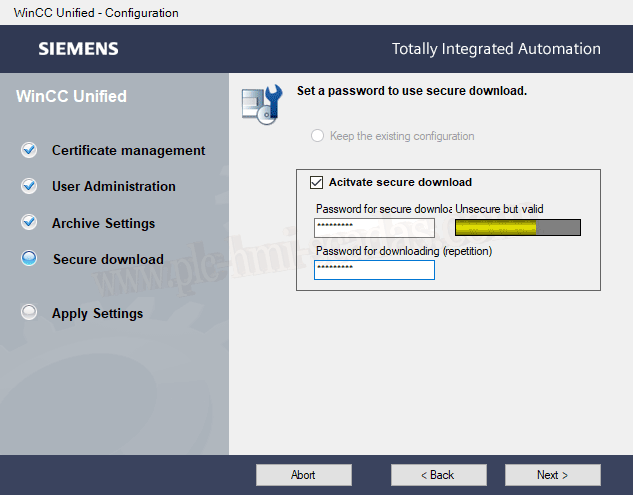
If we leave the configuration as it comes by default, we will define a password for the transfer, and this password must be assigned later in other configurations.
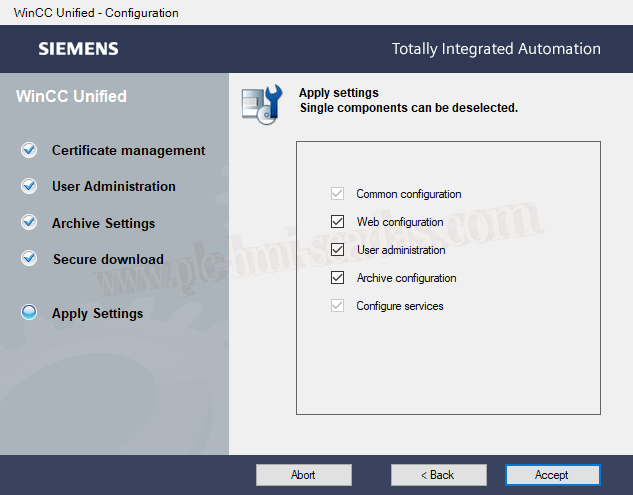
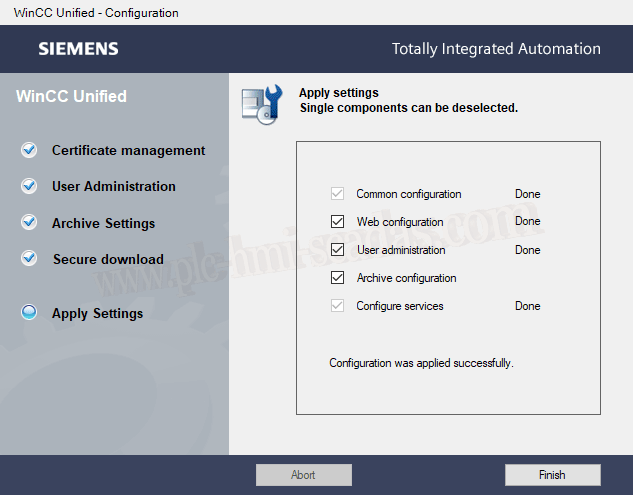
We finish the wizard and its time to execute this configuration. Once this step is completed, we can continue advancing.
03-13-2020