
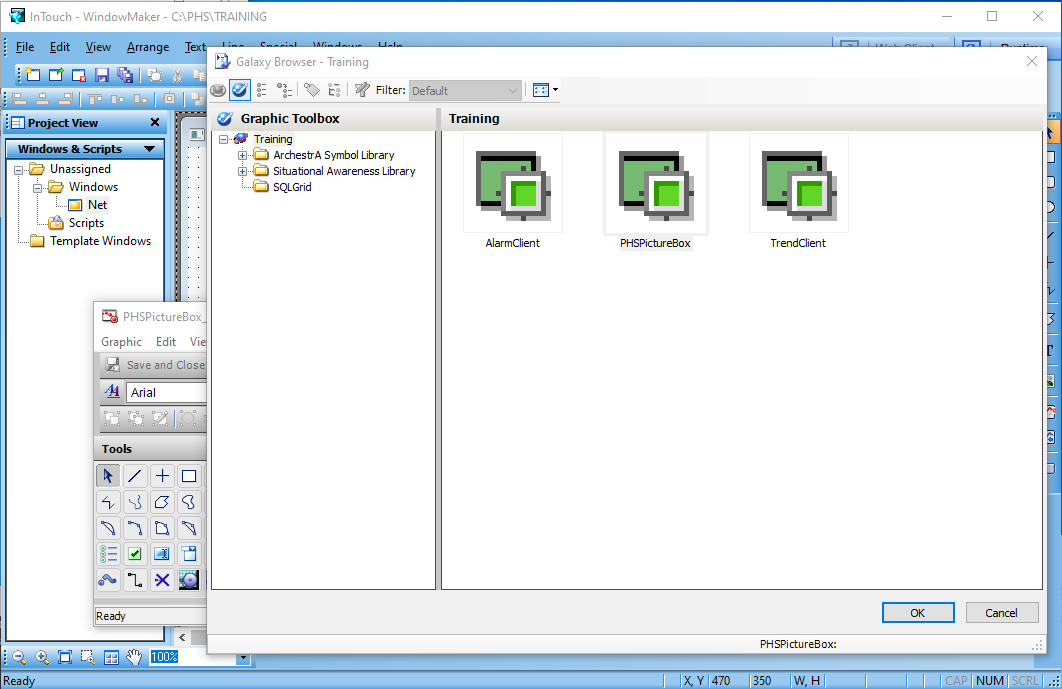
Once we have created our control, we can now use it. If you missed it, check out the following post AVEVA Intouch Control .Net
First, once the Windows Maker is open and the Windows Viewer is closed, we will import a Client Control.
File -> Imports -> Clients Control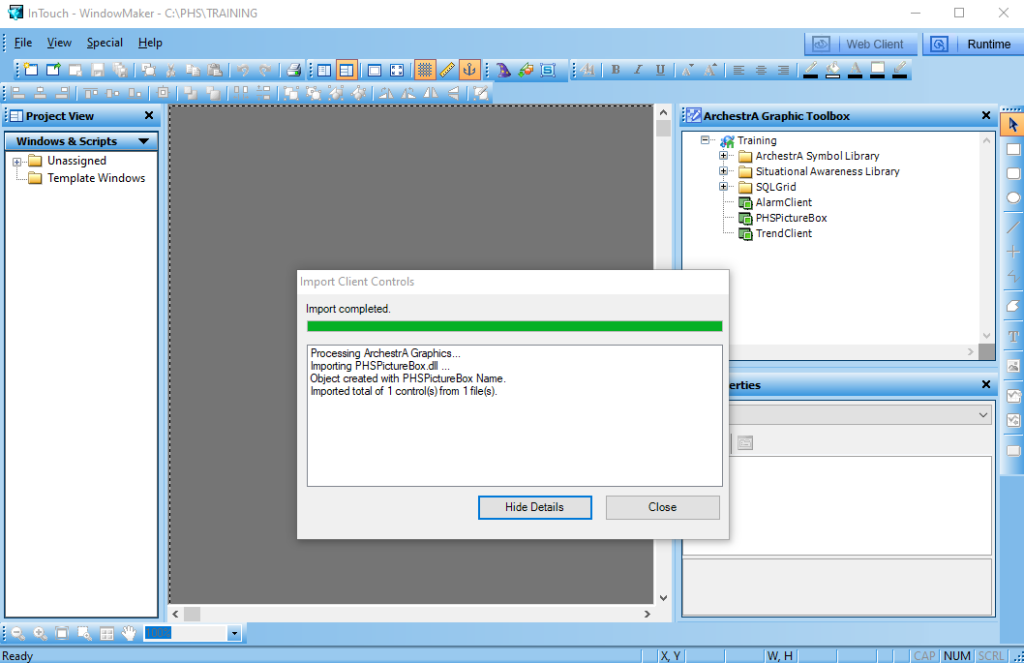
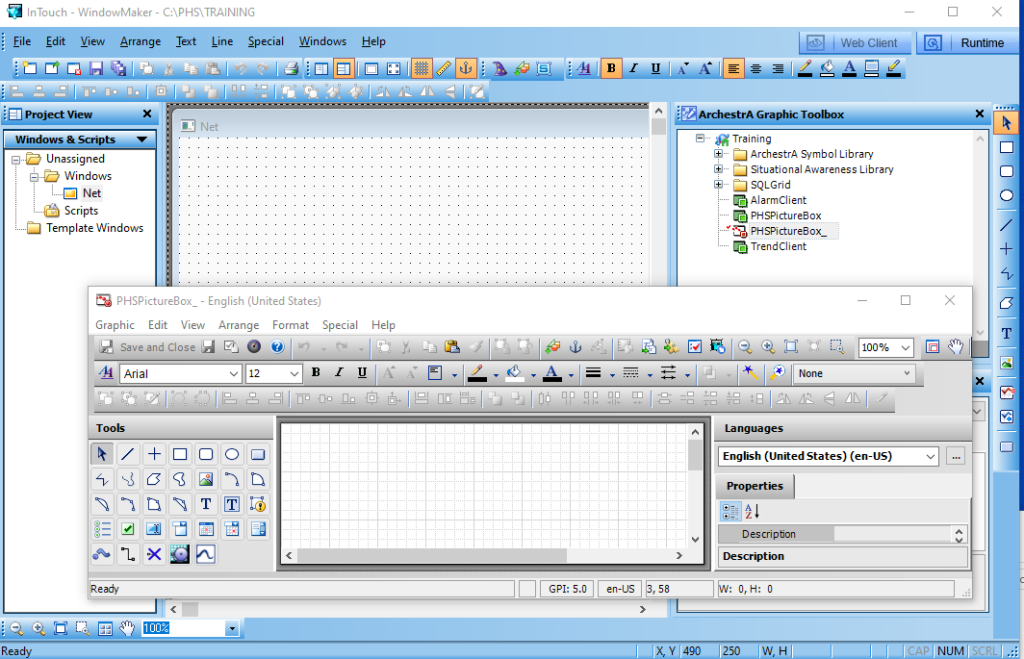
We will have it in the ArchestrA Graphic Toolbox tree, in green, which means that to use it we need to embed it in an ArchestrA Graphic.
We create a new object, which I have named PHSPictureBox_
And now we insert the PHSPictureBox object
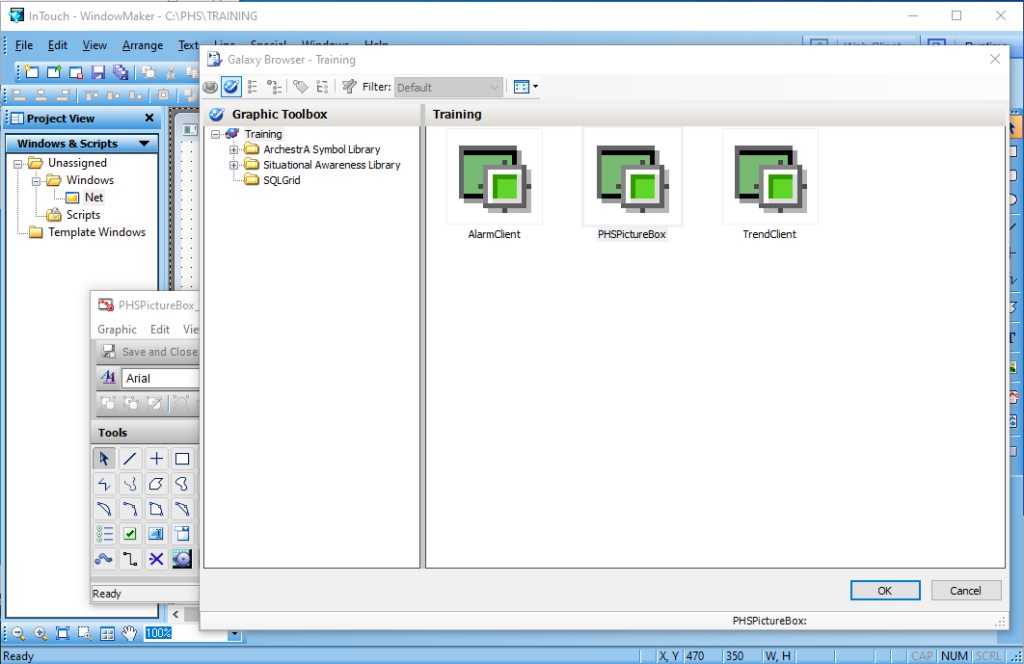
If we analyze the properties of our object, they will be the ones we defined during its creation.

Now we are going to create the same properties in our object to link them and pass them to our .net control.
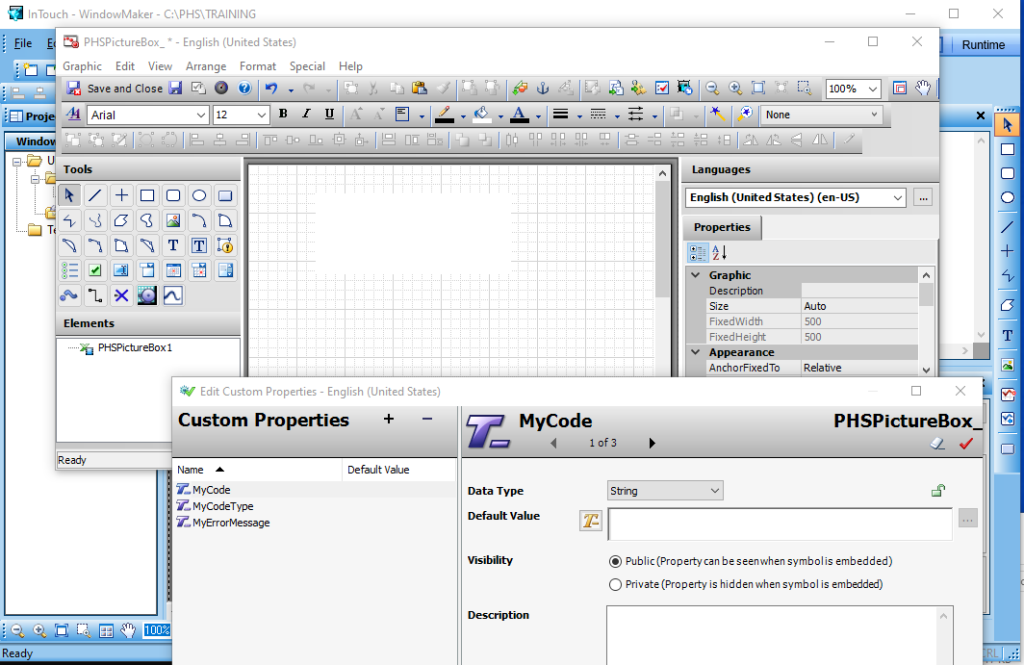
The next step is obvious, to map the created properties to those of the control itself.

We can now instantiate our object...
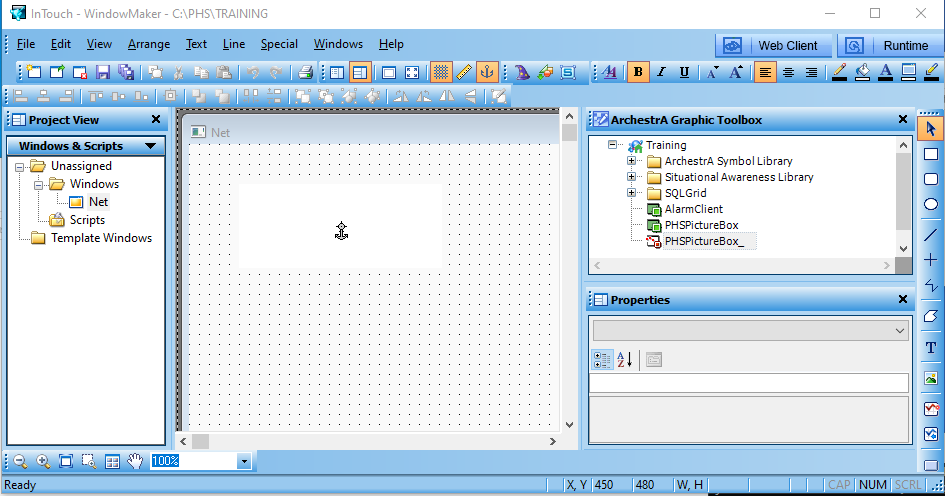
And if we test it at runtime ... ;-)
