
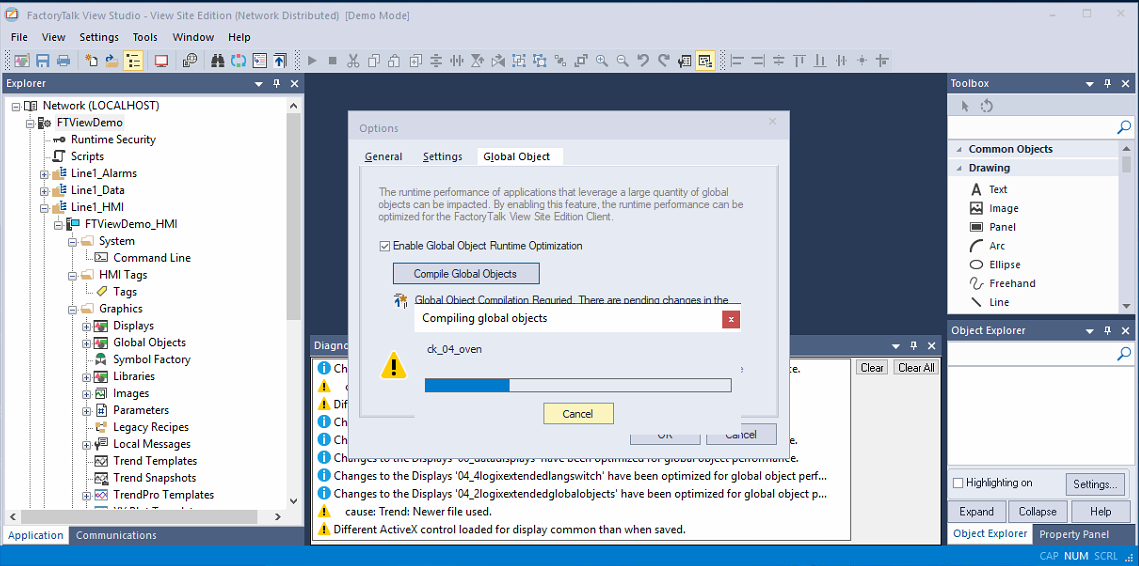
Are you working with Global Objects? Do you have a distributed architecture? Are you familiar with the Global Object Runtime Optimization functionality?
If you do not have the Global Object Runtime Optimization functionality enabled, you need to enable it to improve the performance of your application.
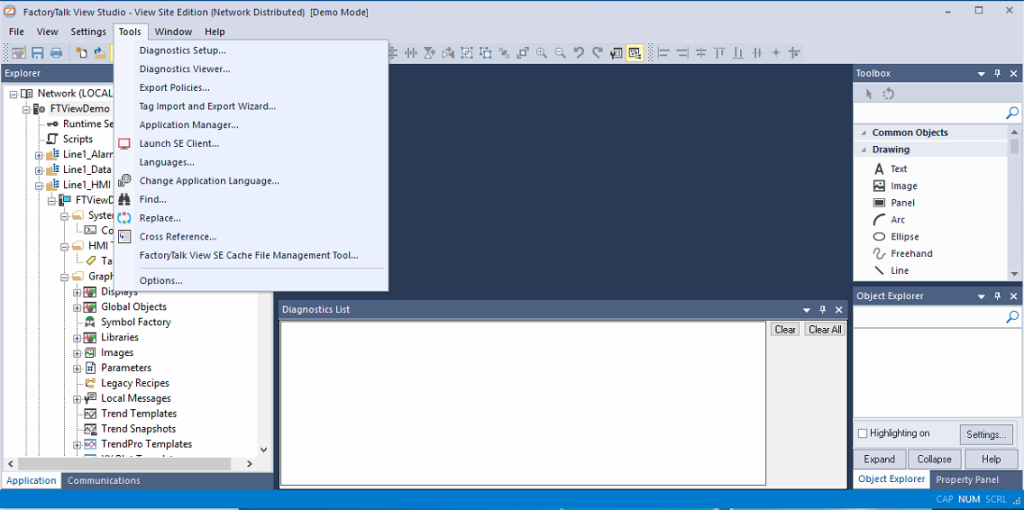
To enable it, you must select the checkbox located here:
Tools -> Options -> Global Objects
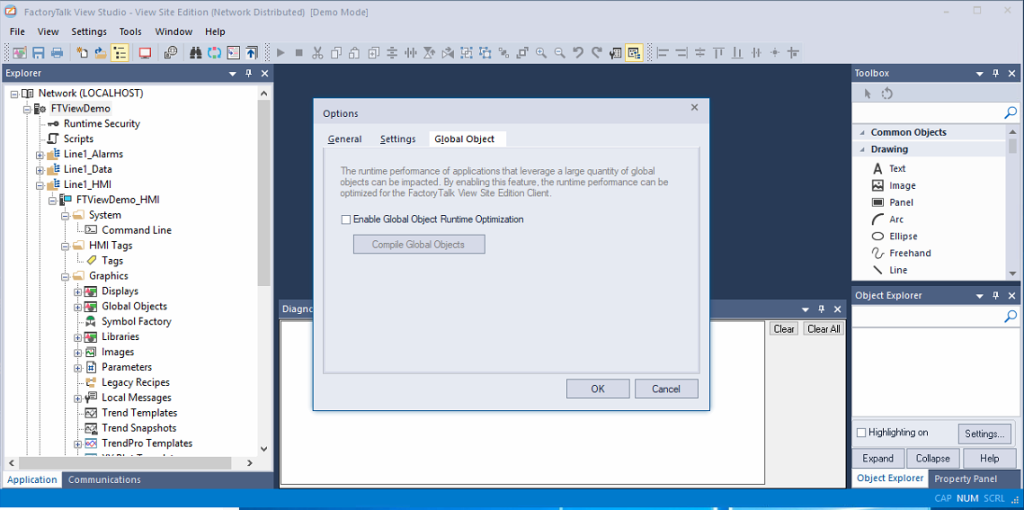
We enable the checkbox and apply by clicking the Compile Global Objects button.

When compiling, within the directory of our main project, there is the RuntimeGfx directory where a copy of the screens is created.
