
Configuration of the DF1 Driver in RSLinx, this driver is for serial communication, point to point, and will serve us to establish communication with both the PLC and a Panel View. The first thing is to know which COM port our cable is connected to, which we can check in the Device Manager.

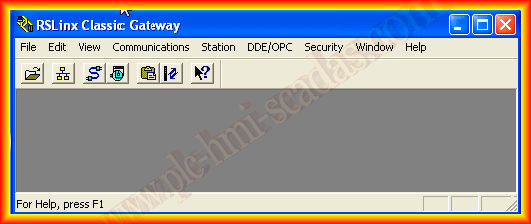
We run RSLinx, and click on the cable icon, here we will add the driver that interests us according to the interface we are going to use, as we have done in previous cases:
Configuration of the Ethernet Devices Driver
Configuration of the 1747 PIC-AIC+ Driver
Configuration of the Remote Device Linx Gateway Driver
We add the RS-232 DF1 Devices Driver and assign it the name that interests us
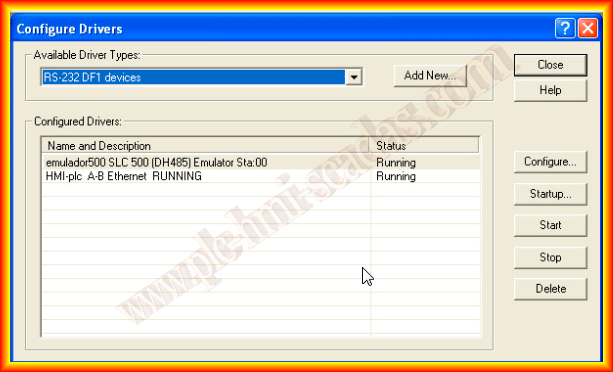
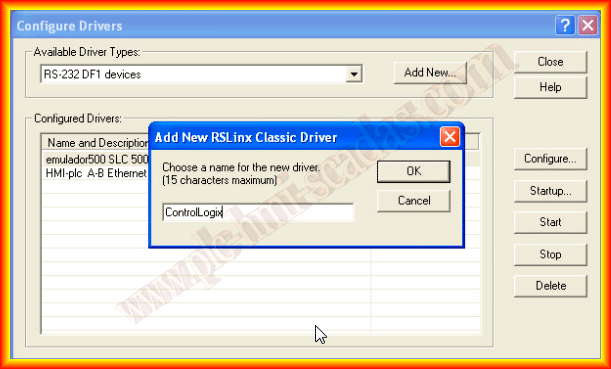
When adding the driver, a pop-up window opens where we will configure it, once the COM port we are going to use is selected, the easiest thing is to click the Auto-Configure button, which will automatically adjust the parameters.


Once the auto-configuration has been successful, we click OK and we can see that it is running
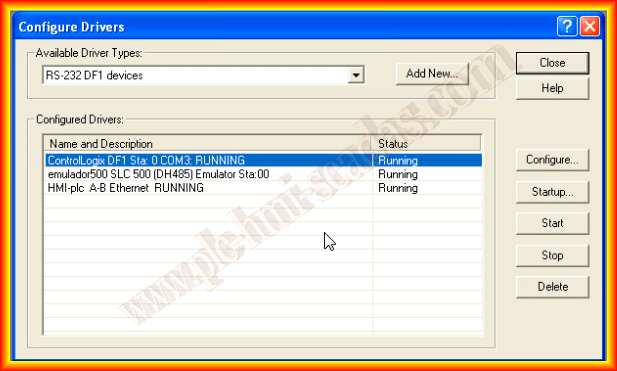
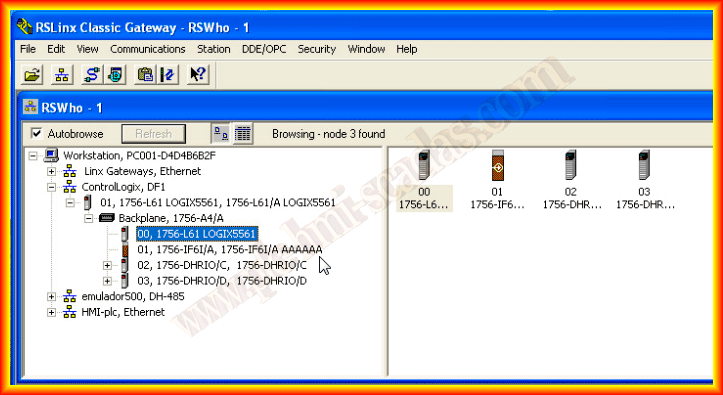
It can now be seen how the PLC, a ControlLogix 5561 and its modules have been detected. It is now ready to run RSLogix 5000 or Studio 5000, the latest version available to upload/download the program, or as was the case, to update the firmware
April 3, 2013