
RSLogix 500 - Upload Project
We will consider that we have our CPU in failure, from a SLC 503 PLC and the objective of the practice is to upload the project. The first thing we will do to connect to the PLC is the configuration of RSLinx, regardless of the driver used, in this case it is through the serial port.
If you want to see how to configure different drivers, check here.

Once the driver is configured, we open RSLogix 500.
We go to Comms --> Upload

The following pop-up window appears and we are going to create a new file "Create New File"
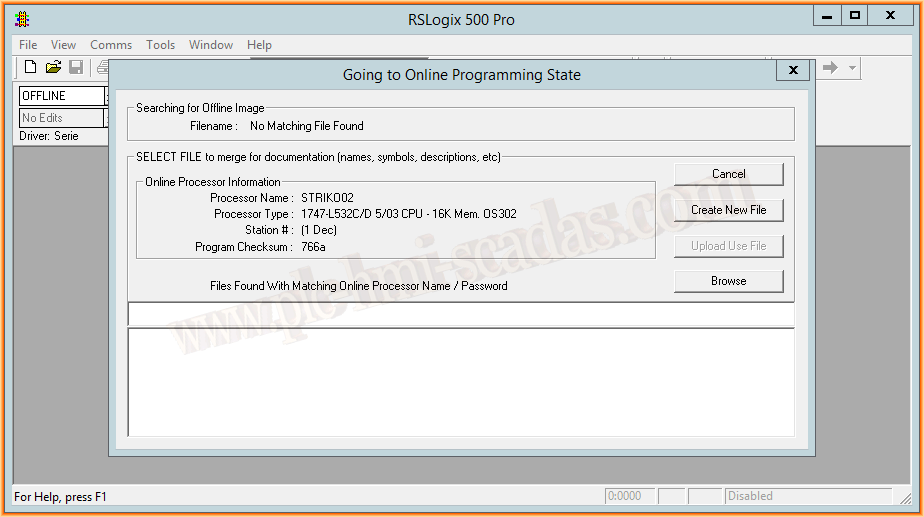
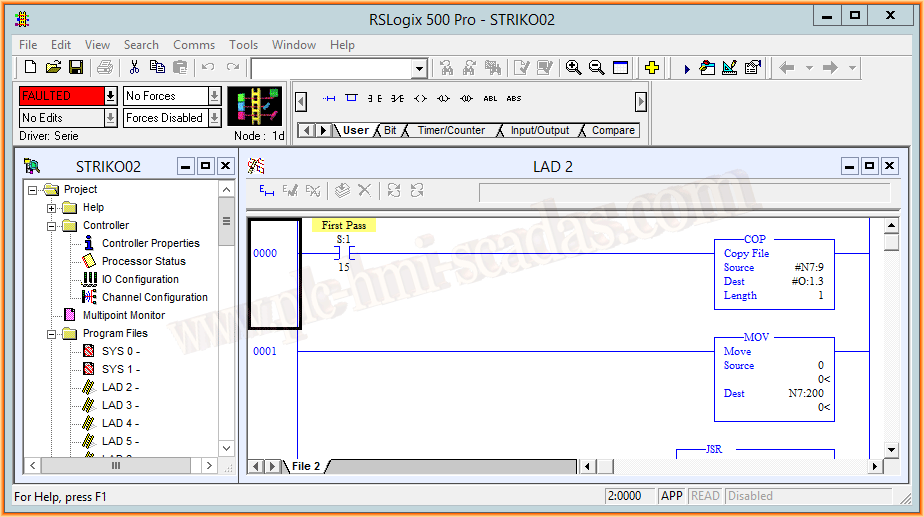
We now have our project, and it asks us if we want to go online, we go online.

Now we can review the reason for the failure and we already have our project.
January 21, 2018
"Gratitude in silence serves no one." Gladys Bronwyn Stern