
Upload PLC TwinCAT Project
We have just seen how we downloaded the hardware configuration, now we are going to download the PLC project.
We run the TwinCAT PLC Control, and simply select Open

Here we can open a project that we already have stored in our directory X, or open the project directly from the PLC, for this we select the PLC button

A pop-up window will appear to select the type, in my case PC or CX (x86) and we confirm with OK

Now we are going to select our Target, our PLC and select Run-Time 1, as seen in the following image.

If we have previously downloaded any project and have libraries in our directory, we may see a warning like the following.
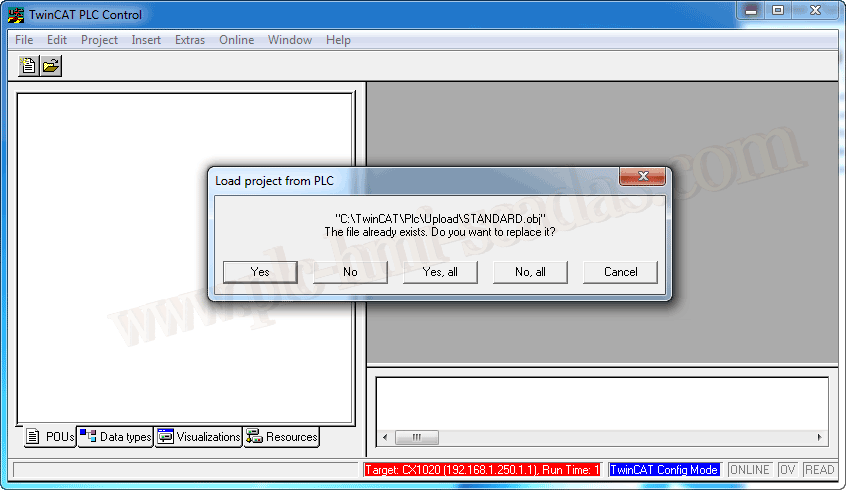
Once downloaded, we can save it with the name that interests us. And note how we are connected to our PLC 192.168.1.250

16-05-2019