
Factory Talk View - ActiveX Controls "Microsoft ADO - Microsoft DataGrid"
In the previous practice Factory Talk Alarm Events, we configured the Database to log all the Alarms defined in our system. It was also briefly shown that to query the database we needed to connect to the database and make a query. In today's practice, we will work with two ActiveX controls to create a connection to the database using ADO and display the records in a DataGrid object.
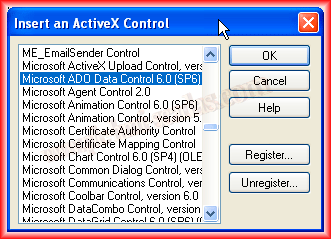
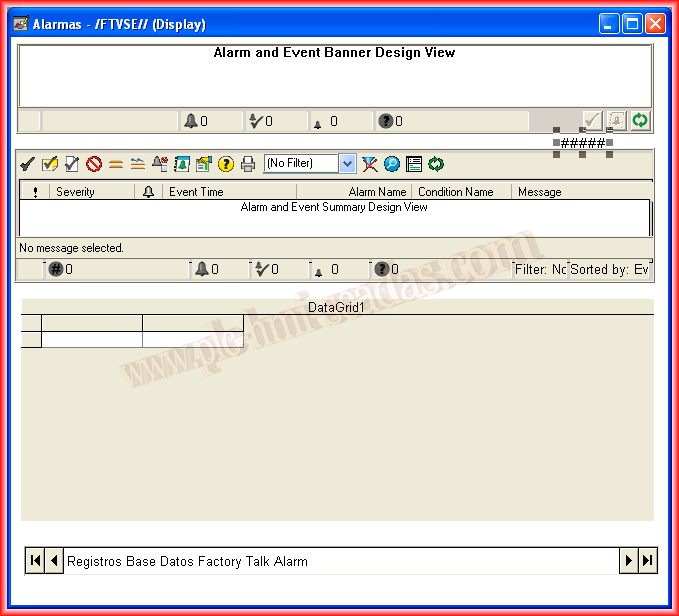
To insert an ActiveX object, we do it from the menu bar Objects->ActiveX Controls, and all the controls we have available will appear. In this case, as mentioned, we will first insert the Microsoft ADO Data Control 6.0.
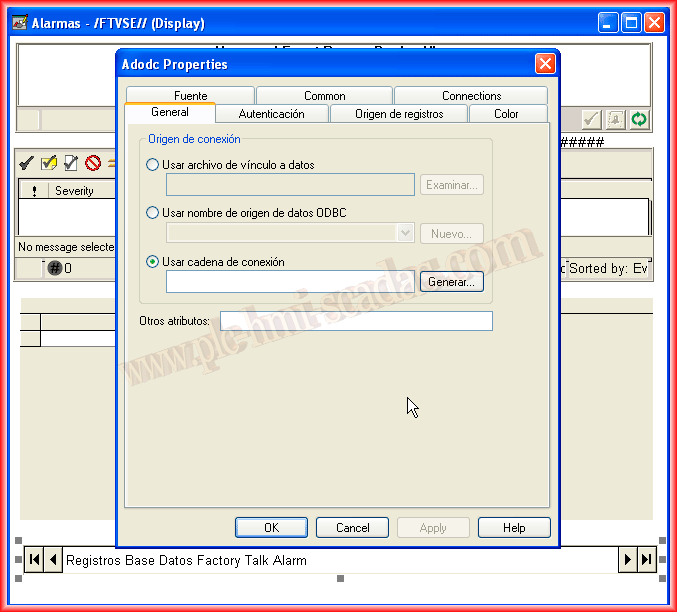
This object looks like this; the only difference is that I changed the Caption from adodc1 to the name shown, although the control's name remains the same.
We will leave its properties blank, as we will define them through code.

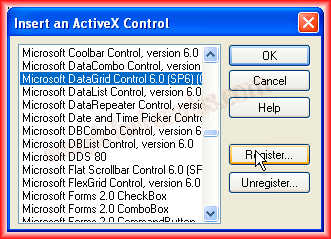
The next step will be to insert the Microsoft DataGrid Control 6.0. This Control will be used to display the data from the query made with the ADO control.
This is the Control, which is named DataGrid1, very important for referencing it.

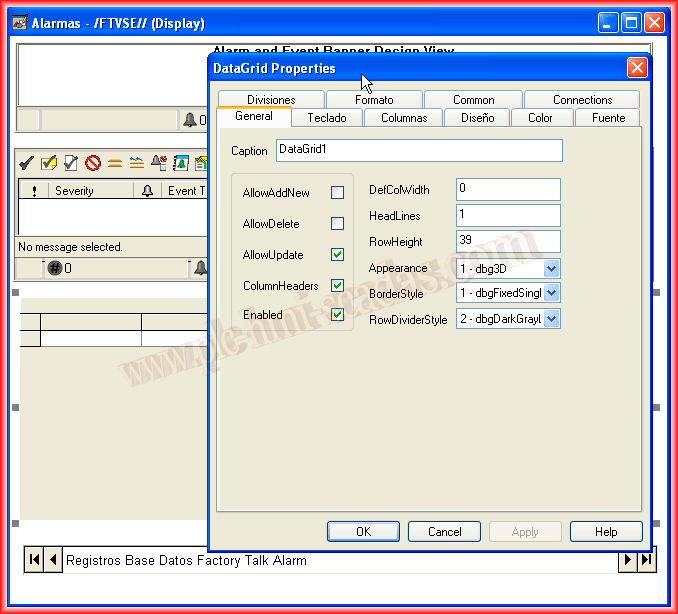
We will leave its properties as they are, that is, we will not make any changes and will leave the default values.
If we want to change any of its properties, we would do it from the code we will use for its configuration.
Now that we have the Controls on our display, let's move on to the more interesting part: viewing the code.
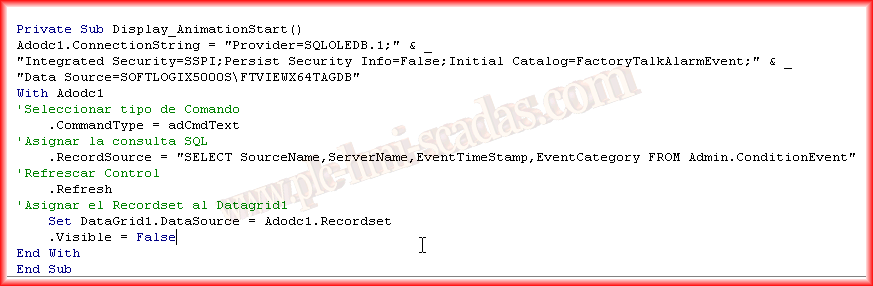
As you can see, I placed the code directly inside Display_AnimationStart(), meaning that when the screen is active, it will execute. This would need to be adapted according to the needs.
In the Code, we create a Connection String to the Database (ConnectionString). After defining the Connection String, we define what type of Command we are going to use, in this case, a query, which corresponds to adCmdText. We define the query in RecordSource.
Finally, we assign the result of the query to the DataGrid to observe our data.
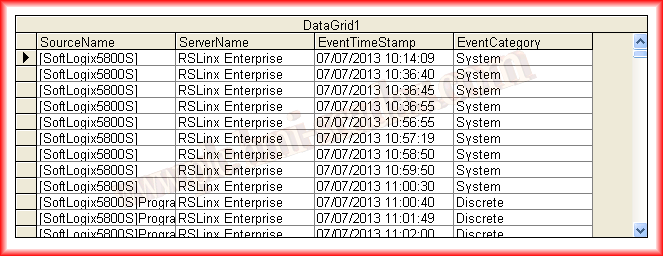
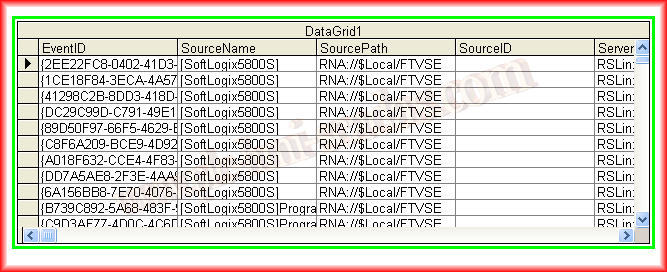
This is the result once we are in Runtime; conversely, if we change the query to a SELECT * FROM, our DataGrid automatically adapts to the Recordset.
July 14, 2013