Intouch - MySQL DataBase


In this article, we will cover the essentials for communicating Intouch with a MySQL database, just as we did with Oracle.
By default, although we have mentioned it before, if we try to establish communication without preparing the equipment, we will not be able to do so, so we need to follow some steps.
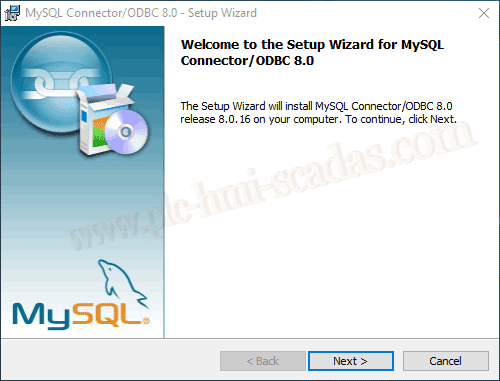
1.- Installation of MySQL Connector / ODBC Version, we will see this next.
We start and perform the complete installation of MySQL Connector/ODBC 8.0, which is the current version.
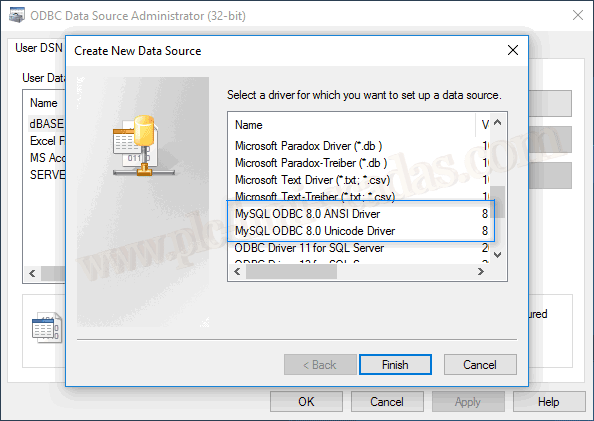
Once the installation is complete, and very importantly the 32-bit version, we can check that we have two new drivers available.
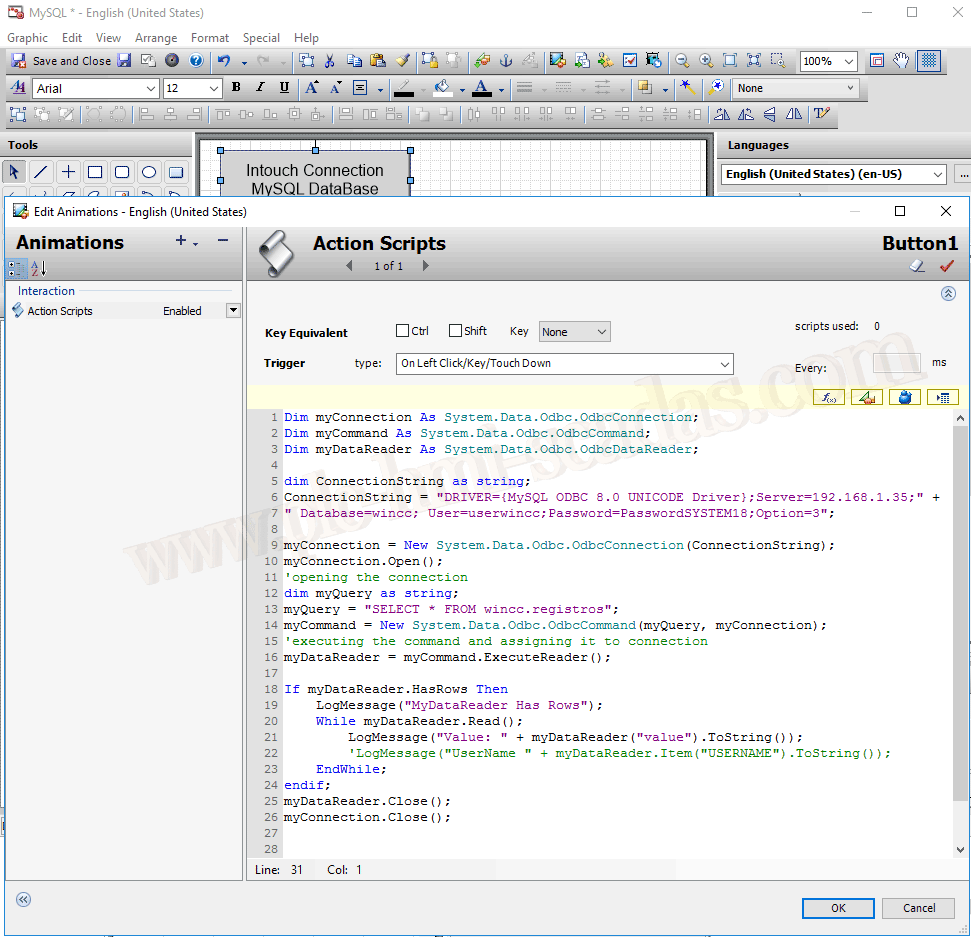
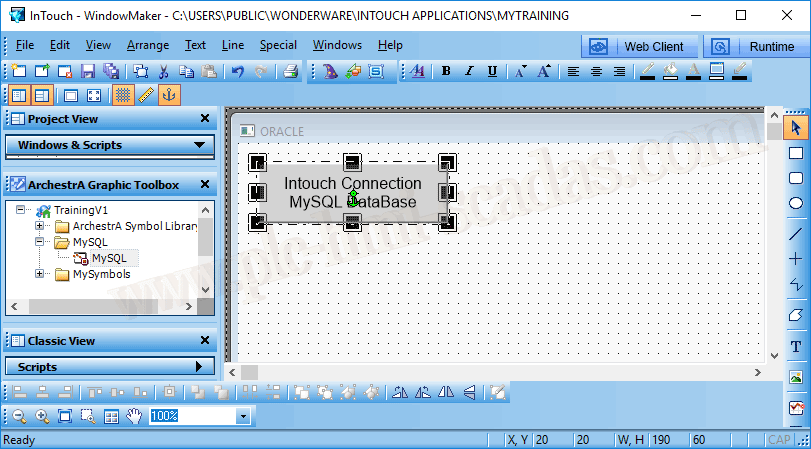
If you are reading this article and are new to Wonderware Intouch, I suggest you review this other article, to reach the point where we are. If, on the contrary, you are up to date, we are creating a new symbol, where we associate the following code.
IMPORTANT DRIVER={MySQL ODBC 8.0 UNICODE Driver} will vary depending on the installed version or the one we install.
While working with Visual Basic .Net, note that in this case we are using ODBC and not OLEDB.
As additional information, if you want to try using OLEDB, there will be an error because we are not defining any PROVIDER.
Here you can see the other variant, where a new Data Source is defined.
We insert our new symbol on a screen and test the Runtime.
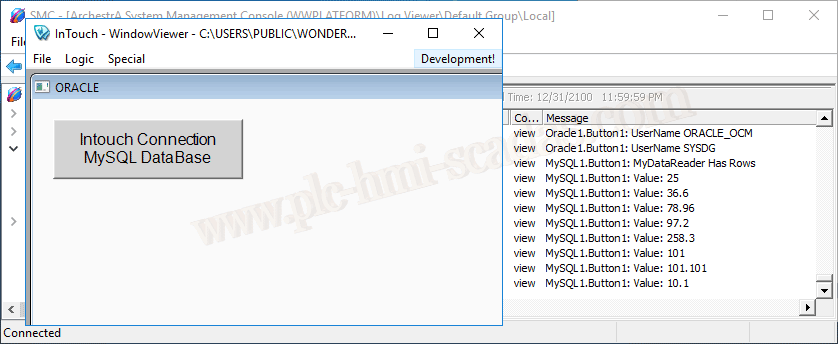
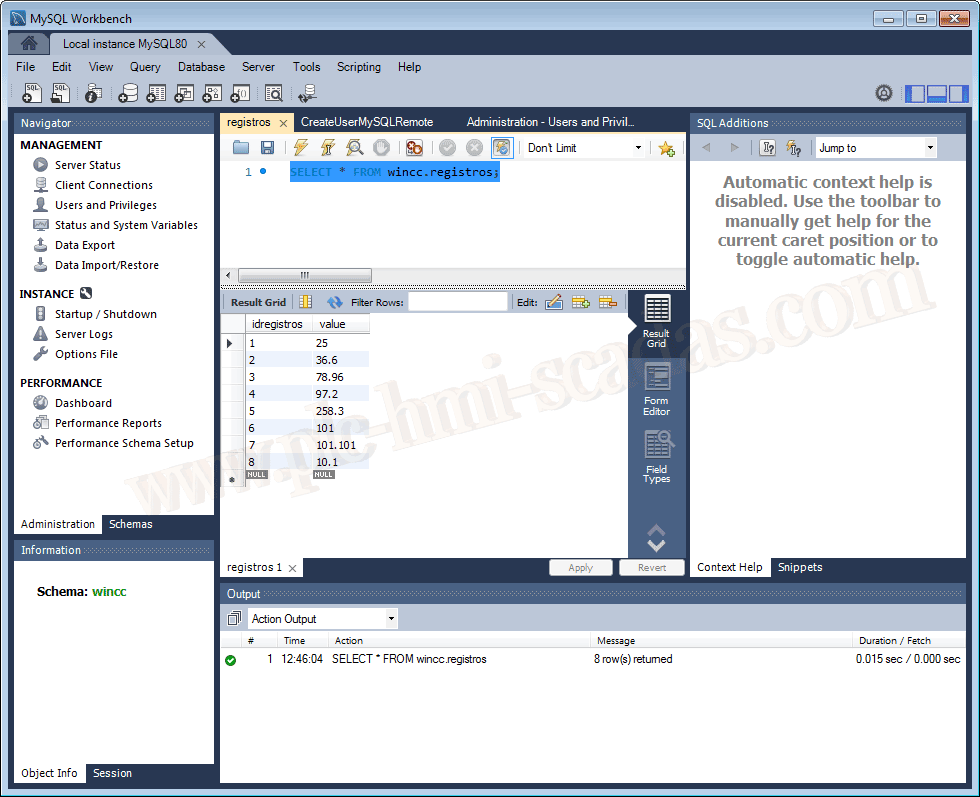
And the values that are in the Database.