Intouch - Open DataBase Connectivity (ODBC)


In this article, we will see the basis for communicating Intouch with any database management system that has an Open DataBase Connectivity (ODBC) Driver.
We have seen an example with MySQL, but without defining a Data Source.
1.- The first step will be the installation of the ODBC Driver; in the case of MySQL, we perform the following installation (MySQL Connector/ODBC 8.0), which is the current version.
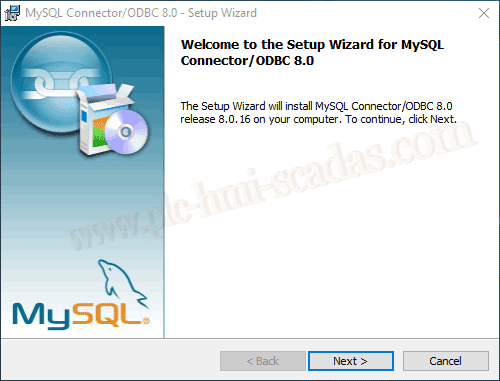
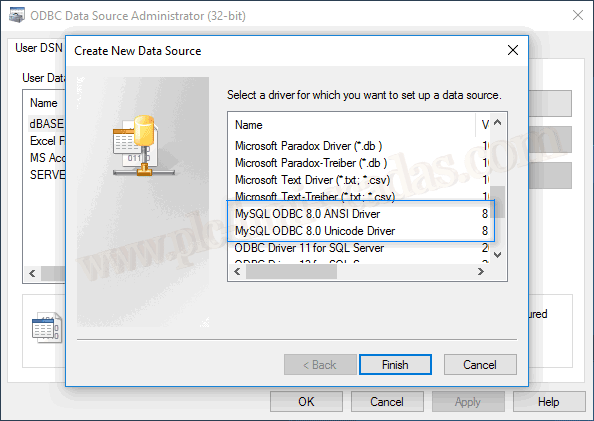
Once the installation is complete, and very importantly the 32-bit version, we can check that we have two new drivers available.
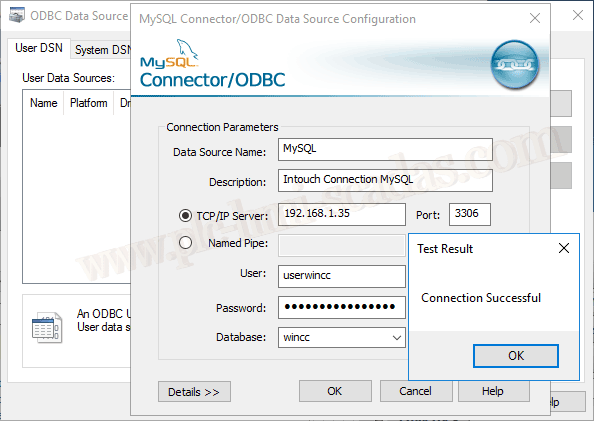
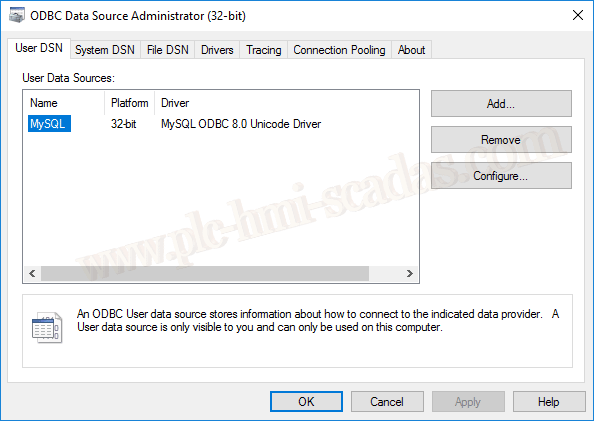
The next step will be the definition of a new Data Source, which I have defined as MySQL.
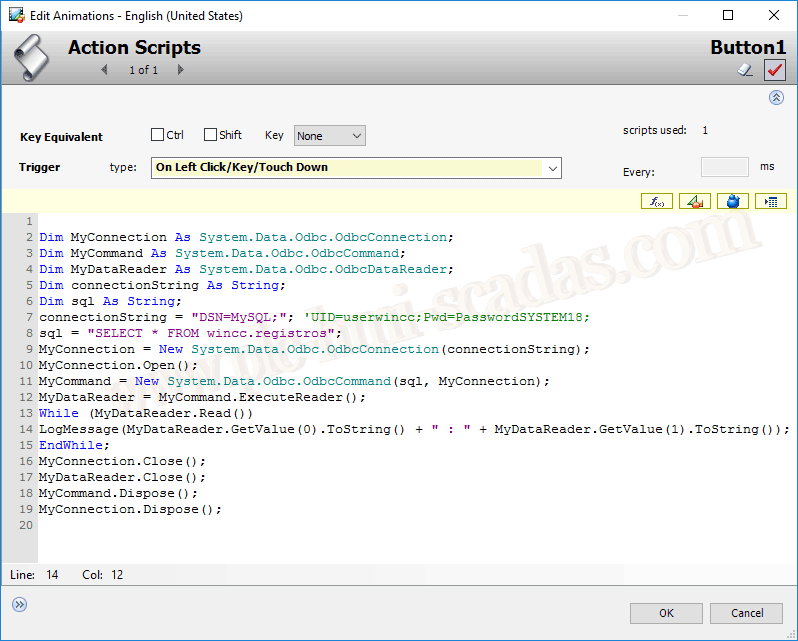
As I mentioned earlier, if you are reading this article and are new to Wonderware Intouch, I suggest you review this other article to reach the point where we are now; if, on the other hand, you are up to date, we are creating a new symbol, where we associate the following code.
The important thing to highlight here is the Connection String, where we define the name we created in our Data Source, and as in the wizard to create it, we defined user and passwords; here it is not necessary to define them.
If it were Oracle, then we would need to define user and password, as it is not defined in the Data Source.
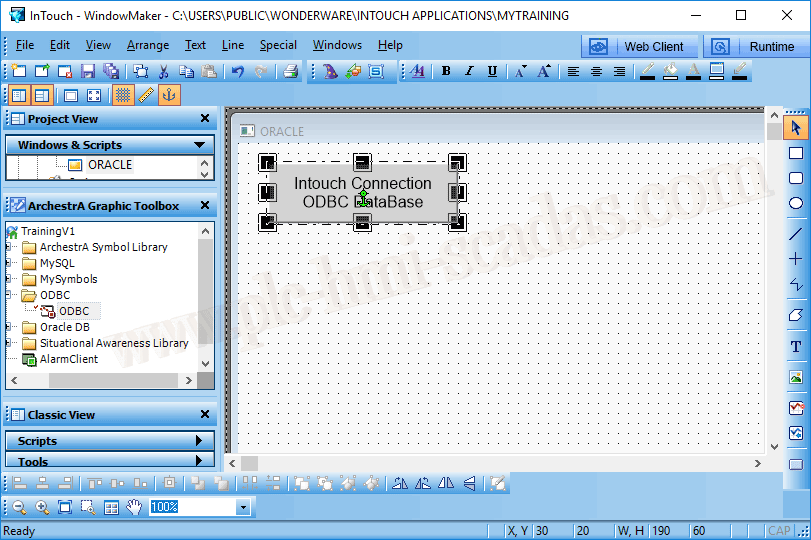
Now we are going to test it; we insert our symbol into a new screen and switch to Runtime to check it.
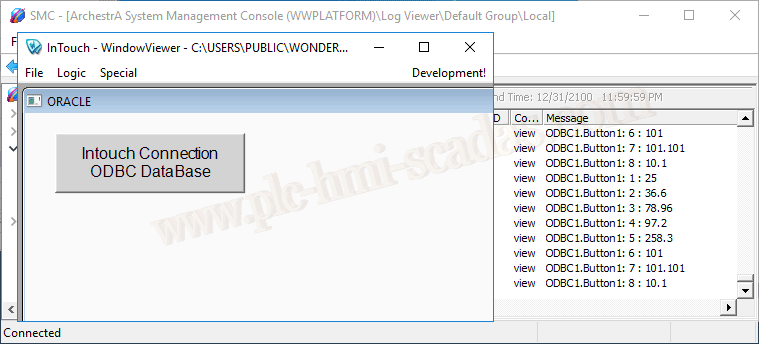
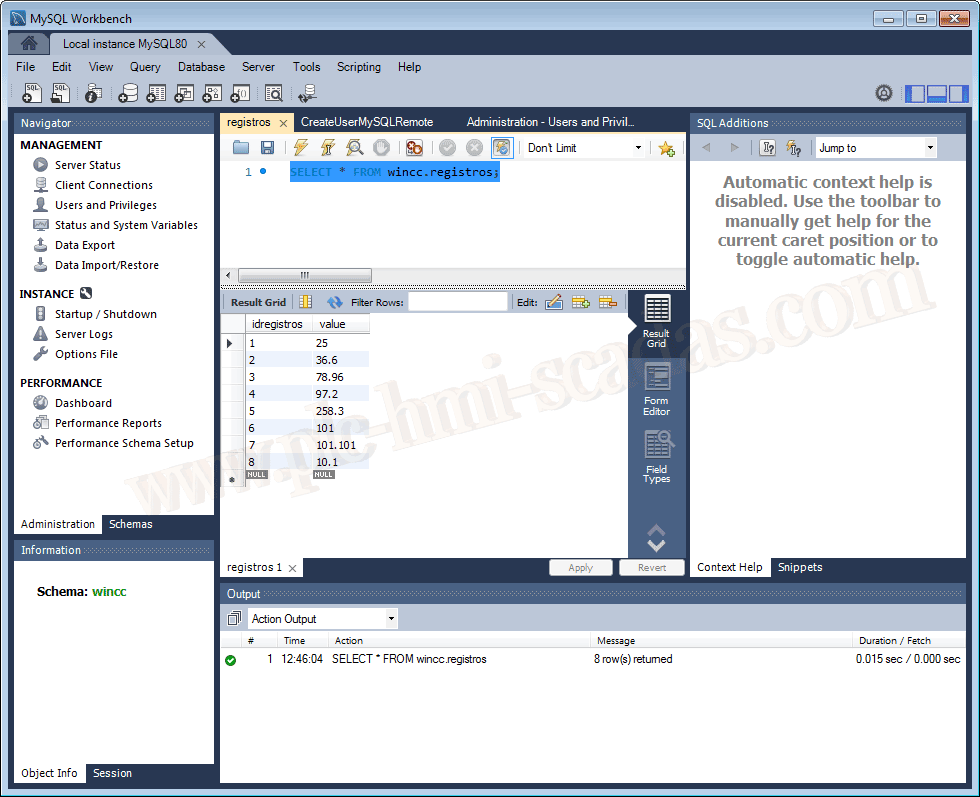
And the values that are in the Database