
WinCC Flexible Simotion
These are the drivers that WinCC Flexible has, among them, today we will see how to configure the driver for communication with Simotion.
Requirements: Step 7, Simotion Scout, WinCC Flexible

The first thing we need to check is which panels and screens support it. When talking about WinCC Flexible 2008, we have those from that time.

And very importantly... How to configure it to work with Simotion.
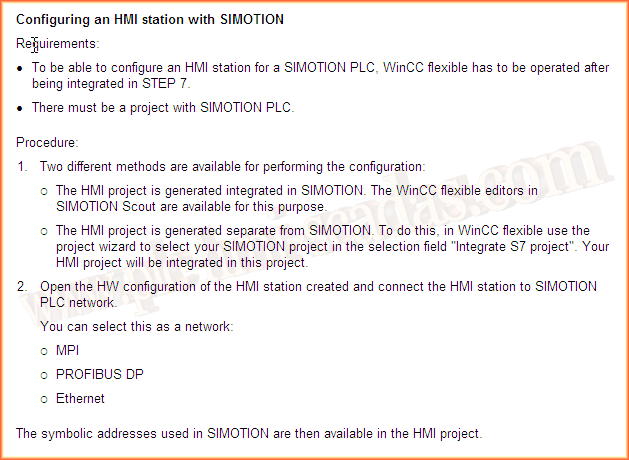
Let's do an example, and if we create a project of the PC type, which is supported as we have seen in the documentation.
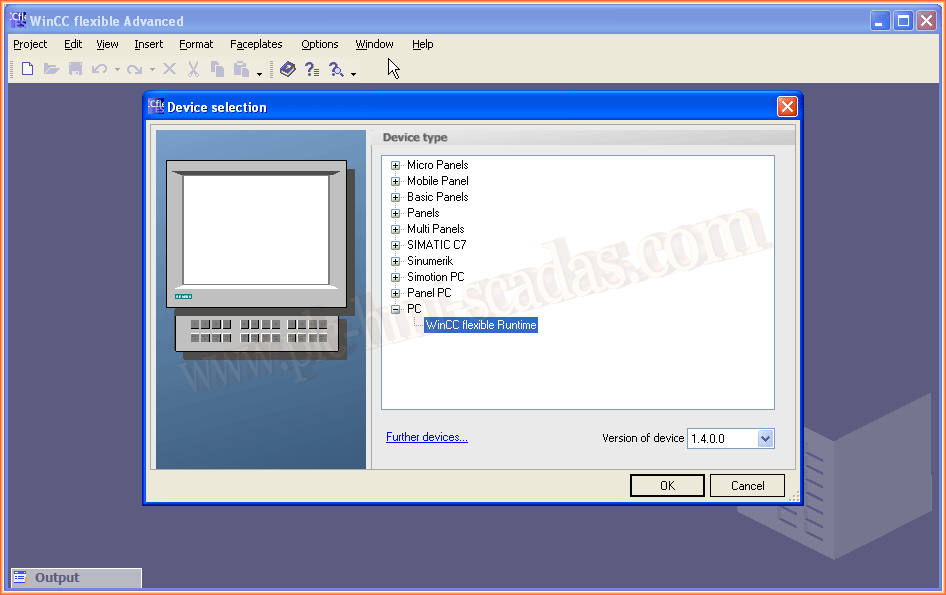
When we go to the available Drivers, the Simotion Driver does not appear.

Now, let's create an HMI within a project where we have a Simotion, here an example of how to create such a project.
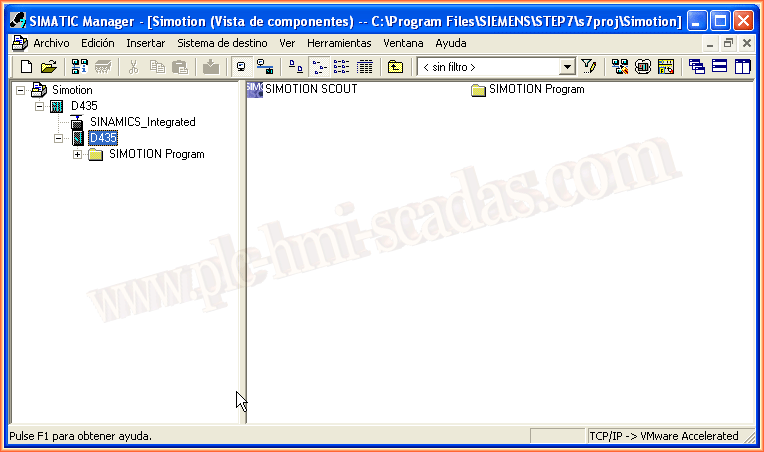
We insert a new Object of the type SIMATIC HMI-Station

And as before, we will define that it is in PC Runtime.
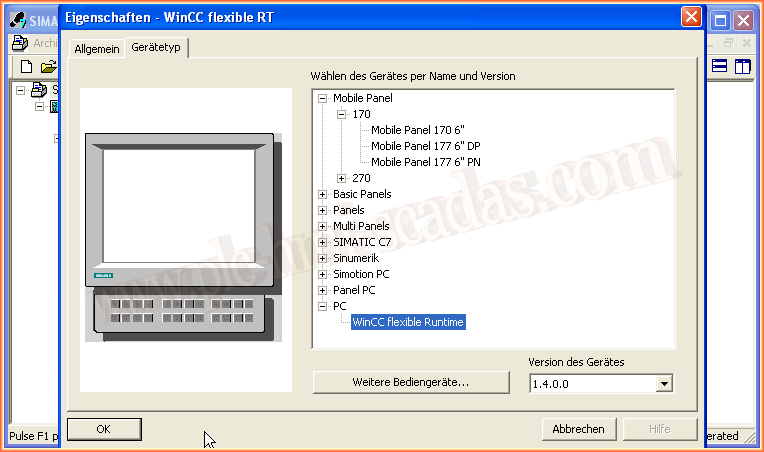
If we now check the drivers we have available, we will see that SIMOTION appears.
But before selecting it, we will finish making some previous and necessary configurations.

As we have defined that it would be a PC Runtime, we open the Hardware configuration

And the first thing we are going to do is add a network card of the type IE General, where we define the IP address and the network. If there is no network, we create a new one.

In the properties of the card, we have to define in the Assignment tab and according to the protocol we are going to use, in our case TCP/IP (S7ONLINE)

When we save and compile, we get the following error, system data could not be created because the saved configuration is inconsistent.
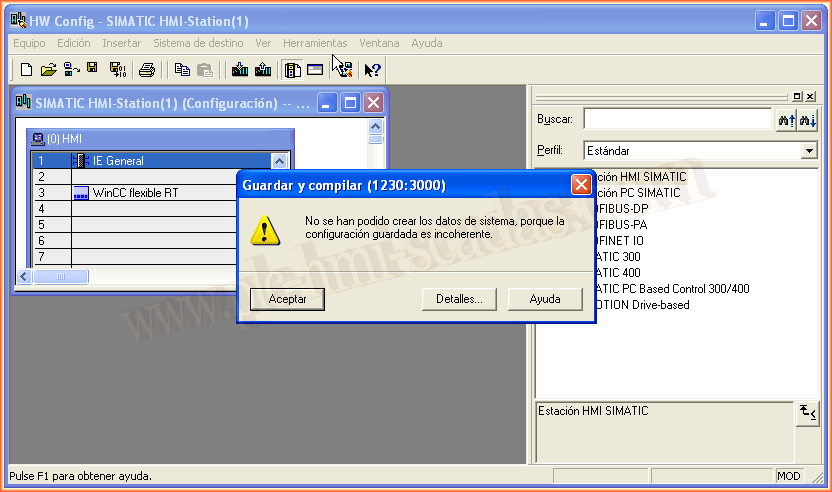
To solve it, you need to select the checkbox for Adjust MAC address / Use ISO protocol. With that, it compiles and saves correctly.
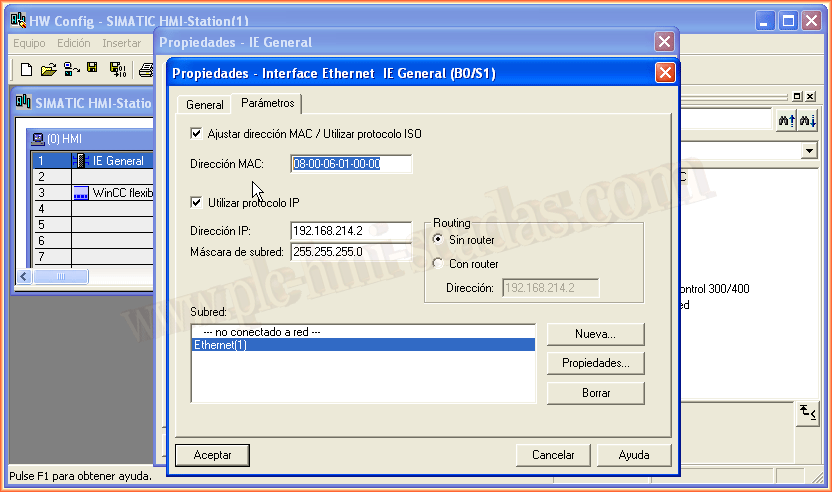
Now we can configure the simotion driver correctly and with it the Station, interlocutor, node, etc...

When creating the variables, we can now access the entire Simotion project

And the particularity of this type of connection is the addressing that is used. If in the future you want to migrate to TIA Portal, you need to know the compatibilities because not all equipment can be migrated.

June 5, 2018
"Silence gratitude serves no one." Gladys Bronwyn Stern