
Error Code Ox8000152100000084 -Driver 1200-1500
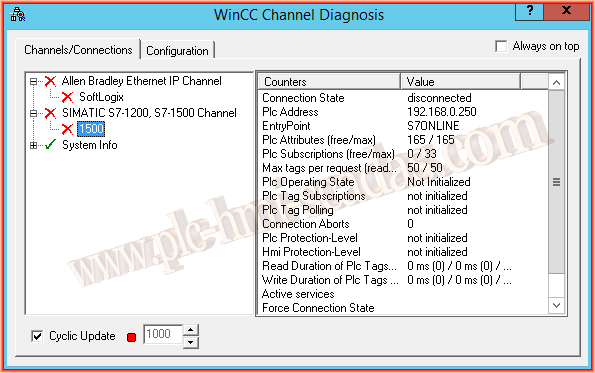
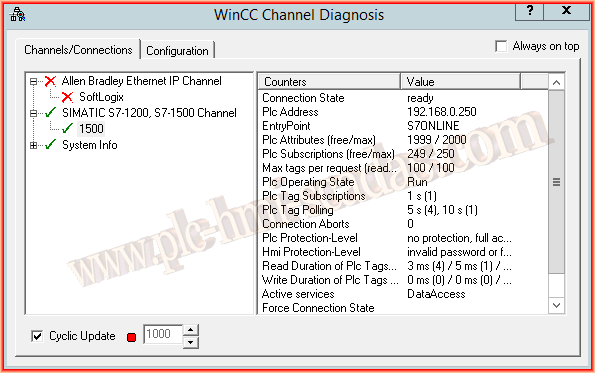
We will consider that we have completed the configuration of the Driver 1200-1500, and when we put WinCC in Runtime, it turns out that there is no communication, which we can perfectly observe in the WinCC Channel Diagnosis.
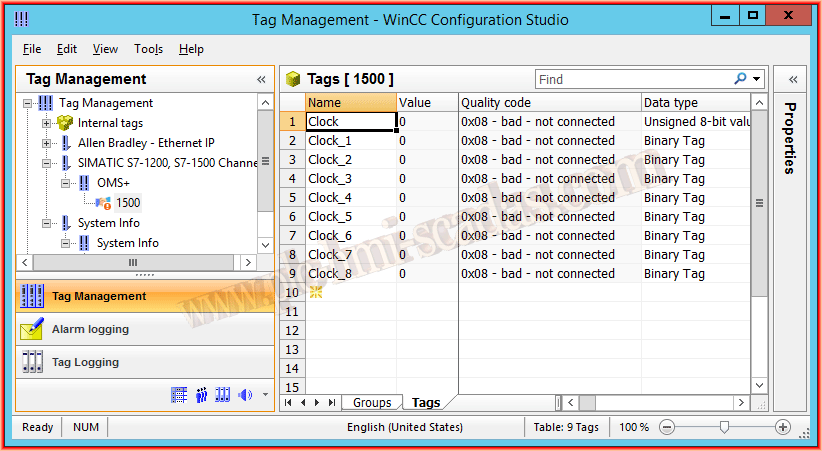
In the Variable Manager, we also observe the communication failure symbol and the Quality Code property is bad.
The first thing we will do is go to the diagnose directory, which is located at the following path C:\Program Files\Siemens\WinCC\Diagnose. or C:\Program Files(86)\Siemens\WinCC\Diagnose
Here we will find all the logs that are generated by our WinCC, whether from the configured communication Drivers, etc...
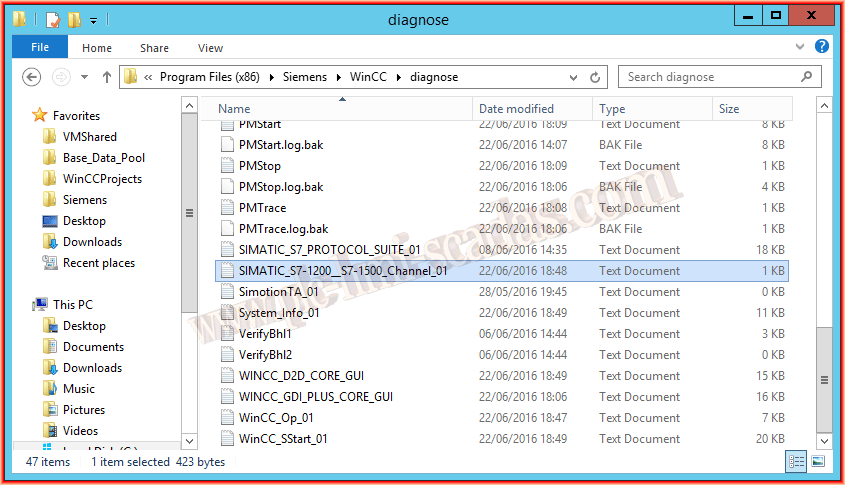
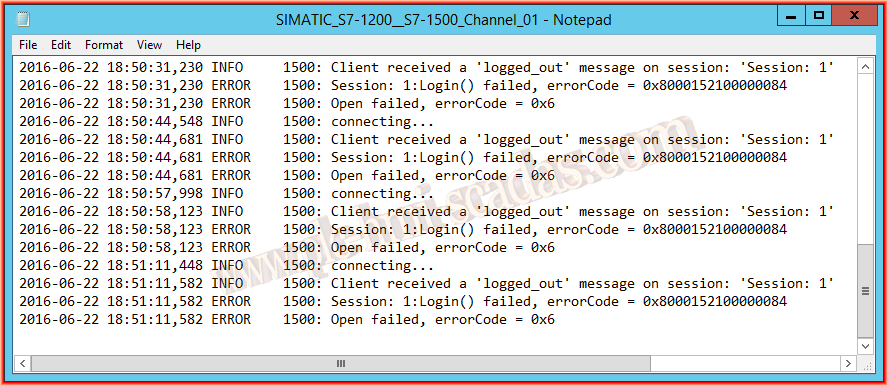
In our case, we go to the Log SIMATIC_S7-1200_S7-1500_Channel_01, and here we observe the error code, which is the number we are interested in, to later look it up in the Error codes in the WinCC help.
From experience, the errorCode = 0x8000152100000084 means that the installation of Simatic Net is missing for the S7-300/400 and S7-1200/1500 drivers to function correctly.
Once the installation of Simatic Net is completed, everything is perfect
June 30, 2016