
WinCC Unified User Management


We have already seen that once WinCC Unified is installed, the first thing we need to do is run the WinCC Unified configuration, just as we have seen here.
Therefore, we start from the point that we already have the WinCC Unified user management administrator, and we are going to log in to create the users that we will use in our project.
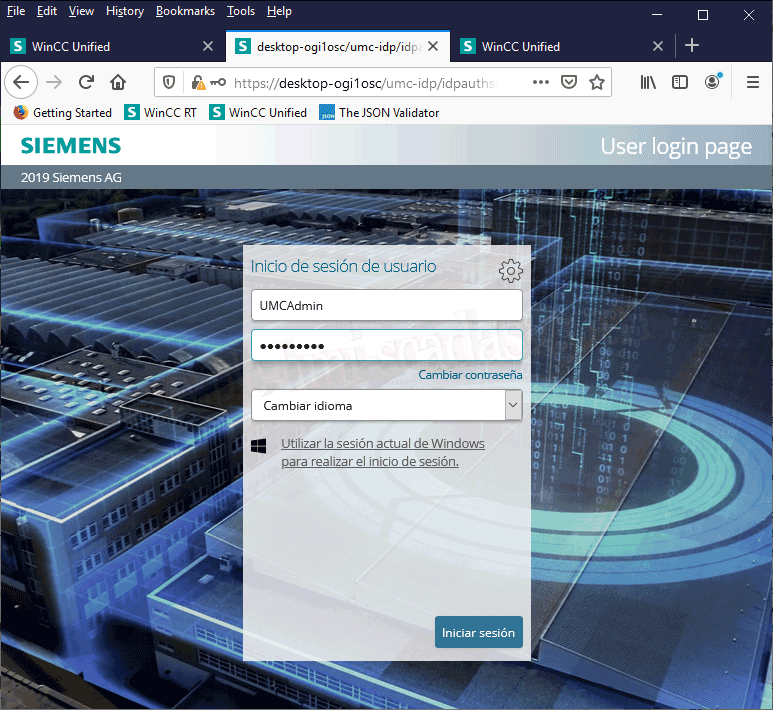
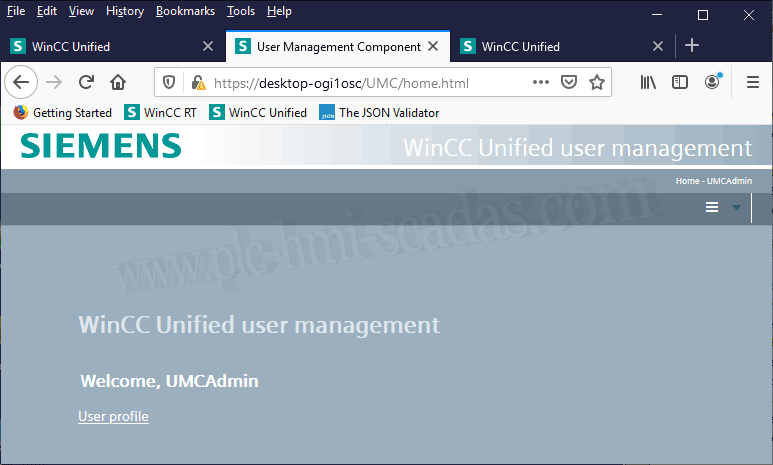
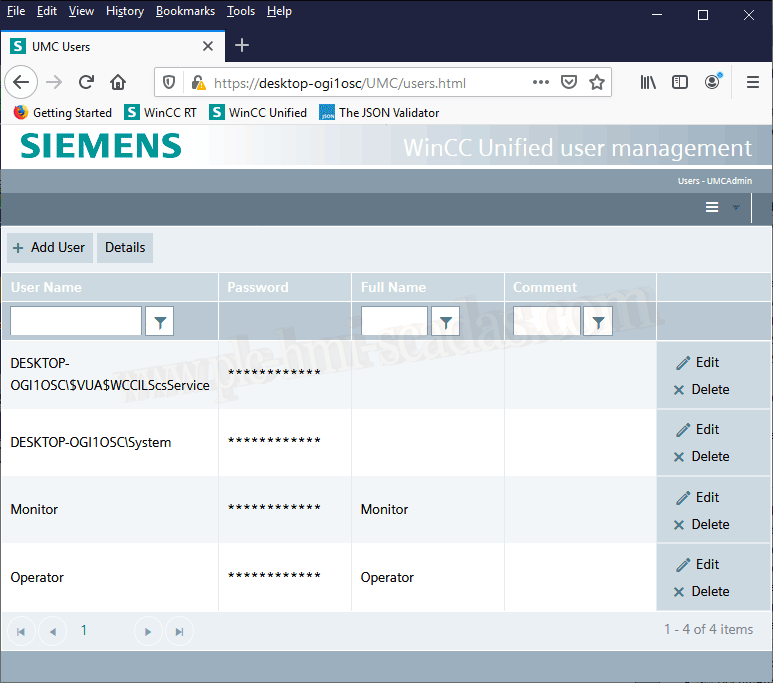
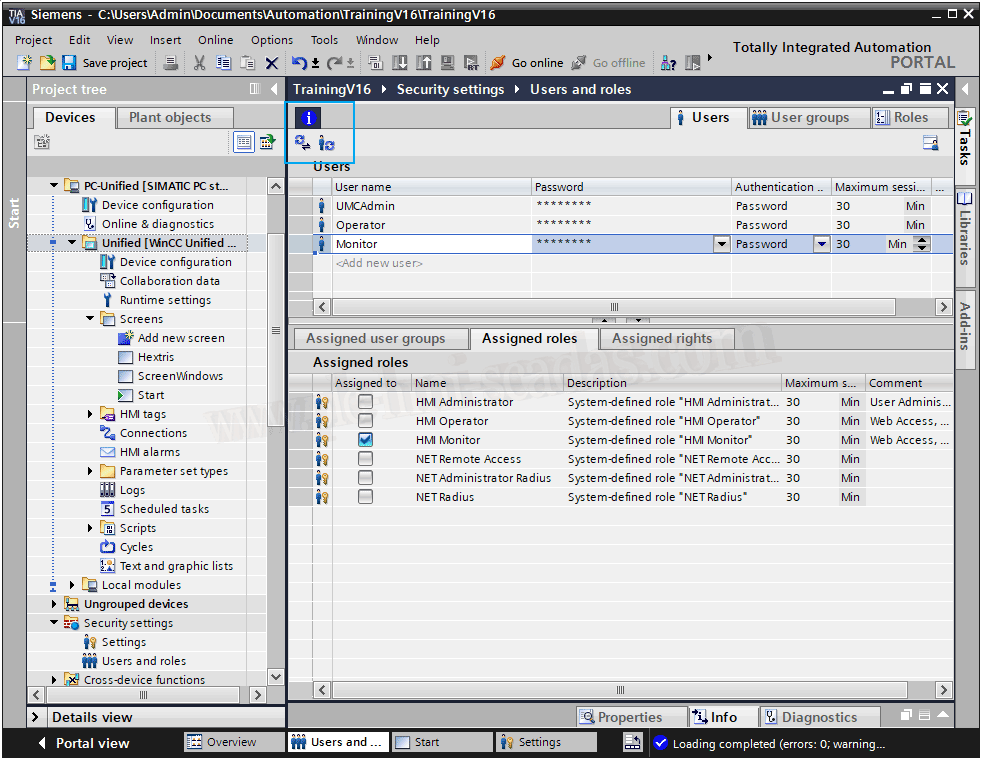
For this example, regardless of the Administrator (UMCAdmin), I have created the users Monitor and Operator, which means that these users will be able to log in to the system.
Now in our TIA Portal project and within Security Settings, which is outside the WinCC Unified device, we are going to create these users and this is where we will assign the permissions or roles that we are interested in. Note that when we create these users, they are of the local type.
Example of the Administrator with the role of HMI Administrator
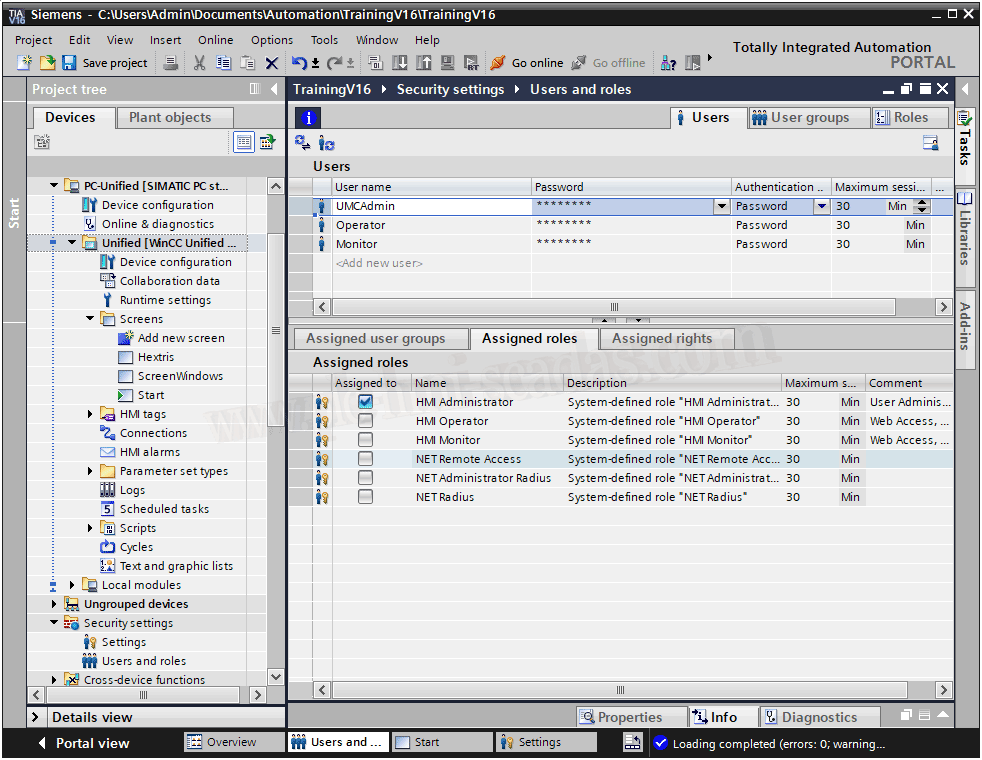
And another example with the user Monitor, with the role of HMI Monitor, remember this user for a moment, as we will see it in more detail later.
Once we have finished creating our users, there are two small icons that are highlighted and have the functionality to synchronize with UMC and check the status. Apply the Synchronize.
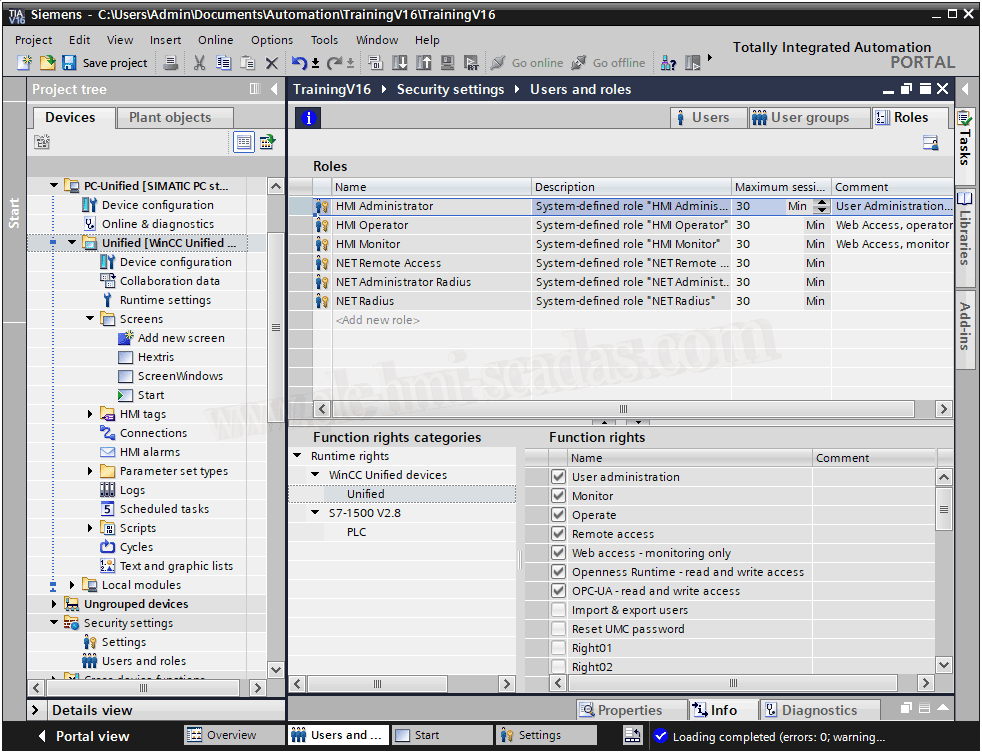
In the case of creating our own roles, we have the section where we define our own and assign them. Personally, I prefer to define when it comes to read, write, read and write permissions, etc.
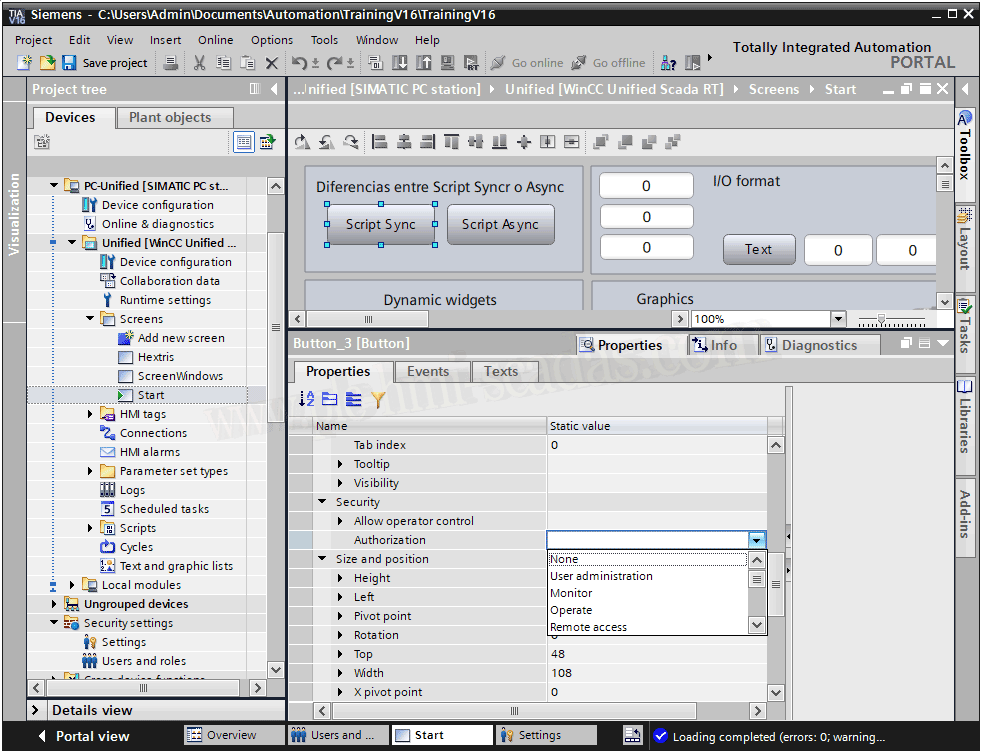
Within our screens, all objects have the property Security --> Authorization, and here will be all our roles, both the default ones and those we have created.
We assign to the corresponding objects the role we have defined. Once this is done, we can test our project.
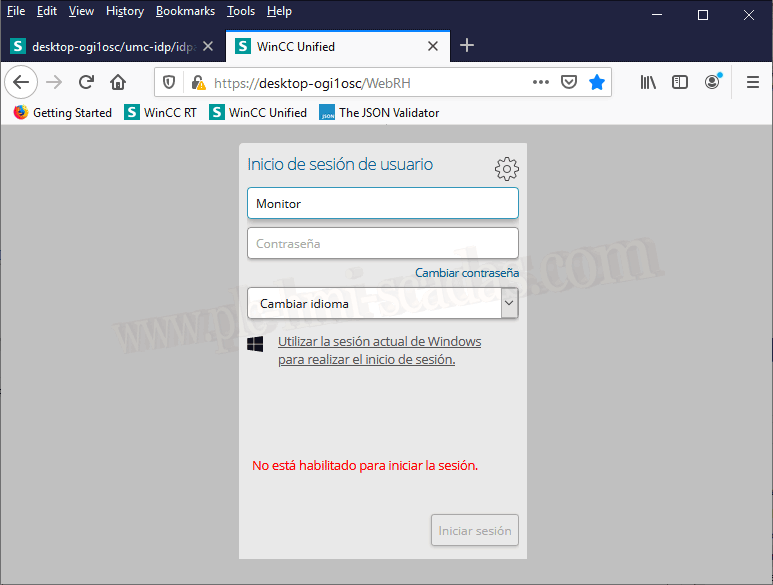
We have already compiled and transferred the project. The Server is running and we can now log in.
Do you remember the user Monitor, who only had HMI Monitor permissions? Well, with that permission only, he is not enabled to log in. In conclusion, it is better for all users to have Operator permissions and later assign them the roles we have defined.
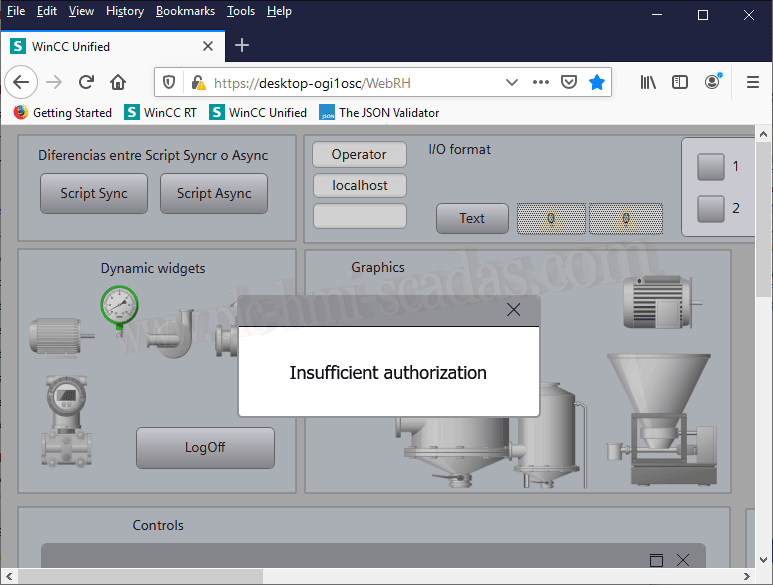
If we now log in as Operator, we have been able to log in and I have assigned administrator permissions to a button, so if we do not have permissions, we have our pop-up window indicating lack of permissions.
14-03-2020