
WinCC Unified OPC Server UA


I would like to start by giving THANKS in capital letters to C.F.R, who I haven’t asked for permission to mention, so for now I will leave it like this.
We have already seen that WinCC Unified has an driver to communicate via OPC UA and in turn, our Panel or our PC can also be an OPC UA Server.
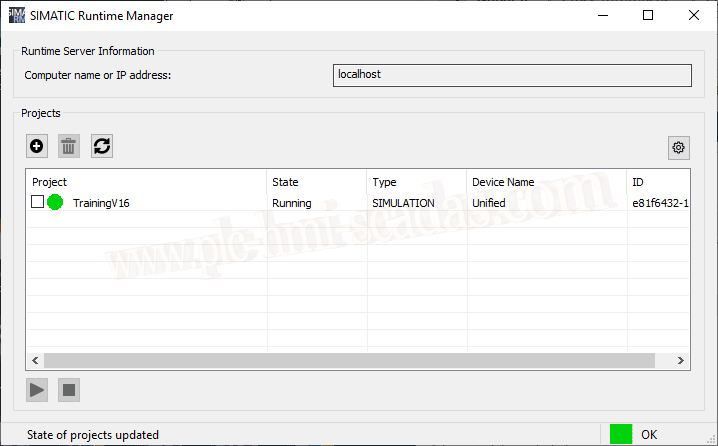
Let’s consider that we have already transferred our project and we are in Runtime, it is running perfectly, but we want to activate this option.
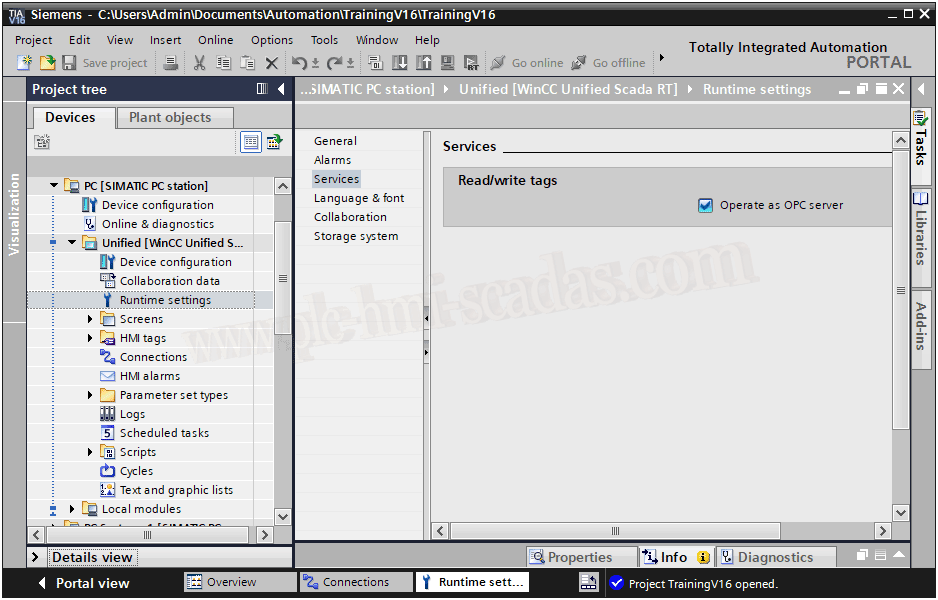
In our project in TIA Portal, we go to Runtime Settings and in services we have the option to activate the checkbox Operate as OPC Server, we will activate it, compile and transfer it again...
We have the following configuration file as shown in the next image, and this will be where we can make certain changes, modify the port, enable or disable security type, etc...
The default port is 4890, if we make any changes, we need to restart the server for them to take effect.

In the same file is where the directories of the certificates are located and where we will have to move when we make a connection, a more detailed explanation in the next example with WinCC
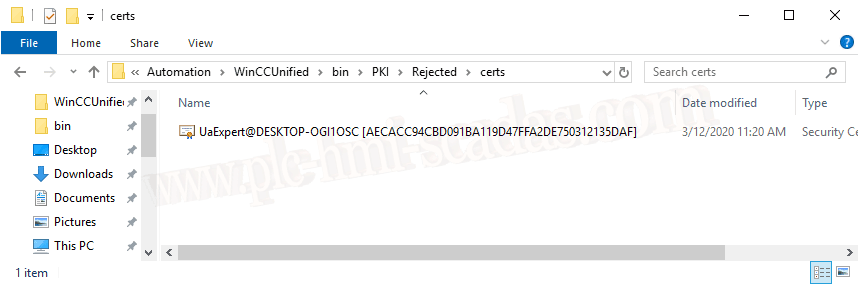
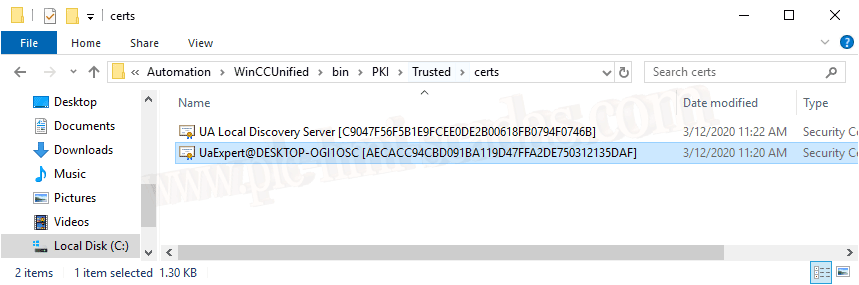
While we are transferring, we can see how it restarts.
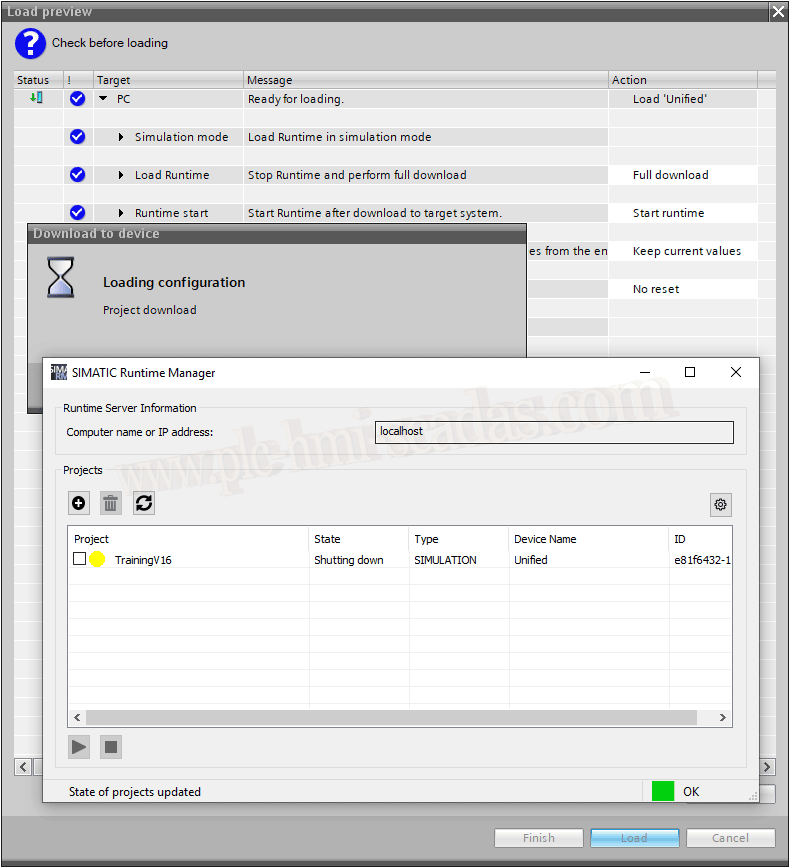
And once restarted, it is now as an OPC UA server.
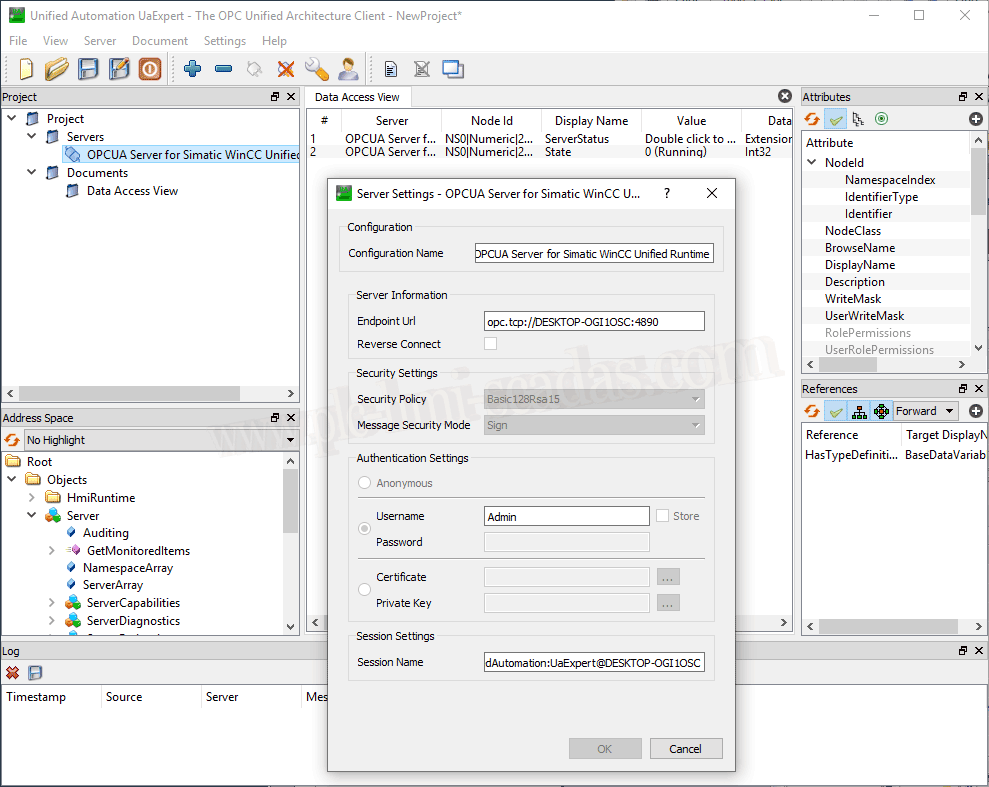
With the OPC Client from Unified Automation, we can check that by default, with this version the unsecure connection type is not enabled, which means we need a Username and Password.
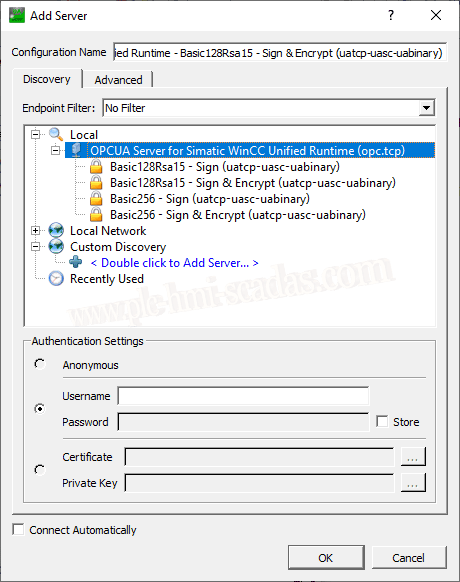
Well, we already know that we have to create a User with permissions for OPC-UA.
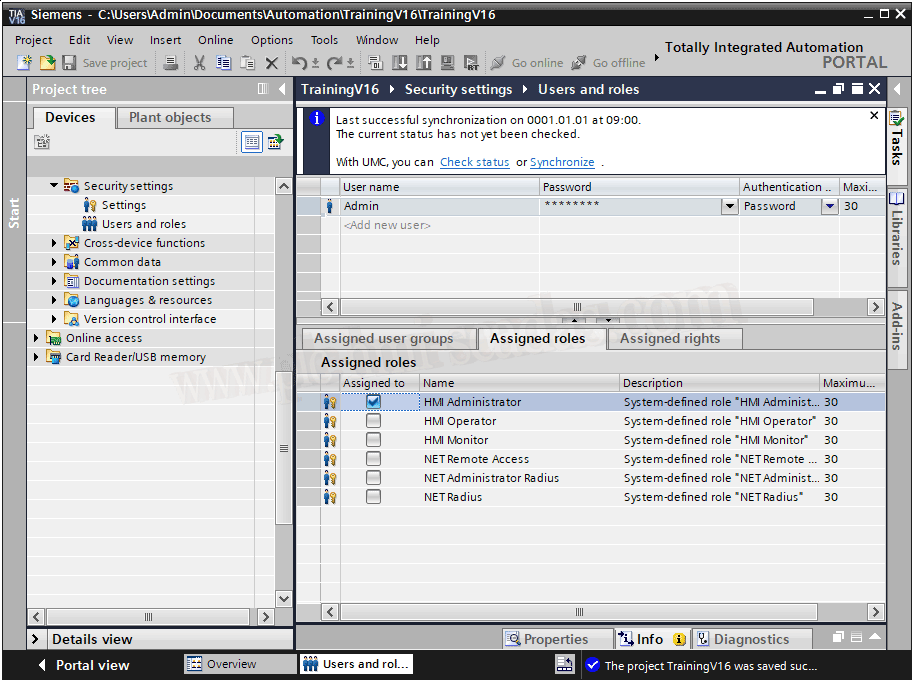
Within our TIA Portal project and Security Settings, we have the user and role management that we will assign. I have created the user Admin and I will assign the role of HMI Administrator.
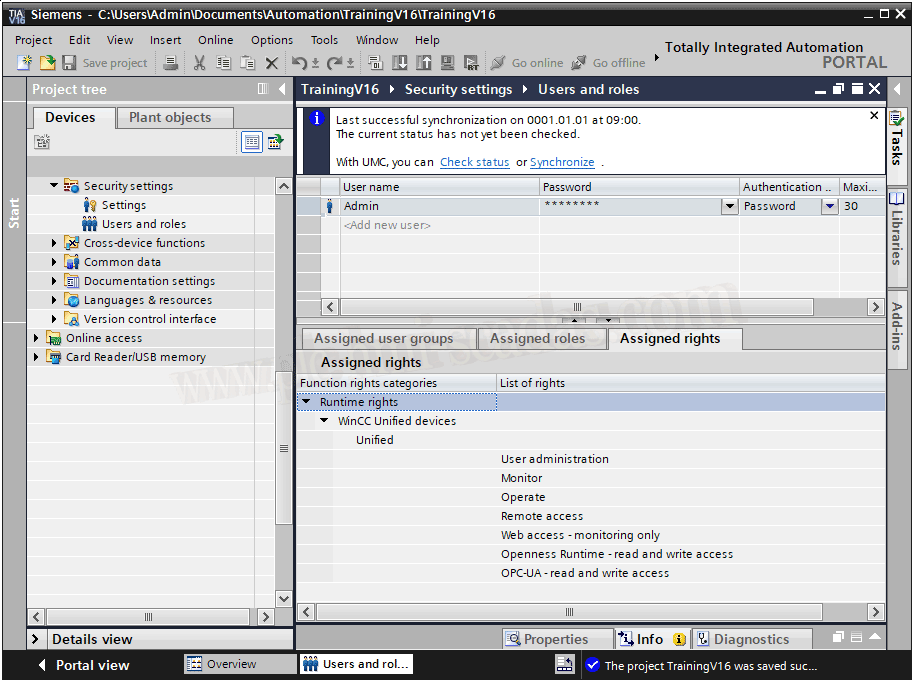
If we check the roles that this user has by default, we can already see OPC-UA Read and Write.
And to finish, we can observe how the connection has been established perfectly, with the defined security type and authentication.
If we check the State variable of the Server, we can see that we are in running.
12-03-2020