
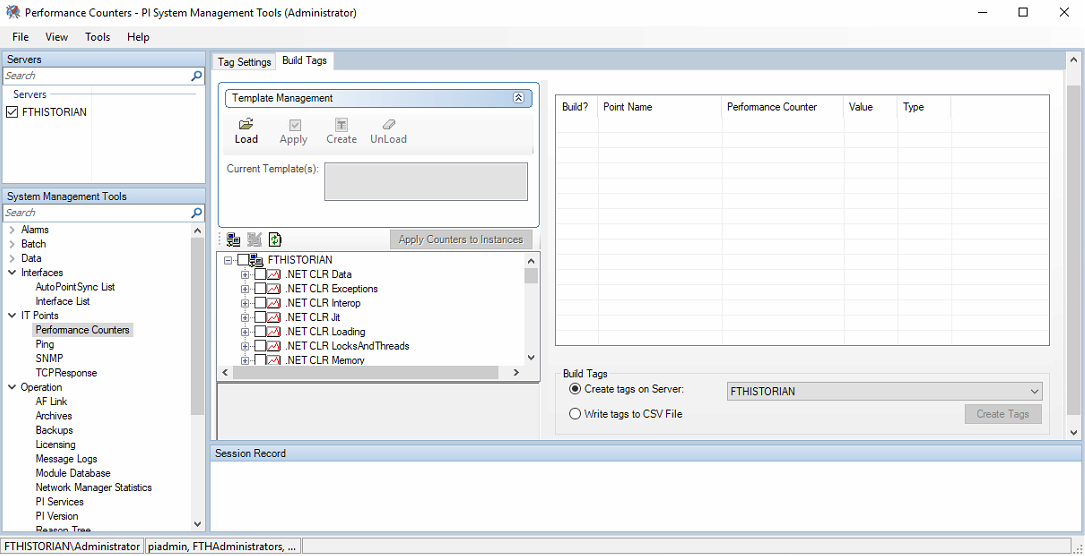
To extend the information a bit more, we have already seen how to configure the PIPerfMon interface that comes by default with the 140 licensed tags.
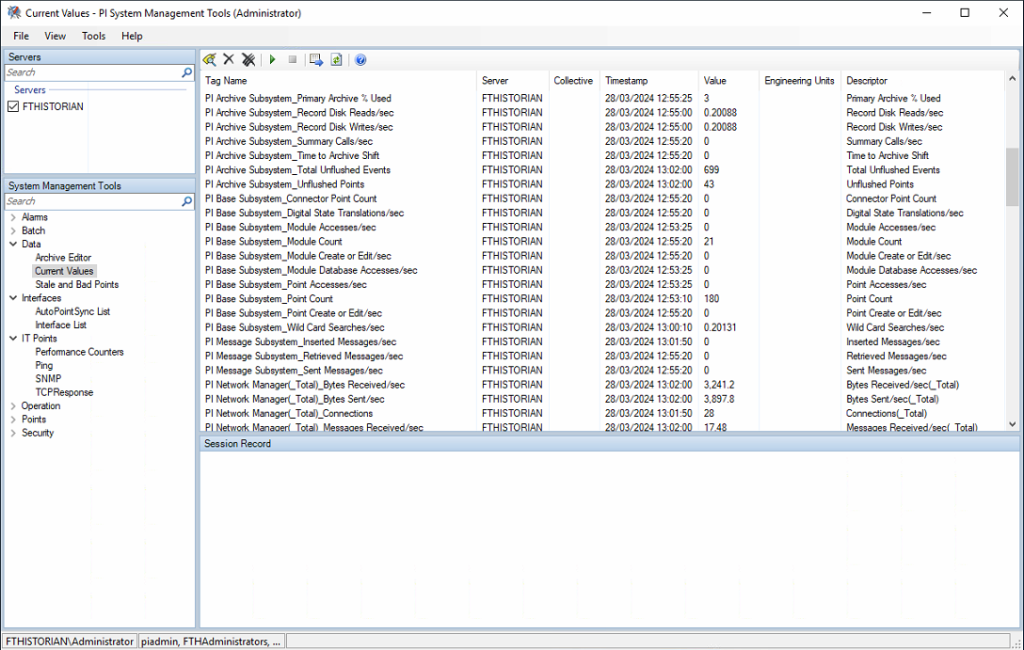
But we have the option to change the tags that interest us; for that, we are going to delete the ones we are not going to use. For this example, I will delete the following.

If we check in Operation -> Licensing -> Point Source Limit #, we see that we have 140 and we have used 129; I have deleted those 11 that are missing.

Now we are going to create other tags that may be more interesting for our application.
To create them, we navigate to IT Points -> Performance Counters -> and select the configured interface PIPerfMon1, in the Tag Settings tab.
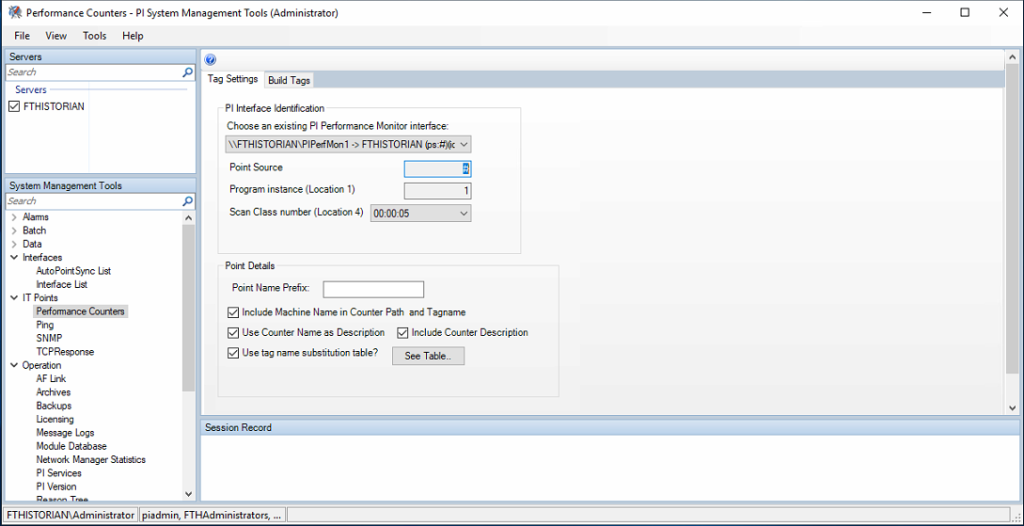
Later, in the Build Tags tab, we have the option to load some default templates or select the ones that interest us from all the components of the Operating System; we can also save templates, create a CSV file of the tags to be created.

For this example, I will select the size used of all the databases in my system; it can also be selected from each of the databases. Since it is SQL Express and the size is limited to 10GB, this information could be useful, just to give an example. And to create another, I will select the size of the Logs as shown in the following image.
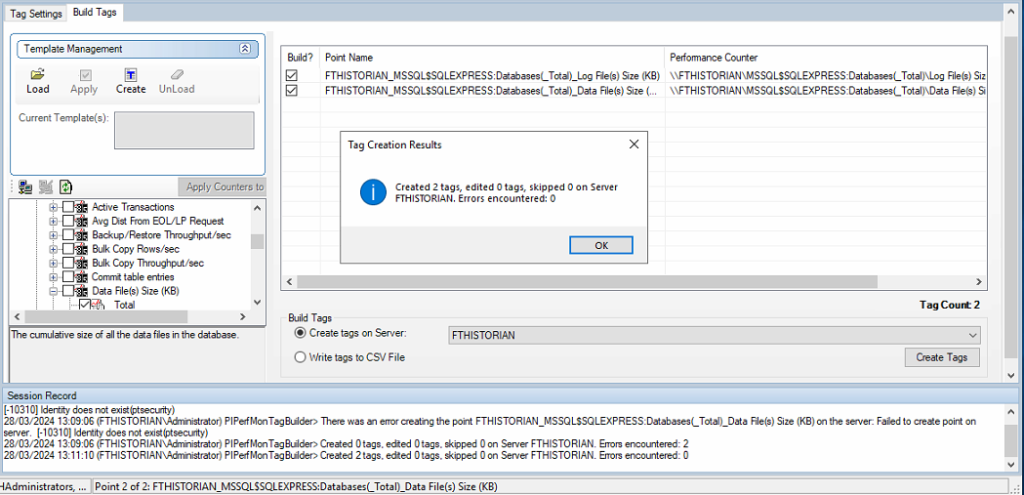
We have now created our Tags, and we check how the license information has been updated. From here, you know that you can change the default configuration and add other tags that may interest you much more...
