AVEVA Intouch RDP - Alarms & Events
Jose Manuel Luque
Jan 15, 2023
Aveva
AVEVA Intouch
Intouch
SCADA
SCADA
In this post, we will provide some tips on how to configure an Intouch in RDS.
To do this, the first thing we need to clarify is that we need a Server with the RDS role installed.
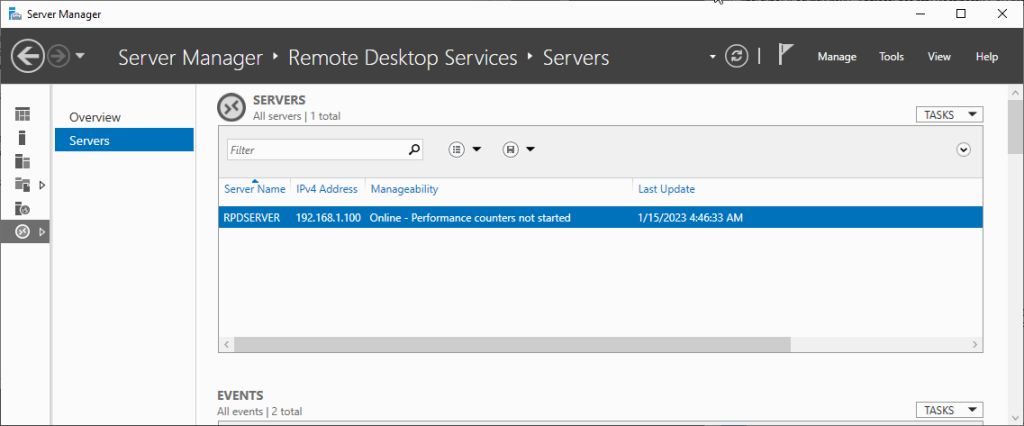
In our example, we have a Server called RDPSERVER with an IP of 192.168.1.100
Role Remote Desktop Services
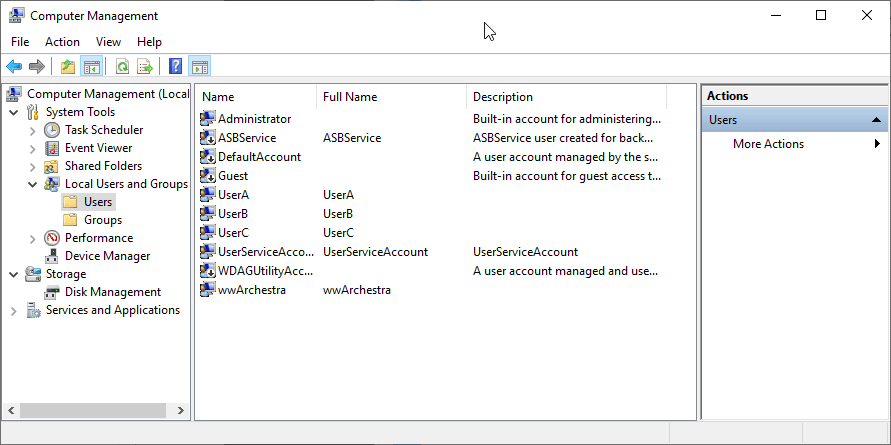
And we have prepared some users to start these sessions.
We also have two clients, one named RDP1PC with an IP of 192.168.1.96. The other is named RDP2PC with an IP of 192.168.1.98, where the sessions to the server are initiated as shown
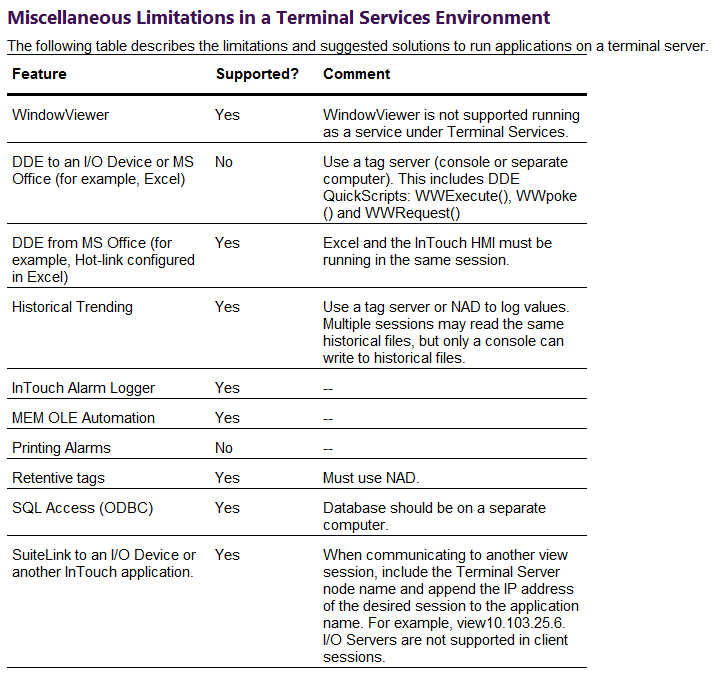
The next thing we need to be clear about are the functionalities that we will have in this type of configuration.
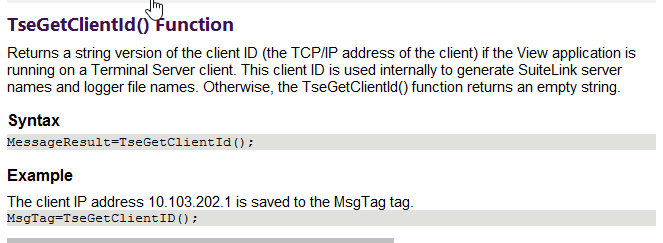
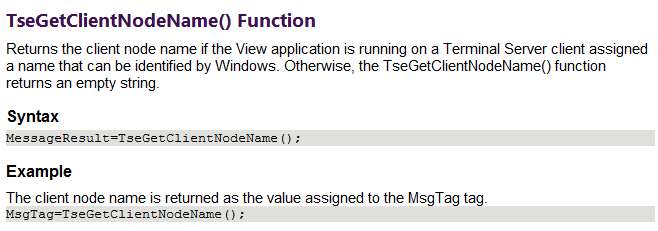
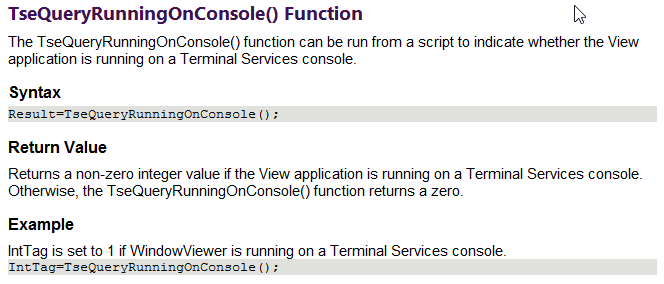
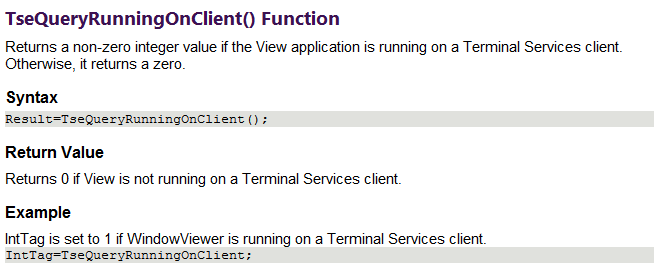
The functions we will use are as follows:
Now concepts to consider, the console session will be responsible for starting the alarm DB Logger and will be the first to start, followed by all the clients that have been configured.
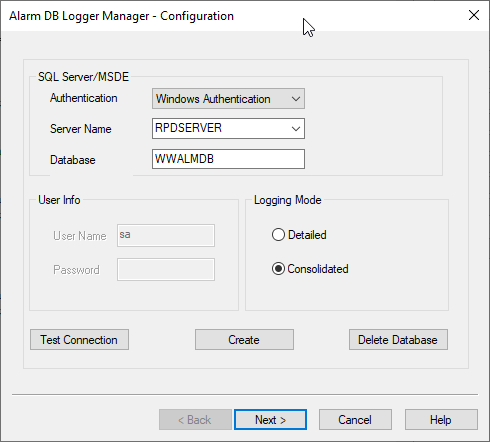
In this example, we have two connected clients and this is how we have configured the Alarm DB Logger.
In the next image, we can see how we have configured the queries for our server and all the clients that need to be configured.
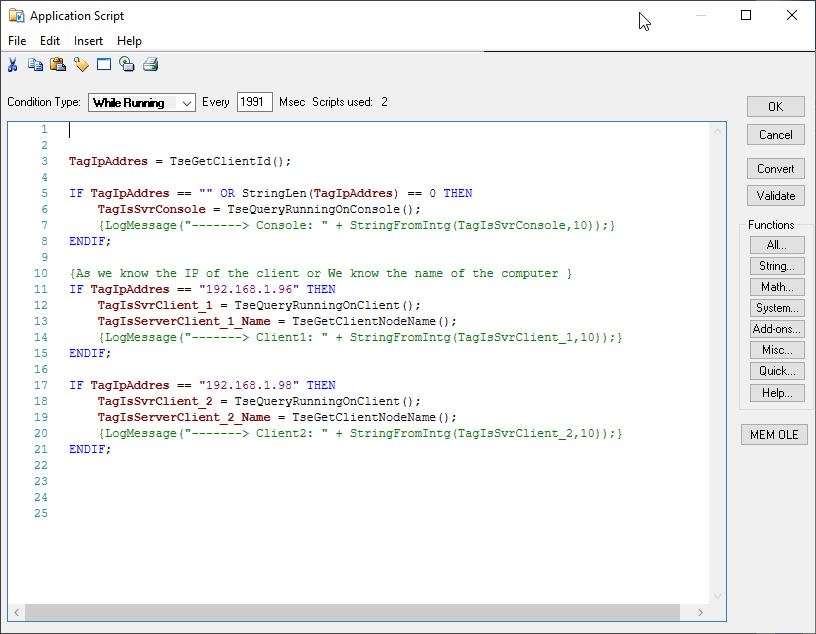
To know the constant status of all running instances, we will configure the startup Script and the while running.
This could be an example, although it could be simplified a bit more, but this way we see how to use all the TSE functions
Application Script While running
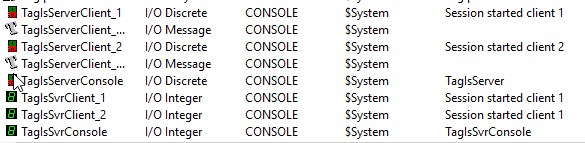
With the configuration of these variables, we will know the status of all our clients and server.
As a detail, all those internal variables are configured as I/O pointing to View to avoid connecting a PLC. They should be replaced by PLC variables, but what we need to be clear about is that they must be I/O because we need to know their value in all instances.
All internal variables in our project will be instantiated in as many sessions as clients connect, and their values will be independent in each session.
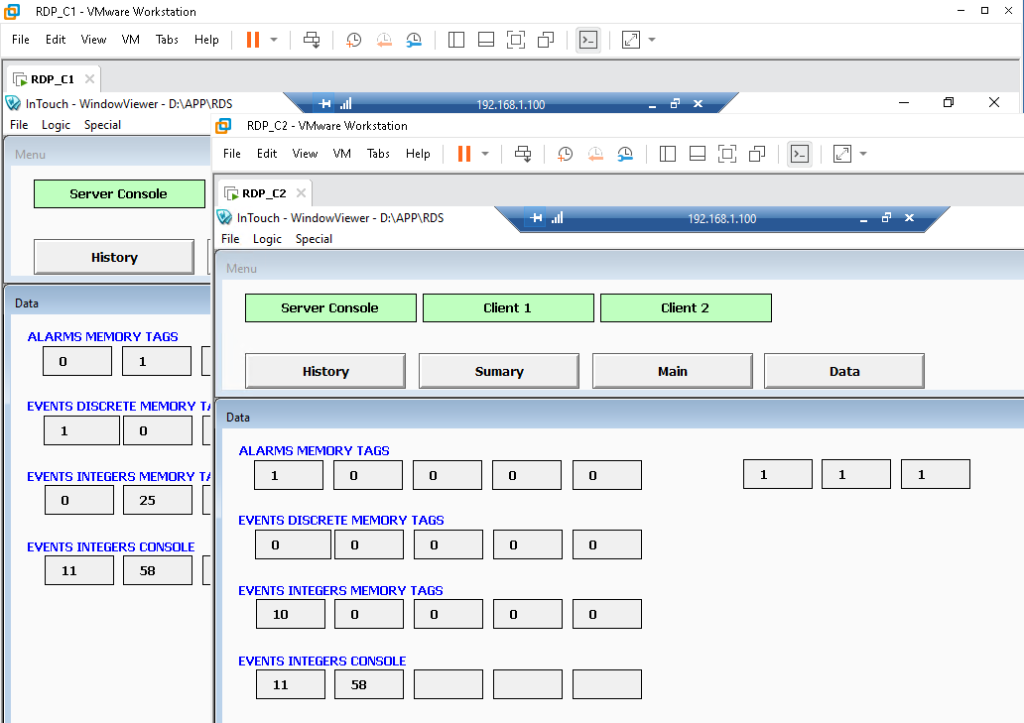
Here we can see how the internal variables in each instance have their own value, which will be independent of each session.
They will also help us know what function each client will execute, restrict access to screens depending on where it runs, and everything that interests us.
The clear example would be, if we work with a Database and make a data insertion, we are only interested in it being executed once, to avoid duplicating records, etc., and that it does not execute in all sessions.
And when we are about to close the runtime, we can use the following script.
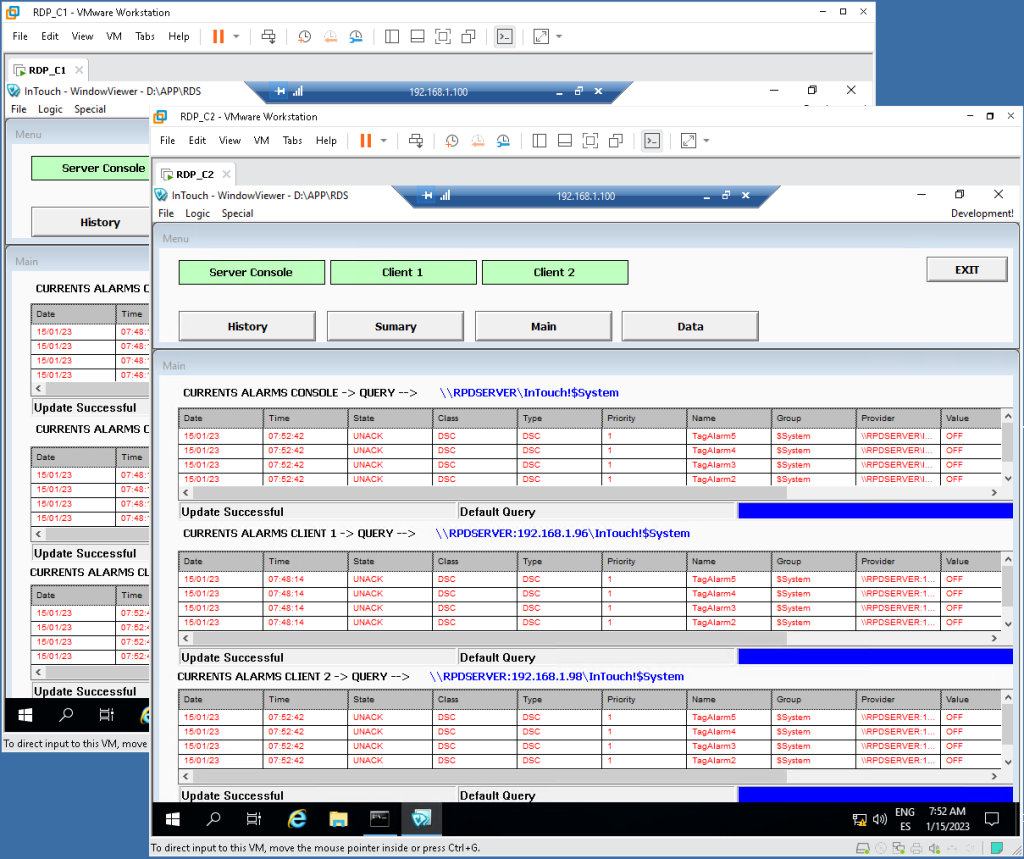
Now we just need to start the sessions and check their operation; in this case, we already have the server and a connected client.
All initiated sessions and all (providers and consumers) functioning correctly.
As we have already mentioned, we will be able to filter which alarms and events we want to see in each client, since we know if it is executing or not and where, so the query will be dynamic for each client.
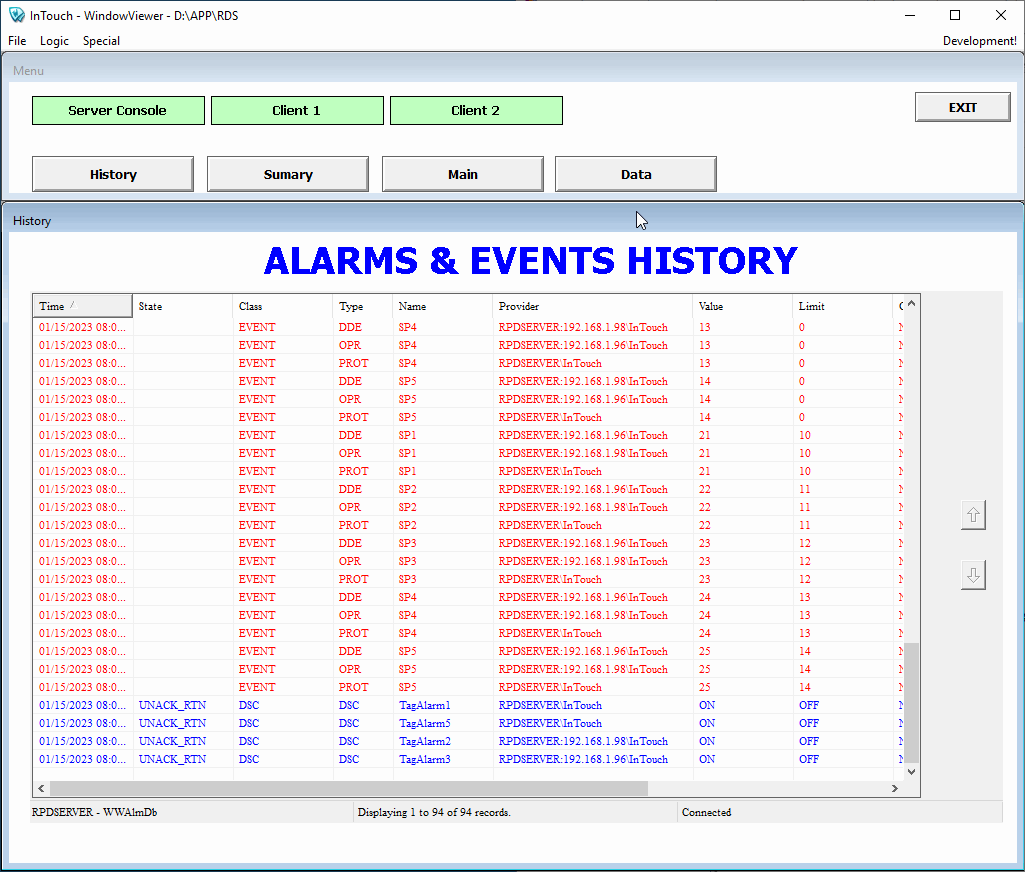
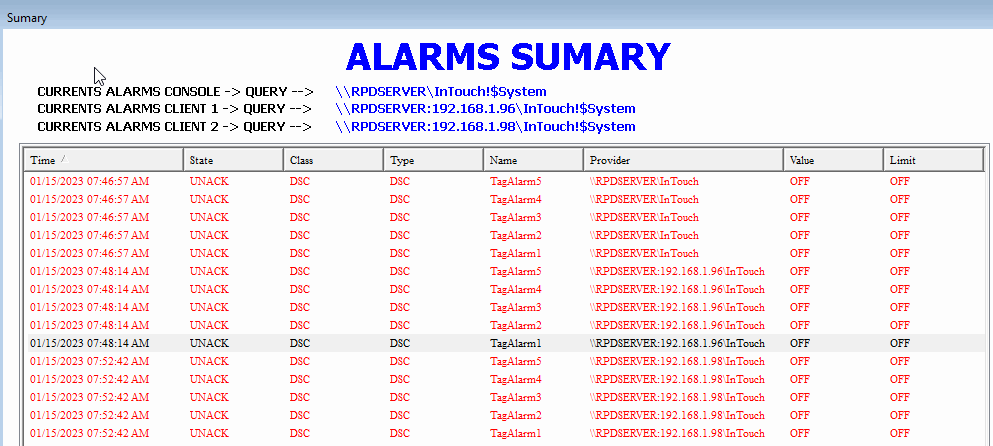
And in the history, we observe all the records that are being registered.
In this example, we are using the same project and the same directory for all instances.
But, what happens if we need all our internal variables to be retentive variables? We will use this configuration in NAD for all clients.
Jose Manuel Luque
Industrial Automation Technician.