
Objective
In the previous practice, RSView32 was linked to an OPC server. This one configures a direct link from RSView32.
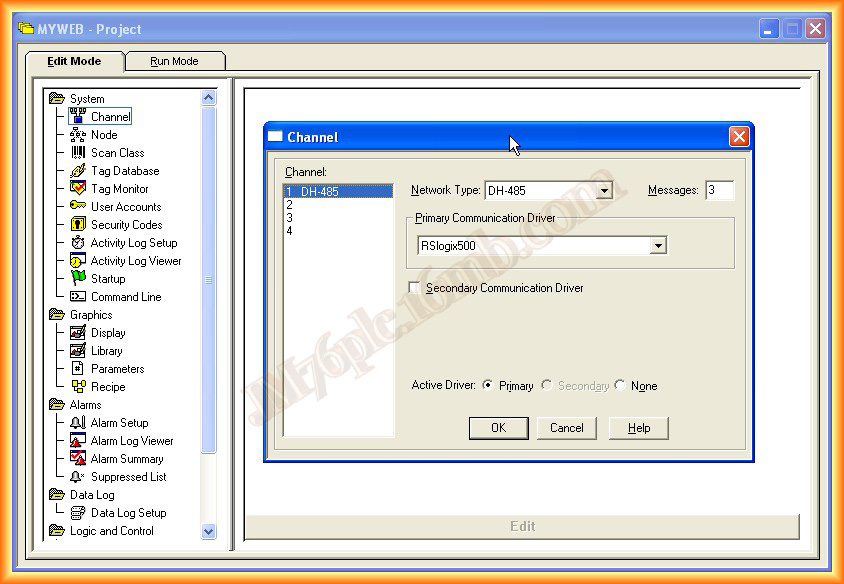
RSView32 has four configurable channels. Since RSLogix Emulate 500 simulates a DH-485 network, that channel type is used for the test.
Select the Channel
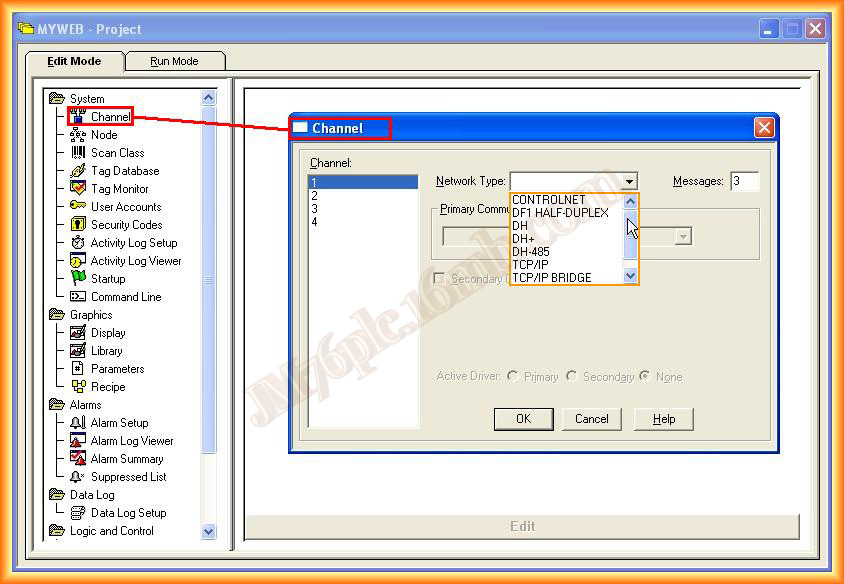
Select Channel and choose the network type to use.
Since RSLogix Emulate 500 simulates a DH-485 network, select DH-485.
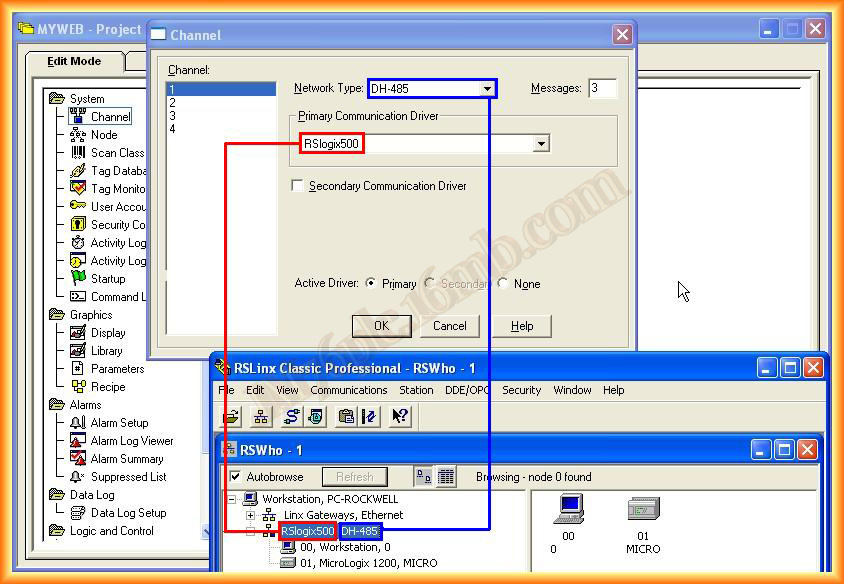
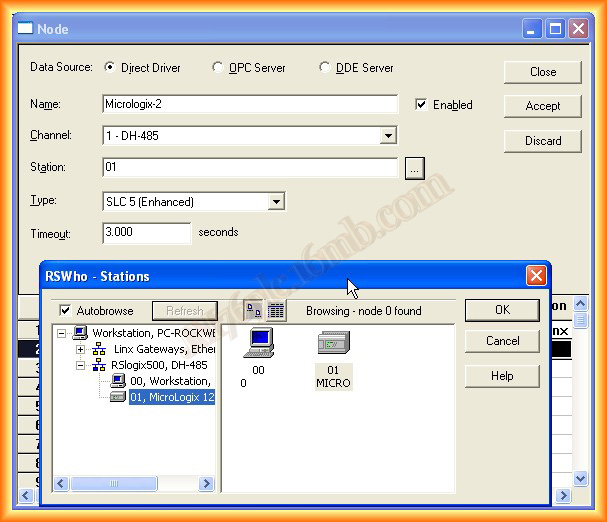
Configure the Node
Select Direct Driver and then choose the link name, the configured channel, the node number visible in RSLinx and the processor type.
Verify Channel and Node
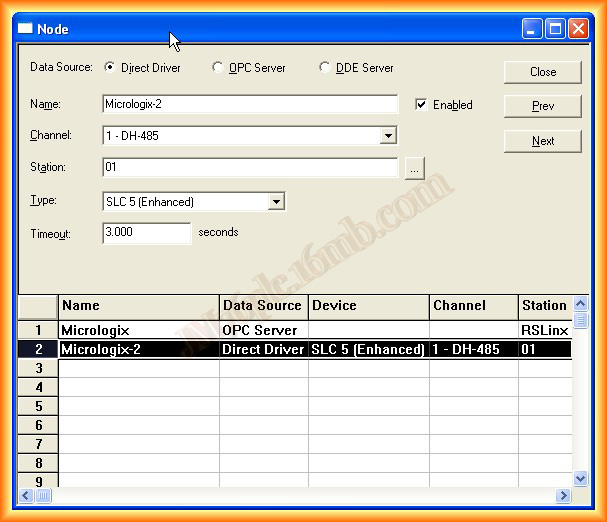
The link is now configured. It can be reviewed from System > Node and also from Channel to check the first channel.
Add Tags and Test
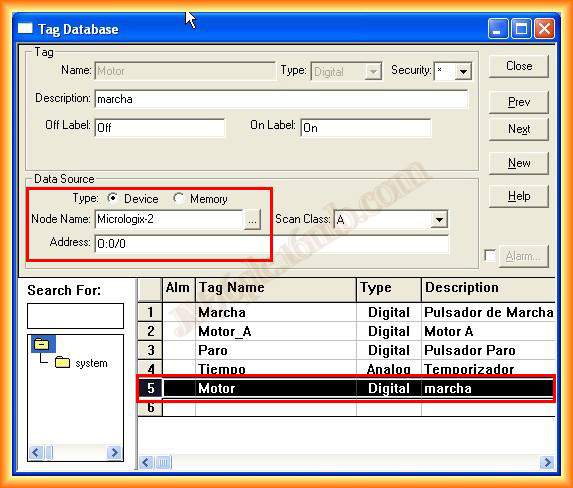
Add tags in Tag Database, as done previously. To avoid repeating the full process, one tag is shown with its matching address.
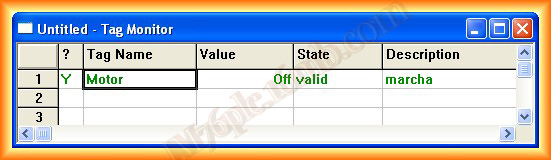
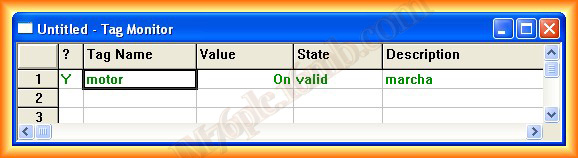
Tag Monitor is used to confirm that the tag is valid and that it changes state when the variable changes.
Original article published on September 6, 2012.